CodeApp_TicketMangementSystem Is a React App Where the Database Writes the UI
A Microsoft Power Apps code app shows what happens when your Dataverse schema, not your design file, is the source of truth.
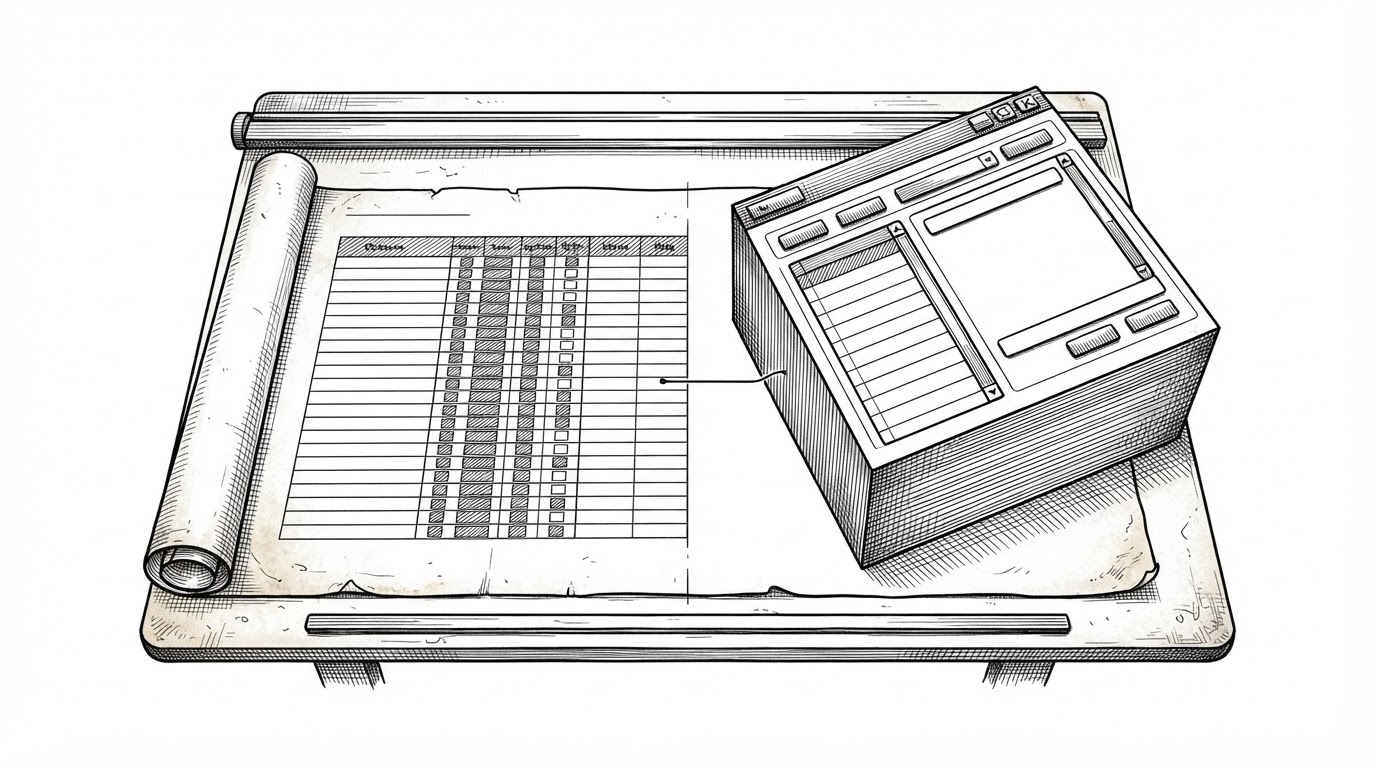
- In this app the Dataverse schema, not the design file, defines the UI's vocabulary, and React just renders whatever the schema contains.
- Regeneration is the sync mechanism, and the TypeScript compiler is the alarm that fires when schema and code drift apart.
- Filter-as-navigation and diff-based saves are two portable patterns hiding inside a template this small.
- The architecture is more careful than the implementation, which is exactly what an unfinished starter template looks like.
The Database Writes the UI
In CreateTicket, the category dropdown is built from a single expression: Object.entries(Hk_ticketshk_category). There is no hardcoded list of categories, no mapping file, no enum declared inside the component. The options are whatever the database table says they are.
Hk_ticketshk_category is not authored by hand. It is generated from a Dataverse option set, shipped into src/generated/, and imported by the form. Add a value to the option set in Dataverse, regenerate, and the dropdown grows a row. The React code does not change.
This inverts the usual frontend workflow. Most teams design a screen, then hand-write the API calls and types to match a backend. Here the schema sits upstream of everything, and the type system is the mechanism that keeps the two layers from drifting apart. The interface is a projection of the table.
What a Power Apps Code App Actually Is
Microsoft Power Apps offers three ways to build an app. Canvas apps are drag-and-drop, no code. Model-driven apps are generated from Dataverse tables. Code apps are the newest option: you bring your own React, and the platform still generates a typed data client for you.
This repo is the third kind. It is a Vite + React 19 single-page application that talks to Dataverse through a generated service layer. Two pieces of plumbing make that possible: power.config.json, which points at the Power Platform environment, and .power/schemas/, which holds the schema metadata the generator reads.
The README describes the app as one for "support or service tickets." The repository itself is sparse: no description, no license, no topics, one contributor with one contribution. That context matters for how you read everything that follows. This is a starter template, not a product, and the interesting thing about it is the pattern it demonstrates rather than the feature set it ships.
The Generated SDK Is the Contract
The data layer is machine-produced, and that is the whole design. A Dataverse table named hk_tickets is the input. Regeneration is the step that reads it and writes three artifacts into src/generated/: Hk_ticketsService.ts, which exposes typed methods like getAll, get, and create; Hk_ticketsModel.ts, which defines the Hk_ticketsBase type; and the enum objects such as Hk_ticketshk_category and Hk_ticketshk_ticketstatus.
The React components import those artifacts directly. AllTickets calls Hk_ticketsService.getAll({ select, top, orderBy }). CreateTicket renders the generated enums as form options. The schema and the interface are never reconciled by hand, because they were never separate to begin with.
const categoryOptions = useMemo(
  () => Object.entries(Hk_ticketshk_category).map(([value, label]) => ({ value, label })),
  [],
)
Two consequences follow, and they are two sides of the same coin. When the schema changes, the UI follows automatically after regeneration. And when the schema changes in a way the code did not expect, the build breaks. That coupling is not a flaw to be worked around. It is the point: the compiler becomes the alarm that tells you the schema and the code have drifted.
There is an escape hatch, and it quietly weakens the guarantee. In the create form, each enum value is assigned with as unknown as, and the final payload object is cast with a trailing as Omit<Hk_ticketsBase, 'hk_ticketid'>. Those casts suppress type errors rather than satisfying them, so a genuine mismatch between a form field and the Dataverse model would sail through the compiler unnoticed.
Two Patterns Worth Stealing
The generated SDK is the headline idea, but the app quietly demonstrates two more patterns that are worth lifting into any CRUD front end, regardless of whether you ever touch Power Apps.
Pattern A: filter state as a navigation parameter. Filters do not live in the list page. They live in App and are passed down to AllTickets as initialFilters. When the dashboard calls navigateToAll({ status: '123070000' }), the destination opens already filtered. The dashboard becomes a set of pre-built queries rather than a static menu, which is a BI-tool pattern smuggled into a ticket app.
The trade-off is in the name. Filters are seeded, not controlled. Because the search box is bound with value={initialFilters?.search ?? ''} and onChange={() => undefined}, it cannot be typed into. A bug dressed as a design decision.
Pattern B: the delta save. EditTicket keeps two copies of the record: a server snapshot and an editable draft. On save it serializes both, diffs them, and sends only the fields that actually changed. This avoids clobbering a concurrent edit to a field the user never touched, which is a subtle correctness win that most small apps skip entirely.

Where the Seams Show
A template earns trust by being read honestly, so here is what is unfinished. None of this is a failure of the idea. It is what a starter looks like before someone finishes it.
- Every dashboard KPI is hardcoded to 0. No data is fetched on the Home page at all, so the dashboard is a navigation menu wearing a dashboard's clothes.
- The search input uses onChange={() => undefined}, so it cannot be typed into despite the README advertising filtering.
- There is no URL routing. Navigation is a useState page switch, which means no deep links, no back button, and no filter persistence across a refresh.
- Status codes appear as magic numbers like '123070000' in Home, even though the generated Hk_ticketshk_ticketstatus enum already exists and is used elsewhere.
- Home re-implements the KpiCard markup inline instead of importing the KpiCard component that was built for exactly this purpose.
- The EditTicket fetch has no cancellation flag, so navigating quickly between tickets can let a slow earlier response overwrite the form for the current one.
- The same eight-field mapping is written twice in EditTicket, once for the dirty check and once for the save, which is a maintenance risk waiting to happen.
The pattern in all of it is consistent: the architecture is more careful than the implementation. The good ideas (schema as source of truth, filter-as-navigation, delta saves) are real and deliberate. The wiring around them is a first pass.
Three Ways to Build the Same Ticket App
Step back and the choice this repo represents becomes clearer. There are three ways to build the exact same ticket application, and they trade different things against each other.
| Hand-written REST | Power Apps canvas app | Code app + generated SDK | |
|---|---|---|---|
| Who writes the data layer | You: API, client, and types | Nobody, the platform does | The generator |
| Schema change to UI change | Manual, in every layer | Drag and drop in the designer | Regenerate; the UI follows or the build breaks |
| Where type safety lives | Your hand-written types | None at runtime | Generated types bound to the Dataverse schema |
| What you give up | Time, and drift between layers | Code-level control and testability | Deep links, standard routing, framework freedom |
The code app pattern trades control for a single source of truth. You give up the freedom to route however you like and to hand-shape every type, and in exchange the schema and the interface can never quietly disagree. For an internal tool that lives inside the Power Platform, that is often the right trade.
It is worth saying plainly that this is a different job from the classic open-source helpdesk stack. osTicket, Zammad, GLPI, FreeScout, and Request Tracker are full products with email-to-ticket pipelines, SLAs, and agent workflows. This template is a code sample that shows how to wire a React front end to a generated Dataverse client. Different tool, different job, no competition between them.