Crop_recommendation_system: AgroSmart: The Crop Recommender That Treats Machine Learning Like a Sidecar Service
A Spring Boot front end to trust, a Flask model server to swap, and a history trail that makes every prediction feel like a product, not a notebook.
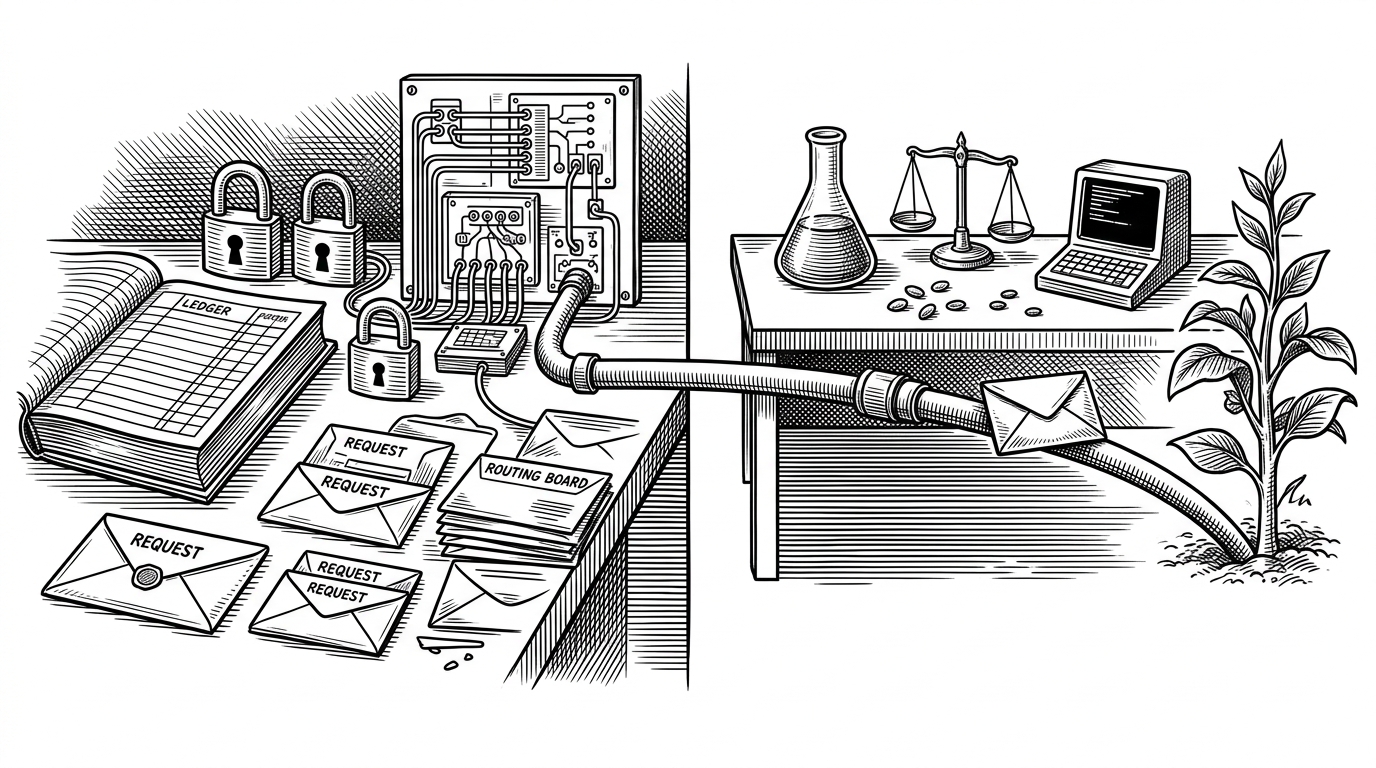
- AgroSmart is more interesting as a system design exercise than as a crop recommender, because it separates orchestration, persistence, and inference into distinct services.
- The Spring Boot layer turns a model demo into a product by adding JWT auth, OTP verification, and a saved prediction history.
- The Flask service stays small on purpose, which makes the model pipeline easy to replace without rewriting the Java application.
- The tradeoff is real: the sidecar pattern adds hops and failure modes, but it also makes the stack easier to maintain and explain.
The real product is the boundary
Most crop recommendation repos stop at the model. AgroSmart does something more instructive: it turns the model into a service and puts a Java application in front of it. That split is the point. It says the interesting problem is not only prediction, but everything that has to happen before and after prediction for a user to trust it.
Spring Boot handles identity, persistence, and orchestration. Flask handles inference. PostgreSQL holds the history. Once you see that shape, the repo stops looking like a notebook export and starts looking like a product sketch with real boundaries.
A simple Flask web application that recommends the best crop to grow in a given area based on soil and weather conditions.
Why a crop app needs Java, Python, and a database
The architecture is deliberately polyglot. The frontend collects agronomic inputs. Spring Boot checks identity, coordinates the request, and stores the result. Flask receives the features, runs the model, and returns the crop label. That split keeps the web app concerns separate from the machine learning concerns.
| Project shape | Model hosting | Auth and security | Prediction history | Deployment readiness | Main tradeoff |
|---|---|---|---|---|---|
| AgroSmart | Python sidecar behind Spring Boot | JWT, OTP, protected API routes | Saved to PostgreSQL | Dockerized and structured for deployment | More moving parts, but clearer boundaries |
| Single-language Flask demo | Inside the web app | Usually minimal or absent | Often ephemeral | Easy to start, harder to harden | Fast to prototype, hard to evolve |
| Notebook-to-Streamlit prototype | Embedded in UI code | Usually none | Rarely durable | Good for demos only | Simple UI, weak system separation |
| FarmVibes.AI | Platform architecture with many services | Enterprise-grade patterns | Persistent and extensible | Built for scale | Much more complex than a small crop app |
The prediction pipeline, step by step
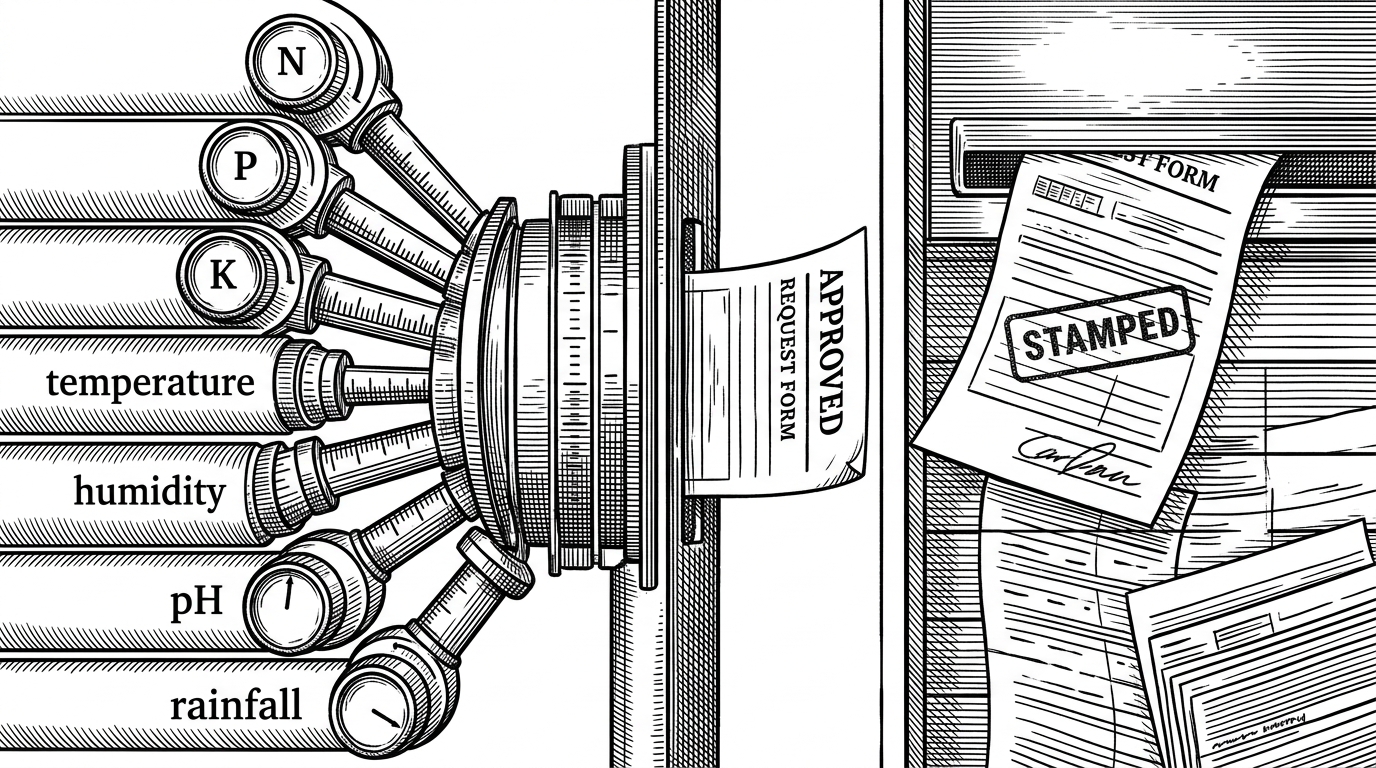
The ML path is small, but it is clean. Seven inputs arrive at the Flask API: N, P, K, temperature, humidity, pH, and rainfall. They are scaled, passed through the trained model, decoded back into a crop name, and returned as JSON. That is the whole inference story, and it is enough.
Client input
  -> Spring Boot request handling
  -> Flask /api/predict
  -> scaler.pkl
  -> crop_gnb_model.pkl
  -> label_encoder.pkl
  -> JSON crop prediction
That pipeline matters because it is operational, not theoretical. The service can be swapped, retrained, or isolated without touching the Java layer. For a student project, that is a serious architectural instinct.
The history feature is what makes it feel like a product
A prediction that disappears the moment it is made is just a demo. AgroSmart saves each result, which gives the app continuity and a reason to return. History turns a one-off answer into a record of decisions.
That record also changes the product story. It supports review, comparison, and audit. Even if the model is simple, the application feels like something a user could revisit after the field changes.
The UI is built to reduce bad inputs
The frontend is not just a form. It acts like a guardrail. Controlled inputs, pH validation, and a randomize reset path all suggest the interface is trying to keep users inside plausible ranges before the model ever sees the request.
What this repo does better than most crop demos
| Project shape | What it optimizes for | What it leaves out |
|---|---|---|
| AgroSmart | Separation of concerns, persistence, and deployability | Simplicity and minimal moving parts |
| Typical crop Flask demo | Fast proof of concept | Auth, history, and maintainability |
| Notebook plus UI wrapper | Quick visualization | Real service boundaries and long-lived data |
| Large platform | Breadth and scale | Small-project clarity and ease of understanding |
Compared with the usual crop recommender, AgroSmart is less flashy and more sober. It does not try to win by cramming everything into one runtime. It wins by making the handoff between systems explicit.
The tradeoff: cleaner boundaries, more moving parts
The cost is obvious. More services mean more latency, more failure modes, and more deployment work. But the payoff is also obvious. The model stays replaceable, the backend stays authoritative, and the user gets a history-aware application instead of a throwaway demo.
That is the real lesson here. If you are building ML for actual users, the architecture is not packaging. It is the product.