ffmpeg-darwin-compile: The One-YAML Recipe That Tames FFmpeg on macOS
A GitHub Actions build that turns Apple's shifting toolchain, modern codecs, and licensing flags into a repeatable Darwin binary.
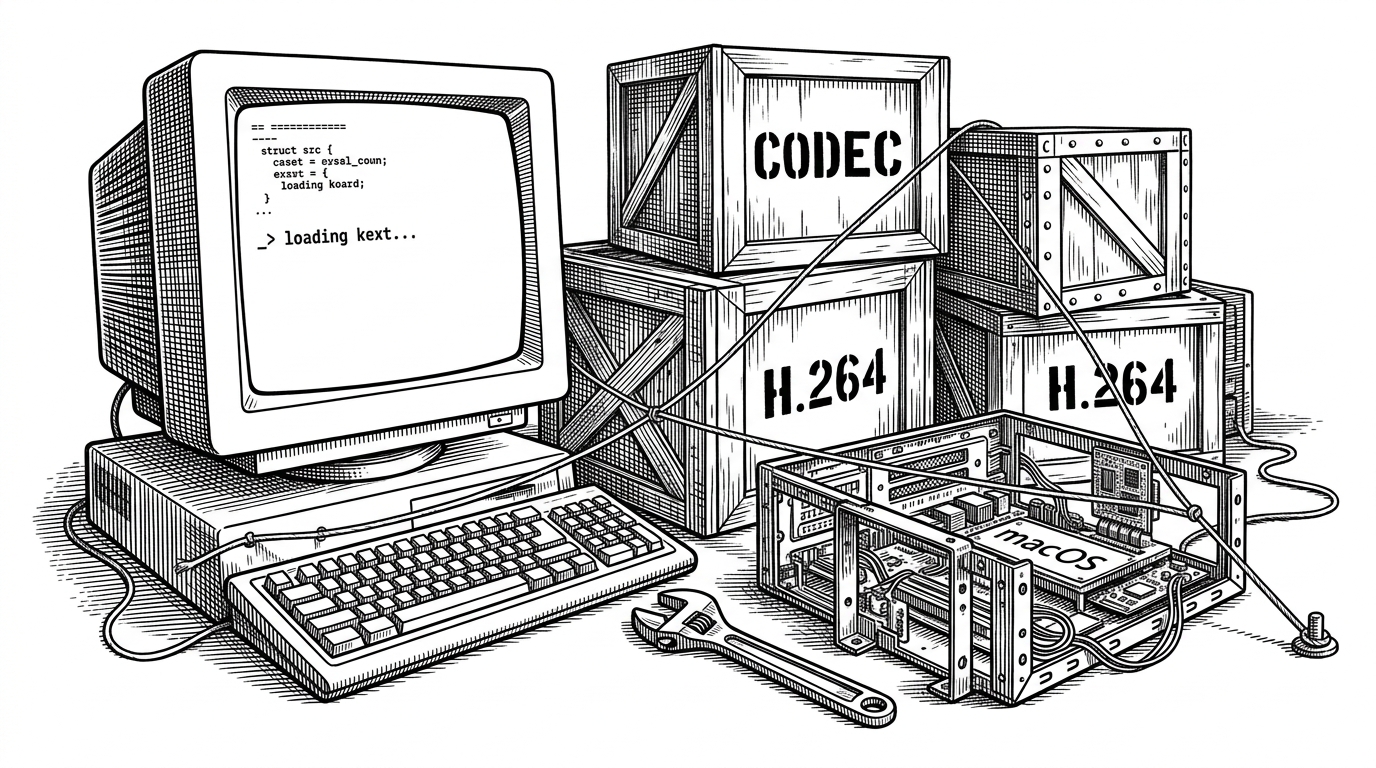
- ffmpeg-darwin-compile treats FFmpeg as a compatibility problem, not a media project.
- The `-Wl,-ld_classic` flag is the repo's real lever because it stabilizes Apple's moving linker behavior.
- GitHub Actions is doing more than CI here. It is the build farm, dependency resolver, and reproducibility layer in one file.
- The repo sits between Homebrew convenience and hand-rolled scripts, with more control and less ceremony.
The classic linker trick hidden in plain sight
FFmpeg on macOS is not hard because the project is weird. It is hard because Apple keeps moving the ground under it. This repo is a small compatibility layer that turns that moving target into one repeatable build path.
- run: brew install autoconf automake libtool pkg-config gnutls aom aribb24 libbluray dav1d harfbuzz jpeg-xl opus x265 x264
- run: |
    ./configure \
      --enable-shared \
      --enable-gpl \
      --enable-version3 \
      --host-ldflags='-Wl,-ld_classic'
The important line is `-Wl,-ld_classic`. That linker flag is the quiet hinge of the whole workflow. The repo is not chasing a new feature in FFmpeg. It is forcing a modern Darwin toolchain to behave enough like the older one that FFmpeg's source build can finish.
Why FFmpeg on macOS keeps getting harder
On macOS, the problem is never only `make`. You are also negotiating Xcode versions, linker behavior, shared library decisions, and which codecs are worth enabling. That is why source builds still matter. They let you choose the media stack instead of inheriting someone else's defaults.
Homebrew is great when the default is good enough. This repo exists for the cases where it is not. It wants modern codecs like AV1 and JPEG-XL, it wants GPL and version 3 compatibility, and it wants the build to survive Apple's toolchain churn without a rescue mission.
Inside the workflow: GitHub Actions as a remote compiler
GitHub Actions is not just a test runner here. It is the build room. `setup-xcode` pins the developer tools, Homebrew pulls in the C dependencies, and FFmpeg's autotools script turns those ingredients into a Darwin binary. The payoff is simple: the environment is defined in code, so the build is less dependent on whatever happens to be installed on a developer laptop.
brew install autoconf automake libtool pkg-config gnutls aom aribb24 libbluray dav1d harfbuzz jpeg-xl opus x265 x264
./configure \
  --enable-shared \
  --enable-gpl \
  --enable-version3 \
  --host-ldflags='-Wl,-ld_classic'
That dependency list says a lot about the project's taste. AV1 support comes through `aom` and `dav1d`. Modern image handling comes through `jpeg-xl`. `x264` and `x265` bring the familiar video stack, while `--enable-shared` and the license flags tell you this build is meant to be usable, not just technically complete.
What this build chooses to include
The point is not that FFmpeg can be built. The point is which FFmpeg you get. This repo picks a modern codec stack, accepts the licensing implications up front, and uses the classic linker escape hatch to keep the build path open on macOS. That combination is the whole identity of the project.
| Approach | Convenience | Customization | Portability | License control | macOS toolchain resilience |
|---|---|---|---|---|---|
| Homebrew ffmpeg | High | Low | Low | Low | Medium |
| Prebuilt static binary | High | Low | High | Low | Low |
| Manual shell script | Medium | High | Medium | High | Low |
| ffmpeg-darwin-compile | Medium | High | Medium | High | High |
The niche becomes clear in the comparison. Homebrew is easy but opinionated. Static binaries are portable but usually generic. A hand-rolled script gives you control, but you inherit every bit of yak shaving. This repo sits in the middle with a narrower promise: a controlled Darwin build that remembers the annoying parts for you.
What would make it production-ready
- Upload the built artifacts so the workflow produces something you can download, audit, and reuse.
- Add arm64 and x86_64 matrix builds so the recipe proves itself on both macOS targets.
- Add signing and notarization if the binary needs to survive Gatekeeper outside a developer machine.
None of that changes the core idea. It just turns a useful private recipe into something another team could trust. The real lesson here is that build pipelines can be the product when platform drift is the problem.