ansimotd: The Go CLI That Refuses to Let Your Terminal Ruin ANSI Art
It reads SAUCE metadata, decodes CP437, and remaps vintage ANSI colors into true-color VGA values so 1990s BBS art looks the way it was meant to.
- ansimotd treats ANSI art as a preservation problem, not a novelty skin for the terminal.
- Its most important move is remapping ANSI colors to exact VGA true-color values so modern themes cannot distort the art.
- The repo combines SAUCE parsing, CP437 decoding, and width-aware picking into a single compatibility pipeline.
- That discipline makes a small CLI feel closer to an archival tool than a weekend shell script.
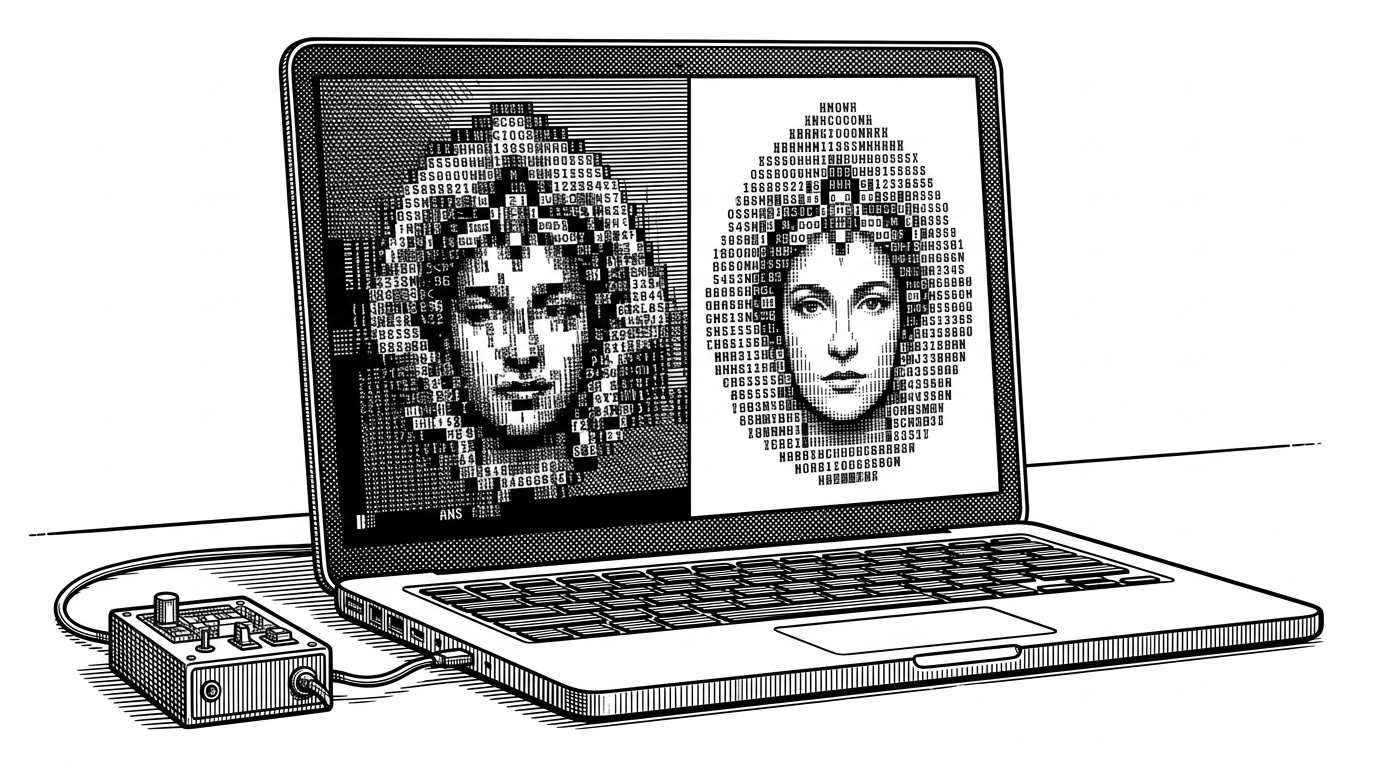
Modern terminals are hostile to old art. They re-theme colors, reinterpret glyphs, and quietly change the look of a file that was drawn for a very different machine culture. ansimotd exists to stop that drift.
Built by retlehs, the project is a Go CLI and library for rendering ANSI art from the 16colo.rs archive. Ben Word says he built it to "adds some personality to your terminal" and to display random ANSI art when you open a shell.
It’s a fun little project that adds some personality to your terminal.
The terminal is the problem
The surface idea is simple: show retro ANSI art at login. The actual problem is uglier. A file made for a 1990s BBS can look wrong in a modern terminal because the terminal substitutes its own color logic, font behavior, and spacing assumptions.
That is why ansimotd is interesting. It does not trust the terminal to preserve intent. It rebuilds the output so the original palette and character set survive the trip.
ansimotd restores the original look
The project’s signature move is color remapping. Instead of letting "ANSI red" mean whatever your theme says it means, ansimotd converts the ANSI color codes into 24-bit true-color escape sequences using the original VGA RGB values.
| Capability | Generic MOTD script | ansimotd |
|---|---|---|
| Shell agnostic | Often tied to one shell | Yes, works as a Go tool and library |
| Color fidelity | Uses terminal theme defaults | Remaps to exact VGA true-color values |
| SAUCE awareness | Usually ignored | Yes, used for dimensions and structure |
| CP437 decoding | Frequently missed | Yes, preserves legacy glyphs |
| Archive integration | Manual file handling | Built around 16colo.rs packs |
| Fit to terminal width | Usually ad hoc | Uses width-aware selection |
This is the right trade-off for archive art. Fidelity matters more than convenience when the whole point is to preserve an object, not just display bytes.
Under the hood, it speaks legacy
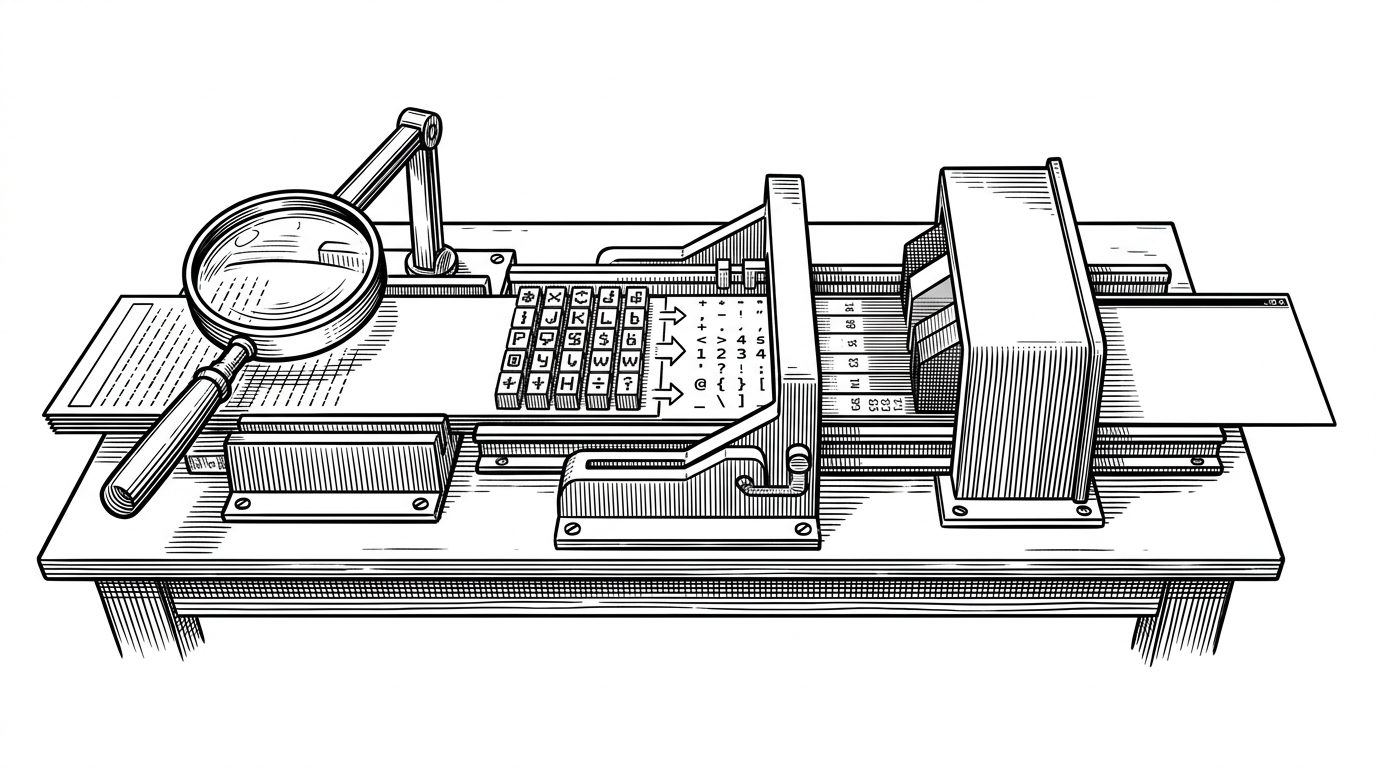
The rendering path is a translation stack. First, the tool reads the file and strips SAUCE metadata from the tail. Then it decodes Code Page 437, which is where the original box-drawing characters and symbols live. After that, it remaps ANSI SGR color codes to exact VGA values so the palette stops depending on terminal theme preferences.
decoder := charmap.CodePage437.NewDecoder()
utf8Text, err := decoder.String(string(rawArt))
if err != nil {
    return err
}

// ANSI SGR codes are converted to fixed VGA RGB values
// before writing to the terminal as true-color escapes.
That sequence matters because each step repairs a different kind of legacy mismatch. SAUCE tells you where the art ends. CP437 restores the characters. VGA remapping restores the color intent.
The picker is smarter than random
ansimotd does not just grab any file and hope for the best. It checks terminal width, filters out non-art files, and looks for art that can actually fit the screen. That prevents ugly wrapping and keeps the login experience from breaking on a narrow terminal.
| Selection behavior | Why it matters | Effect |
|---|---|---|
| Width-aware filtering | Avoids broken layouts | Art fits the terminal before it is shown |
| Non-art file exclusion | Scene packs contain extras | Keeps binaries and media out of the rotation |
| Shuffled choice | Keeps the output varied | The MOTD feels alive instead of repetitive |
That is a small detail with a big product effect. The experience feels deliberate because the tool is making one more good decision on your behalf.
It is more polished than a script
The repository is organized like a real utility, not a weekend experiment. The code is split into clear packages for API access, rendering, SAUCE parsing, and selection logic. Packaging and release automation are in place too, which makes the project feel intended for distribution.
The result is a tiny tool with unusually disciplined engineering. Atomic writes, modular structure, and modern Go dependencies all support the same goal: make a fragile legacy experience feel reliable in contemporary environments.
It sits between nostalgia tools and archival tools
The nearest comparison is yuhonas/zsh-ansimotd, the precursor that helped define the category. ansimotd keeps the login nostalgia, but it adds stronger fidelity guarantees, shell agnosticism, and archive-aware rendering behavior.
| Project | Strength | Trade-off |
|---|---|---|
| ansimotd | True-color VGA fidelity and SAUCE awareness | Less about theatrics, more about preservation |
| yuhonas/zsh-ansimotd | Classic shell-native login feel | More shell-specific, less preservation-focused |
| ANSI screensaver tools | Visual playback and display appeal | Not built for login-time terminal output |
That puts it in a narrow but meaningful lane. It is not the biggest or flashiest ANSI tool. It is the one most committed to making old art survive contact with new terminals.
The script converts standard ANSI color codes to 24-bit true-color escape sequences using the exact VGA RGB values, so art displays with accurate colors regardless of your terminal's color scheme.
Why this tiny repo matters
The best frame for ansimotd is not novelty. It is respect. The project treats legacy digital art as something worth rendering faithfully, even when that requires extra work across encodings, metadata, and palette rules.
That attitude is rare and useful. A small CLI can still be a preservation tool, and ansimotd makes that case with a very specific kind of care.