The "Dotfiles" Repo That Is Actually a Desktop Environment
Eli Fouts's Arch and Hyprland setup ships 800 kilobytes of QML, a live settings panel, and swappable profiles. It is less a collection of config files than a shell you install.
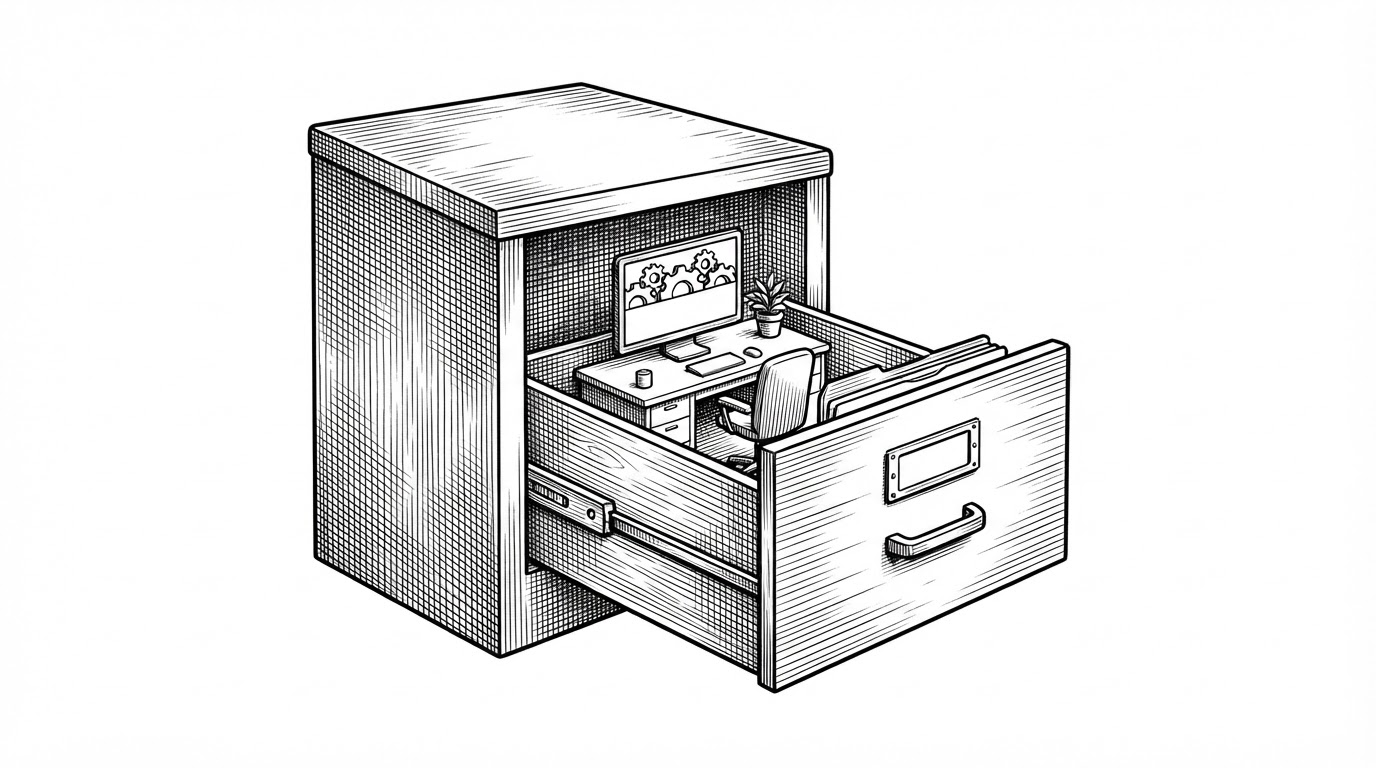
- A repository named dotfiles ships 819,636 bytes of QML, which makes it a desktop shell rather than a config dump.
- The desktop is assembled at runtime from a base layer, a machine variant, a profile, and a bar choice, so changing your setup is a click instead of a file edit.
- Quickshell turns a Hyprland configuration into something closer to an installable product, complete with a settings panel, a launcher, a music interface, and wallpaper-driven Pywal theming.
- The price of that polish is a larger dependency surface and opinionated defaults, so read the install scripts before running them.
A Dotfiles Repo With 800 KB of QML
Most dotfiles repositories are exactly what the name promises: a folder of configuration files you copy into ~/.config and then forget about. This one is not. A glance at the language breakdown on elifouts/Dotfiles shows 819,636 bytes of QML sitting alongside 81 KB of Lua and 73 KB of shell.
That ratio is the whole story in one number. QML is Qt's declarative UI language, the thing you write when you are building an application, not when you are setting a keybinding. A repository that calls itself dotfiles while shipping most of a megabyte of UI code has quietly changed category. The config files are the glue. The QML is the product.
My Hyprland Dotfiles For Arch!
Who Builds a Desktop in QML?
Eli Fouts builds this in the Arch and Hyprland rice scene, a corner of Linux where people compete to make their desktops look and behave better than a stock install ever would. Most rices are a window-manager config, a status bar, and a colorscheme. This one grew past that.
The README credits two influences directly. The workspace indicators take inspiration from Gbar, and the expandable Quickshell bar draws on NabyScape. It also notes that Claude helped with some scripting and documentation. The authorship line is blunt about where the craft sits.
The design, look, and tweaking are all mine.
The result is a solo project with the shape of a small software team's output: hundreds of commits from one maintainer, a handful from a contributor, and a README that reads like product documentation rather than a personal note.
The Shell Is the Product
The engine here is Quickshell, a toolkit for writing desktop shells in QML. It lets you build a compositor-agnostic interface on top of Hyprland instead of being locked to whatever a status bar plugin offers. That is why the repo can ship a real application layer.
The pieces are a bar with a module that expands on interaction, a launcher, a music interface, a wallpaper picker, and a settings panel. Each one is a widget written in QML and wired to the same theme layer, so a color change ripples through all of them at once.
Waybar still works as an alternative, which matters. You can adopt the Quickshell widgets or keep the bar you already know. The README treats the two as a choice, not a requirement.
Switch the Whole Desktop With a Click
Here is the second thing that separates this repo from a static rice. The desktop is composable at runtime. A base configuration always loads, then a machine variant (desktop or laptop), then a named profile such as Glass or Zen, then a bar choice (Waybar or Quickshell). Change any of those and the desktop reassembles.
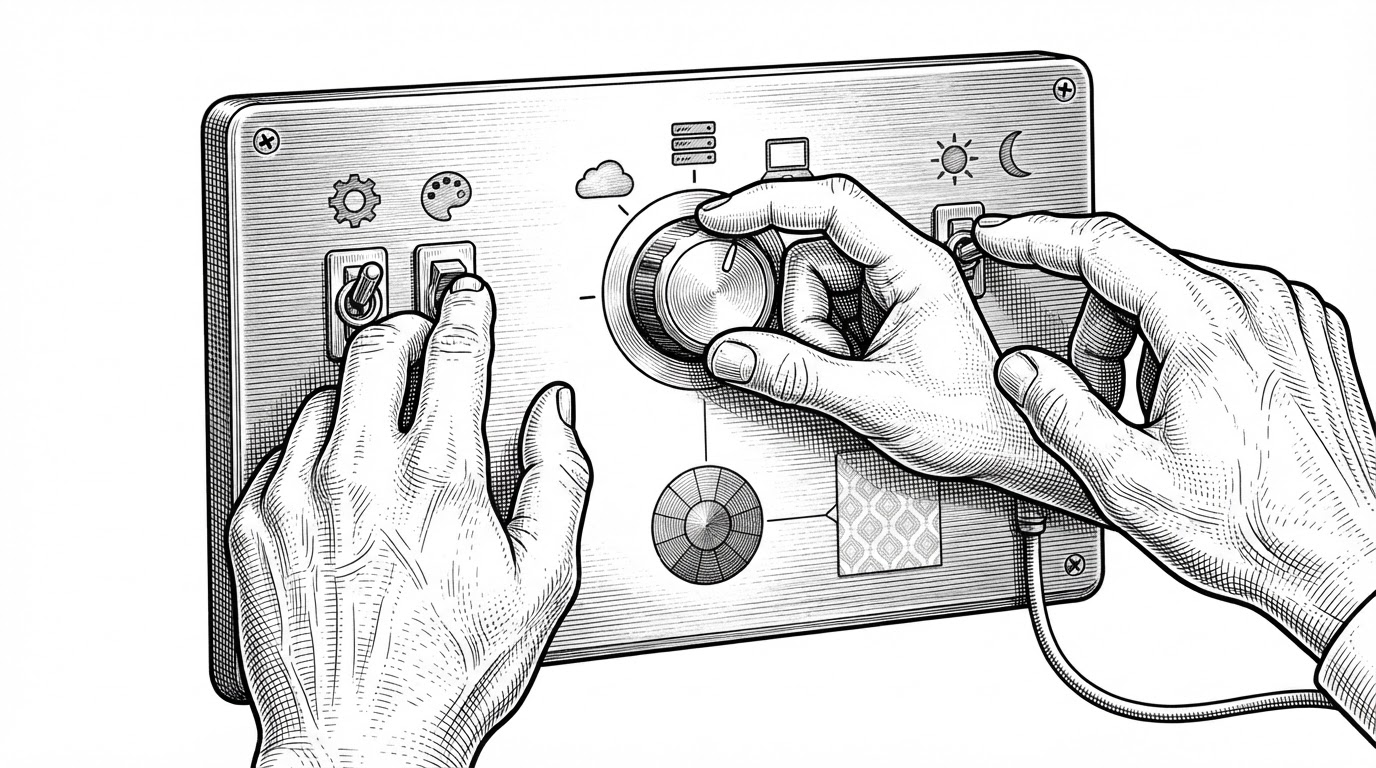
The axes you can flip:
- Machine variant: desktop or laptop, each with its own input devices and power rules.
- Profile: Glass or Zen, each changing colors, bar shape, and animation behavior.
- Bar: Waybar or the Quickshell bar, so you can keep a familiar setup or go all in.
- Wallpaper: selecting one from
~/wallpapers/libraryregenerates the Pywal colorscheme that every widget reads.
How the Pieces Compose
Under the hood the layout is a layer split. Configuration lives under Modern/base, Modern/desktop, and Modern/laptop. Base always loads. The machine directory overrides it with the right input and power behavior for that hardware. Then the profile layer overrides colors and presentation on top.
The glue is Lua. startup.lua launches the session, shortcuts.lua holds keybindings, and style.lua carries the visual values, with session.sh bringing up the shell. Because the values are variables in a config language rather than hardcoded strings, a profile swap is a data change, not a search-and-replace across a dozen files.
The color pipeline ties it together. Pywal reads the selected wallpaper, extracts a palette, and writes it out as the theme every Quickshell widget reads. Change the wallpaper and the bar, launcher, and music interface all follow, which is why the README says the configurations were meant to be used with Pywal.
All Configurations were meant to be used with `Pywal`
The installer is the last piece of the layer model. It offers a full setup or a bar-only install, and it backs up ~/.config by moving replaced files rather than deleting them. That backup behavior is the tell that this was built by someone who has broken their own desktop before.
How It Stacks Up
The honest comparison runs on two axes. On one side are complete desktop rices that supply a ready-made Hyprland environment. On the other are dotfile managers that move your configuration around but never supply a desktop. The distinction is the article's argument restated as a table.
| Project | What it actually ships | Customization model | Management vs desktop |
|---|---|---|---|
| elifouts/Dotfiles | Arch and Hyprland desktop with Quickshell widgets, optional Waybar, a settings panel, profiles, and Pywal theming | Runtime profiles, machine variants, a settings UI, wallpaper-driven colors | Desktop, plus its own config |
| end-4/dots-hyprland | A feature-rich, heavily customized Hyprland desktop | Config edits and its own theming approach | Desktop |
| JaKooLit/Hyprland-Dots | A ready-to-install Hyprland setup | Installer-driven choices | Desktop |
| ML4W dotfiles | A packaged Hyprland configuration | Its own setup and customization conventions | Desktop |
| chezmoi | Dotfile management with templates and secret handling | Cross-machine templates | Management only |
| GNU Stow | Symlink-based package manager for home-directory config | Per-package symlinks | Management only |
| yadm | Git-based dotfile management | Git workflows across machines | Management only |
Star counts and language mixes shift over time, so check each repository live before you compare. The row that clarifies the whole table is the manager group: chezmoi, Stow, and yadm organize your files, they do not hand you this desktop.
The trade-offs are real. A Quickshell-centered setup carries a larger dependency surface than a bare Hyprland config, and it leans on an opinionated Arch, Pywal, and Quickshell stack. The README documents the installer and its package choices, but that is documentation, not a security audit. Read the scripts before you run them, the way you would with any dotfiles repository from a stranger.
What you get in return is rare in this scene: a personal configuration treated as a product, with install paths, backups, profiles, and a UI. Dotfiles usually describe a desktop. These ones generate one.