Pragmatism Over Purity: Unpacking AutoPair
How a boutique macOS utility abandons flaky first-party Bluetooth APIs in favor of bundled shell commands and brute-force state management.

I like to make a working, logical “chunk” of changes, and commit that atomic unit.
- AutoPair replaces Apple's proximity-based Bluetooth management with a rigid, context-driven state machine based on AC power and display connections.
- The application abandons the native IOBluetooth framework, opting instead to bundle and shell out to a proven third-party CLI tool for deterministic hardware control.
- To combat stale daemon states, the tool employs a brute-force hardware reset strategy, physically power-cycling the Mac's Bluetooth radio to guarantee connection recovery.
- Despite being a solo utility, the project features an industrial-grade CI/CD pipeline that automates the notoriously difficult macOS notarization and distribution process.
The Proximity Trap
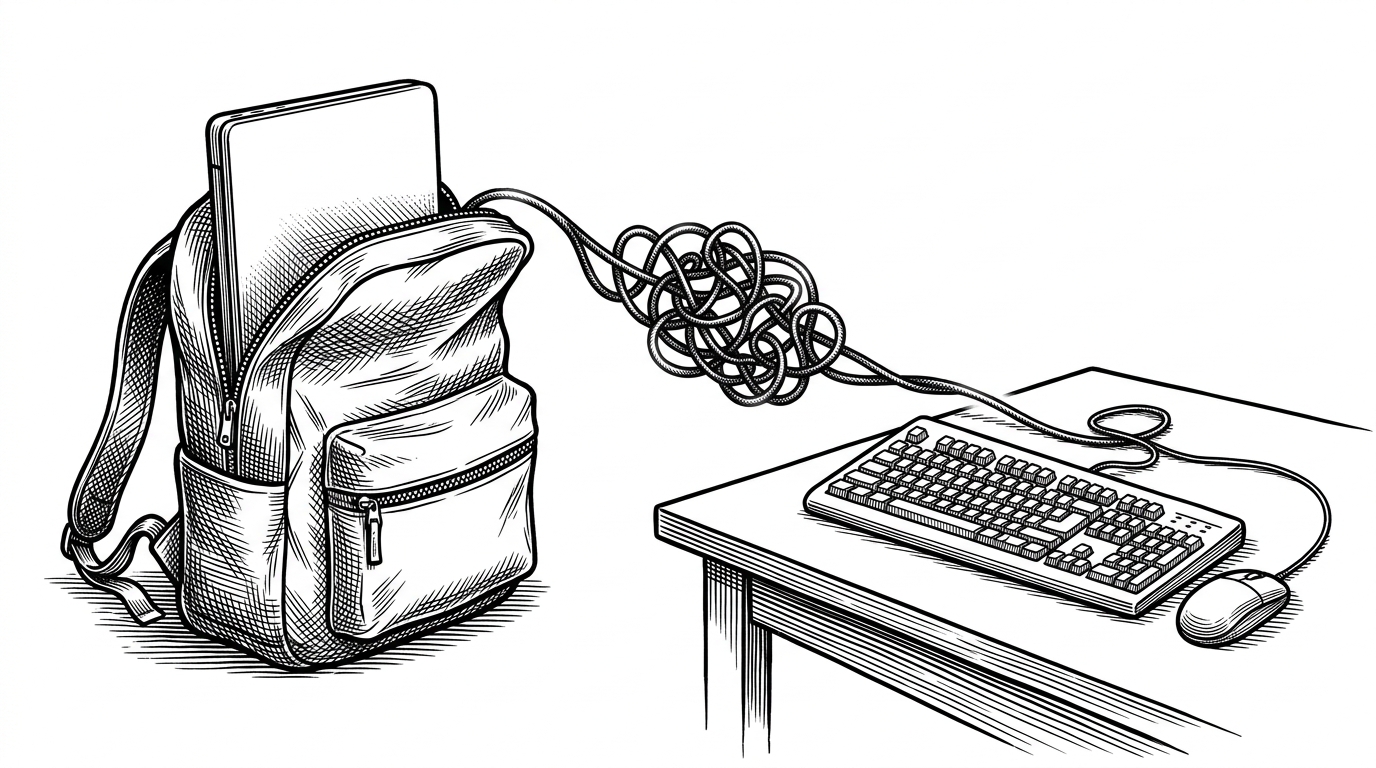
You unplug your MacBook, put it in your bag, and walk to a meeting room. Meanwhile, your keystrokes are still being routed to the mechanical keyboard on your desk. Apple's ecosystem assumes proximity equals intent. As long as the device is in range, it stays connected.
This creates a daily friction point for users with docked setups. AutoPair was built to solve this exact UX oversight. It flips the connection model entirely. Instead of relying on signal strength, it uses system context to dictate when peripherals should be active.
Context as the Source of Truth
The architecture of AutoPair relies on a central coordinator called AppState.swift. This coordinator does not poll for Bluetooth status. Instead, it listens for specific hardware events to determine if the computer is docked.
The app wraps low-level C-based macOS APIs into modern Swift observation patterns. The PowerMonitor uses IOPSNotificationCreateRunLoopSource to detect AC power. The DisplayMonitor uses CGDisplayIsBuiltin to identify external screens. When these conditions are met, the state machine triggers the connection logic.
Abandoning the Native Framework
The most surprising architectural decision in AutoPair is its rejection of Apple's native APIs. The IOBluetooth framework is notoriously flaky for programmatic pairing. It often reports stale states, especially with Bluetooth Low Energy (BLE) devices like the Magic Trackpad.
Rather than fighting undocumented private APIs, AutoPair takes a sledgehammer to the problem. It bundles a proven open-source CLI tool called blueutil directly into the app resources. The Swift code simply shells out to this binary. This provides deterministic results that the native framework cannot guarantee.
| Feature | IOBluetooth (Native) | blueutil (Bundled CLI) |
|---|---|---|
| BLE Device Visibility | Often cached or stale | Real-time polling |
| Forced Disconnects | Ignored by OS if device is active | Hard termination |
| State Recovery | Fails silently on wake | Supports brute-force radio cycling |
| Developer Ergonomics | Undocumented private APIs | Simple shell commands |
The Power Cycle Brute-Force
macOS suffers from a persistent bug where the bluetoothd daemon freezes after a sleep cycle. When this happens, software connection requests fail silently. AutoPair handles this with a method aptly named powerCycleThenPairAndConnect.
It literally turns the Mac's Bluetooth radio off and back on again. By forcing a hardware reset, it clears the stale daemon state. It is a nuclear option, but it is the only reliable way to guarantee that peripherals reconnect when the laptop is docked.
Industrial Polish for a Solo Tool
Despite its hacky core premise, AutoPair is packaged with intense professionalism. Distributing macOS applications outside the App Store requires navigating a maze of certificates and notarization checks.
The project uses a sophisticated GitHub Actions pipeline to automate this entire process. It handles P12 certificate management, runs xcrun notarytool, and automatically updates a Homebrew tap upon release. This level of automation allows a solo developer to maintain a reliable distribution channel without manual toil.
name: Release
on:
  push:
    tags:
      - 'v*'
jobs:
  build:
    runs-on: macos-latest
    steps:
      - name: Import Apple Developer Certificate
        uses: Apple-Actions/import-codesign-certs@v2