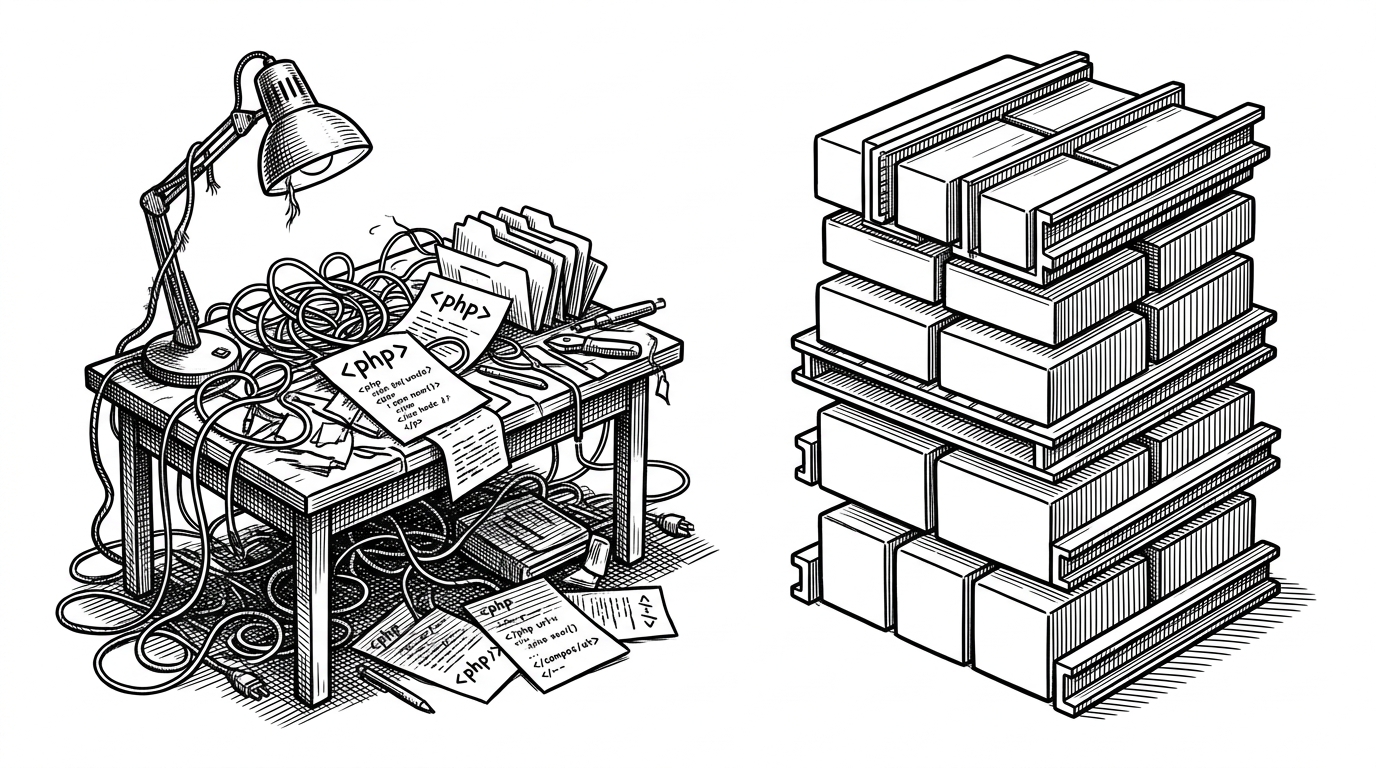
bd_warehouse: The Standard Library for Mechanical Parts
Built for build123d, it generates fasteners, bearings, gears, and threads from standards tables, so a CAD script can call up exact hardware on demand.
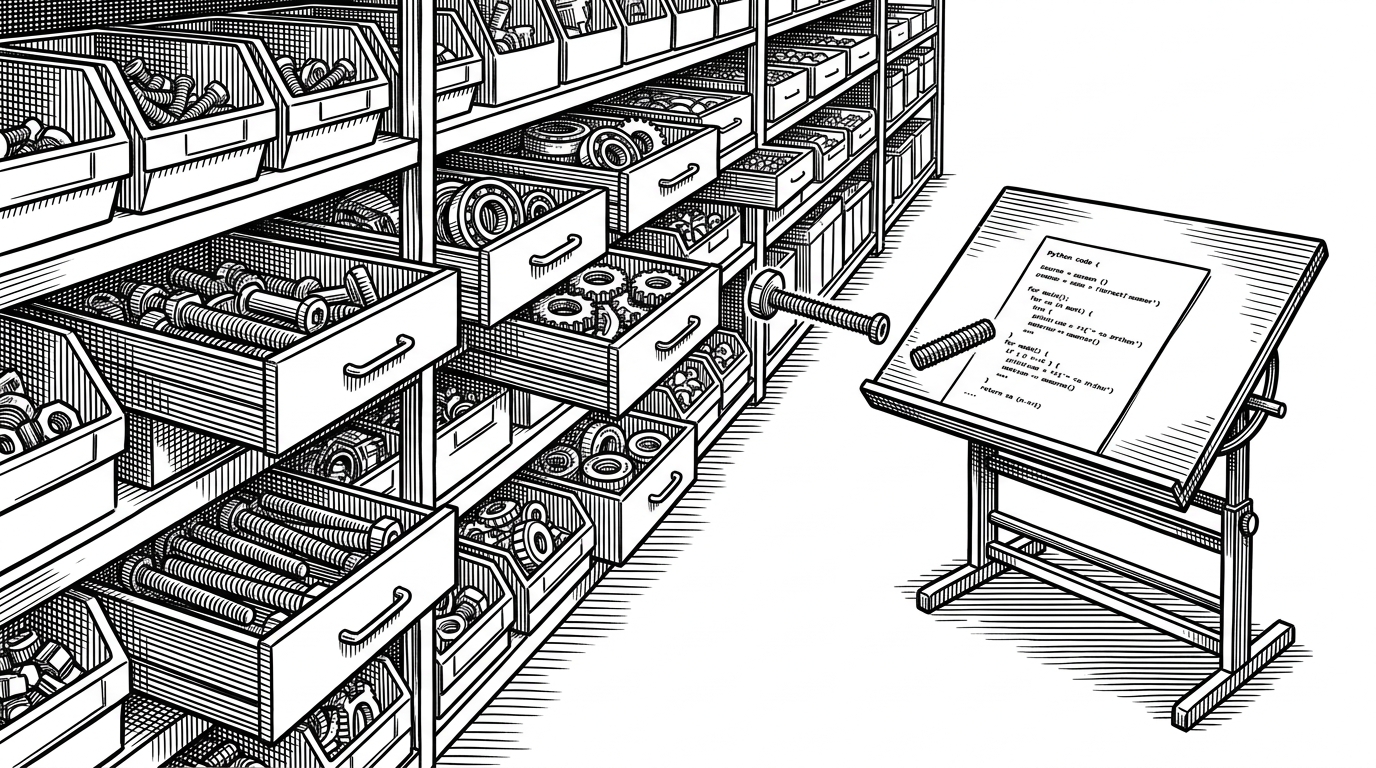

By incorporating bd_warehouse into Build123d, you gain access to on-demand generation of parametric parts and extensions that expand the core capabilities of Build123d.
- bd_warehouse turns standard hardware into generated objects, which makes mechanical assemblies reproducible instead of file-driven.
- Its real leverage is the separation of standards data from geometry, so one table can feed many part sizes without redrawing each variant.
- The library spends complexity where it matters, on helical threads, involute teeth, and assembly joints, while offering simpler paths for iteration.
- It wins when the design is code-first and the parts are standard, not when the job calls for custom geometry or a full CAD suite.
Most CAD workflows still treat hardware like a scavenger hunt. bd_warehouse changes the job. In a build123d script, a bolt, bearing, or gear is not a downloaded mesh. It is a standard part requested by name and size, then generated from data.
The parts warehouse changes the job
That sounds small until you look at the workflow. Once hardware is data, it can be reviewed in git, regenerated on demand, and kept consistent across assemblies. The part stops being a file you happened to find and becomes something the design can instantiate, place, and test.
With just a few lines of code, you can create parametric parts that are easily reviewable and version controlled using tools like git and GitHub.
A CSV turns into a part
The real trick is not geometry first. It is standards first. Files in src/bd_warehouse/data/ hold the dimensions for hardware families, while the Python layer reads, decodes, and normalizes those values before any solid is built. That separation lets one code path support many sizes without hardcoding every variant.
That design choice is the foundation of the repo. The dimension tables are the source of truth, and the modeling code stays focused on turning those tables into solids. For imperial sizes, the library even decodes the odd naming conventions instead of forcing the user to translate them by hand.
The hard geometry is the point
This is where the library stops being a convenience wrapper and starts looking like real CAD infrastructure. Threads are generated as true helices, bearings use abstract base classes to keep their sections consistent, and gears rely on involute math so the teeth mesh cleanly instead of stuttering.
from bd_warehouse.fastener import SocketHeadCapScrew

screw = SocketHeadCapScrew(size="M5-0.8", length=20, simple=True)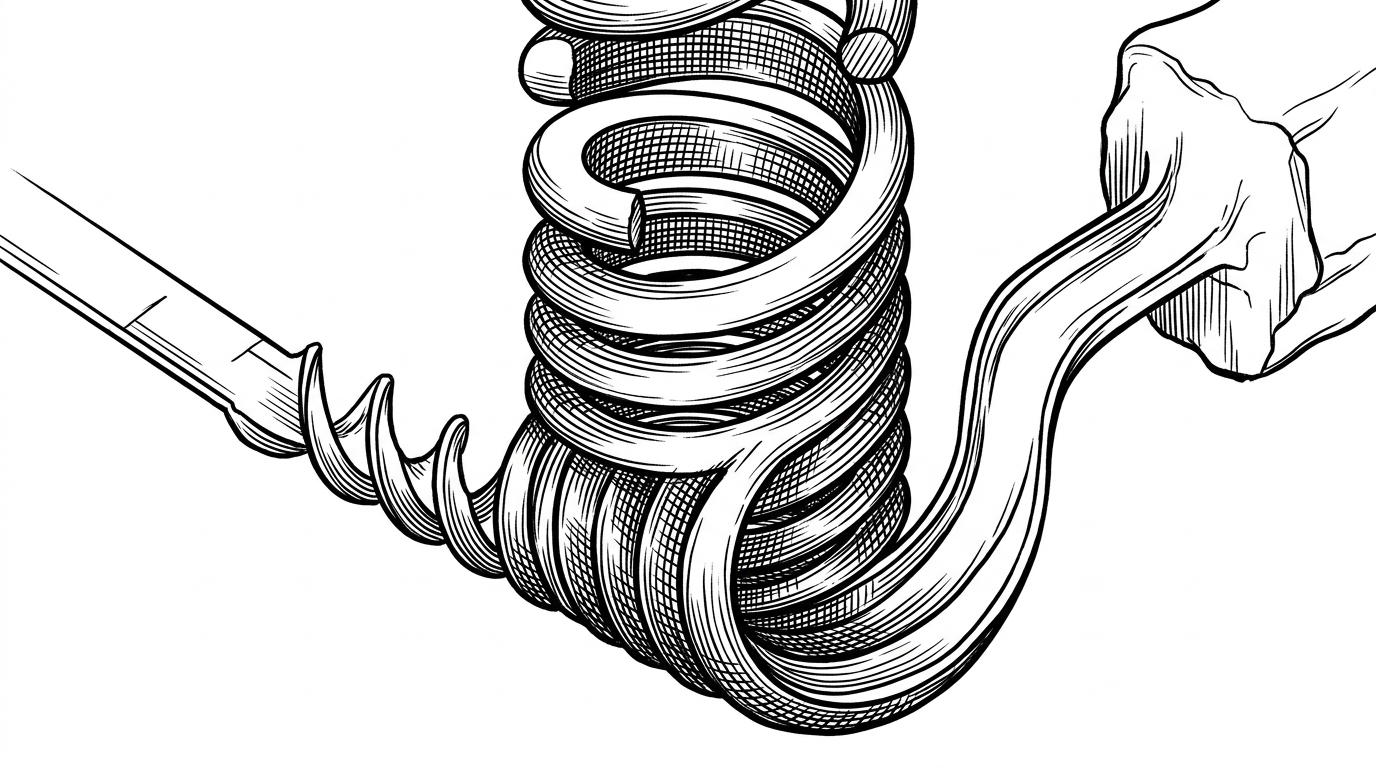
That `simple=True` path matters because the best CAD library is not always the one that draws the most detail. It is the one that lets you move fast during layout, then bake in the expensive precision only when you need it. Fidelity becomes a choice, not a tax.
What it beats, and what it does not
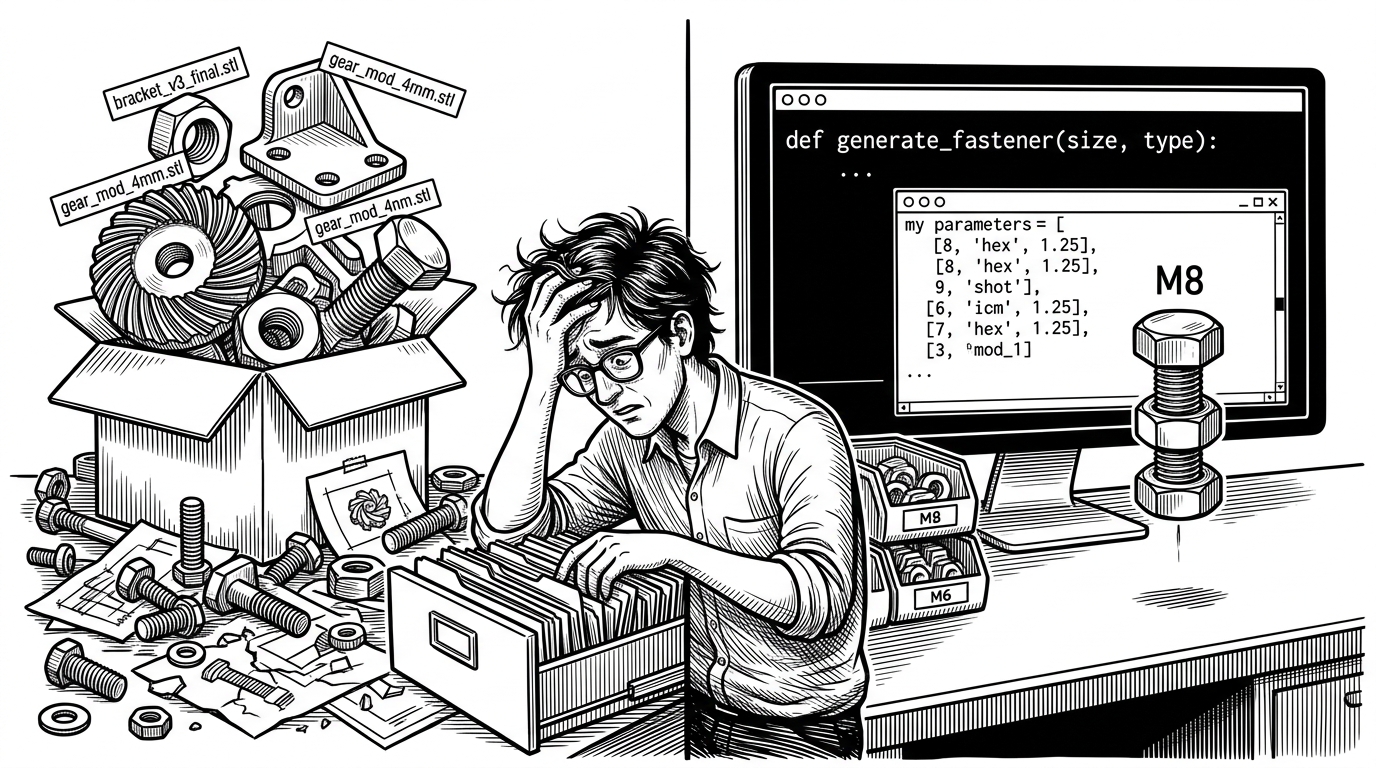
| Approach | Best at | Trade-off | Where bd_warehouse fits |
|---|---|---|---|
| Downloading STL files | Fast visual placeholders | Fit, naming, and tolerances are opaque | Generates exact parts from standards data inside the script |
| Modeling hardware by hand | One-off custom details | Slow, repetitive work and duplicated effort | Reuses one parametric definition across many sizes |
| General code-CAD tools | Building whole assemblies and custom shapes | Standard hardware still needs to be sourced or modeled | Adds a ready-made hardware catalog for build123d workflows |
| bd_warehouse | Standard parts in version-controlled assemblies | Not a full CAD suite and not for bespoke shapes | Lets the assembly call up bolts, bearings, gears, and threads on demand |
That is the niche. If the part is custom, you still need a modeling tool. If the part is standard and the assembly is code-driven, bd_warehouse removes a huge amount of repetitive work. It is closer to a hardware standard library than a general modeling app.
The bigger shift: hardware as reproducible code
The lasting value here is not that the repo saves a few clicks. It is that it makes mechanical design behave more like software. Hardware can be versioned, regenerated, tested, and reviewed with the same discipline as the rest of the codebase. That is a better contract for teams that want precision without file chaos.