roots/sage: The WordPress Theme That Thinks Like Laravel
Blade templates, View Composers, and a Vite pipeline turn Sage into a modern application layer inside WordPress, without abandoning the CMS.

- Sage turns a WordPress theme into a Laravel-shaped application layer instead of a template dump.
- Its real trick is moving logic out of templates and into composers, where data can be prepared before rendering.
- Blade, Acorn, and Vite work together so the frontend and editor share the same design system.
- Sage keeps WordPress’s content model and admin familiarity while giving developers a much cleaner codebase.
Most WordPress themes are a negotiation with history. Sage is a refusal to keep paying the tax. It keeps the CMS, but changes the way you build inside it, so the theme behaves less like a pile of includes and more like a proper application.
Sage is a WordPress starter theme with Laravel Blade components and templates, Tailwind CSS, and block editor support
WordPress, but with an application brain
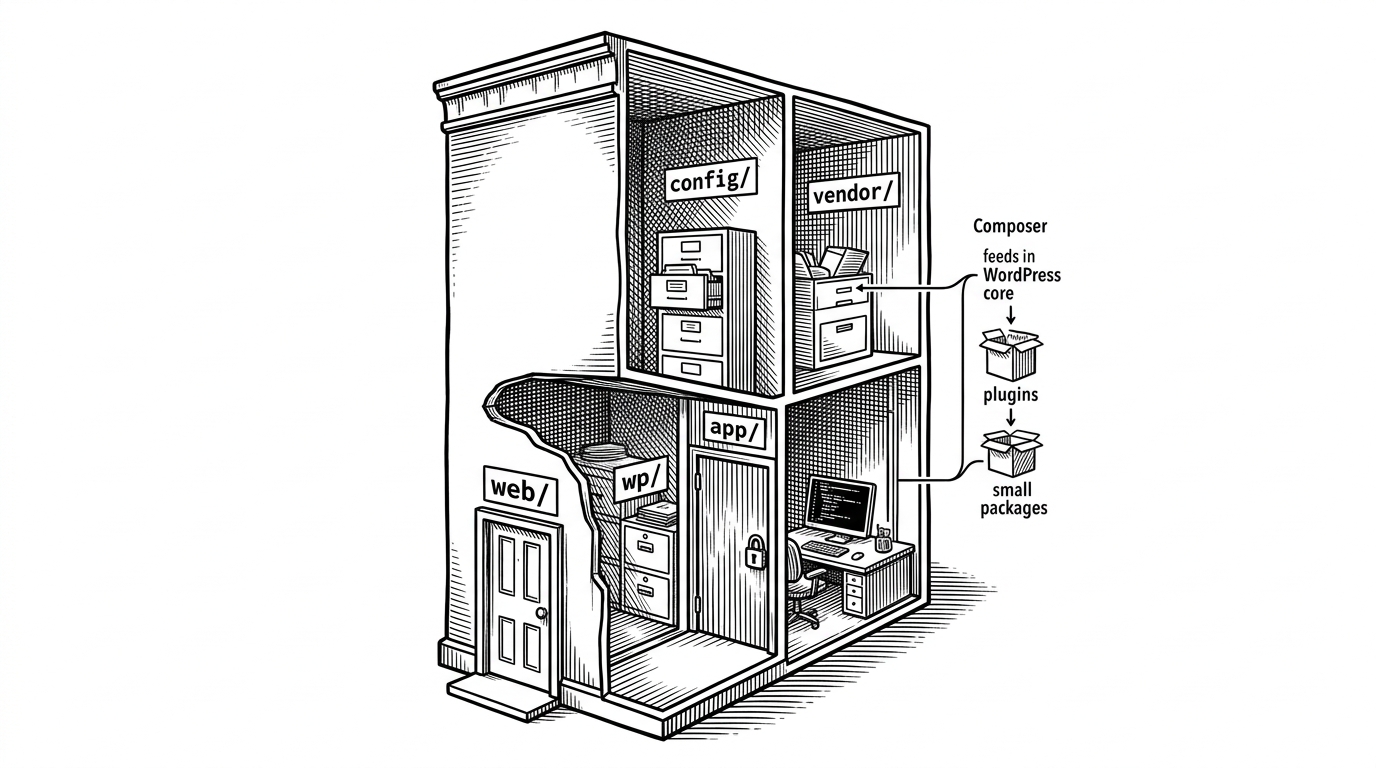
The point of Sage is not to escape WordPress. It is to stop treating theme development as a procedural free-for-all. The repo’s structure makes that obvious: `app/` holds the logic, `resources/views/` holds the presentation, and the build pipeline exists to keep the two in sync.
That shift matters because it changes the default shape of the work. Instead of stuffing everything into `functions.php` or letting templates query and format data on the fly, Sage asks you to define boundaries. For teams that care about maintainability, that is the whole game.
The smallest theme file in the room
<?php

echo view(app('sage.view'), app('sage.data'))->render();
That `index.php` tells you almost everything. The WordPress request still arrives through the usual theme entry point, but rendering is handed off to Sage’s application layer. The theme does not assemble the page in place. It resolves a view and renders it with prebuilt data.
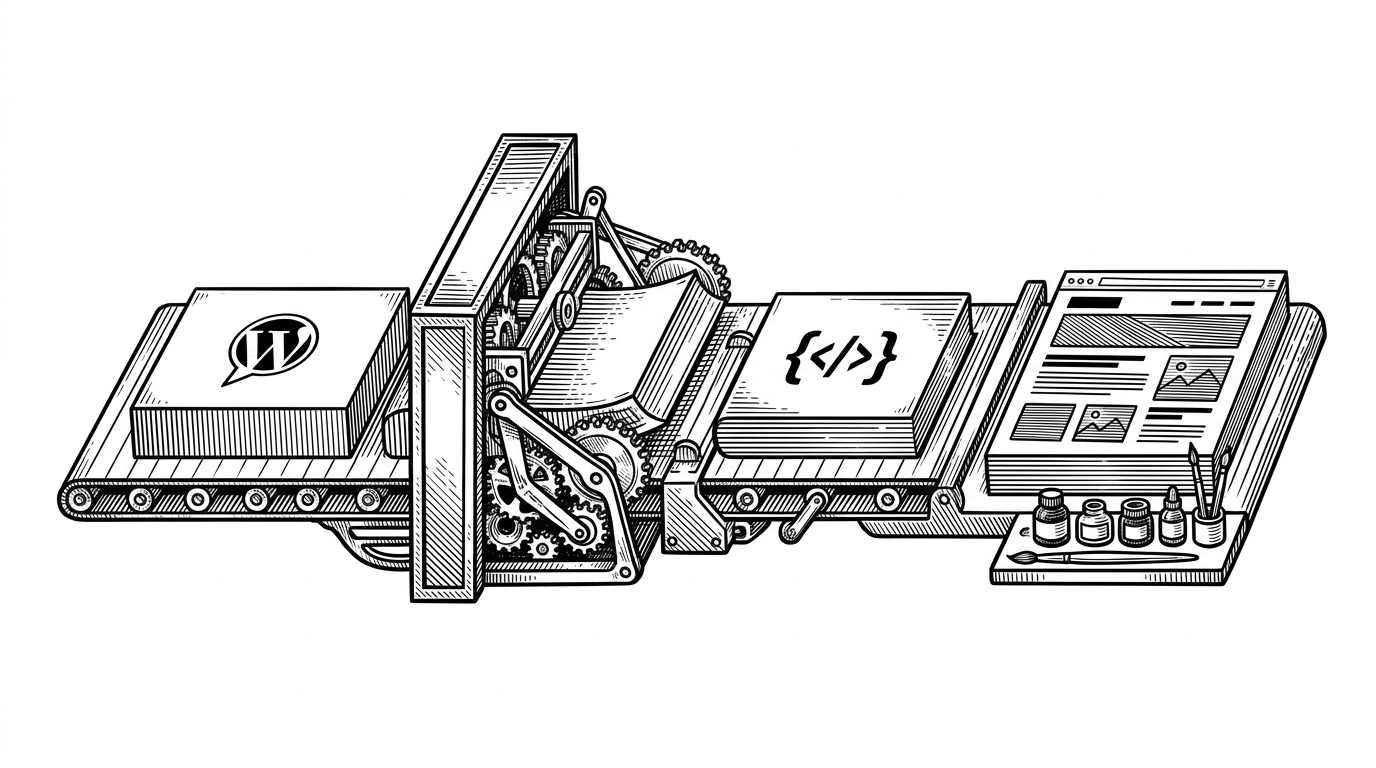
Composers move logic out of templates
This is the architectural move that makes Sage feel different. A composer like `app/View/Composers/Post.php` prepares the data for a view before the template renders. That means the template can focus on markup and layout, not on business rules, conditional title logic, or context checks.
| Classic template logic | Composer-driven logic |
|---|---|
| Template decides what data to fetch and how to format it. | Composer prepares data once, then hands a clean payload to the view. |
| Conditionals spread across partials and includes. | Context-specific rules live in one class. |
| Template files become harder to scan over time. | Templates stay readable even as the theme grows. |
| Behavior is difficult to reuse across views. | Data preparation can be shared and tested separately. |
<?php

namespace App\View\Composers;

class Post extends Composer
{
    protected static $views = [
        'partials.content-*',
    ];

    public function with()
    {
        return [
            'title' => $this->title(),
        ];
    }
}
The effect is small on paper and large in practice. Once logic moves upstream, templates become easier to reason about, and the theme starts to resemble an application with a data layer instead of a collection of PHP fragments.
Blade is the escape hatch
Blade gives Sage inheritance, sections, partials, and layouts. That is a big deal in WordPress, where classic themes often devolve into nested includes and repetitive markup. With Blade, the theme can declare a master layout and let page templates fill in the structure.
@extends('layouts.app')

@section('content')
  @while(have_posts()) @php(the_post())
    @includeFirst(['partials.content-' . get_post_type(), 'partials.content'])
  @endwhile
@endsection
That is not just syntactic sugar. It changes the mental model. Instead of asking, “Where do I put this PHP?” you ask, “What layer owns this responsibility?” That is closer to modern application development than to traditional theme hacking.
The build pipeline is part of the product
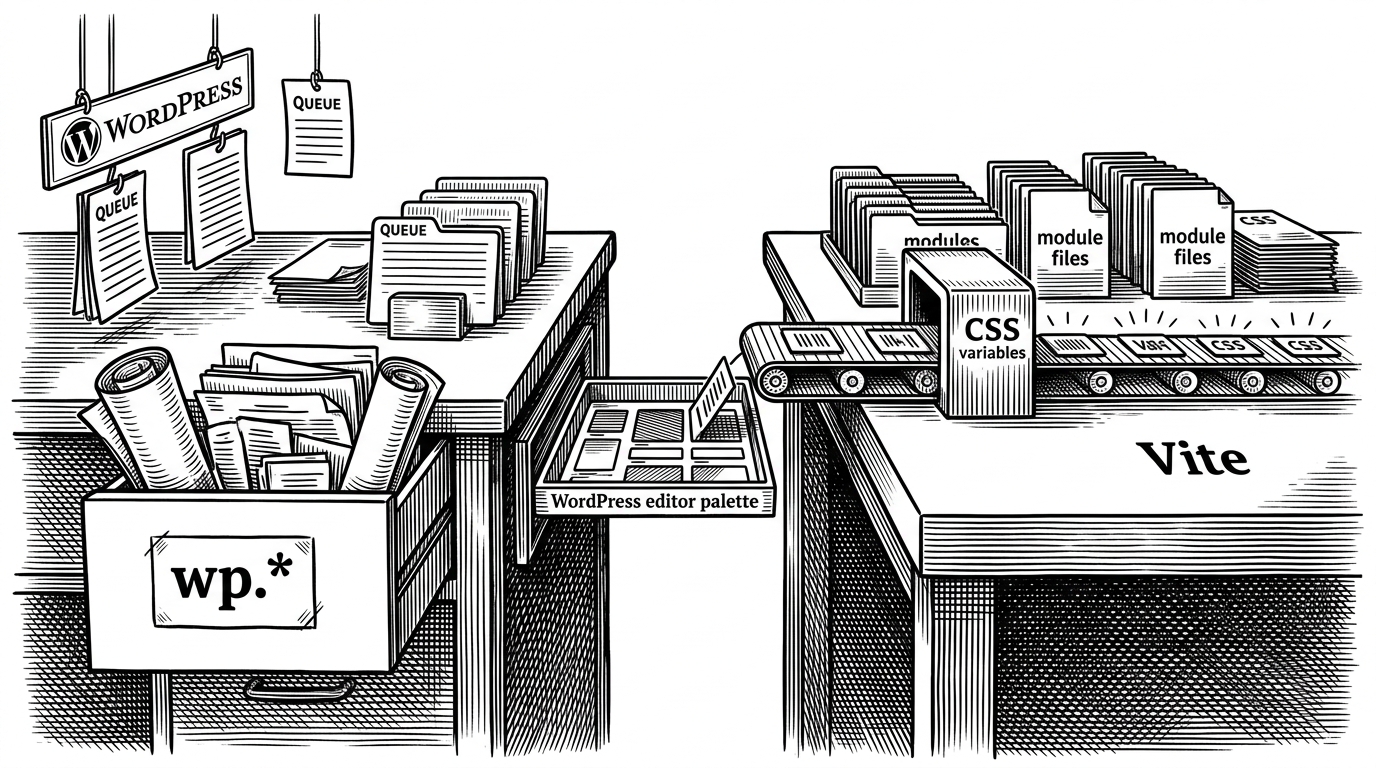
Sage’s front end is not a separate concern bolted on later. Vite, Tailwind 4, and the WordPress editor sync flow are part of the theme’s core promise. The frontend and the block editor are meant to share the same design vocabulary, not drift apart.
| Layer | Sage approach | Consequence |
|---|---|---|
| Styling | Tailwind 4 with generated theme data | Less token drift between frontend and editor |
| Build | Vite | Fast dev server and cleaner asset handling |
| Editor sync | Generated WordPress theme.json | The block editor inherits the same design system |
| Workflow | Modern PHP plus modern JS | Teams keep one mental model for both sides of the theme |
That sync problem is the practical miracle here. Anyone who has watched a WordPress site drift out of alignment between the theme and Gutenberg knows why it matters. Sage narrows that gap by making the build process part of the theme architecture, not an afterthought.
Why Sage is still a WordPress theme
Headless WordPress gives maximum frontend freedom, but it also gives you more moving pieces, more deployment complexity, and a harder story for many clients. Sage takes a narrower path. It keeps the content model, the admin, the SEO defaults, and the familiar publishing workflow, then upgrades the developer experience around them.
| Option | What you gain | What you give up |
|---|---|---|
| Classic starter theme | Simplicity and minimal setup | Structure, tooling, and long-term maintainability |
| Sage | Blade, composers, Vite, and cleaner boundaries | A steeper learning curve and a stricter stack |
| Headless WordPress | Maximum frontend freedom | Extra complexity and a split architecture |
That is why Sage still makes sense. It is not trying to win the purity contest. It is trying to give serious teams a sane way to work inside WordPress without inheriting its oldest habits.
Who Sage is really for
Sage is for developers who want discipline. It fits teams that need WordPress for content, SEO, or client familiarity, but refuse to accept procedural theme sprawl as the price of admission. The PHP 8.3 requirement is a signal of that posture: this is a modern stack for teams that can control their environment.
- Use Sage if you want WordPress to feel like a real application codebase.
- Use Sage if your team values layout inheritance and separated data preparation.
- Use Sage if the block editor needs to match the frontend without manual duplication.
- Skip Sage if you want the smallest possible WordPress setup with the least framework overhead.
The cleanest way to say it is this: Sage is a theme for people who want to stop thinking like theme builders. It preserves the CMS, but it upgrades the craft.