Acorn: The Shadow Laravel That Makes WordPress Feel Like a Modern App
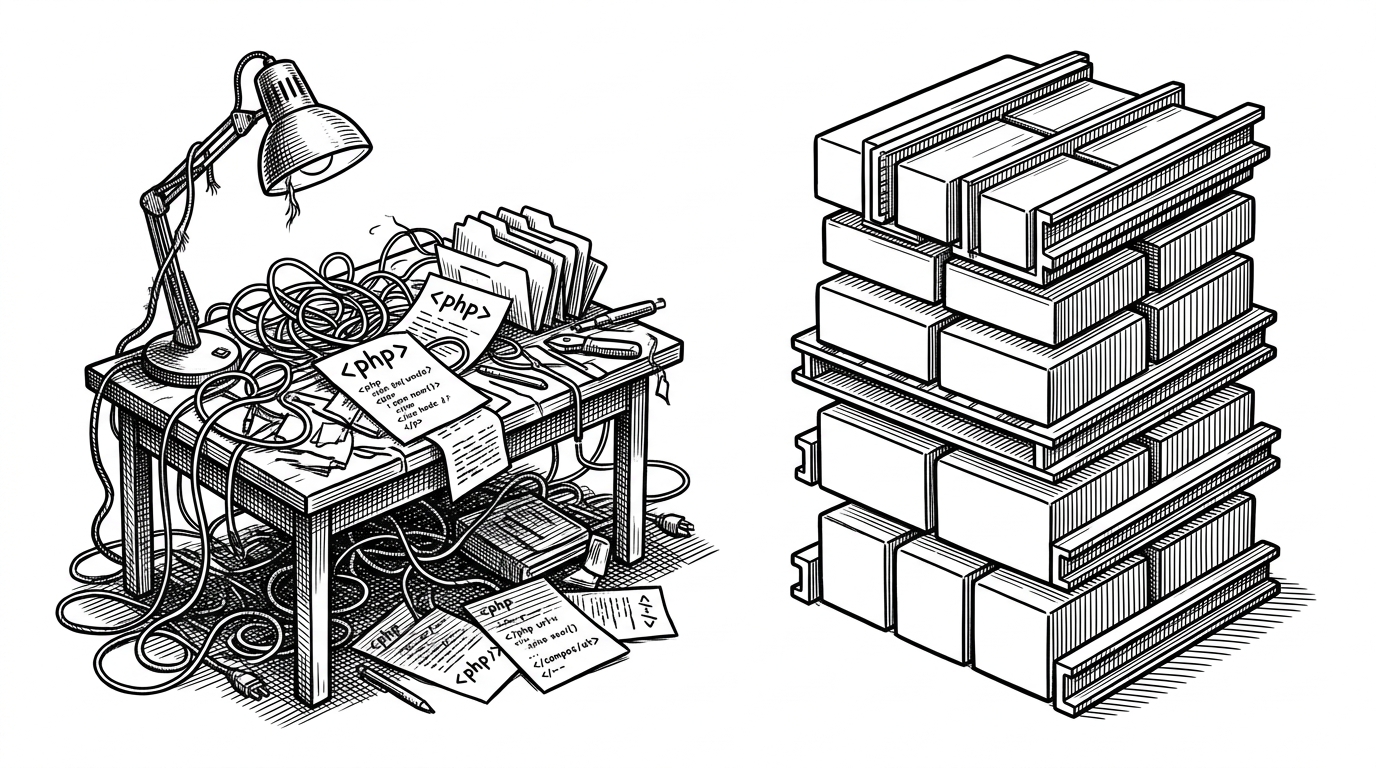
Roots did not bolt Laravel onto WordPress. It rebuilt just enough of Laravel’s foundation inside WordPress to make a legacy CMS behave like an application platform.
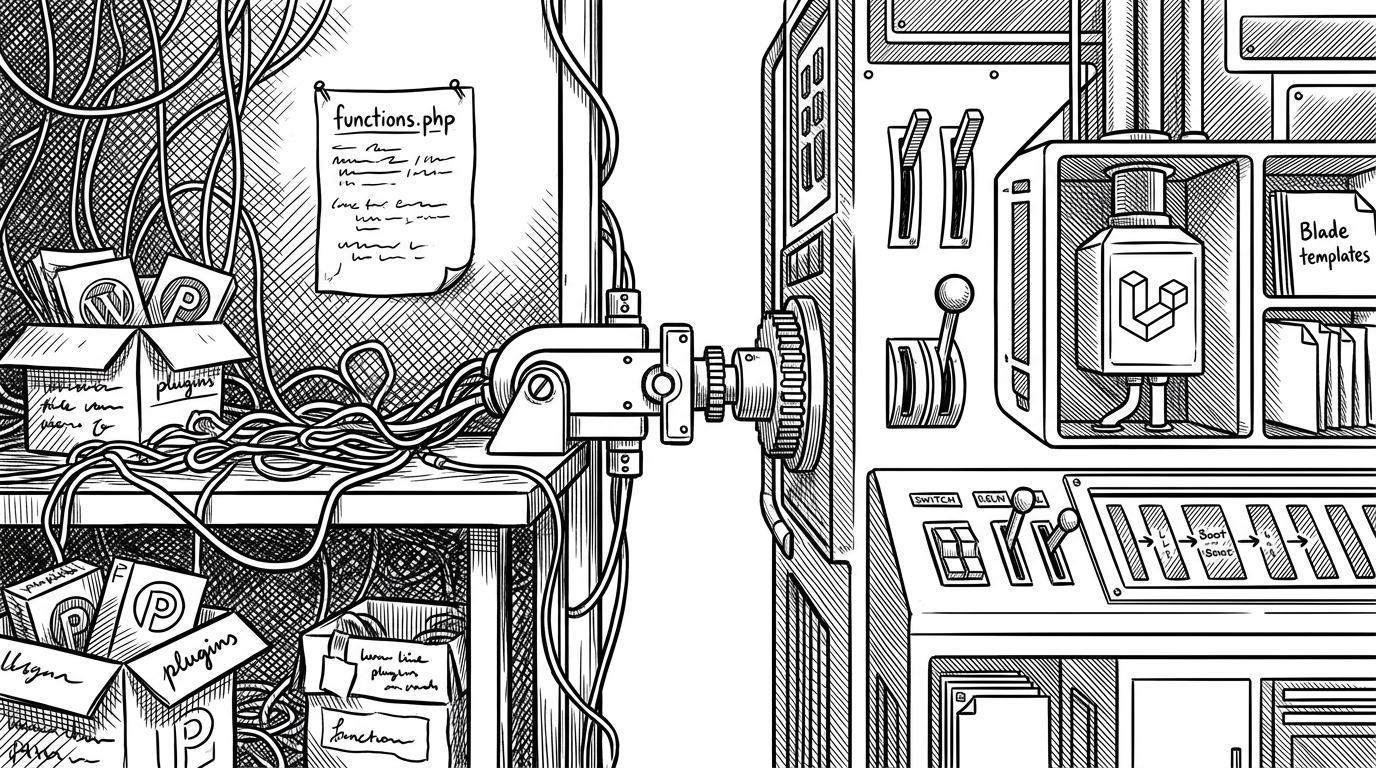
- Acorn is a deliberate transplant, not a thin integration layer, because it recreates enough of Laravel’s foundation to make WordPress feel like a modern application runtime.
- Its most unusual move is the boot order, where WordPress is loaded early enough that Laravel-style CLI commands can still call WordPress functions.
- Acorn’s architecture is selective by design: it keeps the Laravel pieces that improve structure and omits the ones that clash with WordPress.
- The result is a sharper developer experience for teams who want Blade, validation, routing, and a service container without leaving the WordPress ecosystem.
The headline sounds simple. The engineering choice is not. Acorn is interesting because it refuses the usual compromise of either staying in WordPress’s global-function world or abandoning WordPress for a full Laravel stack.
Instead, Roots built a shadow Laravel foundation inside the WordPress lifecycle. That means Acorn can give you Blade, routing, validation, configuration, and a container while still living in a theme or plugin project.
The Bootloader Is the Product
Acorn’s startup path is the whole story. In the CLI entrypoint, WordPress is loaded early so commands have access to core functions, while the app itself still follows a Laravel-style bootstrap flow through `Application::configure()` and the container.
// Conceptual shape of Acorn's entrypoint
define('USING_ACORN_CLI', true);
require __DIR__ . '/../vendor/autoload.php';
require_once ABSPATH . 'wp-blog-header.php';

$app = Application::configure(basePath: dirname(__DIR__))
    ->withRouting()
    ->withEvents()
    ->create();
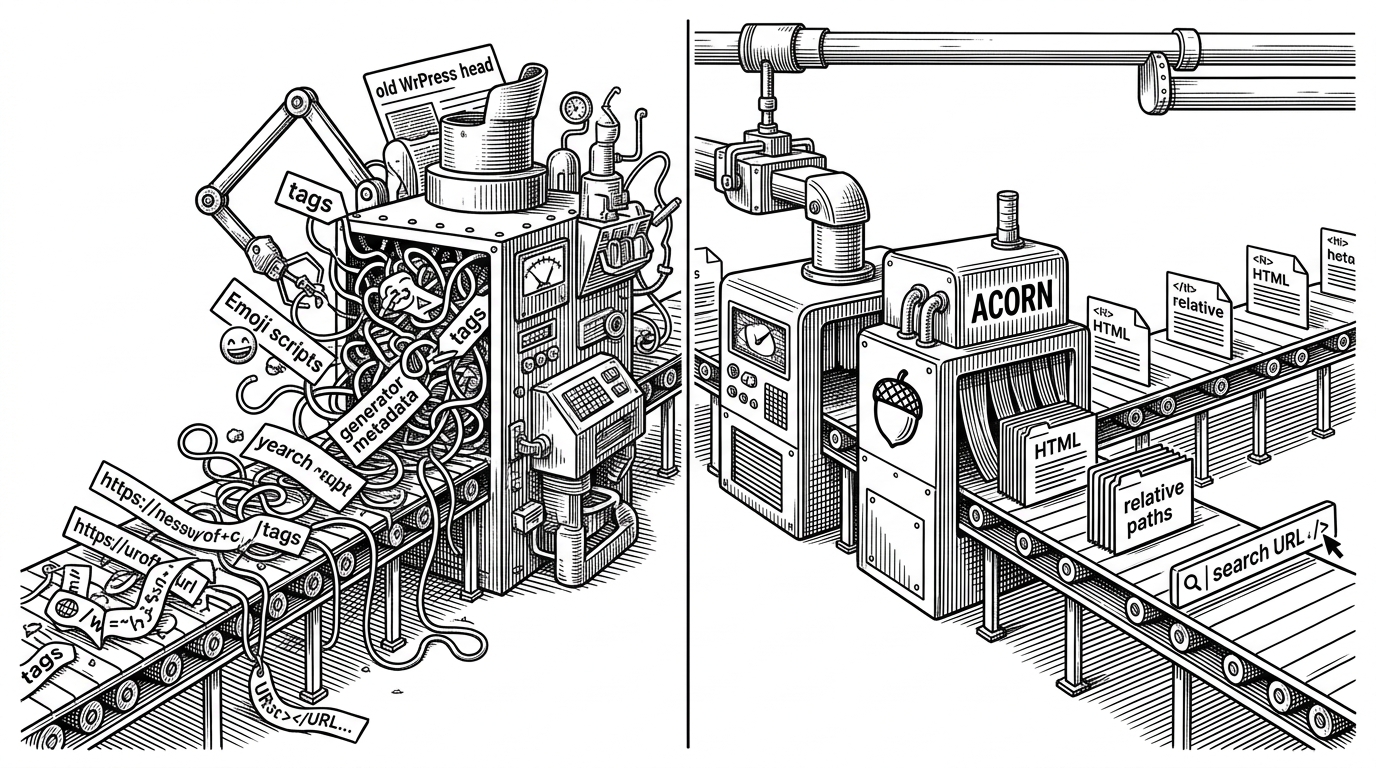
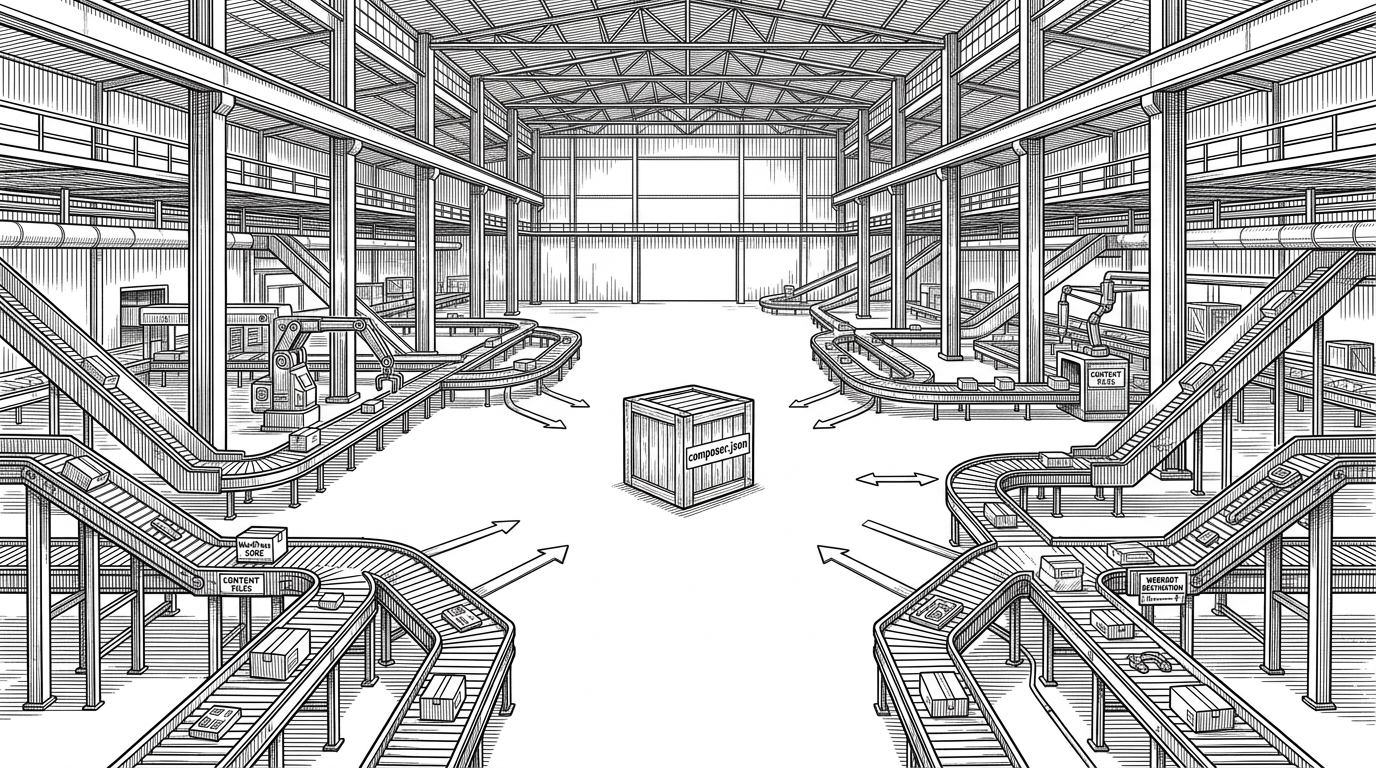
That inversion matters. A normal bridge waits for WordPress to finish and then hands control to a plugin or theme. Acorn treats WordPress itself as part of the runtime, so the CLI and the web request both land in a shared environment.
Why Roots Built a Shadow Foundation
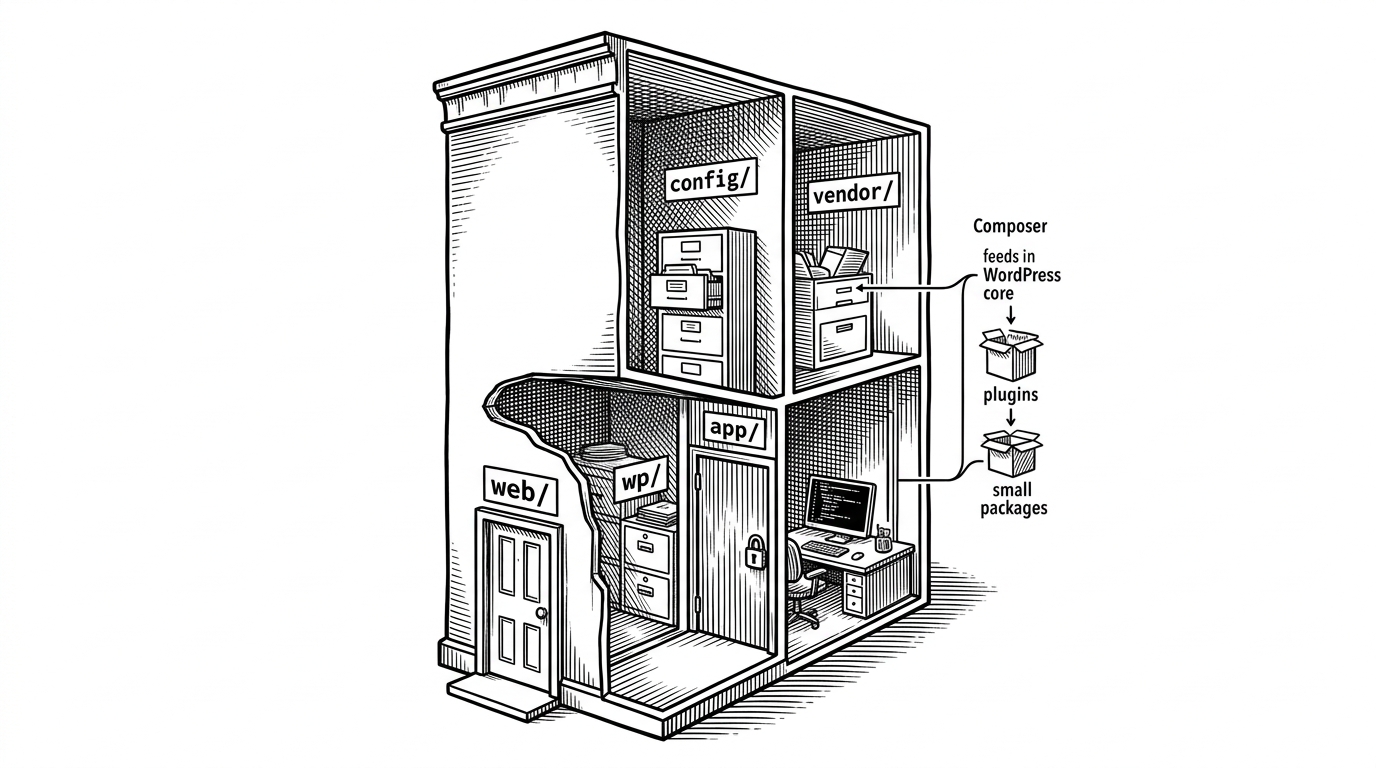
The architectural move is inside `src/Illuminate`. Acorn mirrors pieces of Laravel’s foundation instead of treating `laravel/framework` as a black box dependency. That lets Roots keep the useful parts and reshape the parts that assume a Laravel-shaped filesystem and lifecycle.
| Layer | Standard WordPress | Acorn-powered WordPress | Plain Laravel |
|---|---|---|---|
| Boot model | Theme or plugin code hangs off WordPress lifecycle hooks | WordPress boots, then Acorn configures a Laravel-style application | Laravel boots its own app container from a Laravel-native structure |
| Templating | PHP templates, often mixed with ad hoc helpers | Blade templates with WordPress still available | Blade templates in a Laravel app |
| Configuration | Options, constants, and scattered conditionals | Merged config repository with defaults and overrides | Centralized config files and environment variables |
| CLI | WP-CLI commands or custom scripts | Laravel-style commands that can still call WordPress functions | Artisan commands with full Laravel context |
| Mental model | Global state and hook-driven behavior | Application bootstrap plus WordPress compatibility | Framework-first application architecture |
The comparison is not about which system is better. It is about which runtime model your team wants to live inside. Acorn gives WordPress projects a more disciplined center of gravity without erasing the CMS around it.
How Configuration Sneaks Through
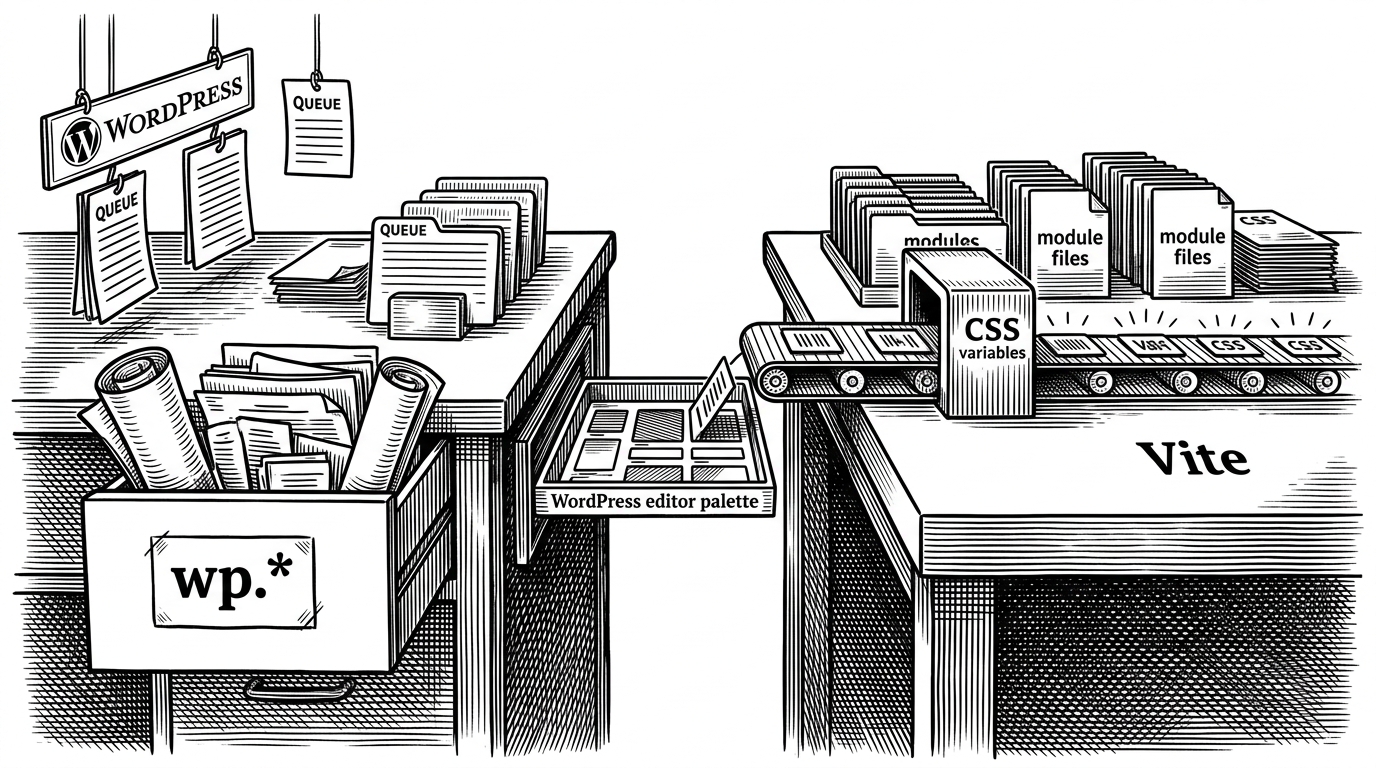
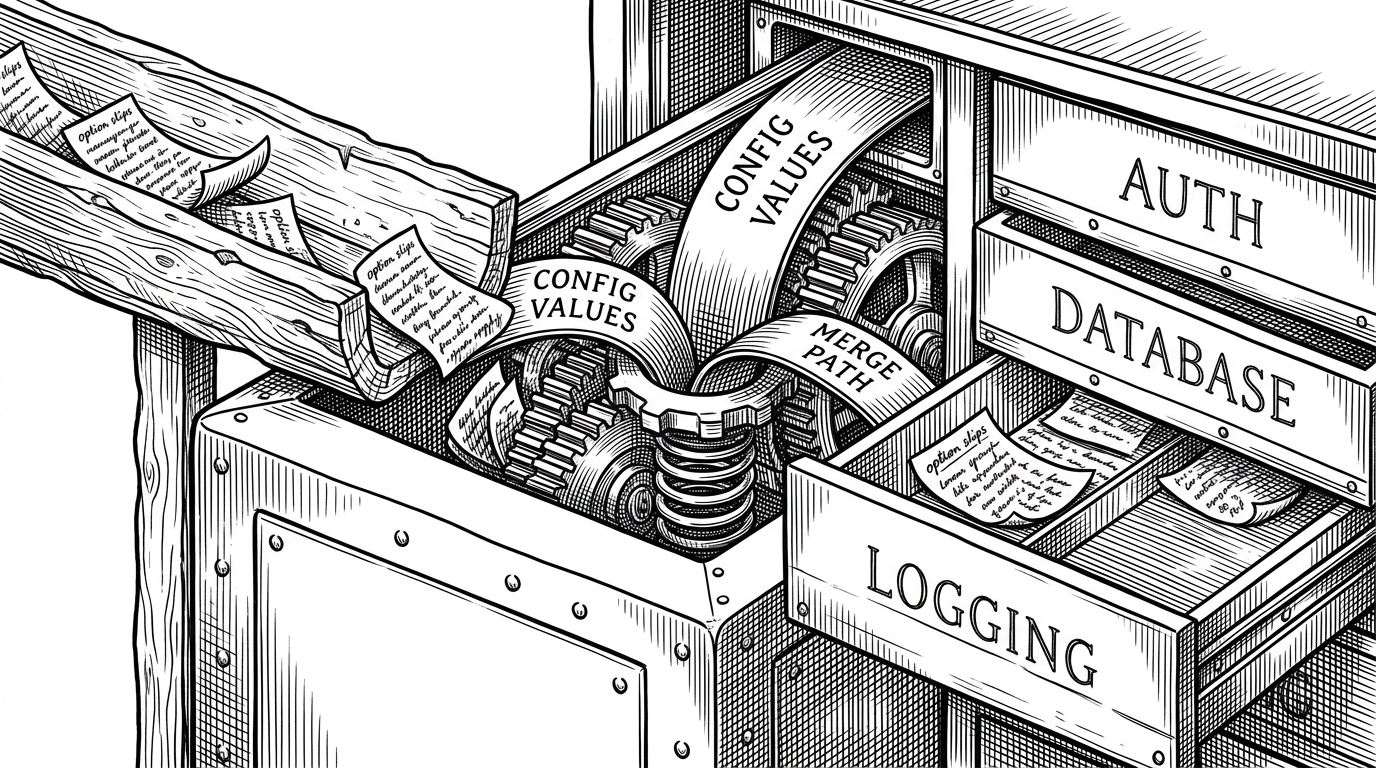
The subtlety is in the merge behavior. Acorn’s configuration bootstrap loads defaults, then lets site or theme overrides flow into a repository without turning every option into a special case.
// Simplified mental model
$config = loadDefaultsFromAcorn();
$overrides = loadOverridesFromThemeOrSite();

foreach (['auth', 'database', 'logging'] as $section) {
    $config[$section] = array_replace_recursive(
        $config[$section] ?? [],
        $overrides[$section] ?? []
    );
}

$repository->setItems($config);
That matters because configuration stops being a pile of if statements. The app can keep Laravel’s expectations about structure while still respecting WordPress-specific input from the project that embeds it.
The Modern Laravel Experience, Without Leaving WordPress
Acorn also follows the newer Laravel builder style. Instead of stuffing setup into sprawling service providers, the app configuration moves toward fluent methods like `withRouting()` and `withEvents()`.
That shift is not cosmetic. It changes how a team reads the system. The boot sequence becomes legible, and the project starts to feel like an application with a coherent spine rather than a stack of loosely related hooks.
What Acorn Leaves Out
Acorn is selective on purpose. It supports a broad slice of `illuminate/*`, but not every Laravel subsystem makes sense in a WordPress context. That restraint is what keeps the transplant from turning into a dependency swamp.
| Question | Full Laravel expectation | Acorn’s answer |
|---|---|---|
| Should every subsystem be present? | Usually yes, because the framework owns the whole runtime | No, only the pieces that improve WordPress development are kept |
| Should routing and requests behave exactly the same? | Yes, inside a Laravel app | Only where they fit the WordPress lifecycle |
| Should the project depend on one giant framework bundle? | Common in Laravel | No, Acorn mirrors and adapts the foundation layer instead |
| Should compatibility beat clarity? | Framework consistency matters most | Practical WordPress compatibility comes first |
That tradeoff is the point. Acorn is not trying to become a better WordPress core or a full clone of Laravel. It is trying to give serious WordPress teams a more coherent development surface.
Who This Is Really For
Acorn makes the most sense for agencies, senior WordPress engineers, and Laravel developers who need to stay inside WordPress for client, content, or ecosystem reasons. It also suits teams building custom themes or plugins that have outgrown loose procedural code.
| Team type | Why Acorn fits | Why it may not |
|---|---|---|
| Agency or consultancy | Standardizes project structure and reduces theme chaos | Adds architecture some clients may not need |
| WordPress team | Brings Blade, DI, config, and CLI discipline into familiar territory | Requires stronger PHP and framework literacy |
| Laravel developer in WP land | Feels like home without abandoning WordPress | Still has to respect WordPress conventions |
| Low-complexity site builder | Probably overkill | The added structure is more than the project needs |
The cleanest way to describe Acorn is this: it is modernization with a boundary. Roots did not wait for WordPress to become Laravel. They brought enough of Laravel’s discipline into WordPress to make the platform more pleasant to build on now.
Bottom Line
Acorn is a deliberate transplant. It rebuilds just enough of Laravel’s foundation to make WordPress behave like a modern application platform, while keeping the CMS where it already is.