`roots/wordpress`: The Empty Repository That Repackages WordPress for Modern PHP
How Roots turned WordPress into a Composer dependency, separated core from content, and built a tiny metapackage that quietly reshapes how serious teams deploy the CMS.

- `roots/wordpress` matters because it turns WordPress from a downloadable monolith into a reproducible dependency graph.
- Its real innovation is not packaging code, but separating versioning, placement, and default content into distinct layers.
- The package is intentionally hollow, which makes its metadata the product and its install rules the interface.
- Roots pairs that install model with automation so the Composer artifact stays auditable and aligned with upstream WordPress releases.
A repository with almost nothing in it
`roots/wordpress` looks like a ghost town because that is the point. It does not ship WordPress source, and it does not pretend to be an application. It is a thin layer of metadata that tells Composer how to treat WordPress like a modern dependency instead of a ZIP file you unpack and hope for the best.
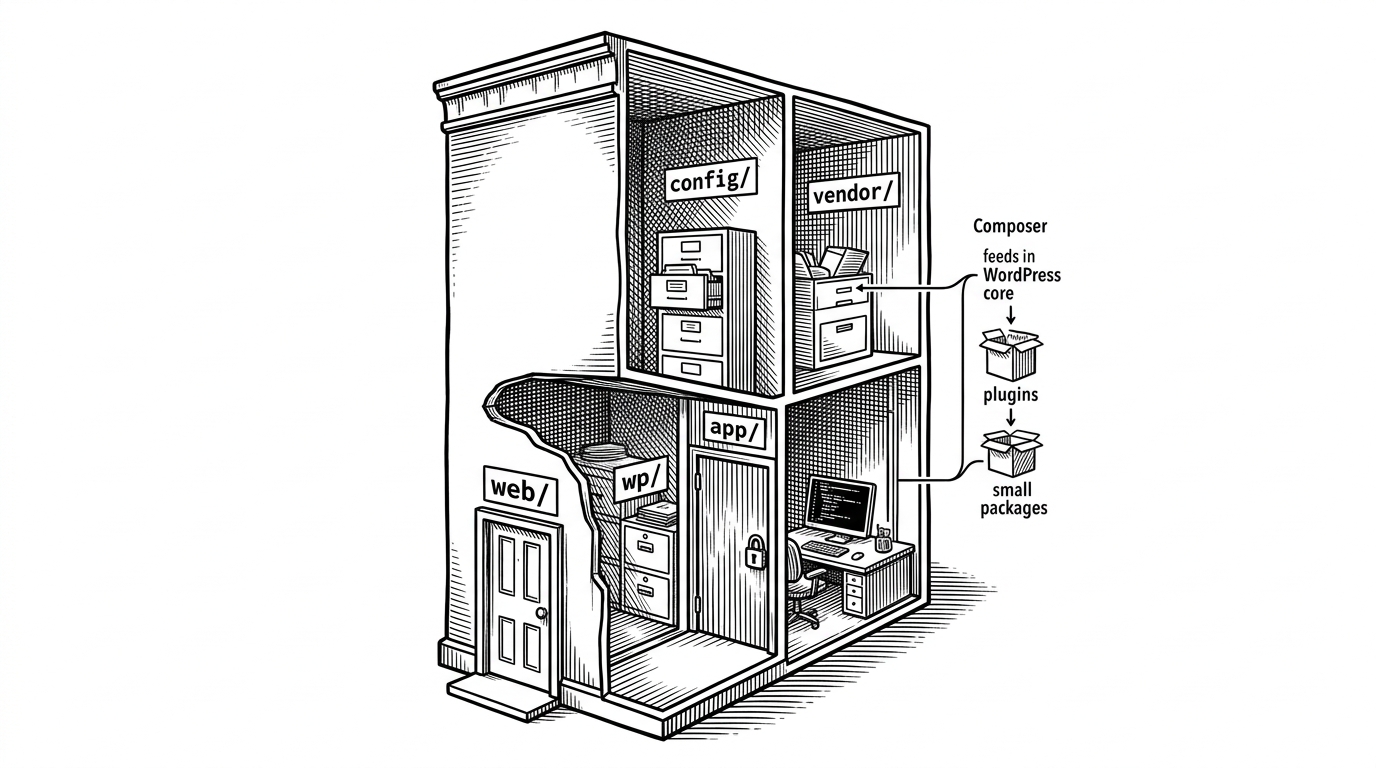
That inversion is the whole story. The repository is tiny, but it solves three problems at once: versioning WordPress cleanly, placing it somewhere web servers can actually serve it from, and stripping out the default content teams do not want to carry around.
If you are used to PHP packages living in `vendor/`, this repo is a reminder that infrastructure often starts as an argument about where files should go.
{
  "type": "metapackage",
  "require": {
    "roots/wordpress-no-content": "self.version",
    "roots/wordpress-core-installer": "^4.0"
  }
}
How a metapackage turns WordPress into a dependency
First of all, it’s disappointing that any non-official WordPress package is still needed. These packages exist because WordPress.org will not add a composer.json to their project root.
The key move is `type: metapackage`. That tells Composer there are no files here to install. The repository exists to define requirements, not to carry payload.
One requirement points at `roots/wordpress-no-content` with `self.version`, which keeps the package version and the WordPress core version locked together. The other points at `roots/wordpress-core-installer`, the plugin that changes the default destination from `vendor/` to a webroot-friendly location.
That is the trick. Composer resolves the package, the installer plugin intercepts placement, and the actual WordPress files land where the project expects them. The repo itself never becomes the app.
Why “no-content” is the real product decision

This is the philosophical move that makes the package feel modern. WordPress core is treated as something you depend on, not something you inherit bundled with a bunch of defaults you may never want.
The practical benefits are obvious. Smaller installs. Less noise in the repository. Fewer accidental assumptions about themes or plugins. More explicit ownership of what your team actually ships.
| Model | Packaging | Content handling | Install location | Automation / auditability |
|---|---|---|---|---|
| Traditional WordPress ZIP | Manual download | Defaults included | Webroot by convention | Low |
| `johnpbloch/wordpress` | Composer package | Composer-managed core | Usually adjusted by project setup | Moderate |
| `roots/wordpress` | Metapackage plus installer | `no-content` split by design | Explicit webroot placement | High |
The invisible machinery behind the release
The repo looks static, but the pipeline behind it is active. Roots mirrors upstream WordPress releases into Composer artifacts, keeps the version mapping current, and makes the process public enough to inspect.
We started building this late last year as a natural extension of the Roots ecosystem. Our roots/wordpress package has nearly 20 million downloads, and much of the modern WordPress Composer workflow already runs through Roots tooling.
That automation matters because the hard part is not fetching WordPress once. The hard part is doing it reliably, version after version, without drifting from upstream or hiding the process in someone’s private build scripts.
The presence of `roots-ladybug` in the contribution history is a clue. This is not a hand-maintained mirror. It is a maintained system with bots doing the boring work that keeps the package honest.
Why Roots built this instead of relying on the old ecosystem
The comparison is not really about taste. It is about priorities. `johnpbloch/wordpress` helped normalize Composer-based WordPress installs, but Roots optimized for a stricter mix of automation, public auditability, and ecosystem consistency.
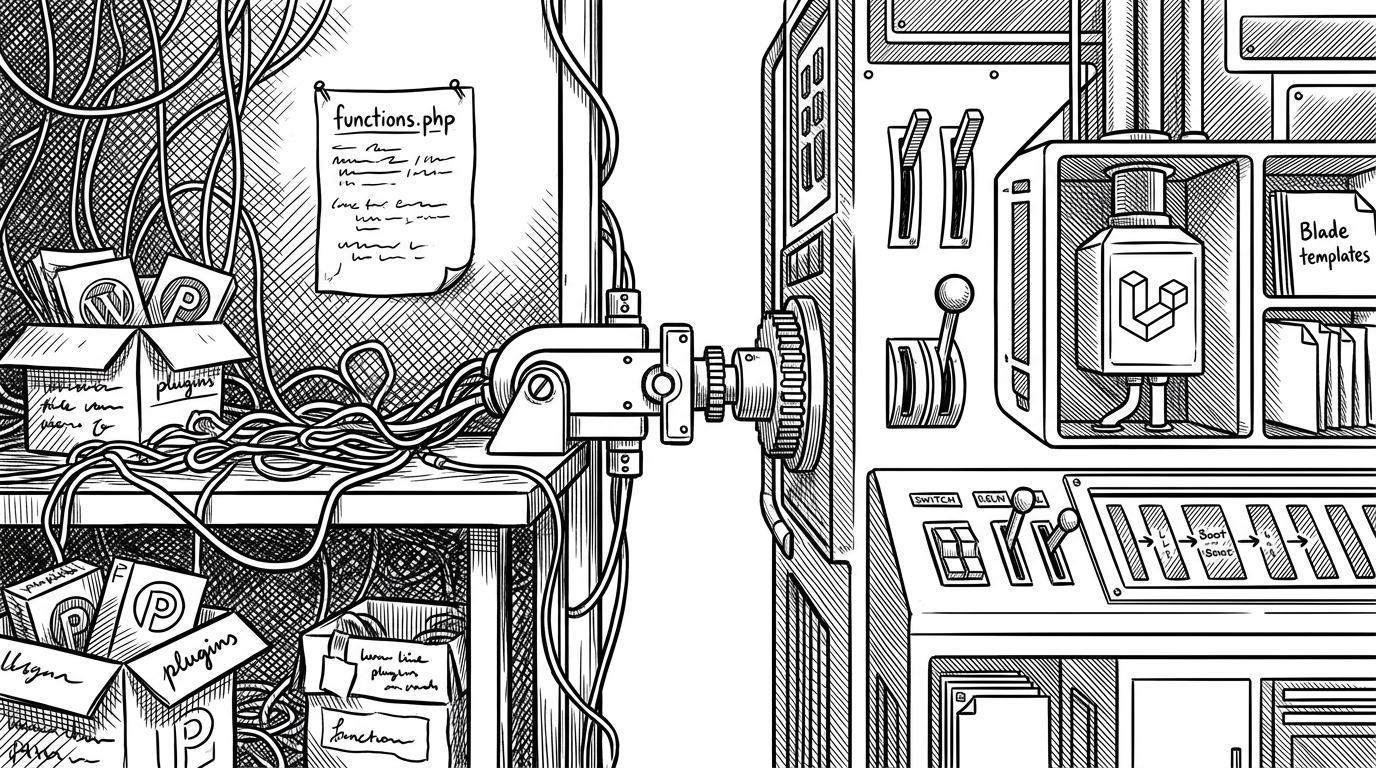
The older model was simple: download WordPress, unpack it, and accept that the archive includes more than you need. The Roots model says the install process should be explicit, reproducible, and split into clear responsibilities.
| Priority | Old bundle-first model | Roots model |
|---|---|---|
| Release source | A zip-like artifact | Mirrored Composer artifacts |
| Transparency | Low | Publicly auditable |
| Content strategy | Bundled by default | `no-content` by default |
| Operational fit | Monolithic | Dependency-first |
What this says about modern WordPress
`roots/wordpress` is a small package with a big opinion. It says serious WordPress deployments should look more like disciplined software systems and less like manually curated archives.
That is also why it fits the Roots ecosystem so well. Bedrock, WP Packages, and the rest of the stack all push in the same direction: make the CMS behave like infrastructure, not a snowflake installation.
The deeper lesson is not about WordPress alone. It is about how modern teams tame legacy platforms without rewriting them. Sometimes the most useful code is the code that tells everything else where to go.