Roots Bedrock: The WordPress Boilerplate That Treats Core Like a Dependency
Composer-managed core, environment-specific config, and a folder structure that makes WordPress behave like a modern application instead of a pile of mutable files.
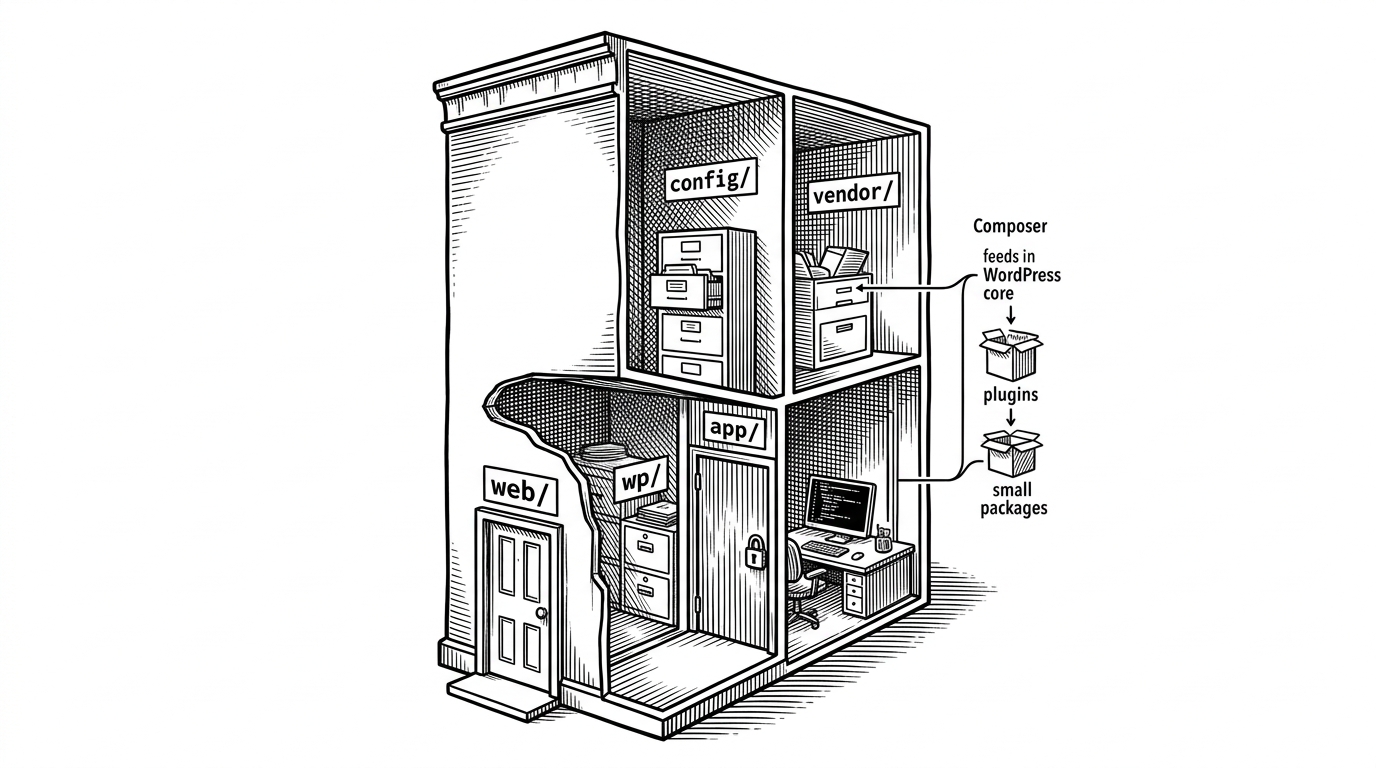
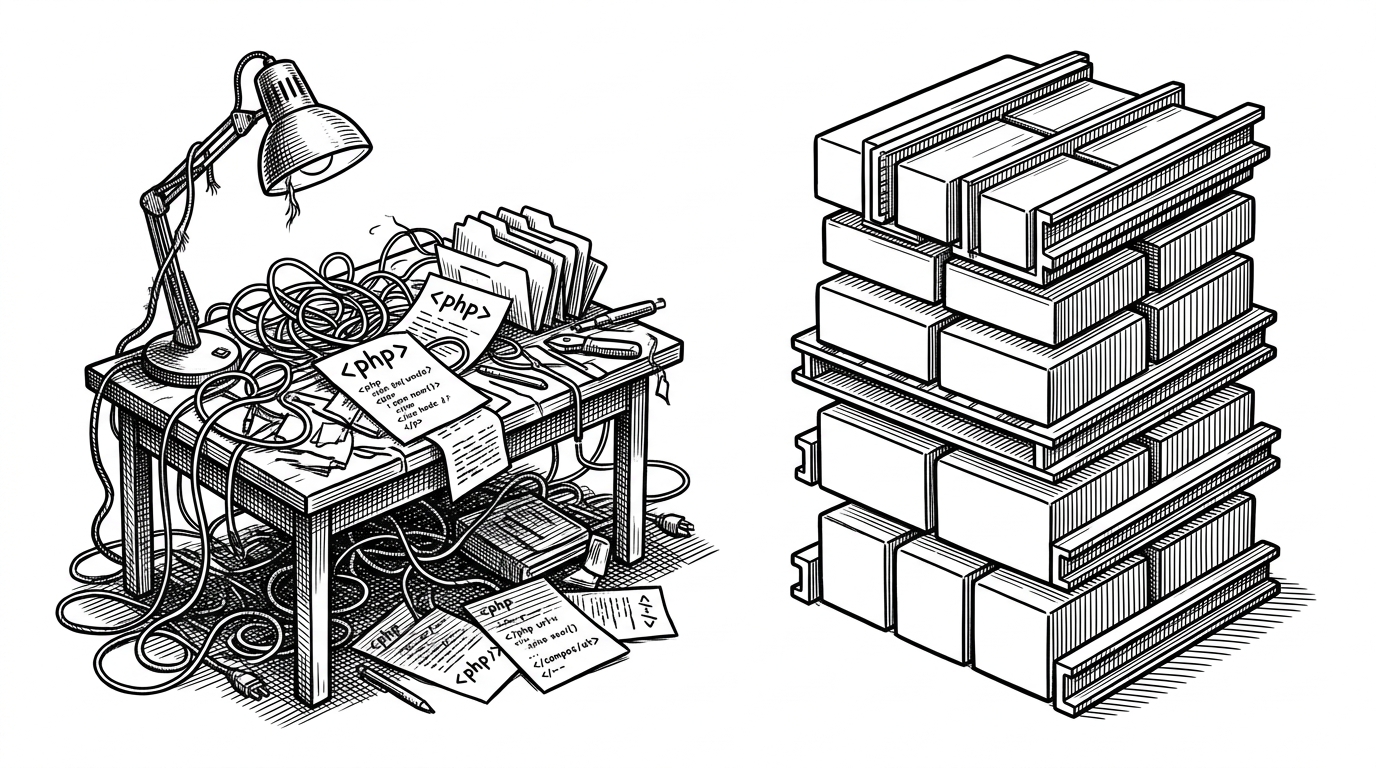
- Bedrock’s main trick is not cosmetic cleanup. It turns WordPress into a dependency-managed application with a clear public boundary and a reproducible build.
- Composer, .env files, and environment overrides give teams one source of truth for installs, config, and deployment behavior.
- The folder structure is a security and operations decision first, a convenience second. It reduces exposure and makes automation easier to trust.
- Bedrock is best understood as WordPress after the platform team gets involved.
Bedrock is the rare WordPress project that changes the question. It is not asking how to make WordPress prettier. It is asking how to make WordPress behave like software a team can ship, lock, test, and run with fewer surprises.
That shift starts with a simple but radical idea: WordPress core is not the center of the project. It is a dependency. Once you accept that, the rest of Bedrock’s structure begins to make sense.
The move that changes everything
A standard WordPress install puts too much trust in mutable folders. Bedrock moves the public document root to web/, places WordPress core in web/wp/, and relocates content into web/app/. The result is a project that separates what the browser can touch from what the team should control.
That is not just tidier. It changes the security posture, the deployment model, and the mental model. In Bedrock, the site is no longer a loose pile of files. It is an application with boundaries.
WordPress, but managed like PHP software
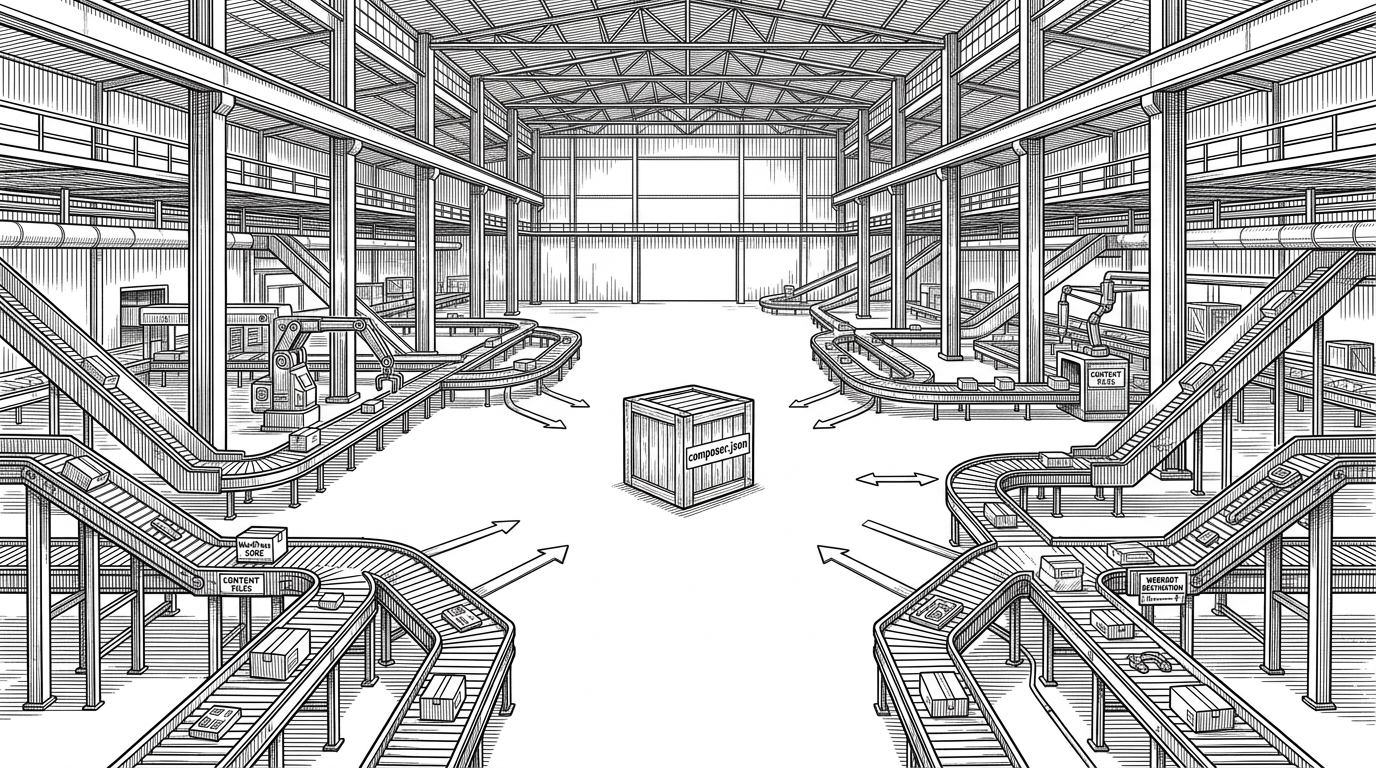
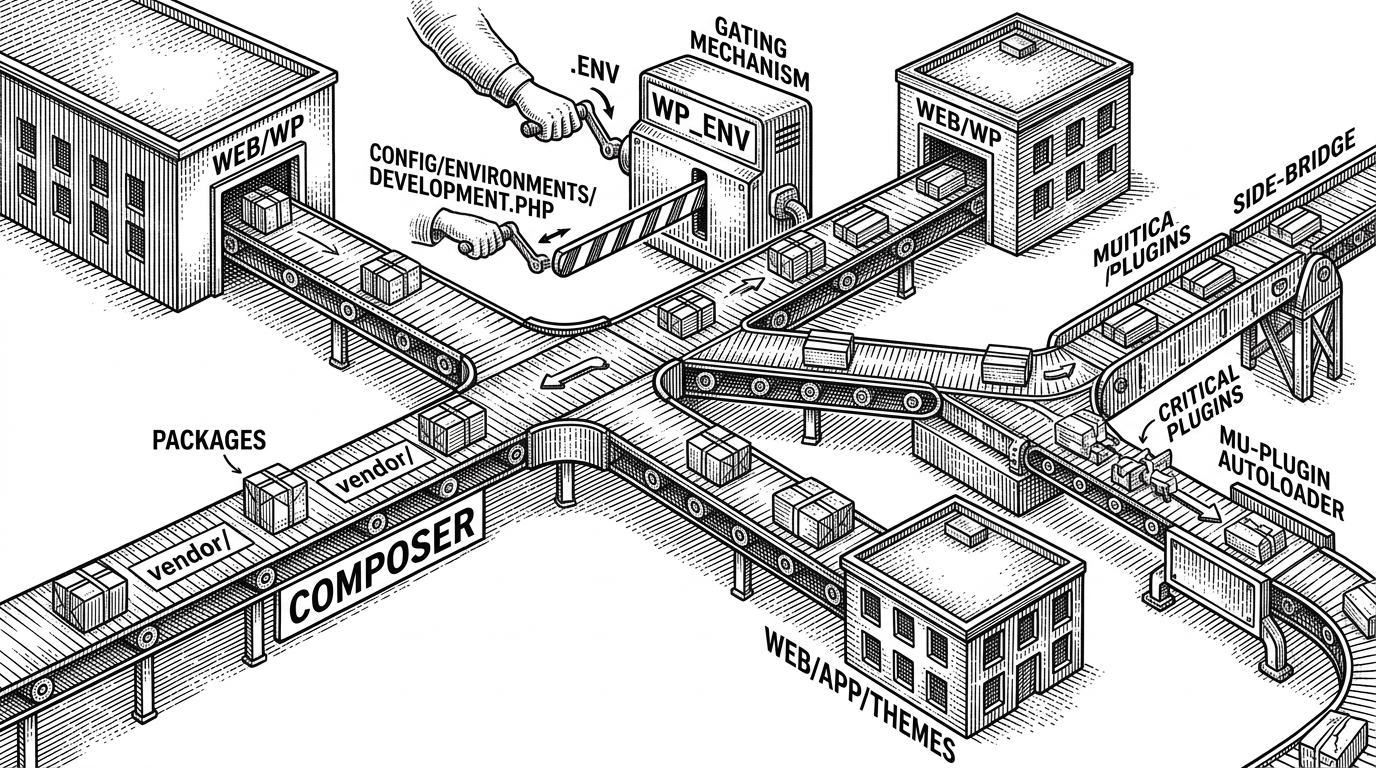
Composer is the engine room. Bedrock uses it to install WordPress core, plugins, and themes as explicit packages, then maps them into the folder structure with installer paths. That gives teams version locking, repeatability, and a clean upgrade path instead of hand-managed downloads.
This matters because the usual WordPress workflow is still optimized for manual administration. Bedrock replaces that with a software delivery workflow. A site becomes something you can provision the same way on every machine, every branch, and every environment.
Config becomes code, but less fragile
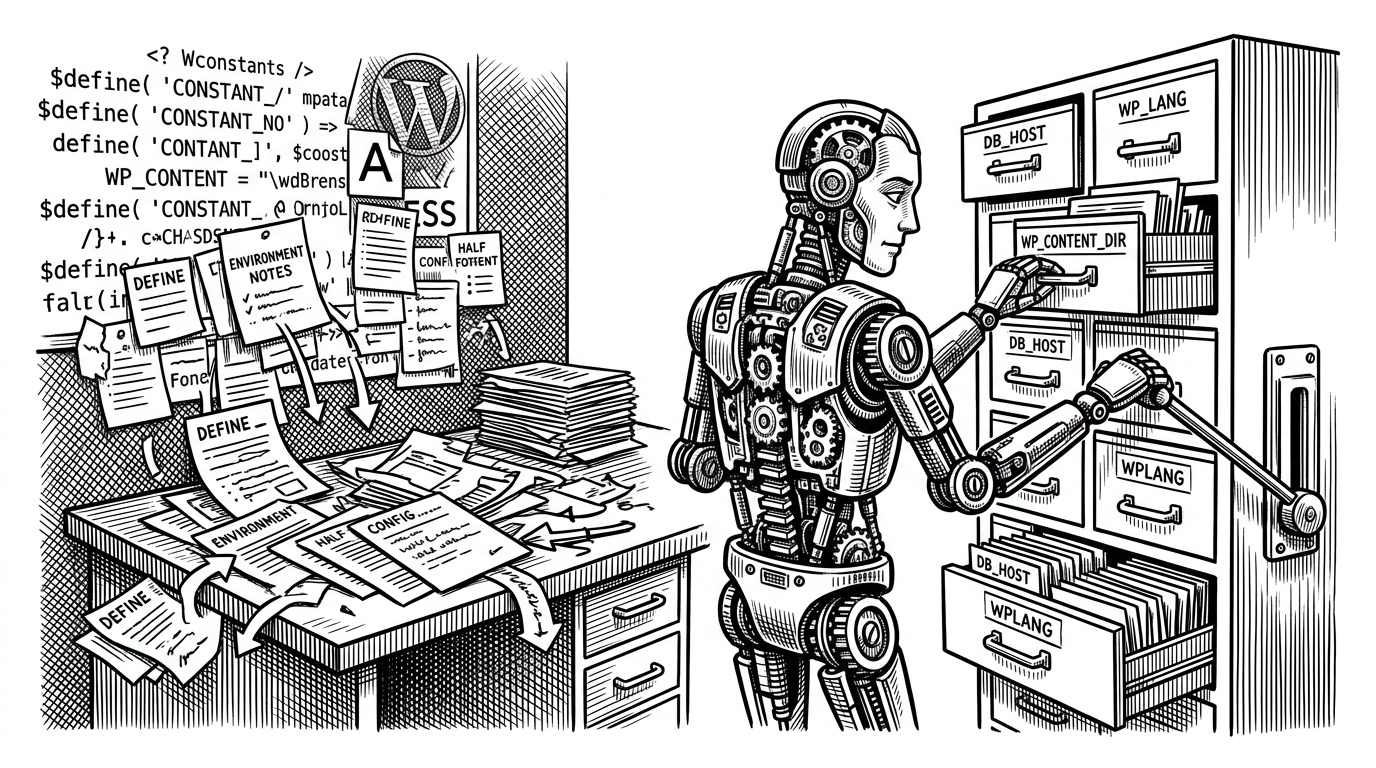
Bedrock replaces the usual sprawl of wp-config.php hacks with config/application.php, .env, and environment-specific files in config/environments/. That gives configuration a proper hierarchy. Base settings live in one place, environment overrides in another, and secrets stay out of version control.
The small detail that matters most is type handling. Bedrock leans on environment parsing that can convert booleans correctly, which avoids the classic bug where the string "false" behaves like truthy PHP text. Tiny safeguards like that are what make configuration systems trustworthy.
Bedrock now requires PHP 8.3+. PHP 8.1 reached end of life in December 2025, and setting 8.2 as the floor would have given less than a year before another bump.
The point is not just modern syntax. The point is a configuration layer that behaves predictably when real teams swap local, staging, and production settings without rewriting the app.
The mu-plugin escape hatch
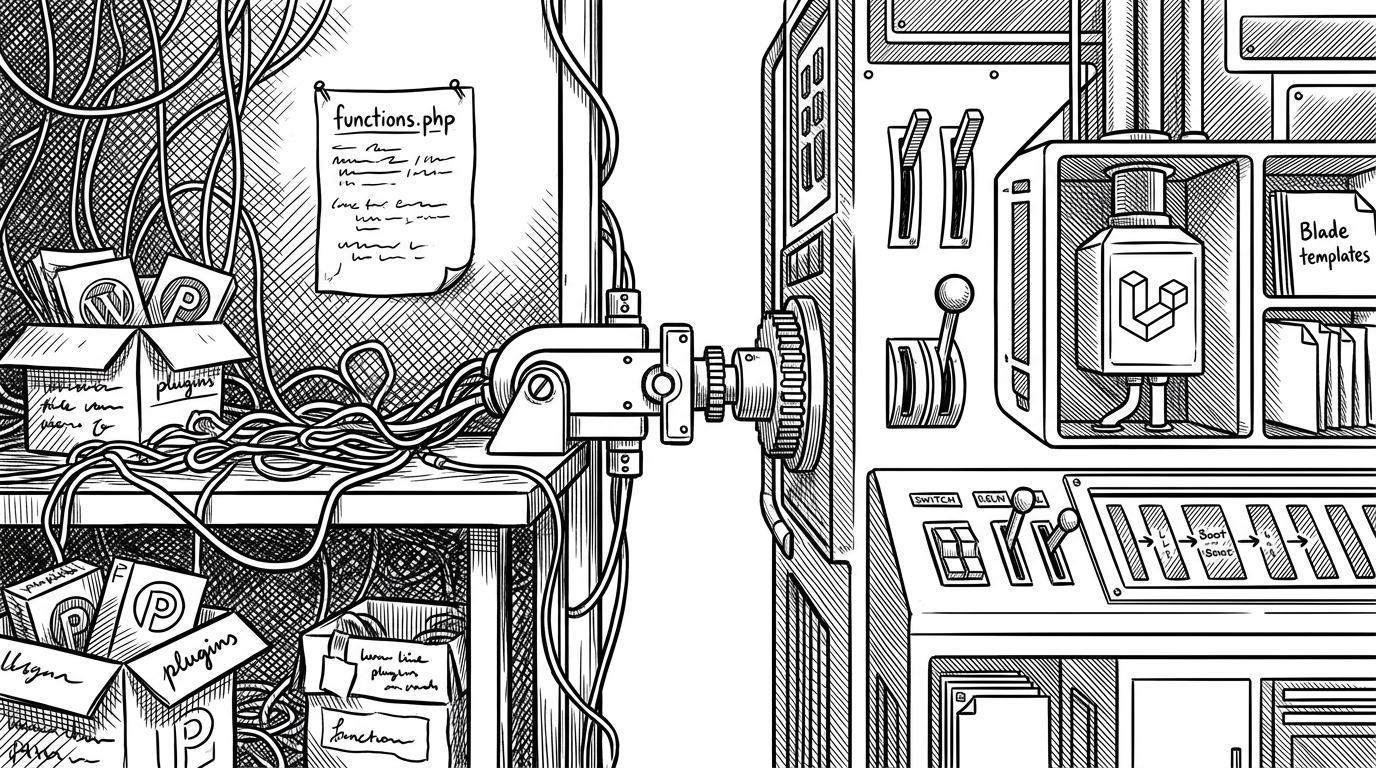
Must-use plugins are one of WordPress’s awkward corners. They are powerful, but they do not fit neatly into standard plugin management. Bedrock’s autoloader solves that by making critical plugins composable while keeping them always on.
That is a quiet but important engineering move. It lets teams treat essential integrations like code, not admin clicks. If a logging plugin, security layer, or storage integration matters to the runtime, it should not be one dashboard toggle away from disappearing.
<?php

// Bedrock's mu-plugin pattern keeps critical code always loaded.
// Composer installs the package, and the autoloader bridges it into WordPress.

require_once __DIR__ . '/../../../../vendor/autoload.php';

// The actual plugin file is resolved through the Composer-managed stack.
// This keeps must-use functionality in version control and out of manual admin drift.
Why the folder structure is the security story
Bedrock’s file layout is also a hardening layer. Moving application files away from the web root narrows what can be exposed if someone probes the server. Renaming the standard content path to app/ also breaks a lot of canned attack scripts that assume the default WordPress layout.
That should be read as hardening, not magic. Bedrock does not make a site invulnerable. It does reduce the amount of sensitive surface area sitting in the obvious place, which is exactly what a sane baseline should do.
| Concern | Classic WordPress | Bedrock |
|---|---|---|
| Core location | Usually downloaded into the site root | Installed as a dependency under web/wp |
| Configuration | Single wp-config.php with ad hoc edits | config/application.php plus .env and environment overrides |
| Dependency management | Manual updates or dashboard installs | Composer-managed packages and locked versions |
| Web root exposure | More files exposed directly to the public root | Public surface isolated under web/ |
| Plugin management | Often mixed between admin and filesystem | Composer installs plus autoloaded mu-plugins |
| Environment parity | Easy to drift between local and prod | Same codebase, environment-specific config |
| CI/test friendliness | Harder to standardize | Built for automation and repeatability |
| Security posture | Relies heavily on conventions | Reduces exposure with structure and defaults |
The contrast is blunt. Classic WordPress is built around manual administration. Bedrock is built around teams, automation, and reproducibility.
Bedrock will be getting a major version update 💥 We'll be making changes to the directory structure and configuration system to better align with modern PHP practices.
What changed Bedrock from boilerplate to platform convention
The repo’s recent maintenance tells you a lot. Bedrock now targets PHP 8.3, uses Pest for testing, ships with modern code style tooling, and supports devcontainer-based local development. That is not the behavior of a frozen starter kit. It is a living platform choice.
This is where Bedrock stops looking like an old workaround and starts looking like an institutional norm for serious WordPress teams. The project has absorbed the expectations of modern PHP without losing its original purpose.
Bedrock versus classic WordPress
The practical difference is easy to state and hard to ignore. Classic WordPress assumes the dashboard is where everything happens. Bedrock assumes the repository is where the system is defined.
| Dimension | Classic WordPress | Bedrock |
|---|---|---|
| Install process | Download and unpack | Composer install |
| Core updates | Manual or dashboard-driven | Dependency-managed |
| Secrets handling | Often mixed into config files | Stored in .env and loaded at runtime |
| Deployment discipline | Ad hoc | Repeatable and CI-friendly |
| Default structure | Standard wp-content layout | web/, web/wp/, web/app/ |
| Team workflow | Admin-centric | Developer-centric |
| Testing setup | Usually added later | Expected from the start |
| Operational model | Mutable files | Declarative dependencies |
If you run a solo site and like the dashboard to be the center of gravity, Bedrock is probably more structure than you need. If you run WordPress like software, it is the right kind of structure.
That is the whole argument. Bedrock does not reinvent WordPress. It disciplines it.