The HUD-Less Developer: Unpacking jnsahaj/dotfiles
How 50 lines of Lua turn a minimalist Neovim configuration into a context-aware dispatcher for Claude 3.5 Haiku.
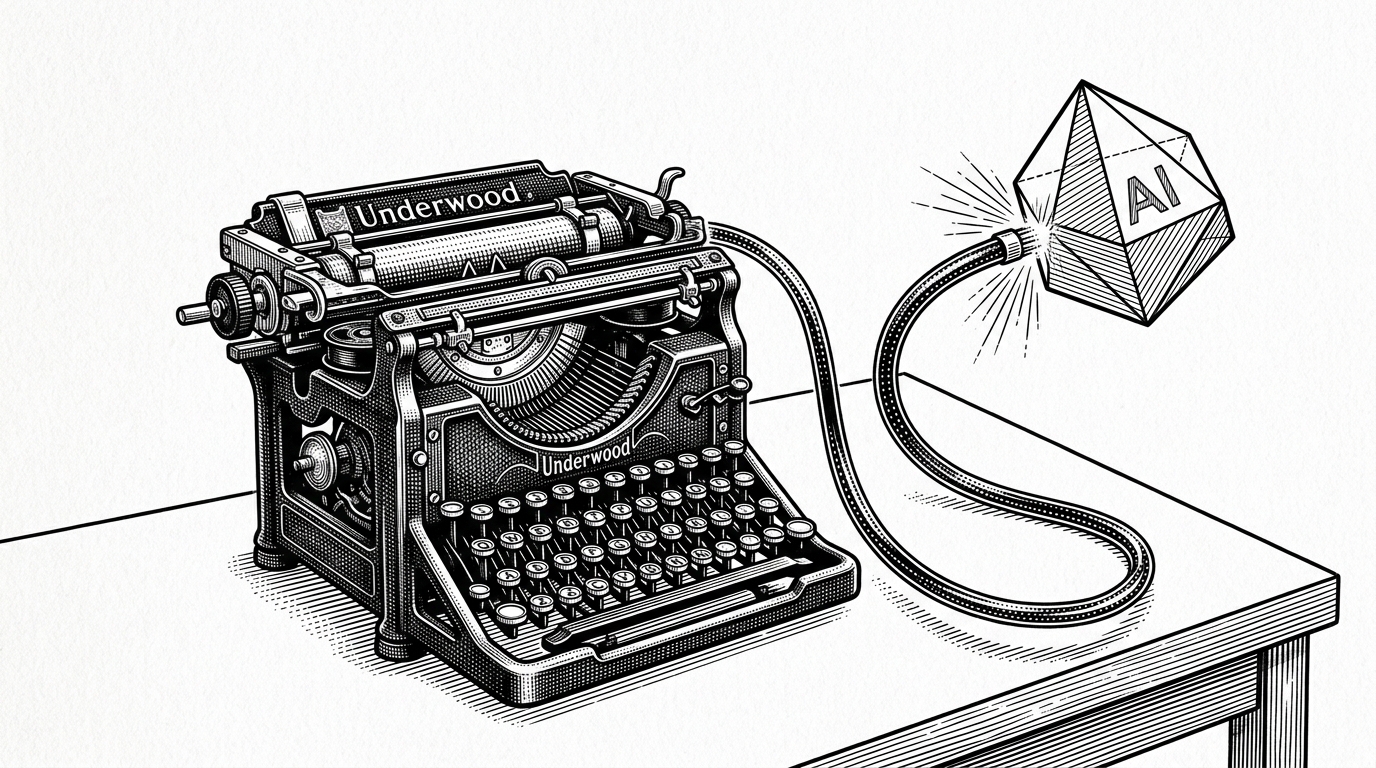
- A custom 50-line Lua script pipes Vim visual selections directly to a CLI AI tool, bypassing heavy, black-box IDE plugins.
- The environment enforces a "HUD-less" philosophy, disabling persistent UI elements like Tmux status bars and Vim mode indicators in favor of muscle memory.
- By handling Vim's directional selection logic natively, the configuration perfectly bridges the gap between text buffer context and external LLM execution.
The Editor as an LLM Dispatcher
The standard approach to AI-assisted coding is monolithic. Developers install massive IDE plugins that hijack the interface, spin up background node processes, and obscure the actual prompt being sent to the LLM. The jnsahaj/dotfiles repository represents a radical rejection of this model. It proves that with modern Neovim APIs, a developer can build a bespoke, highly controlled bridge directly to Claude 3.5 Haiku.
The standout feature of this repository isn't a complex plugin suite, but a simple custom keymap: <leader>op. This binding triggers a Lua script that captures the exact lines of code currently selected, prompts the user for instructions, and pipes the entire payload directly to the opencode CLI tool. It treats the text editor as a context-aware dispatcher, giving the user absolute control over what the AI sees.
Visual Mode Intelligence
The magic of this integration lies in a helper function called get_file_ref(). Extracting context from Vim's visual mode is notoriously tricky due to directionality—if a user selects text upwards, the "start" line index is technically higher than the "end" line index. The Lua script intelligently normalizes this off-by-one directional logic.
Once the context is extracted (e.g., file.lua:10-20), the script utilizes vim.system to run the AI task asynchronously. This is a critical architectural choice: the Neovim UI never freezes while waiting for Claude's response. When the external command completes, vim.schedule safely refreshes the buffer to reveal the AI's modifications.
local function get_file_ref()
  local mode = vim.fn.mode()
  local file = vim.fn.expand("%:p")
  if mode == "v" or mode == "V" or mode == "\22" then
    local _, line1, _, _ = unpack(vim.fn.getpos("v"))
    local _, line2, _, _ = unpack(vim.fn.getpos("."))
    if line1 > line2 then
      line1, line2 = line2, line1
    end
    return string.format("%s:%d-%d", file, line1, line2)
  end
  return file
end
The HUD-Less Terminal
This targeted AI integration exists within a broader architectural philosophy: the "HUD-less" terminal. The repository systematically strips away persistent visual information. The Tmux status bar is explicitly disabled (status off). Neovim's mode displays are hidden (vim.opt.showmode = false). The screen is reserved entirely for text.
In place of persistent UI, the configuration relies on transient tooling and muscle memory. Project navigation is handled by a custom tmux-sessionizer.sh script tied to <leader>f, a pattern that allows instant context switching without ever looking at a file tree. It is an environment built for a developer who already knows exactly where they are.
Bespoke Piping vs. Monolithic Plugins
The divergence between this bespoke dotfiles approach and standard AI tooling is stark. Heavyweight plugins attempt to automate context gathering, often sending entire files or project trees to the model, leading to hallucination and high resource overhead. This configuration demands explicit intent.
| Feature | Bespoke Lua + CLI (jnsahaj/dotfiles) | Standard AI Plugins (e.g. Copilot) |
|---|---|---|
| Context Control | Explicit line ranges via visual selection | Opaque, automated prompt building |
| Resource Overhead | Near-zero (asynchronous CLI call) | High (background node processes, telemetry) |
| UI Clutter | None (HUD-less) | Persistent sidebars, status icons, ghost text |
| Extensibility | Editable Lua script | Closed-source binaries |
By treating modern configuration as software engineering, jnsahaj/dotfiles demonstrates that maximum leverage doesn't require maximum bloat. Fifty lines of Lua and a clear understanding of the editor's API are enough to build a world-class AI workflow.