swift-fieldtheory-cli: The Mac Tool That Turns X Bookmarks Into a Local Memory Engine
A pure Swift CLI that uses Safari cookies, SQLite FTS5, and a local archive to make bookmarks searchable, durable, and useful to AI agents.

- swift-fieldtheory-cli turns Safari session state into a private archive that agents can query without a live X login flow.
- Its real invention is not export, but retrieval, because SQLite FTS5 makes bookmarks feel like a local knowledge base instead of a dead list.
- The Swift rewrite lowers setup friction and dependency weight while keeping the system deterministic, fast, and macOS-native.
- The project’s design favors durable structure over LLM guesswork, which makes it easier to trust in shell-based workflows.
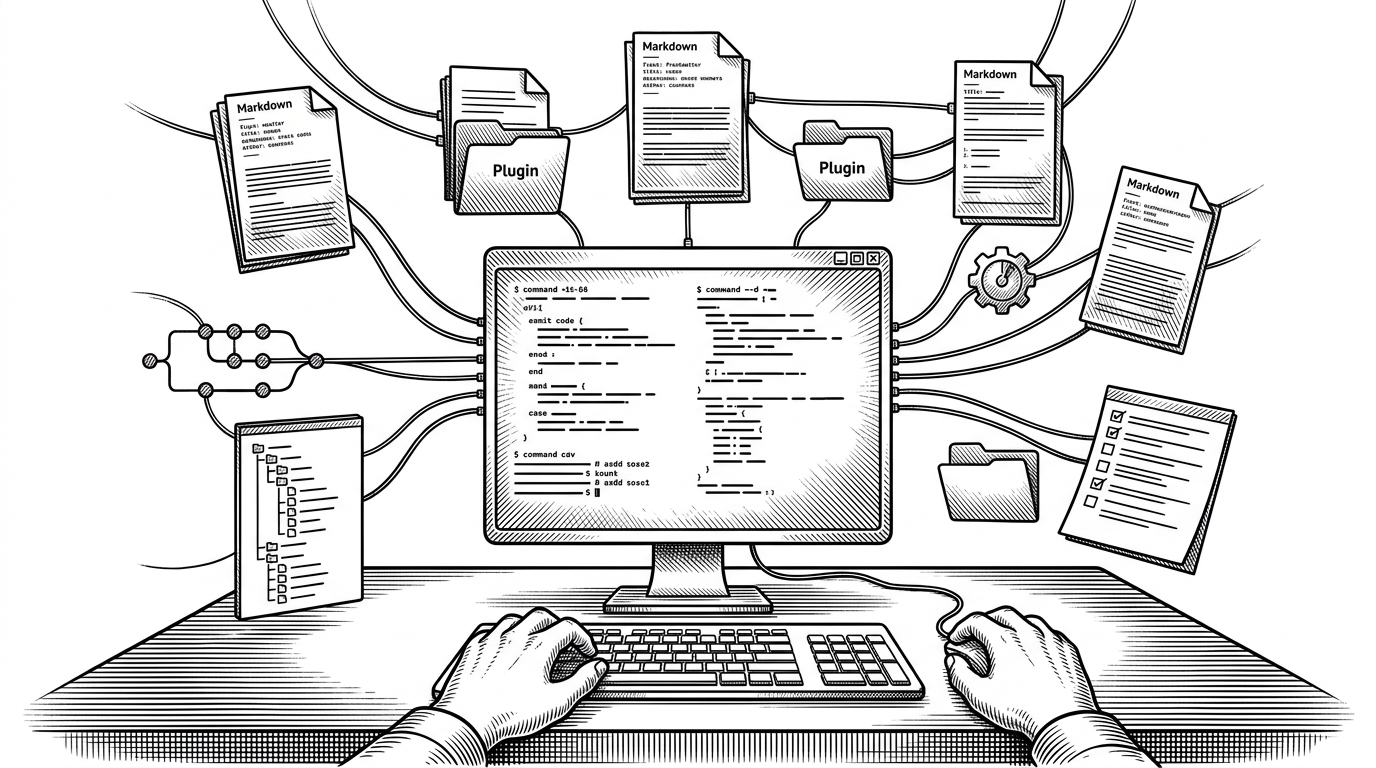
X bookmarks are usually a trap. They accumulate fast, disappear into a weak UI, and resist every attempt at retrieval. `ft` treats them as personal data instead of platform decoration, then puts them somewhere tools can actually use them.
The bookmark problem X never solved
The usual bookmark flow is simple: save now, forget later. Search is shallow, exports are awkward, and the official API does not make full history easy to recover. For anyone building a personal knowledge base, that means bookmarks become a write-only database.
| Problem | Native X bookmarks | swift-fieldtheory-cli |
|---|---|---|
| Retrieval | UI-first, search-light | Local FTS5 index with ranked search |
| Portability | Trapped in the platform | Stored in SQLite on disk |
| Agent use | Hard to consume from shell tools | Readable by Claude Code or any CLI workflow |
| Setup | No real export path | One native binary with local archive |
Why Safari cookies are the real feature
The surprise is not SQLite. It is authentication. Instead of asking users to create a developer app, manage tokens, or juggle manual cookie headers, the tool reads the existing Safari session on macOS and reuses the trust already sitting on the machine. That is why the project feels zero-config in practice, not just in marketing.
An open source, free CLI tool for collecting and categorizing your personal X/Twitter bookmarks. Makes your bookmarks locally available to Claude Code, Codex, or any other agent with shell access.

That choice matters because it removes a whole class of setup friction. The tool still needs Full Disk Access, which is the trade-off for reading Safari’s cookie store, but the user does not have to become an API operator before the first sync.
What the Swift rewrite changes
This repo is a native Swift rewrite of the earlier Node.js `fieldtheory-cli`. The difference is not cosmetic. The Swift version leans on system `libsqlite3`, ships as a single macOS binary, and keeps the dependency surface tiny.
| Dimension | swift-fieldtheory-cli | afar1/fieldtheory-cli |
|---|---|---|
| Runtime | Native Swift binary | Node.js runtime |
| Storage | System SQLite with FTS5 | sql.js / WASM-backed SQLite |
| Authentication | Safari cookie bridge | Manual cookie or token handling |
| Search | Fast local text search | Local search, but with heavier runtime baggage |
| Platform | macOS only | Broader cross-platform reach |
| Dependency weight | Very small | Larger JavaScript stack |
That trade-off is intentional. The Swift version gives up portability to get closer to the operating system, which is exactly what a tool like this needs if it is going to read browser state, manage files locally, and stay responsive under a large bookmark corpus.
Inside the sync pipeline
The pipeline starts with Safari, but it does not end there. After extracting the session cookies, the sync engine pages through X’s GraphQL responses, backs off on rate limits, and keeps cursor-based pagination moving until it has the bookmark set it needs.
// Sketch of the sync loop
for page in cursorPages {
    let response = try await fetchPage(cursor: page.cursor)
    try store.upsert(bookmarks: response.bookmarks)
    try await mediaStore.fetchAssets(for: response.bookmarks)
}
try store.rebuildFTSIfNeeded()
The storage layer is where the project becomes durable. Bookmarks land in SQLite, duplicate syncs replace existing rows instead of multiplying them, and the FTS5 table sits beside the raw data so search stays fast without depending on a remote service.
Search is the point
Once the archive exists, search becomes the product. FTS5 gives the CLI ranked retrieval with BM25-style ordering, which is a much better fit for agents than scraping a live web UI or scanning markdown files by hand.
| Search model | What you get | Why it matters |
|---|---|---|
| Live X UI | A browser-bound list | Poor for automation and offline work |
| Markdown export | Readable text files | Good for humans, weaker for ranking |
| SQLite FTS5 | Ranked local retrieval | Best fit for shell tools and agents |
The important shift is epistemic. A bookmark archive with FTS is not just storage, it is memory with a query language.
The clever part: media and classification
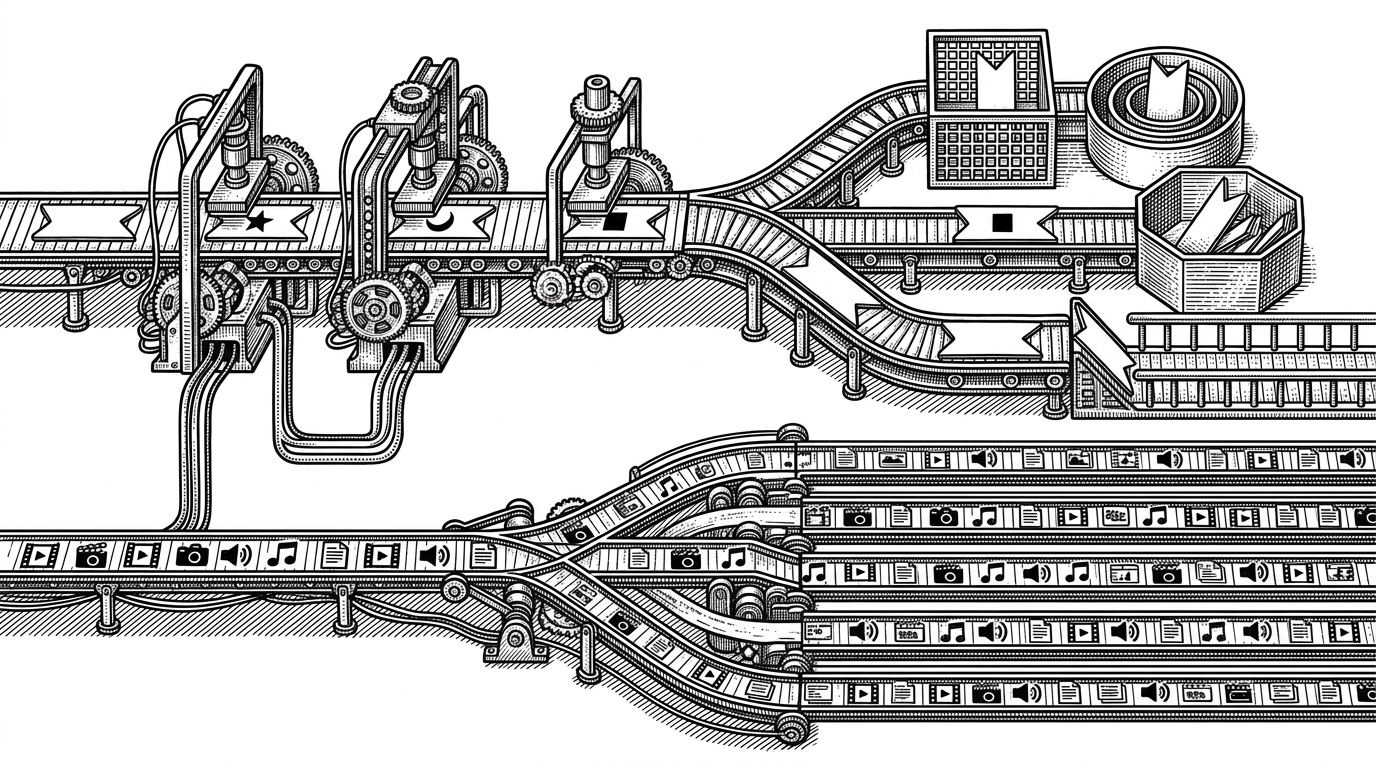
The media pipeline uses concurrency to fetch assets in parallel, which is exactly the right instinct for a bookmark archive that wants to preserve more than just text. Classification stays deliberately simple too, using regex-style rules rather than an LLM layer.
| Approach | Strength | Cost |
|---|---|---|
| Regex classification | Deterministic and fast | Less nuanced |
| LLM classification | Flexible and semantic | Heavier, less predictable |
| Concurrent media fetch | Faster archive completion | More orchestration |
That design choice keeps the system legible. The project is not trying to reason about bookmarks with model inference. It is trying to make the data clean enough that a model or a human can reason over it later.
Why this matters for agent workflows
Agents work best when they can inspect structured local state. A SQLite archive with full-text search is far easier to interrogate than a browser tab full of saved items, and far more stable than an external API that might change shape or rate-limit a workflow mid-task.
That is the deeper value here. `swift-fieldtheory-cli` turns a platform feature into a local interface layer for memory, which is exactly the kind of substrate a shell-driven assistant can use without ceremony.
What to compare this against
| Option | Best for | Where it falls short |
|---|---|---|
| swift-fieldtheory-cli | macOS-native local memory for bookmarks | macOS-only and Safari-dependent |
| Node.js fieldtheory-cli | Broader runtime portability | Heavier setup and more manual auth friction |
| Export-only tools | Simple one-time backup | No durable query layer |
| Live X bookmarks UI | Occasional manual browsing | Poor retrieval and no offline memory |
If you want a bookmark exporter, this is overkill. If you want a searchable local knowledge base that an agent can use from the shell, the overkill is the point.