Codenotch: The Notch That Makes AI Usage Visible
A macOS utility that pulls live state from Claude, Cursor, Ollama, and other tools, then turns hidden quotas and session activity into a persistent, glanceable edge display.
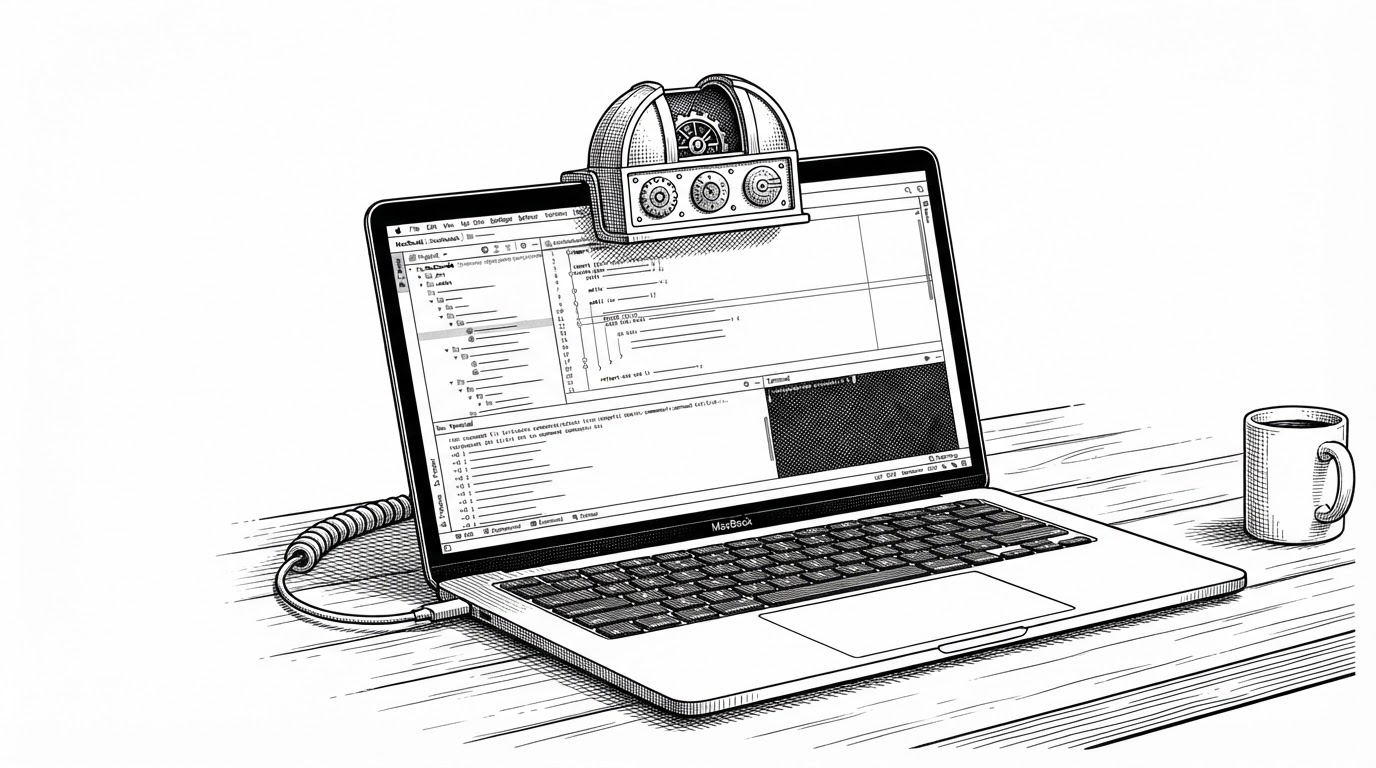
- Codenotch is less a tracker than a visibility layer, because it makes AI quotas and session state readable at the edge of the screen.
- Its real trick is borrowed state, since it reads local files, keychain data, ports, and relay streams instead of forcing fresh logins.
- The notch UI matters as much as the backend, because the whole product is designed for glanceable awareness without stealing focus.
- The repo points toward a broader category of tooling that surfaces invisible work where developers already are, not in a separate dashboard.
Why AI Workflows Need Ambient Visibility
AI coding tools are useful partly because they disappear into the flow of work. That is also the problem. They can be busy, rate-limited, waiting, or finished, and the only way to know is often to stop coding and check another surface.
Codenotch answers that by treating usage like ambient information. It does not ask for attention. It sits at the edge of the screen and turns the state of your assistants into something you can read without leaving the editor.
I built Codenotch as a small macOS utility for one very specific problem: keeping an eye on how much of your AI coding limits you're burning through. It sits quietly on the edge of your screen as a little notch and shows the usage of your coding assistants at a glance.
A Notch, Not a Dashboard
The metaphor is the product. A dashboard asks you to visit it. A notch stays present while doing its best not to become a destination.
That is why Codenotch feels different from the usual menu bar utility. The UI is small, edge-pinned, and designed for peripheral awareness. It behaves like instrumentation, not like a window you manage.
How Codenotch Borrows State Instead of Asking for Logins
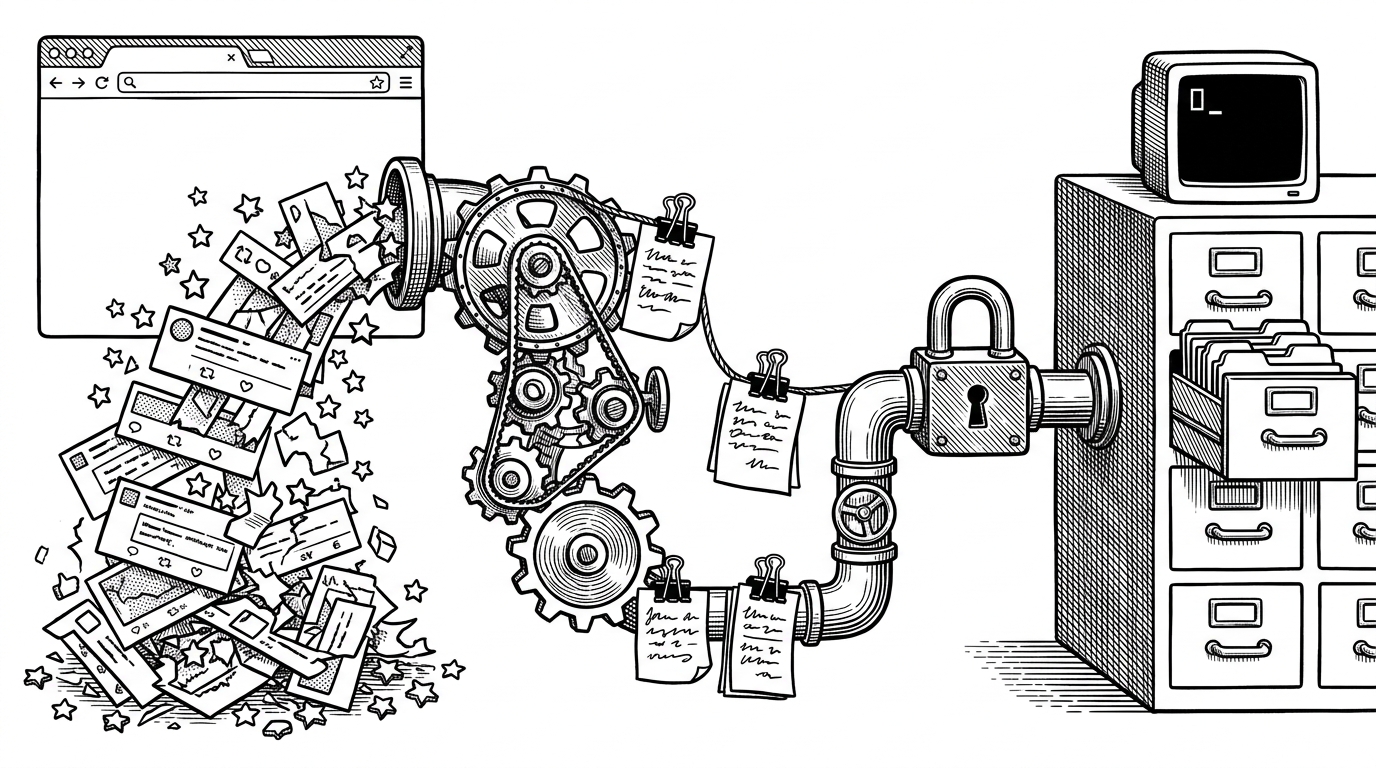
The most interesting choice in the repo is not visual. It is architectural. Codenotch does not assume it owns the user relationship. It reads state that already exists on the machine, then normalizes that into one view of activity.
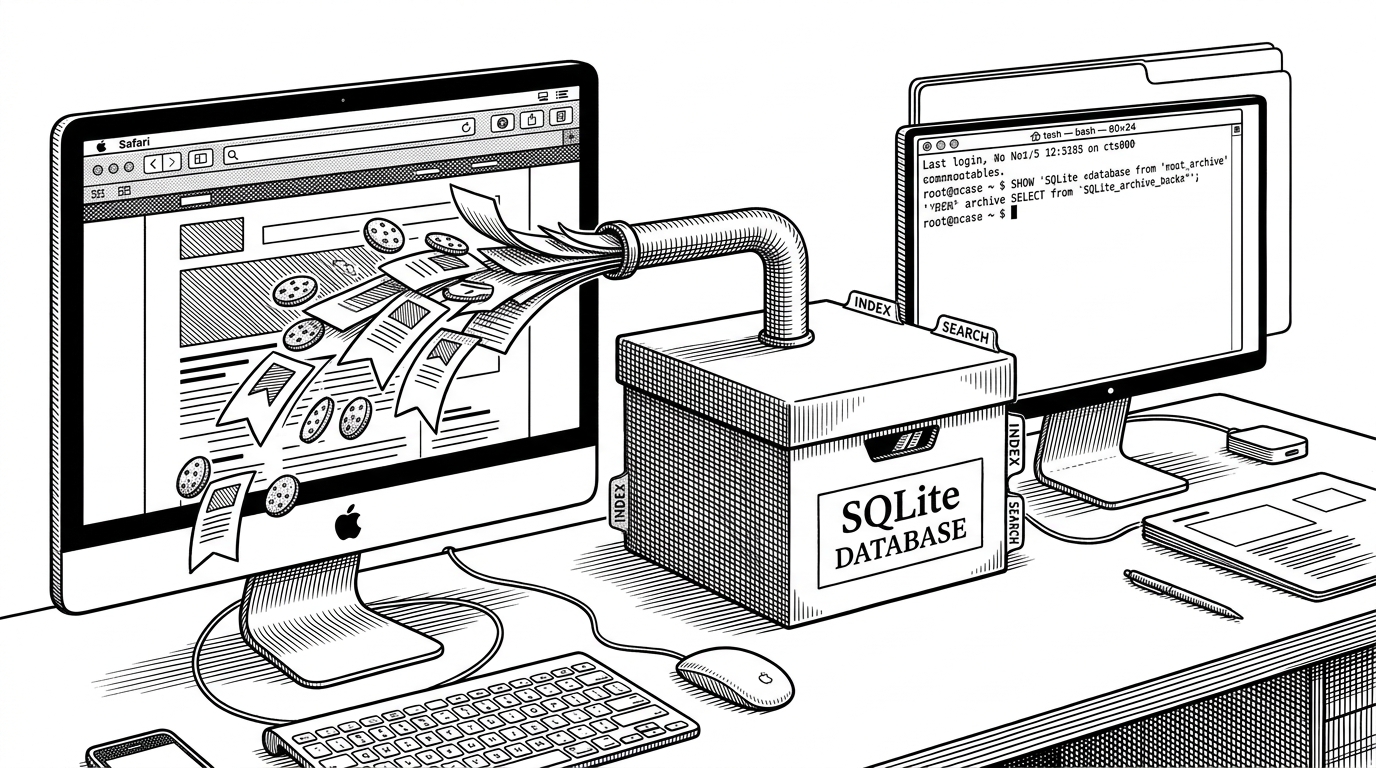
That means different providers show up through different surfaces. Some are local files. Some are SQLite databases. Some are keychain entries or local ports. The app is built as a provider system, so each source can be adapted without changing the UI contract.
The architecture suggests a simple idea with a big payoff. If the tool already knows where each provider hides its own state, the user never has to rebuild identity or repeat setup just to get visibility.
No vendor publishes a clean usage-percentage API for most of these tools, so each adapter reads whatever internal endpoint or local database the owning app itself reads from, and those can change without notice.
The Relay Trick for Local Models
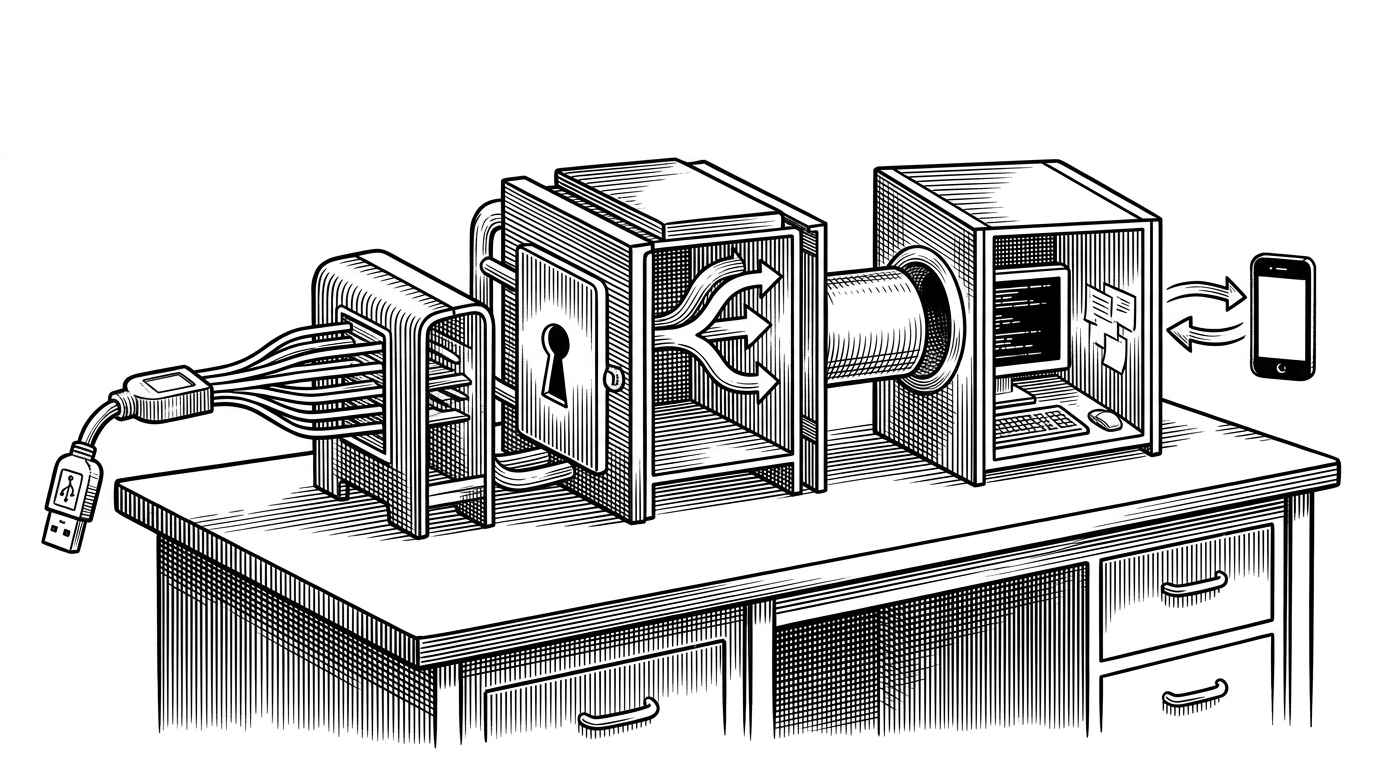
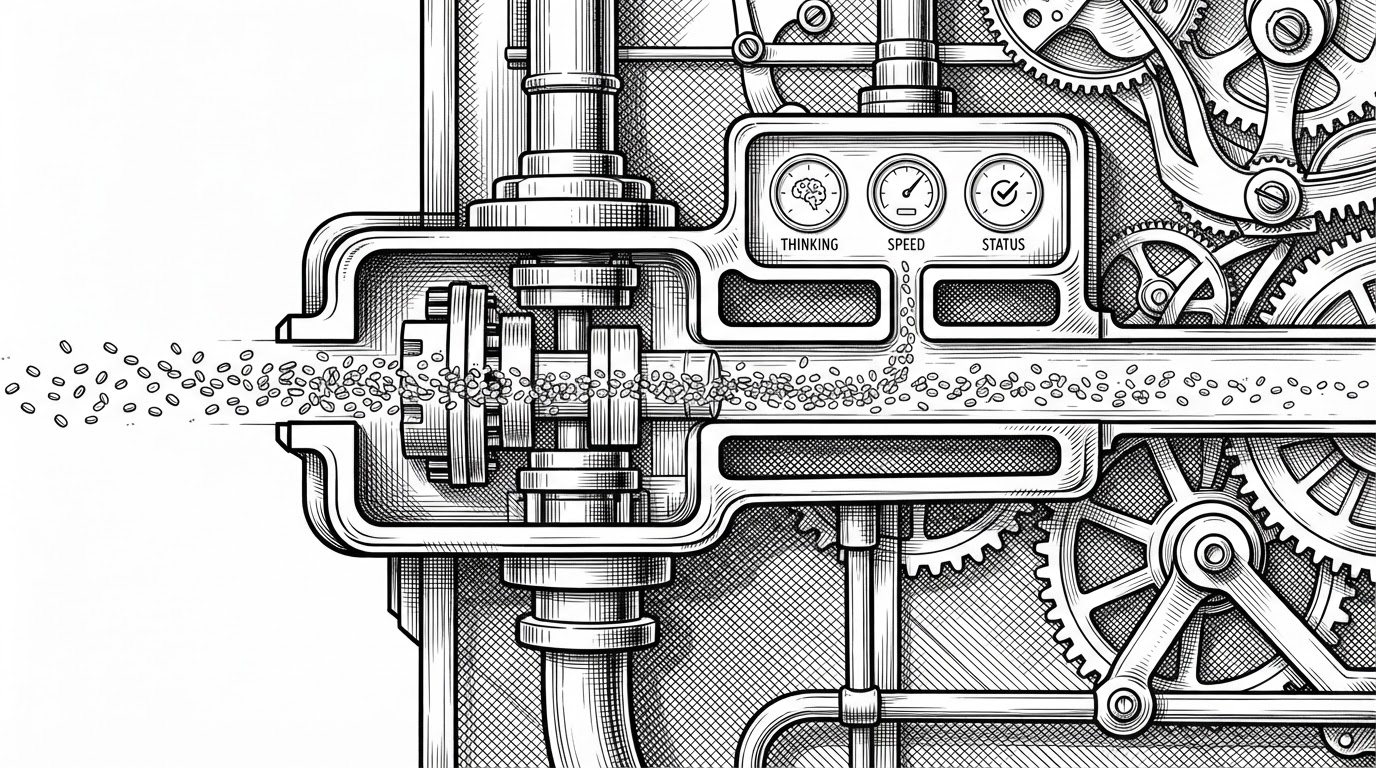
Codenotch gets especially clever with local model traffic. Instead of treating local inference as a black box, it can sit in the path and observe the stream as it moves. That makes activity, throughput, and progress visible while the request is still alive.
This matters because local tools often expose the least satisfying kind of opacity. They are running somewhere on your machine, but they do not always give you a clean, live sense of whether they are thinking, stalled, or done. The relay closes that gap.
The Window That Refuses to Behave Like a Window
The AppKit side of the repo is where the notch becomes believable. The panel is nonactivating, which means it can float over other apps without stealing focus. It also supports click-through behavior, so only the meaningful chrome catches input.
That small detail changes the feel of the whole product. The app is present, but not needy. It can be repositioned with option-dragging, and it uses hover grace logic to avoid twitchy disappear-and-reappear behavior when the pointer skims past it.
- Nonactivating panel behavior keeps focus in the editor.
- Click-through chrome limits interaction to the useful parts.
- Option-drag repositioning makes the notch easy to place.
- Hover grace reduces visual jitter when the pointer moves away.
Where It Fits in the Competitive Landscape
Codenotch sits in a crowded corner of the market, but the trade-off is clear. It optimizes for ambient visibility and zero-login convenience, while other tools optimize for broader provider coverage, official auth, or deeper analytics.
| Tool | Primary UI | Data source approach | Strength | Trade-off |
|---|---|---|---|---|
| Codenotch | Screen-edge notch | Borrowed local state and relay streams | Always-visible, low-friction awareness | Dependent on internal surfaces that can change |
| OpenUsage | Menu bar app | Plugin architecture with many providers | Broad support and extensibility | Less ambient, more click-based |
| CodeQuota | Menu bar app | Official OAuth flows | Stable authenticated access | Narrower provider set and more setup |
| Claude God | Dashboard-style app | Claude-focused analytics | Deep trends and forecasts | Specialized, less cross-provider |
| Claude Notch | Notch-style UI | Claude and Codex-focused tracking | Hardware-notch metaphor fits the Mac well | Narrower scope than Codenotch |
That comparison is the point. Codenotch is not trying to win by becoming the deepest analytics suite. It is trying to win by being the thing you notice first, because it lives where your eyes already go.
It also answers the question the official commands do not: whether a run is still working, shown as a thin arc that spins while a provider is busy.
Why This Repo Feels Bigger Than One Mac App
The Windows port matters because it signals a pattern, not just a product. The provider and relay shape can travel. So can the idea that AI workflows should be surfaced in the environment where they happen, rather than in a separate monitoring layer.
That is the deeper promise here. Codenotch is an observability layer for AI coding workflows, disguised as a notch. If the next wave of developer tools is going to be truly ambient, this is the kind of shape it will need.