trellis-cli: The Go Binary That Makes Ansible Feel Native
How Roots turned a cross-language infrastructure stack into one command that finds projects, activates Python environments, guards secrets, and smooths over the sharp edges of WordPress ops.
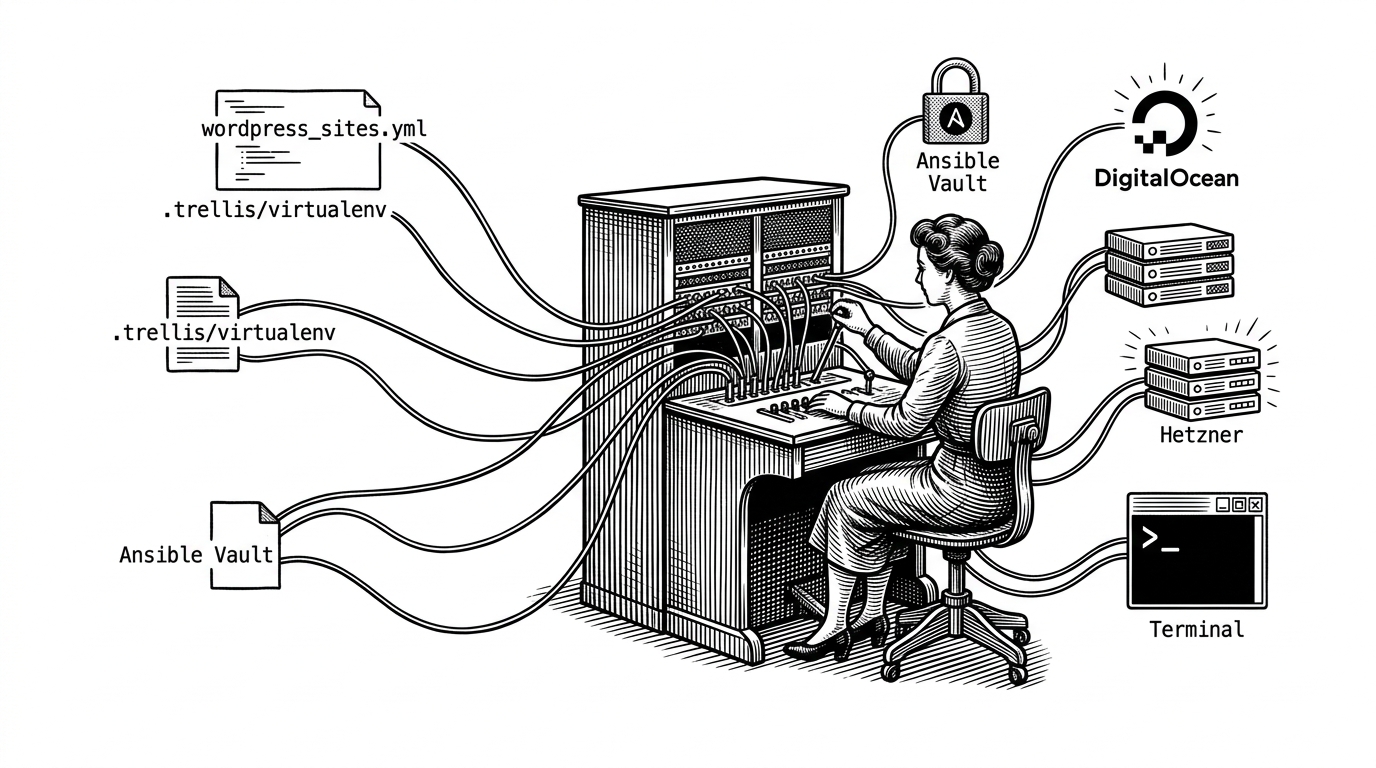
- trellis-cli wins by making a mixed Go, Python, and Ansible stack feel like one native workflow instead of a set of manual rituals.
- Its real magic is invisible plumbing: project detection, virtualenv activation, and shebang repair happen before the user notices the mess underneath.
- The CLI translates Trellis configuration into safer, more repeatable commands, which reduces cognitive load for people already working inside infrastructure code.
- The repo reads as a mature tool, with modular commands, tests, and provider abstractions that favor stability over spectacle.
The real product is not a command line, it is reduced cognitive load
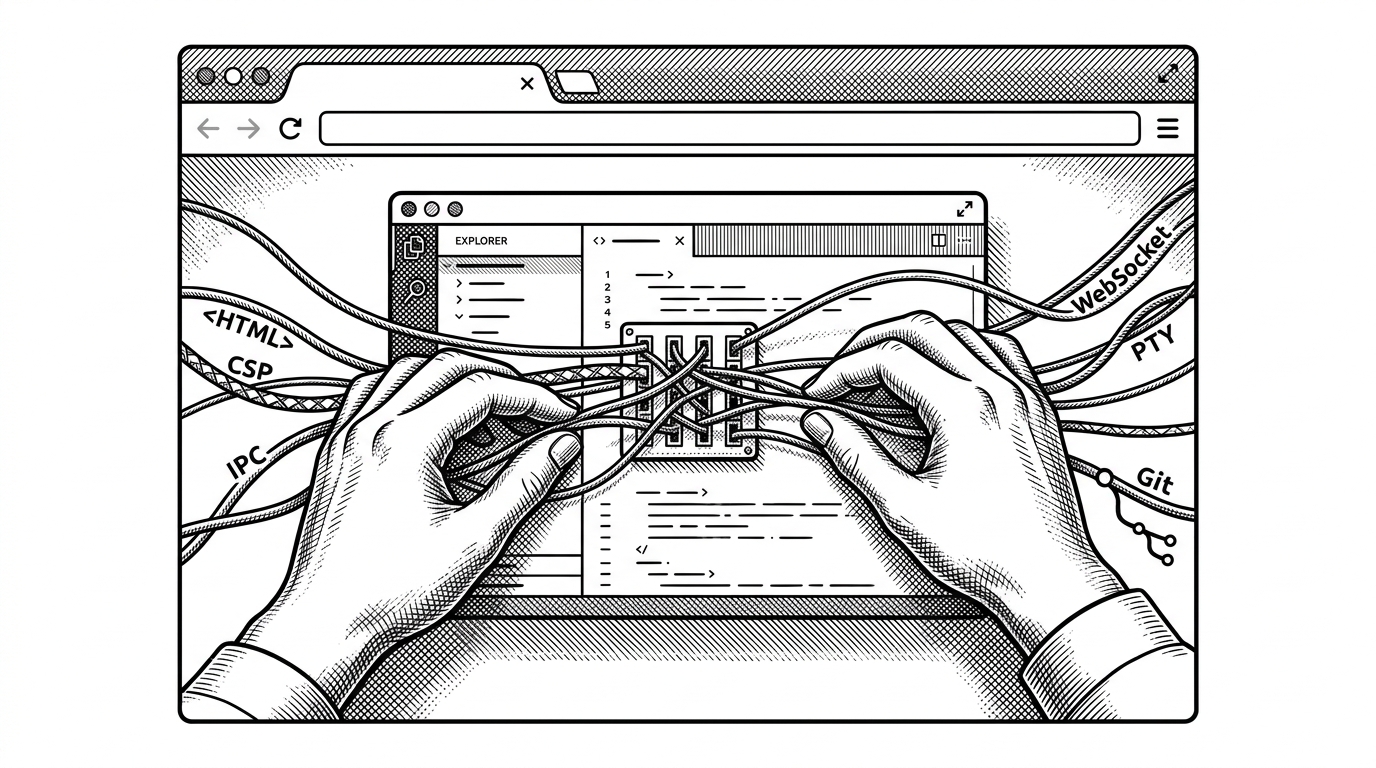
Trellis is powerful, but power comes with moving parts. You are juggling Ansible, Python, inventory files, cloud providers, local VM tooling, and secrets management, all while trying to stay inside the flow of a deployment or site setup.
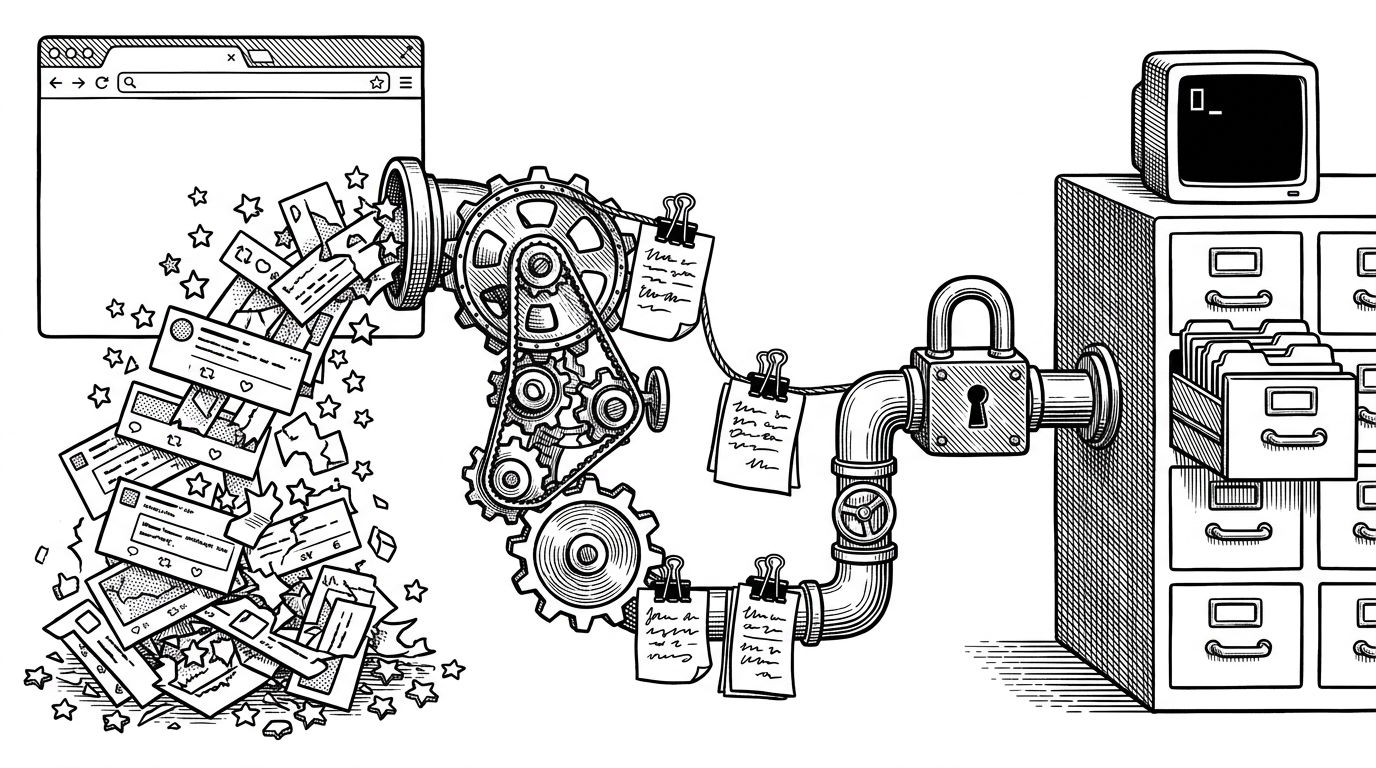
trellis-cli is the layer that turns that sprawl into one trusted command. It does not try to replace Trellis. It makes Trellis feel local, obvious, and safe to use from anywhere in the project tree.
If there's a downside to Trellis, it's that it requires juggling a handful of tools that aren't always familiar to a web developer--Vagrant, Ansible, Python, VirtualBox (or another VM provider)... There are commands to remember, versions to manage, and more. Fortunately, we now have a tool to help you manage all of that from a single command and abstract away the tools so you don't need to worry about them. It's called trellis-cli, and it's our officially recommended way of interacting with your Trellis projects.
That quote is the whole product thesis. The value is not just convenience. It is removing the burden of remembering how the system is assembled in the first place.
One binary, many invisible jobs
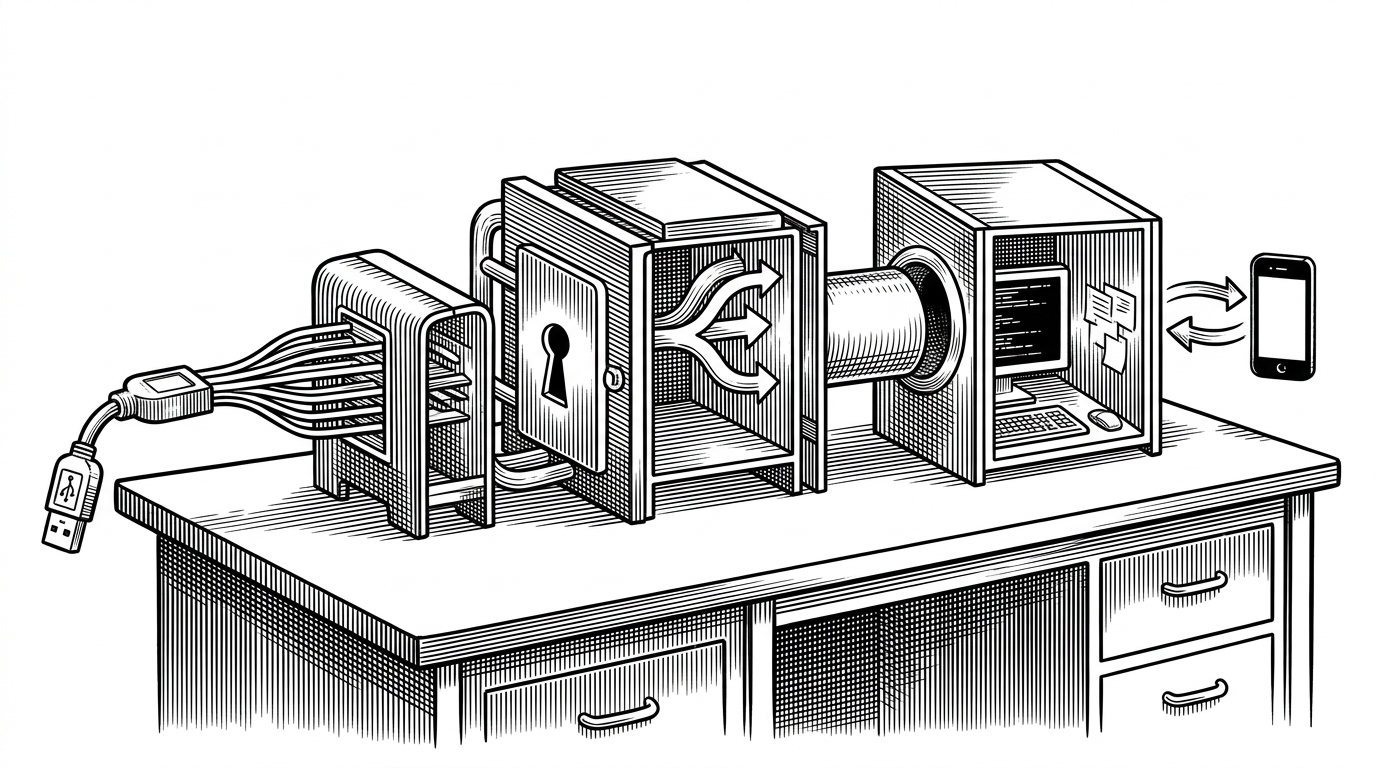
The repo is a coordinator more than a shell. It detects a Trellis project, parses the project config, manages the Python environment that Ansible expects, and then hands off to the right command with the right context.
trellis provision
# can be run from a nested folder inside the project
# because the CLI walks upward until it finds Trellis markers
That upward search is a small UX decision with large consequences. It means users do not have to remember the exact folder they should be standing in. The tool behaves more like Git than a brittle one-off script.
The hidden trick that makes it feel seamless
The most memorable engineering detail in the repo is the virtualenv repair path. trellis-cli does not just activate a Python environment. It also handles the ugly edge case where paths with spaces break pip-generated shebangs.
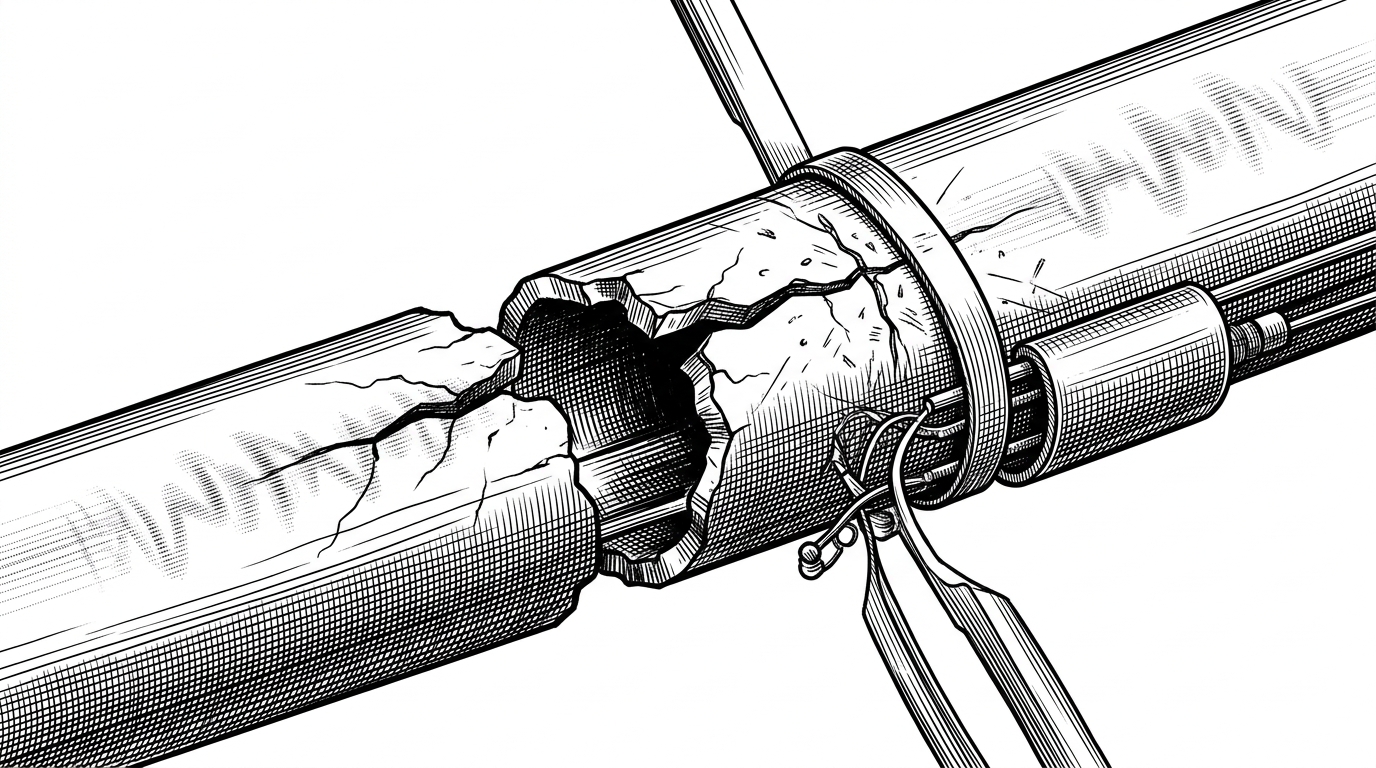
That is not decorative polish. It is the difference between a tool that works on the happy path and a tool people can trust in messy real environments.
This is also where the Go wrapper earns its keep. The binary can own the orchestration while the Python world stays hidden behind the curtain. Users get one command, but the CLI is doing environment surgery on their behalf.
Trellis config in, sane commands out
trellis-cli translates Trellis’s YAML and inventory structure into something you can operate without thinking about the underlying file layout. It reads the site definitions, infers domain behavior, and turns that into commands and vault handling that feel much more direct than the raw Ansible inputs.
| Raw Trellis stack | With trellis-cli |
|---|---|
| Manual project discovery and directory memory | Project detected automatically from anywhere in the tree |
| Python environment setup is a separate concern | Local virtualenv activation happens for you |
| Inventory, site config, and vault files stay mentally separate | Config and command flow are presented as one workflow |
| Cloud provider details leak into daily use | Provider abstractions hide the infrastructure split |
| Secrets handling is another task to remember | Vault-related commands are front and center |
The point is not abstraction for its own sake. The point is reducing the number of things a human has to hold in working memory while doing infrastructure work.
That includes details as small as whether a domain should get a www host or a .test suffix in local development. The repo encodes those decisions so users do not have to rebuild them every time.
A mature CLI is a boring CLI in the best way
The structure of the repository reads like a tool that has settled into real use. Commands are modular. Tests exist around the moving pieces. CI, linting, security checks, and release automation show up where they should.
That maturity also shows up in the command surface. Deprecated provider-specific commands give way to more generic abstractions, which is usually what happens when a CLI stops being a prototype and starts becoming a platform.
The maintenance posture matters because infrastructure tools fail hardest when they drift. trellis-cli looks designed to resist that drift by keeping the interface narrow and the implementation disciplined.
| Signal of maturity | What it means here |
|---|---|
| Modular command layout | The CLI can grow without turning into a monolith |
| Tests around commands | Behavior is treated as part of the contract |
| Linting and vuln checks | Safety is part of the release process |
| goreleaser and CI | Distribution is standardized |
| Provider abstraction | The tool is moving beyond one cloud vendor |
Why trellis-cli matters to the wider WordPress ops stack
There are broader tools for local development, deployment, and infrastructure management. What makes trellis-cli stand out is not breadth. It wins by staying tightly coupled to the Trellis model and making that model survivable for humans.
The result is a thin layer with high leverage. It does not ask users to learn a new universe. It just removes the friction that makes the existing universe annoying to inhabit.
That is why the repo feels more important than its surface area suggests. It is not a convenience wrapper. It is the ergonomics engine that lets a complex workflow behave like a single tool.
| Category | Raw toolchain | trellis-cli |
|---|---|---|
| Primary experience | A stack of separate tools | One command with project awareness |
| Setup burden | Manual and fragile | Automated and repeatable |
| Mental model | Distributed across files and runtimes | Compressed into a CLI |
| Trust | Depends on user memory | Built into the command flow |
| Best use case | Experts assembling the parts by hand | Teams wanting Trellis without the ceremony |