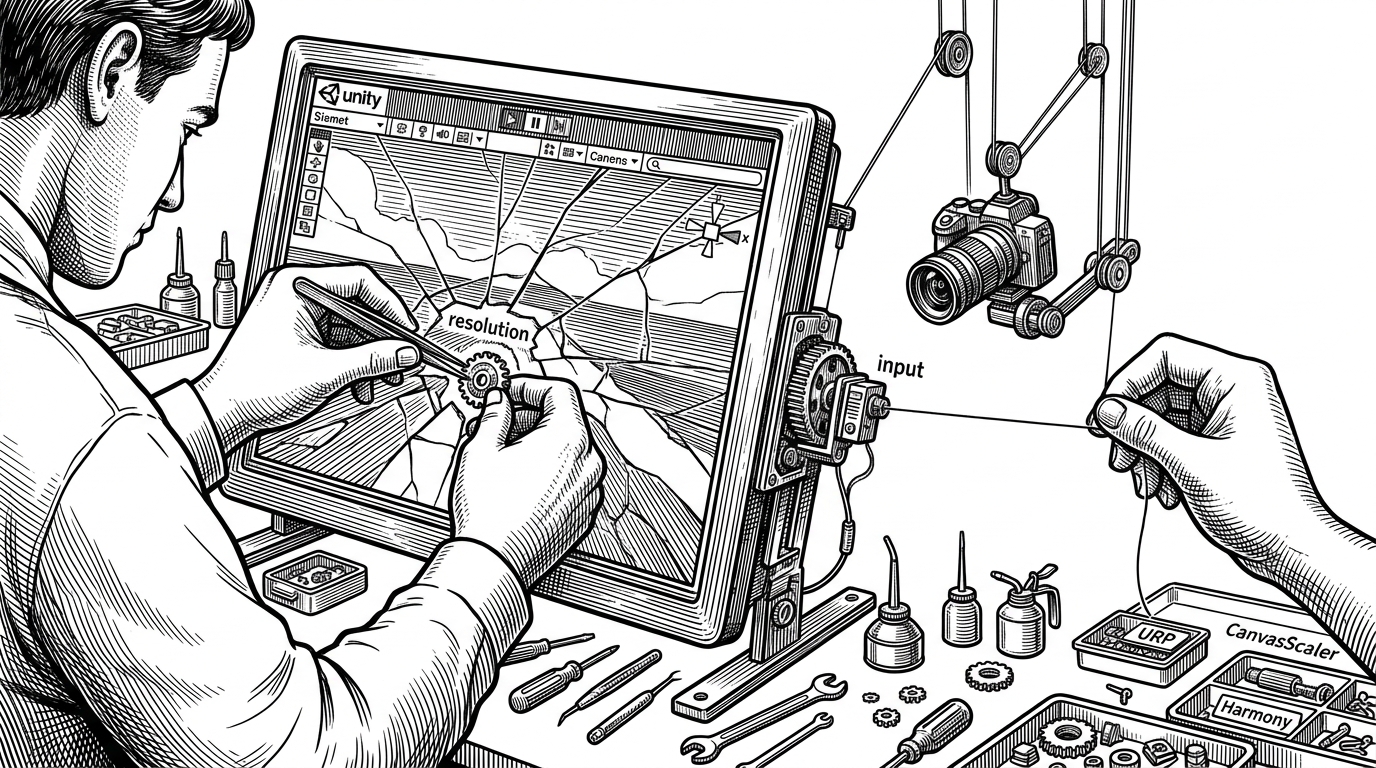
BunnyGardenFixMod: Hebereke-Bunny-Garden-Fix-Mod Turns a Locked-Down PC Port Into a Real Graphics Menu
A small BepInEx plugin that unlocks frame rate, internal resolution, anti-aliasing, and camera controls by patching Unity at runtime.
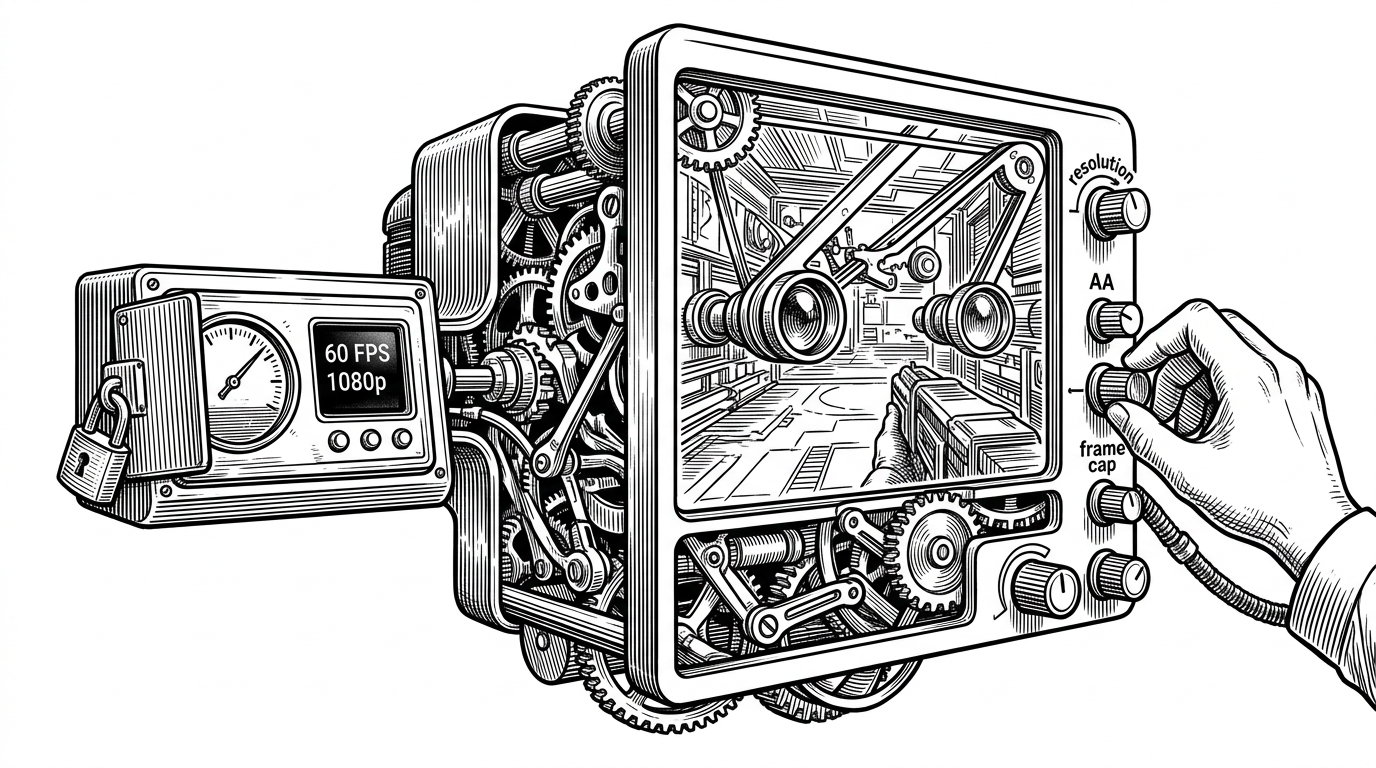
- Hebereke-Bunny-Garden-Fix-Mod matters because it behaves like a missing graphics menu, not a one-off cheat.
- Its most interesting move is internal resolution control, which changes image quality instead of merely stretching the final output.
- The plugin reaches into Unity URP at multiple layers, so resolution, anti-aliasing, and frame pacing can be tuned independently.
- BepInEx 5 and 6 support makes the fix feel built for longevity instead of a single modding setup.
The missing graphics menu
Bunny Garden’s PC version leaves a lot of control on the table. This mod fills that gap with a practical retrofit: frame rate unlocks, internal resolution changes, anti-aliasing options, camera controls, and a few quality-of-life toggles. The result is not a bigger mod. It is a more usable port.
実はこのゲーム、前作からなんですがフルスクリーンモードを4Kでプレイすると、1080pの映像が拡大されるという仕様があります。そのため、非常に荒く見えるので、内部解像度を変えられるようにしたというのがまず一つ。
That line explains the core complaint. A 4K fullscreen game can still be rendering a 1080p image underneath, which means the user gets scale, not clarity. The mod’s job is to expose that hidden assumption and let the player choose a better tradeoff.
The clever part is resolution, not just uncapping FPS

The resolution patch is the centerpiece. Instead of stretching a lower-resolution frame to fit the display, it lets the game render at a different internal size, which is how you get actual detail back. That is a better fix than a blunt upscale because it changes the source image before the final presentation step.
| Approach | What it changes | Strength | Limit |
|---|---|---|---|
| Internal resolution patch | The render target before display | Real clarity gain | Costs more GPU time |
| Force one AA mode | Only the smoothing method | Simple and effective | Does not fix hidden low-res rendering |
| Manual display tweaks | OS or monitor scaling | No plugin needed | No control over the game’s render path |
| Hebereke-Bunny-Garden-Fix-Mod | Resolution, AA, FPS, camera controls | Bundled, engine-aware fix | Still depends on user config choices |
That comparison is the whole story in miniature. Plenty of solutions can make the image look softer. Fewer can change what the engine draws in the first place.
How the mod reaches into Unity
The repo uses Harmony patches to intercept Unity methods at runtime. In practice, that means the plugin can block default behavior, replace it, or adjust the values Unity would otherwise carry forward into URP and camera setup.
// Conceptual shape of the mod's patches
[HarmonyPatch(typeof(GBSystem), "CalcFullScreenResolution")]
public static class CalcFullScreenResolutionPatch
{
    static bool Prefix(ref int width, ref int height)
    {
        // Replace the game's default fullscreen resolution logic
        return false;
    }
}

[HarmonyPatch(typeof(GBSystem), "Setup")]
public static class SetRefreshRatePatch
{
    static void Postfix()
    {
        Application.targetFrameRate = config.FrameCap;
    }
}
The important distinction is between per-camera anti-aliasing and pipeline-level MSAA. One lives close to the camera object. The other changes the render pipeline asset itself. The mod handles both, which is why it feels more like an engine patch than a settings tweak.
Why BepInEx 5 and 6 support matters
A lot of mods hard-code one runtime and move on. This repo treats compatibility as part of the product. Conditional constants and build configurations let it support both BepInEx 5 and 6 without changing the user-facing intent.
| Dimension | BepInEx 5 only | BepInEx 5 and 6 |
|---|---|---|
| Longevity | Works in one ecosystem | Survives a modding stack transition |
| Maintenance | Simpler build story | More conditional logic, more reach |
| User reach | Narrower install base | Broader compatibility |
| Project signal | One-off fix | Deliberate tooling |
That is small but meaningful engineering maturity. It says the author expects the plugin to outlive a single setup guide or community convention.
What it does better than a single-purpose AA plugin
A narrower tool like ForceTaa can be useful if all you want is a specific anti-aliasing behavior. Hebereke-Bunny-Garden-Fix-Mod goes wider. It bundles resolution control, FPS handling, AA options, camera toggles, and a few gameplay fixes into one plugin.
| Feature | Hebereke-Bunny-Garden-Fix-Mod | Single-purpose AA plugin |
|---|---|---|
| Internal resolution control | Yes | Usually no |
| FPS cap control | Yes | Usually no |
| Camera toggles | Yes | No |
| URP-aware patching | Yes | Sometimes |
| Setup complexity | One mod, many fixes | One fix, one mod |
That broader scope is the point. The repo is not trying to be the biggest overhaul in the world. It is trying to make one game feel like it shipped with sane PC controls.
Why Steam Deck users care
Handheld PCs make these tradeoffs visible. On a Steam Deck, a fixed frame cap, a better internal resolution choice, and predictable config behavior matter much more than they do on a roomy desktop setup. The mod is small, but the user experience gain is large.
That is why boutique fixes matter. They do not add content. They remove friction between a game’s assumptions and the hardware people actually use.
The shape of a boutique mod
This repo is focused, technical, and practical. It does not try to reinvent Bunny Garden. It just gives the player back control over the pieces that should have been exposed in the first place.