`ai-data-extractor`: The tool that pulls your AI coding memory out of local silos
A zero-dependency Python collector that normalizes chats, code context, and assistant history from Cursor, Claude Code, Aider, and more into one JSONL pipeline for backup, analysis, and fine-tuning.
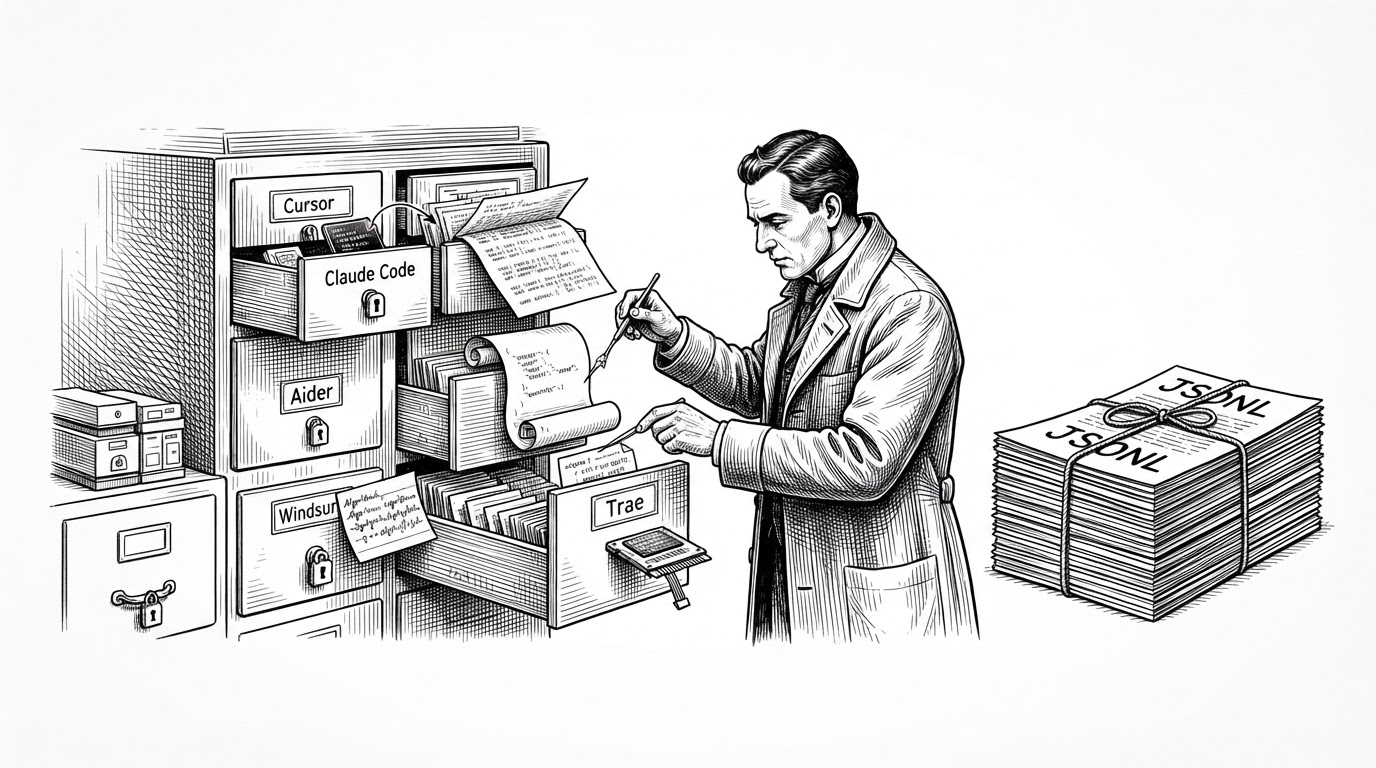
- `ai-data-extractor` treats local AI assistant history as a portable dataset, not a disposable chat log.
- Its real advantage is normalization, because one JSONL schema can absorb SQLite, Markdown, JSONL, and undocumented local stores.
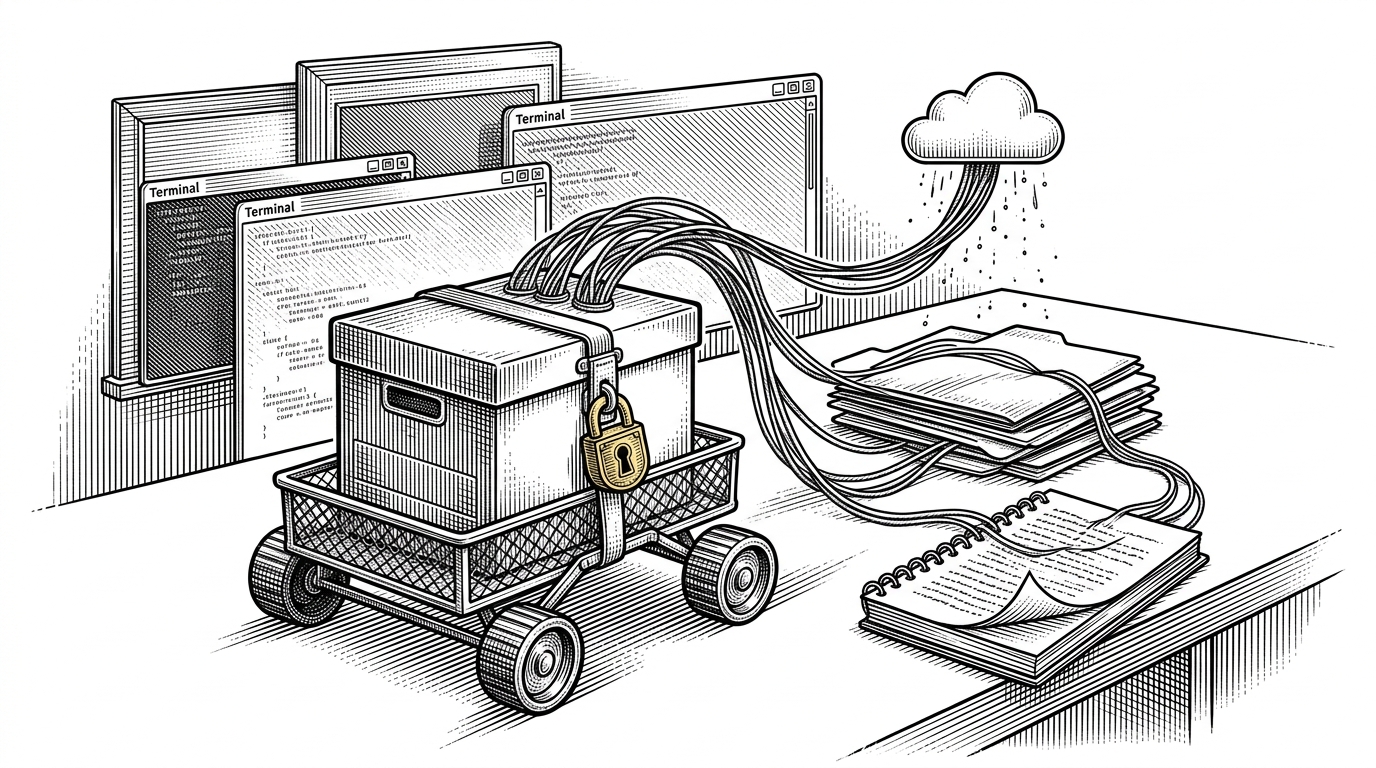
- `common.py` does the hard work by discovering app paths, copying locked databases safely, and falling back to heuristics when schemas are messy.
- The project is less about backup than ownership, since the same pipeline that archives your sessions can also power analysis and fine-tuning.
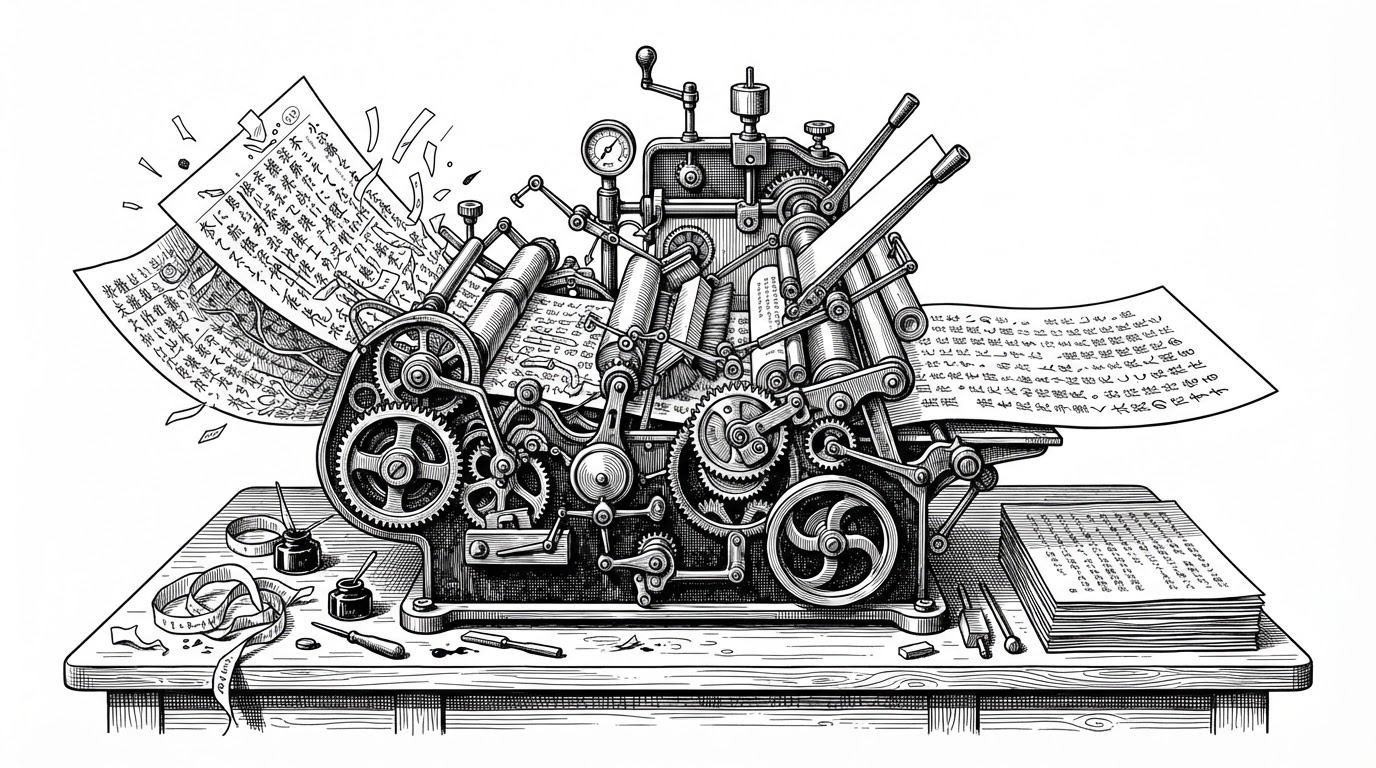
AI coding assistants are already keeping a private record of how you think. They capture the prompt that started the search, the files you inspected, the snippets you trusted, and the dead ends you abandoned. `ai-data-extractor` takes that residue seriously and turns it into something you can move, search, and reuse.
Your AI coding history is already a dataset
The strongest argument for this repo is not convenience. It is that your assistant history is one of the few places where your debugging instincts, architectural judgment, and code context all live together. If you care about backup, analytics, or eventually fine-tuning a model on your own work, that history should not be stranded inside half a dozen local storage schemes.
Extract your own local chat history from AI coding assistants into a single, normalized JSONL format - for fine-tuning, personal analytics, or just backing up years of conversations before an app's local database gets cleared.
That README line is the project in miniature. It is not trying to win on polish or breadth of UI. It is trying to rescue a developer memory layer before the next app update, account reset, or editor switch makes it harder to recover.
The repo is a translator for incompatible memory
The fragmentation problem is the whole reason this project exists. Cursor stores one way. Aider stores another. Claude Code, Windsurf, Trae, and related tools each leave a different local footprint. The interesting part is not that they all have history. It is that none of them agree on how that history should be shaped.
| Assistant | Typical local shape | Pain point | What ai-data-extractor does |
|---|---|---|---|
| Cursor | SQLite and app KV stores | Locked files and custom schemas | Copies safely, queries defensively, normalizes output |
| Claude Code | Structured local history | Different layout from Cursor | Adapts the source into the same JSONL schema |
| Aider | Markdown transcripts | Human-friendly, machine-fragmented | Parses text into structured records |
| Windsurf / Trae | Undocumented or semi-structured stores | Schemas can shift or hide details | Uses heuristics when the schema is not obvious |
That table is the real product story. `ai-data-extractor` is not a single-purpose exporter. It is a translator that makes different memory systems legible to one another by collapsing them into a common record format.
common.py is the real product
The architecture is simple on purpose. The CLI orchestrator discovers installed tools, then hands each source to a dedicated extractor. The shared logic lives in `extractors/common.py`, and that file is where the project stops being a pile of one-off parsers and starts behaving like a system.
def safe_sqlite_query(db_path, query):
    temp_path = copy_to_temp_file(db_path)
    with sqlite3.connect(temp_path) as conn:
        conn.row_factory = sqlite3.Row
        return conn.execute(query).fetchall()


def app_data_roots():
    return [
        macos_app_support(),
        windows_appdata(),
        xdg_config_home(),
    ]
That pattern does three things well. First, it makes discovery cross-platform. Second, it avoids locking the live database by querying a temporary copy. Third, it gives the extractors a common toolkit for falling back to heuristic parsing when the source tool never documented its schema in the first place.
Why code context matters more than chat logs
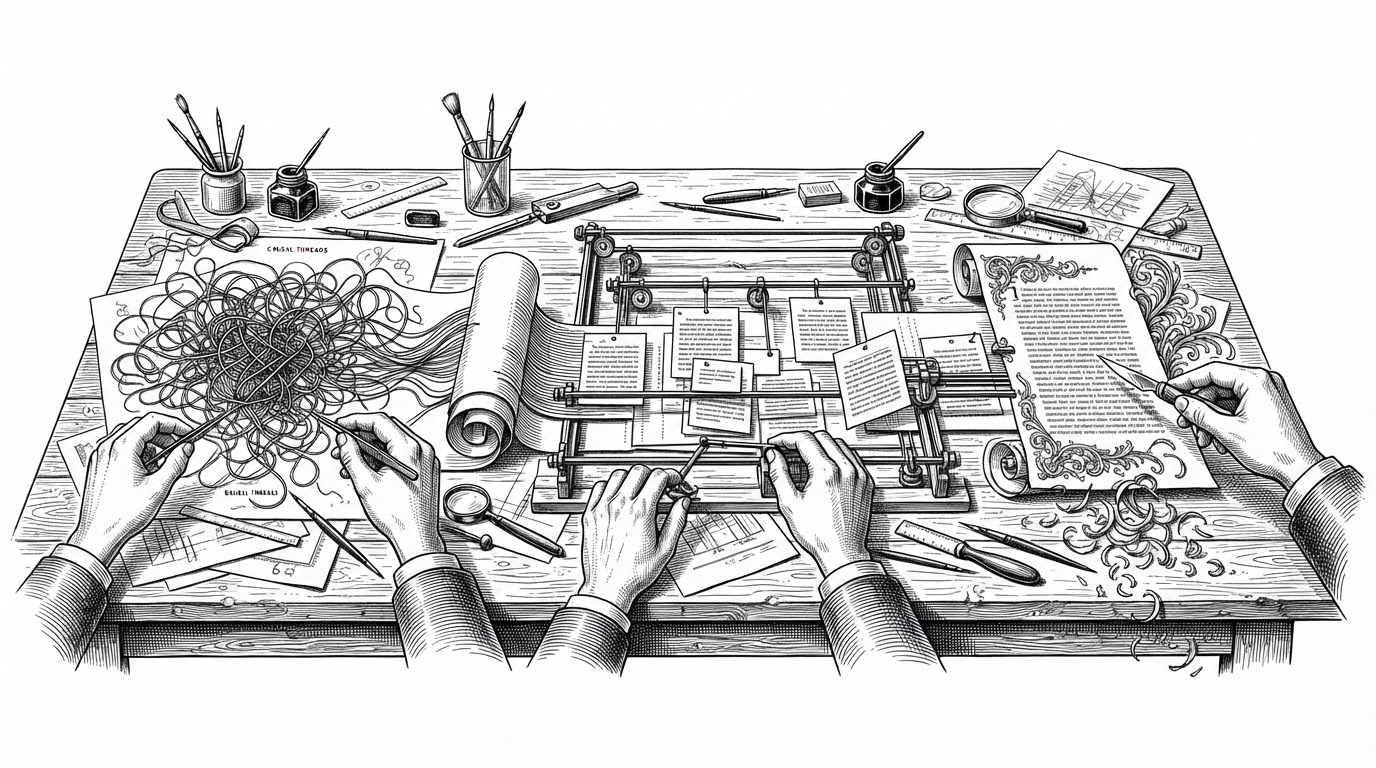
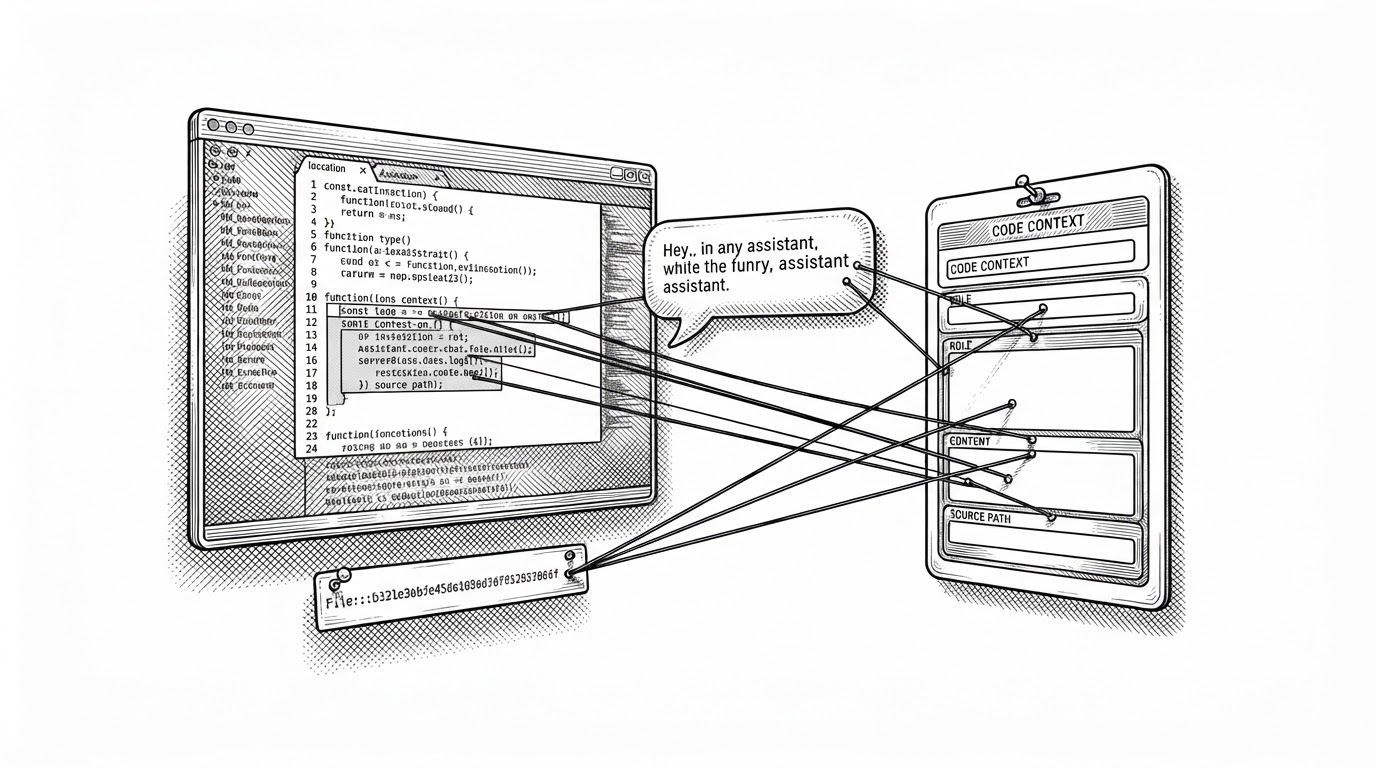
The best technical judgment often happens around the chat, not inside it. A reply without the open file, selected block, or surrounding snippet is only half the record. By preserving `code_context`, the extractor makes the dataset useful for reconstruction, not just transcription.
That changes the value of the archive. A human reader can reconstruct intent. A model can learn from the pairings between file state and response. And a future search system can answer better questions because it knows what the assistant was looking at when the answer happened.
Cursor, Aider, Claude Code each force a different adapter
The plugin pattern is what lets the repo scale without pretending the ecosystem is uniform. Cursor asks for SQLite reconstruction. Aider asks for Markdown parsing. Claude Code has its own local shape. The registry in `extract.py` simply checks what is present, then routes to the right extractor.
| Project | Language | Output | Scope | Best for |
|---|---|---|---|---|
| ai-data-extractor | Python | JSONL | Multiple assistants | Backup, analysis, fine-tuning |
| claude-conversation-extractor | Python | Markdown | Claude Code only | Human-readable export |
| cursor-chronicle | Python | Markdown | Cursor only | Cursor-centric history review |
| cursor-history | Node.js | History search and restore | Cursor only | Node-based workflows |
| Aider native history | Built-in | Markdown files | Aider only | Local project transcripts |
The comparison is not about declaring winners. It is about scope. Most alternatives optimize for one assistant or one reading experience. `ai-data-extractor` optimizes for reuse across assistants and for downstream machine workflows that want clean, normalized records.
What this enables next
Backup is the obvious use case. Personal analytics is the next one. But the deeper implication is ownership. Once the data is in JSONL, it can feed search, dashboards, prompt audits, and eventually a custom model trained on your own style, habits, and mistakes.
That is why the repo feels more like infrastructure than a utility. It turns a pile of private app internals into a durable memory layer you control. The export is the beginning, not the end.