`add-ja-subs`: The Claude Code Skill That Turns a Video Into a Japanese Subtitle Factory
A local-first pipeline for transcription, translation, and burn-in subtitles, with the agent doing the editorial work where it matters most.
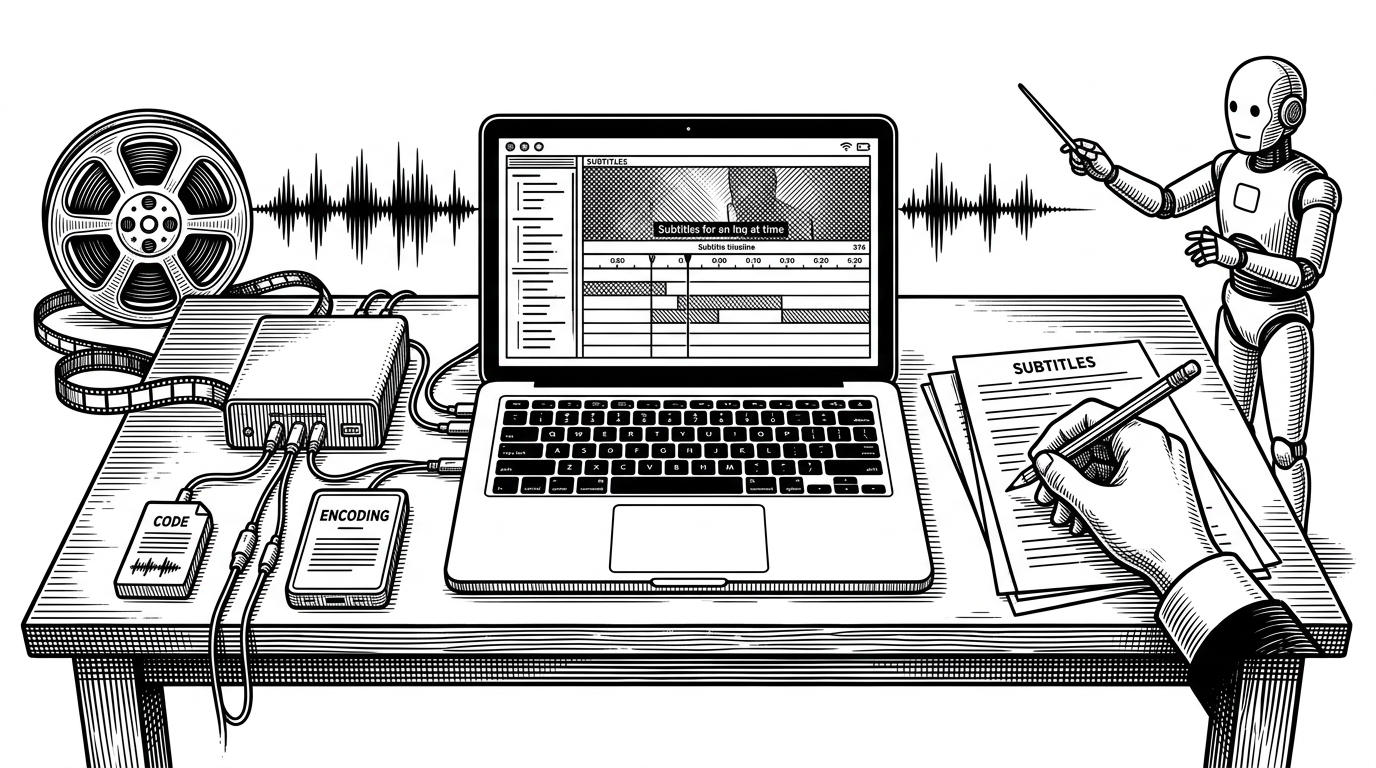
- `add-ja-subs` treats Claude Code as an editor and coordinator, not as a chat box that spits out translated text.
- The expensive media work stays local, while the model is reserved for the small layer where judgment matters most: cleanup, translation, and quality control.
- The repo’s real innovation is its skill shape, which combines instructions, scripts, and checks into one agent-native production line.
- Its final visual verification pass turns automation into something closer to a dependable post-production workflow.
Subtitle Generation, Reimagined as an Agent Workflow
Most subtitle tools optimize for one task: get text from audio, then translate it. add-ja-subs does something more interesting. It turns Claude Code into the operator of a small media pipeline, where transcription, translation, burn-in, and verification are coordinated like a production line.
That distinction matters. The repo is not trying to replace every stage with a model. It keeps the heavy lifting local, then uses Claude where human judgment would normally sit, cleaning transcript errors, enforcing line length, and checking the finished render.
Why This Pipeline Is Mostly Local
The economics are the first clue that this project is carefully designed. Audio extraction and encoding are done on the machine. The model sees text, not raw video, which keeps token use low and the workflow practical for long clips.
| Workflow layer | Traditional subtitle service | add-ja-subs |
|---|---|---|
| Audio and encoding | Cloud handled or hidden behind a web app | Local via ffmpeg and scripts |
| Transcription | Cloud API or SaaS pipeline | Local ASR with hardware-aware model selection |
| Translation | Direct API call | Claude Code instruction pass with subtitle rules |
| Editing and cleanup | Manual fix-up after export | Built into the agent workflow |
| Quality control | Often eyeballed by the user | Explicit visual frame check after render |
Inside SKILL.md: The Brain of the System
The smartest part of the repo is also the least flashy. The core logic lives in SKILL.md, which tells the agent what to do, in what order, and under which constraints. In other words, the system is not hardcoded around a single app flow. It is encoded as instructions for a general-purpose operator.
1. Check dependencies.
2. Run setup.sh.
3. Extract audio from the source video.
4. Transcribe locally.
5. Translate with subtitle constraints.
6. Run QC on the render.
That skill layer is the real product shape. Scripts do the deterministic work. The skill tells Claude how to behave. The result is a hybrid system that looks simple from the outside, but is actually a carefully staged collaboration between automation and editorial reasoning.
The Subtitle Editor, Not Just the Translator
This is where the repo stops being a translation helper and starts acting like a professional subtitle tool. The agent is told to fix ASR mistakes, split long segments, obey line-length constraints, and adjust tone based on the kind of video it is working on.
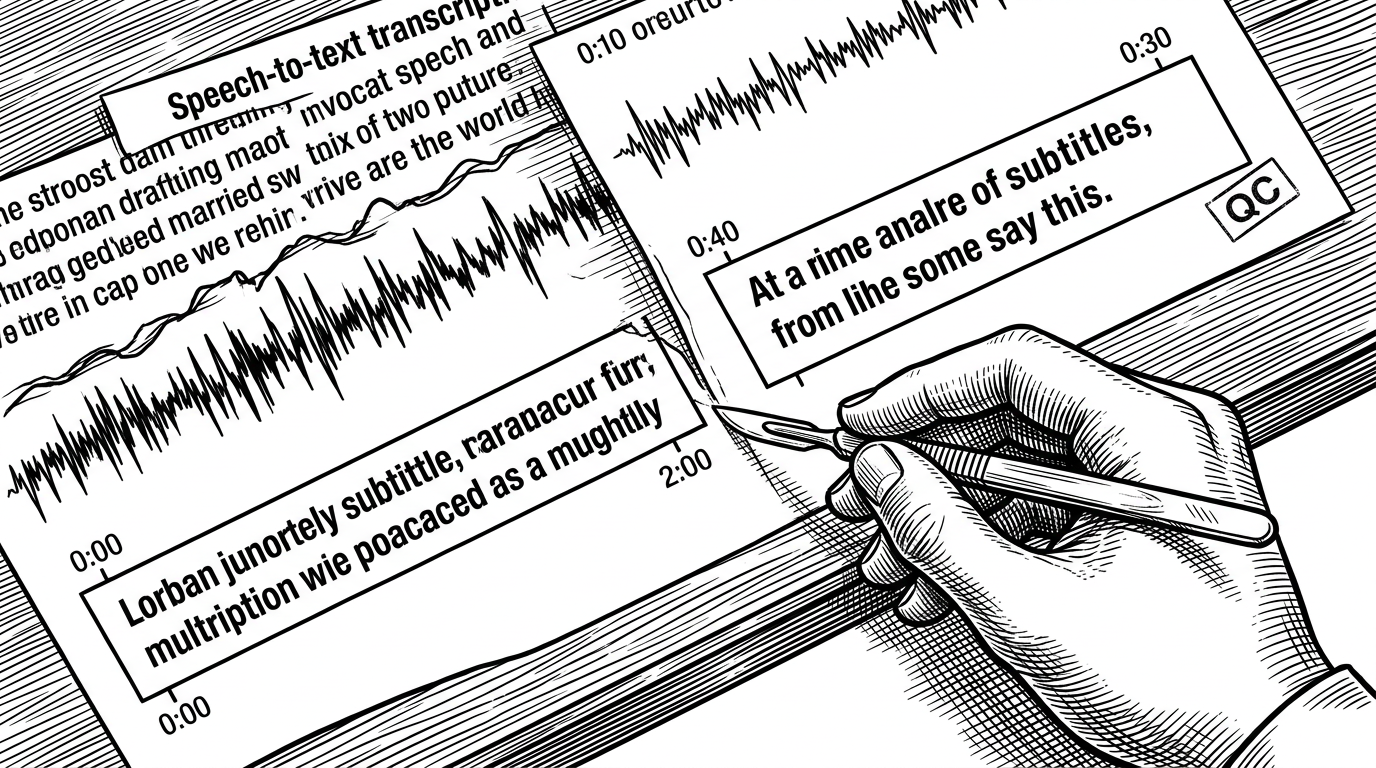
That editorial layer is the differentiator. A subtitle tool that only converts speech to text is useful. A tool that enforces legibility, pacing, and tone is much closer to the way a subtitle editor actually works.
How the Repo Handles Whisper’s Failure Modes
The transcription script does not assume ASR will behave. It includes a simple hallucination heuristic that flags segments where Whisper repeats words too aggressively, which is a common failure mode in silence or music-heavy sections.
def looks_hallucinated(words):
    return len(words) >= 8 and len(set(words)) <= 2
That is a small piece of logic with outsized value. It is a reminder that reliability often comes from a good filter, not just a bigger model. The repo also switches between mlx-whisper on Apple Silicon and faster-whisper elsewhere, which makes the pipeline hardware-aware without making it brittle.
The Final Guardrail: Visual QC
The last step is what makes the whole system feel serious. After rendering, the agent extracts frames and inspects them for overflow, garbling, and layout problems. That closes the loop between generation and verification.
What This Repo Suggests About Claude Code Skills
The larger lesson is bigger than subtitles. This repo shows a useful pattern for agent-native software: keep the local scripts small and explicit, give the model a narrow editorial role, and add a verification step before the result ships.
| Pattern | Why it works | What it suggests |
|---|---|---|
| Skills plus scripts | Instructions and execution stay separate | Agent workflows can be composable software |
| Local-first compute | Audio and video stay on the machine | Models do not need to touch every expensive asset |
| Editorial model use | The LLM handles judgment, not brute force | The best use of AI may be a narrow one |
| Visual QC | Rendered output gets inspected before completion | Automation gets more trustworthy when it can check itself |