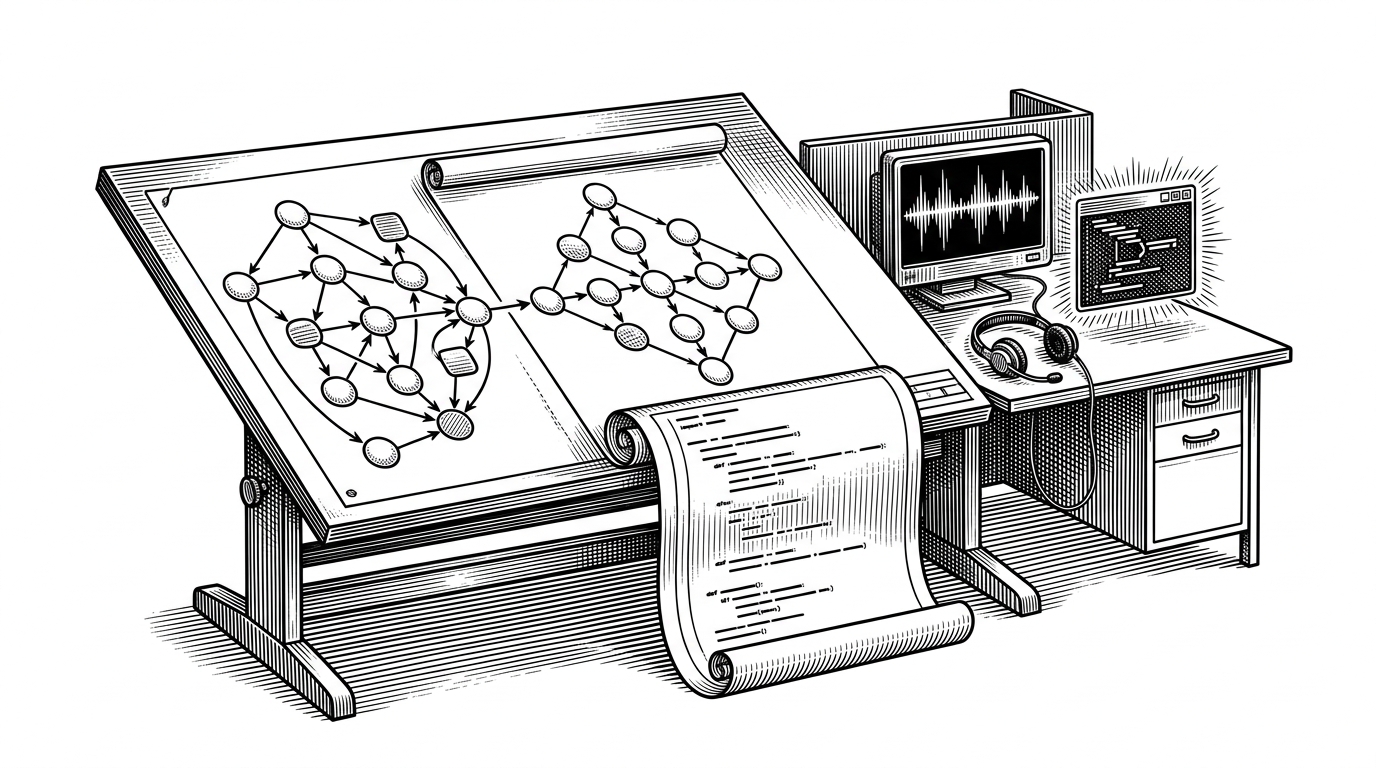
larksuite/lark-samples: How Lark turns chat into an enterprise runtime
A sample repo that moves from WebSocket bots to interactive cards to MCP agents, and shows why the connection model matters as much as the code.
- `larksuite/lark-samples` reads like a migration map because it organizes samples by capability, not by novelty.
- The repo's most important decision is the WebSocket long connection, because it makes enterprise deployment workable behind firewalls.
- Cards and MCP are not side quests. They extend the same event spine into workflow and agent runtime territory.
- The sample set matters because it shows when a reply bot, a card workflow, or a tool-using assistant is the right fit.
The real product is the tunnel
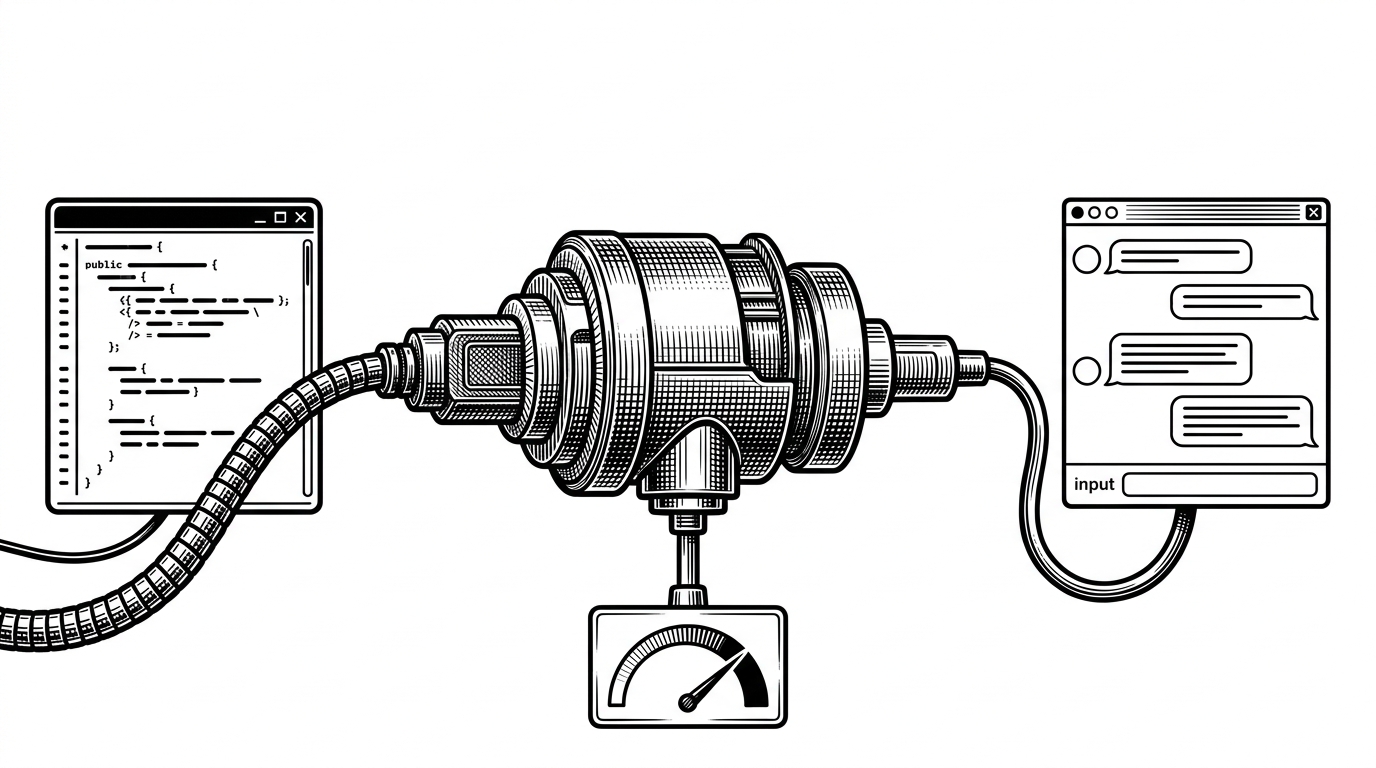
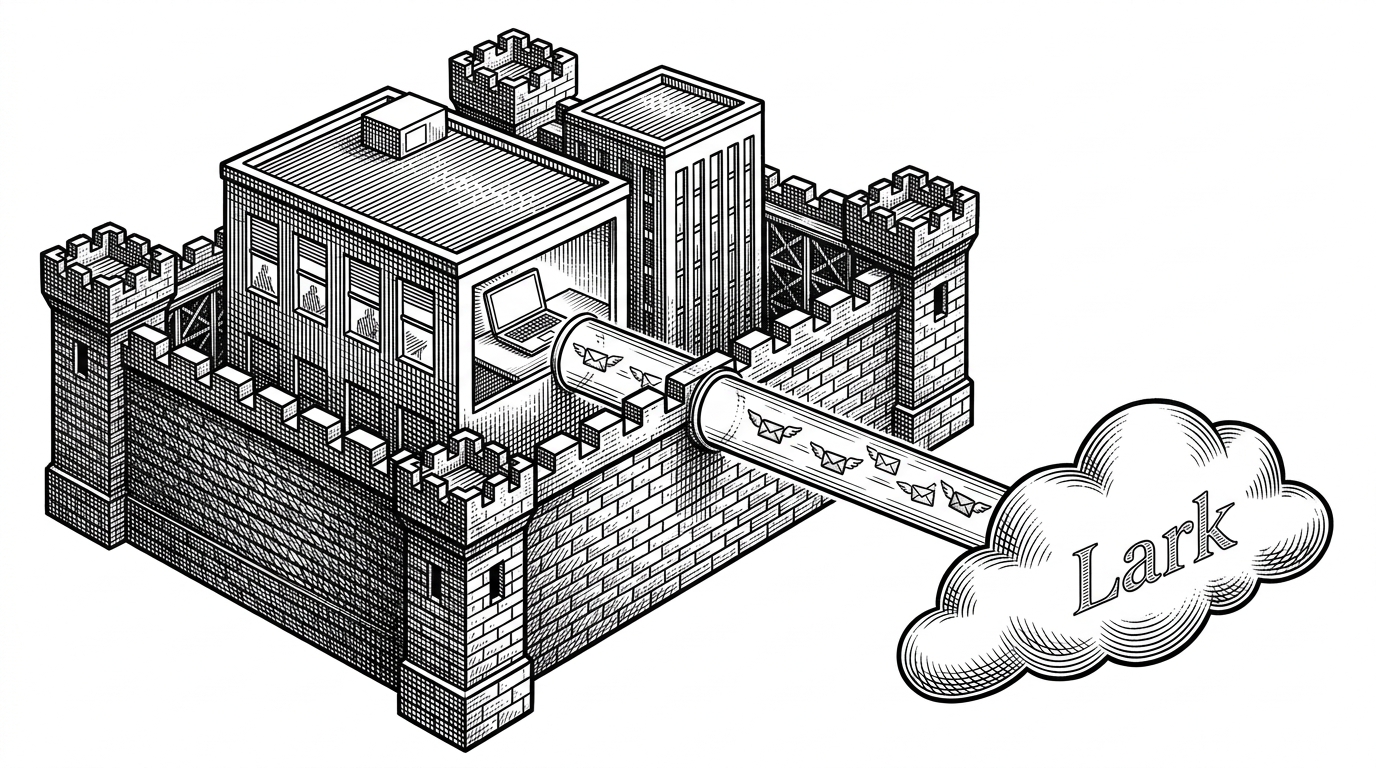
Most bot samples start with request handlers. `larksuite/lark-samples` starts lower, at the connection. Its WebSocket long connection lets a bot sit behind a firewall, which is the enterprise problem the repo actually solves.
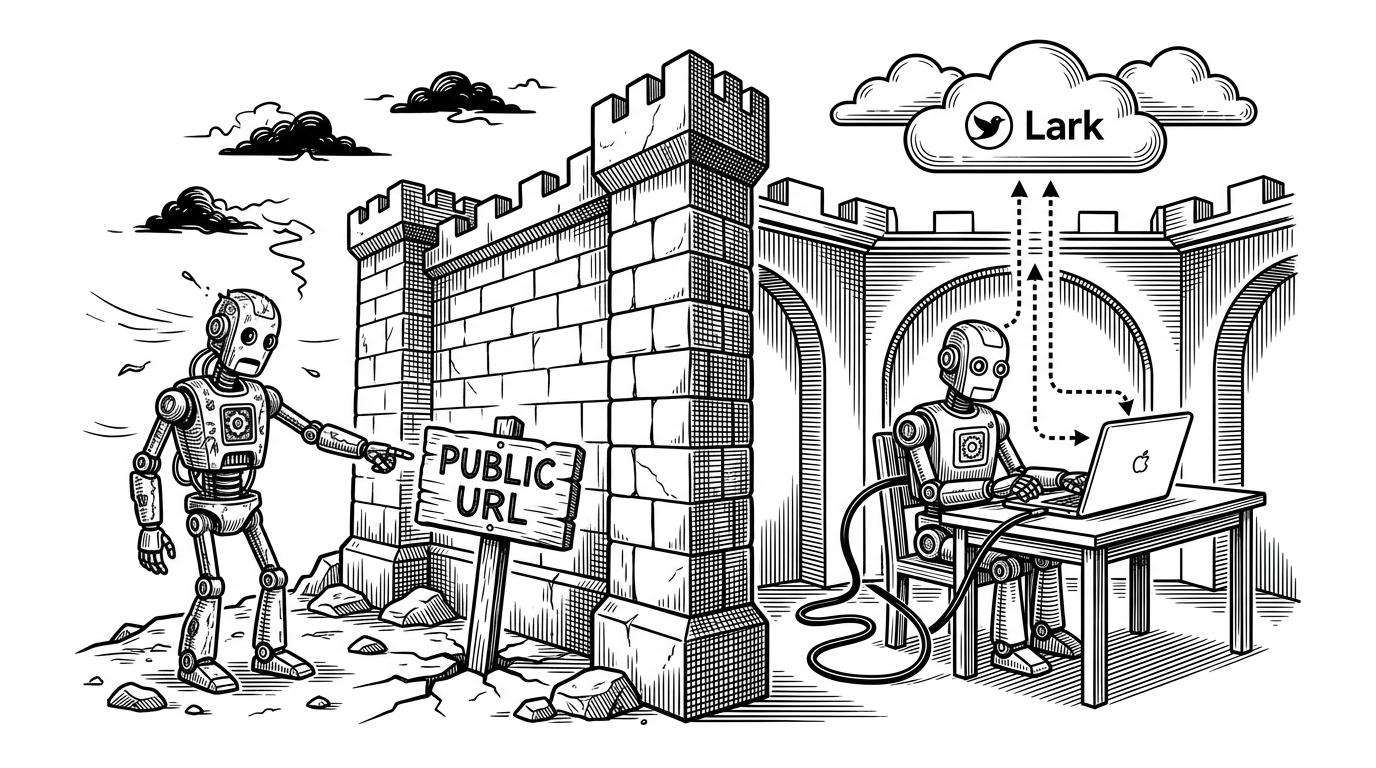
Webhook bots assume a public endpoint. That is fine for demos and painful for corporate networks, where inbound HTTP often needs security review, DNS, and a deploy target you may not control. Lark's long connection flips the direction of travel: the bot connects out, stays attached, and keeps receiving events.
That is why the repo feels strategic instead of tutorial-ish. It is not teaching how to respond to a message. It is teaching how to keep the product alive inside a network that does not want to host a public bot.
This is an official migration path, not a toy repo
The directory tree reads like policy. `echo_bot`, `card_interaction_bot`, `mcp_larkbot_demo`, and `.deprecated` are not random buckets. They are a guided path, and the presence of `.deprecated` tells you the maintainers are willing to retire old shapes instead of letting the sample set fossilize.
| Pattern | Transport | Best at | What it tells you |
|---|---|---|---|
| `echo_bot` | WebSocket long connection | Replying cleanly to events | Start here if you want the smallest possible live bot. |
| `card_interaction_bot` | WebSocket plus card actions | Stateful interaction inside chat | Use this when a message needs buttons, inputs, or a workflow step. |
| `mcp_larkbot_demo` | WebSocket plus MCP tools | Agentic tool use | Use this when the model should call Lark capabilities instead of hard-coded endpoints. |
| `.deprecated` | Legacy patterns | Showing the old road | It is a warning label, not a museum. |
The other clue is language parity. Python, Go, Java, and Node.js all mirror the same capability patterns. That makes the repo feel more like an internal reference architecture than a language tutorial.
Three bot eras in one directory tree
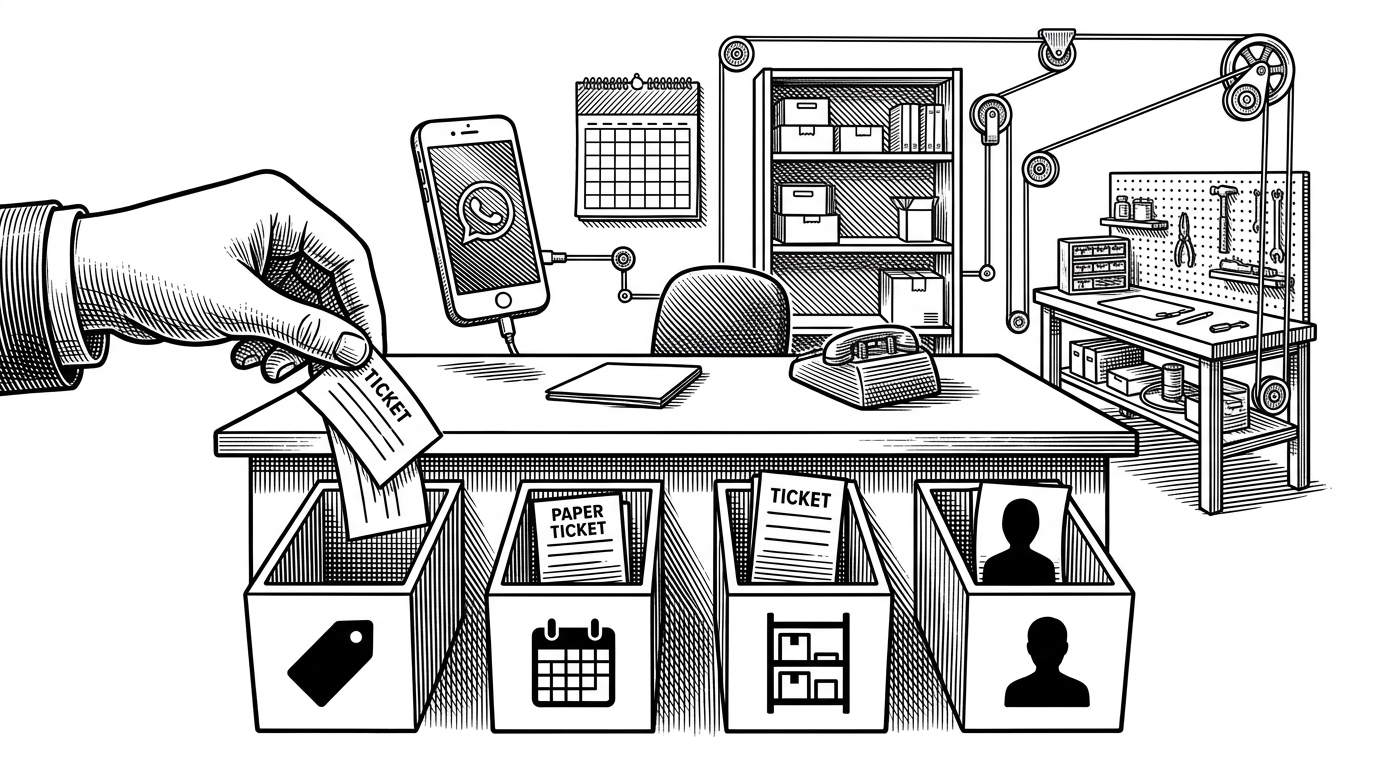
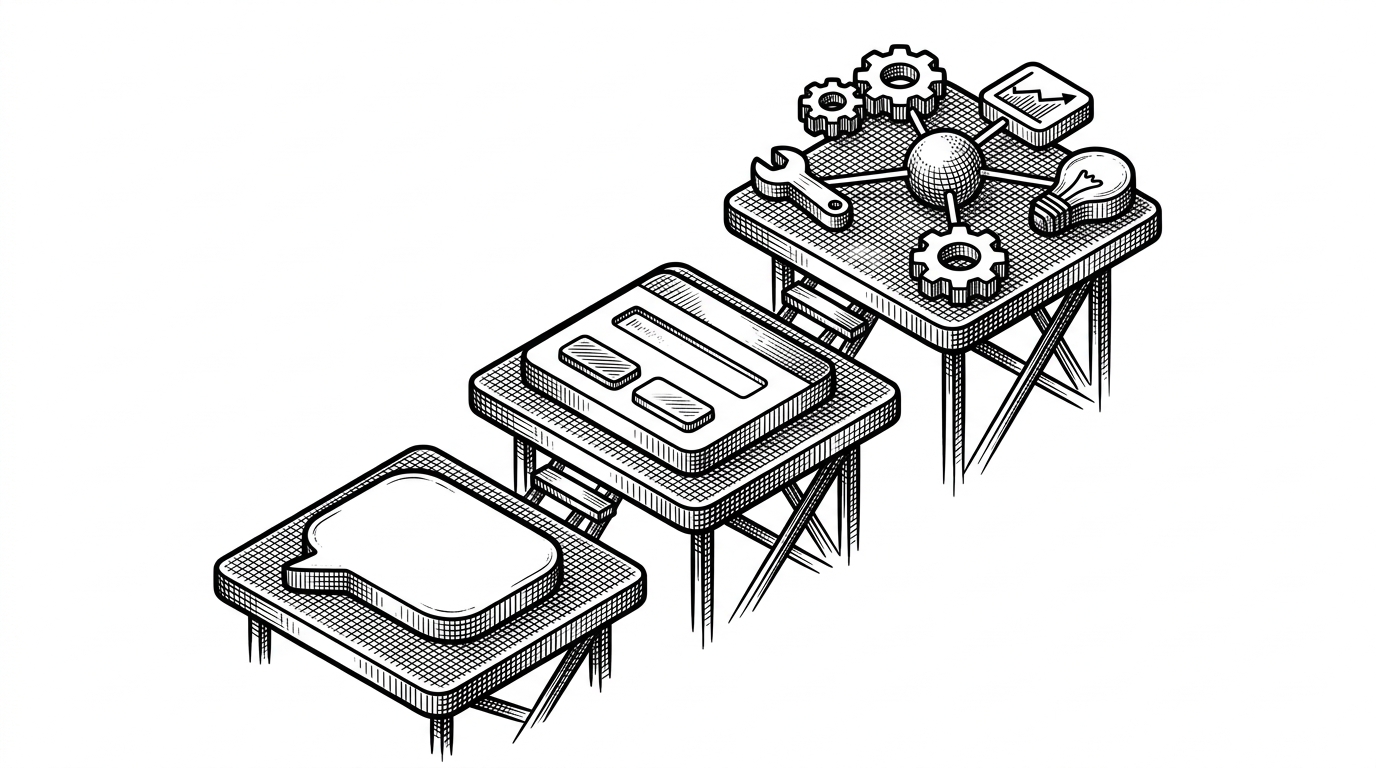
Read the folders as a timeline. The first era proves that Lark events can be received reliably. The second proves that chat can hold state. The third proves that a model can work through Lark as a tool layer. The progression is the point.
| Era | What the user sees | What the code is really doing |
|---|---|---|
| Echo bot | A message comes back almost unchanged | Receive an event, dispatch a handler, send a reply. |
| Card interaction bot | Buttons, inputs, and updated cards | Use template variables and action payloads to keep context inside the card. |
| MCP demo | An assistant that can act inside Lark | Expose platform capabilities as tools and let the model choose them. |
How the WebSocket bot actually works
The Python echo sample is the cleanest view of the mechanics. A `lark.ws.Client` holds the connection, an `EventDispatcherHandler` maps event types to handlers, and the handler sends a response back through the Lark API. The pattern is simple on purpose.
# Simplified from echo_bot/python/main.py
dispatcher = EventDispatcherHandler()

@dispatcher.register_p2_im_message_receive_v1()
def do_p2_im_message_receive_v1(event):
    text = event.message.content
    response = client.im.message.reply(text)
    if response.success():
        print('handled')

client = lark.ws.Client(...)
client.add_event_handler(dispatcher)
client.start()
The important part is the dispatch boundary. Messages arrive over the tunnel, the dispatcher chooses the right handler, and the handler only needs to focus on one event shape. That keeps the bot small, testable, and easy to extend with more event types.
Cards turn chat into a working surface
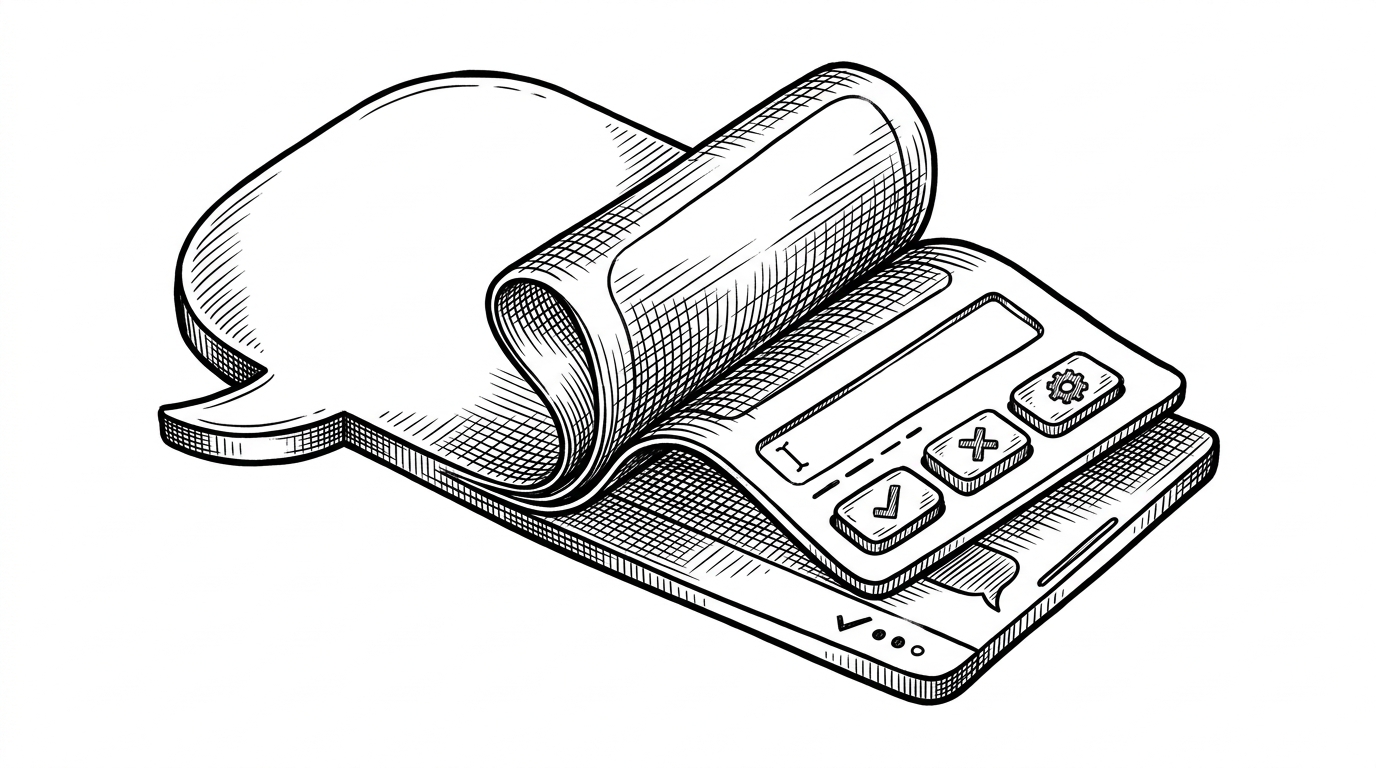
The card sample is the moment the repo stops being about replies and starts being about workflow. `template_id` points to a card designed in Lark's builder, `template_variable` injects live data, and `action.form_value` pulls user input back out of the interaction. The chat bubble becomes a compact app surface.
# Simplified from card_interaction_bot/python/main.py
template_id = 'tpl_xxx'
template_variable = {'alarm_time': '09:00'}

@dispatcher.register_p2_card_action_trigger()
def do_p2_card_action_trigger(event):
    note = event.action.form_value.get('note')
    alarm_time = event.action.form_value.get('alarm_time')
# update state, refresh card, or send a follow-up reply| Card field | Role in the flow |
|---|---|
| `template_id` | Points to the card layout built in Lark. |
| `template_variable` | Injects live values into the card before it renders. |
| `action.form_value` | Carries the user's input back to the handler. |
That is more than convenience. It means an alert can turn into an acknowledge step, a note, or a status change without forcing the user out of the conversation. In enterprise tools, fewer context switches usually means more completed work.
MCP makes Lark feel like an agent runtime
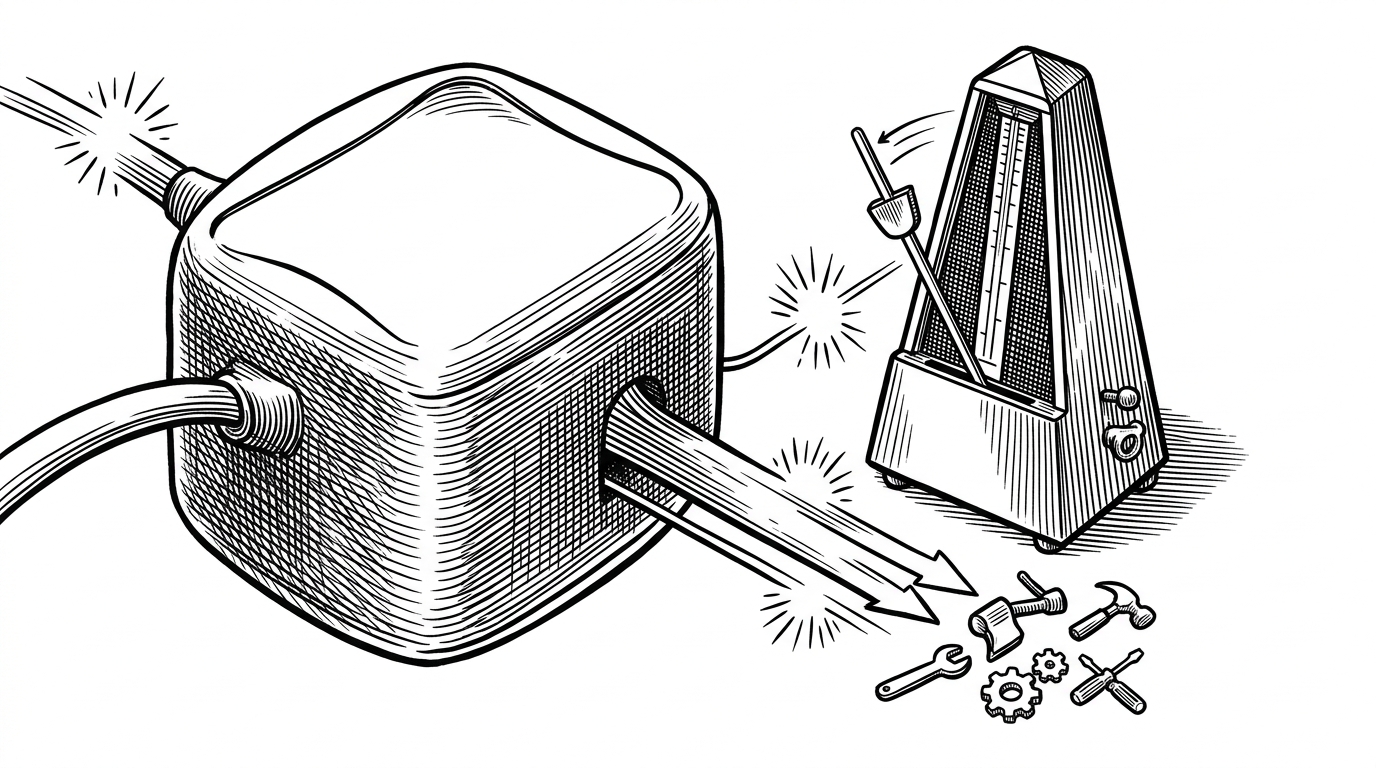
The MCP demo is the newest layer in the repo's ladder. It uses `npx @larksuiteoapi/lark-mcp` to expose Lark capabilities as discoverable tools, then lets `streamText` drive the conversation while the model picks the right action. That changes the shape of the integration from hard-coded endpoints to tool use.
// Simplified from mcp_larkbot_demo/nodejs/src/service/agent.ts
const mcp = spawn('npx', ['@larksuiteoapi/lark-mcp'])
const tools = await loadTools(mcp)

const throttledUpdateMessage = pThrottle(updateMessage, 200)

await streamText({
  model,
  tools,
  onChunk(chunk) {
    throttledUpdateMessage(chunk.text)
  }
})
The detail that matters most is throttling. `pThrottle` keeps updates to roughly one every 200ms, which keeps the stream readable and avoids hammering the API. That is the difference between an impressive prototype and an integration you can actually ship.
What to use when
The repo is most useful as a decision tree. If you need a simple responder, start with the echo bot. If you need workflow inside chat, use cards. If you want an assistant that can act, use the MCP pattern. And if you are looking at older shapes, let `.deprecated` tell you what not to copy.
| Need | Best fit | Why |
|---|---|---|
| Fastest path to a live bot | `echo_bot` | It proves the connection and the dispatch loop with the least surface area. |
| A workflow inside chat | `card_interaction_bot` | State stays attached to the message and the user never leaves the thread. |
| A tool-using AI operator | `mcp_larkbot_demo` | The model can discover and call Lark tools instead of hand-written API paths. |
| A map of old choices | `.deprecated` | It shows the migration direction by example. |
That is the real value of the repo. It does not just show you how to build on Lark. It shows you how Lark wants the next generation of integrations to be built.