openclaw-lark: When an AI Agent Gets a Desk Job
OpenClaw’s Lark plugin turns a chat window into a workspace operator, with approvals, streaming cards, and secure token storage.

- openclaw-lark treats Lark as a place to do work, not just a place to answer messages.
- Its most important safeguards are human approval and secure credential storage, not model prompts alone.
- The architecture favors stateful enterprise conversations, with serial queues, message conversion, and streaming cards.
- The breadth that makes it powerful also creates real context pressure, which is the plugin’s main trade-off.
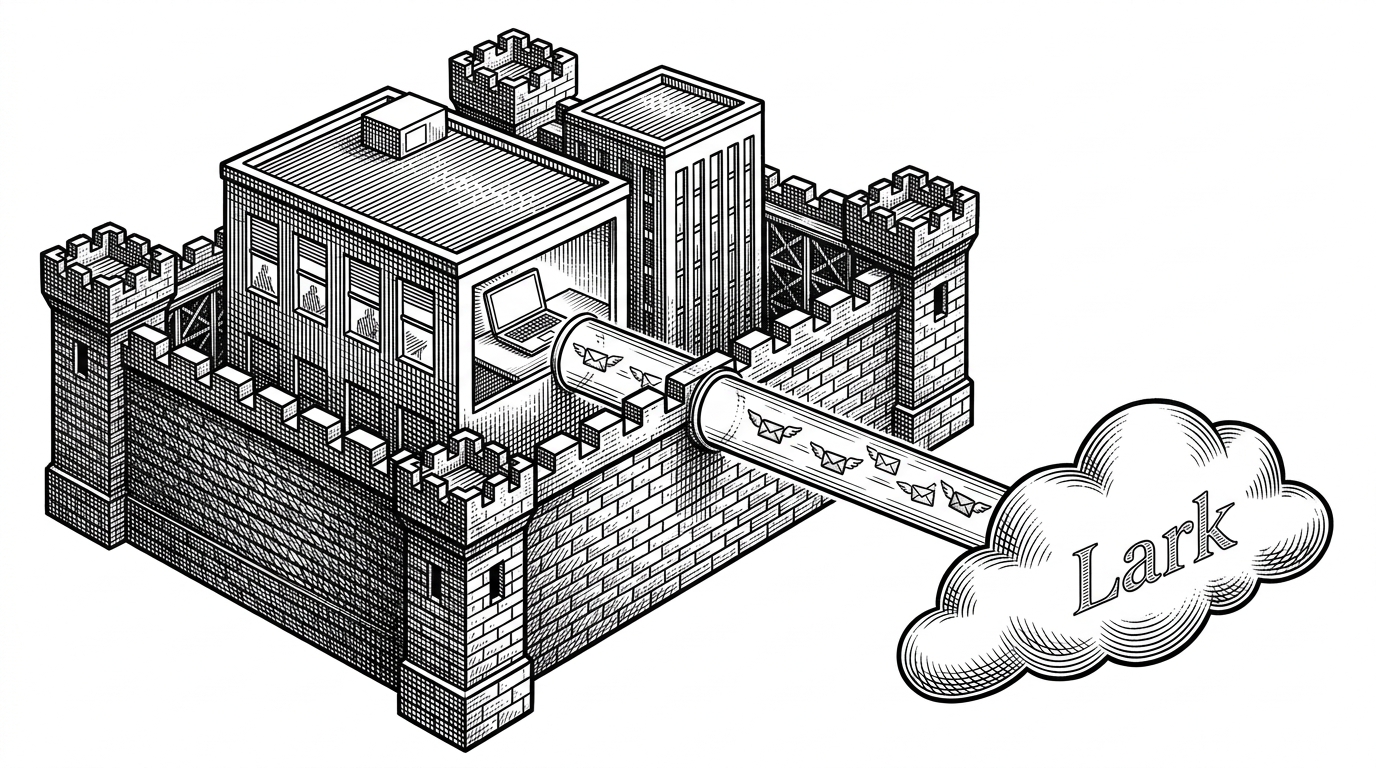
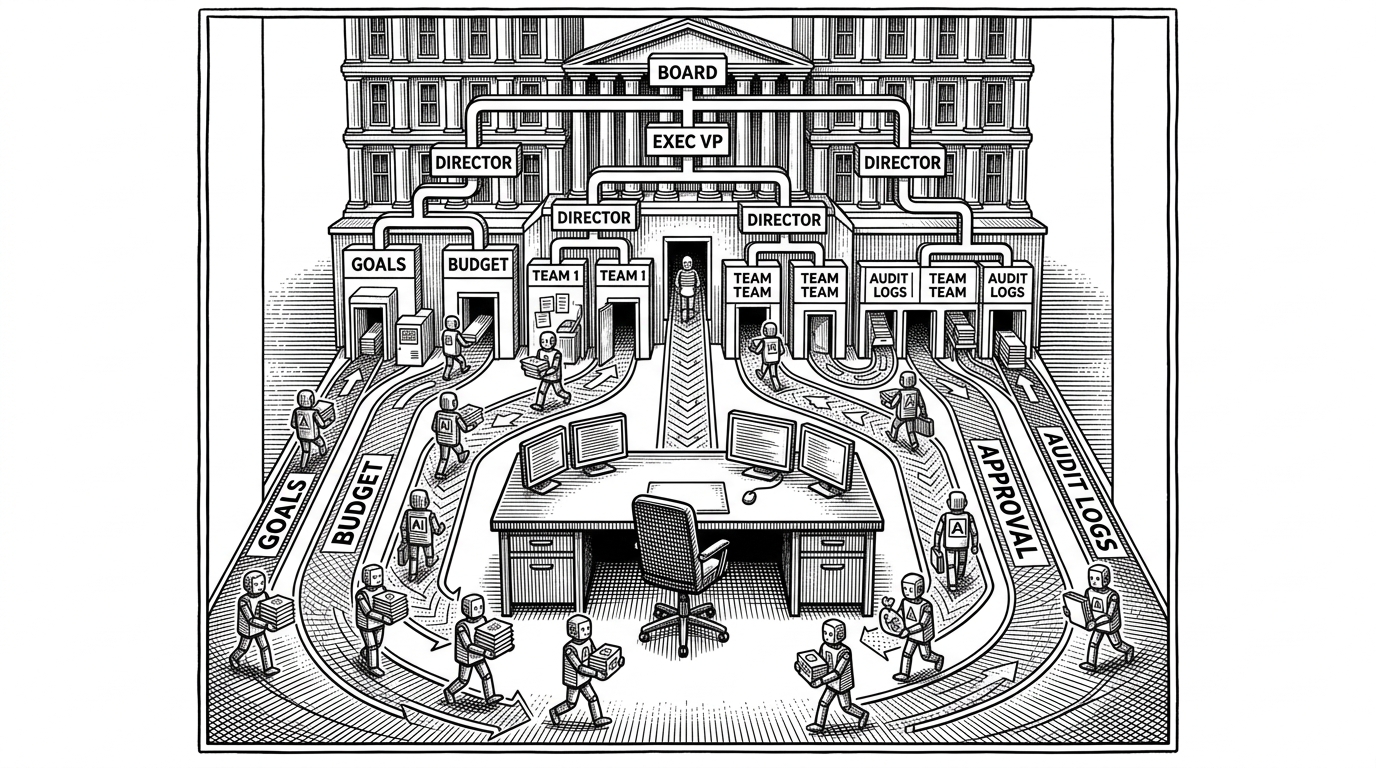
Most assistants live in the corner of a chat window. openclaw-lark tries to live in the workflow itself. It can read a message, decide whether to act, ask for approval when the risk is real, then move across docs, base records, calendar entries, tasks, and rich cards without leaving Lark.
That matters because this is not a hobby bridge. The repository is the official Lark/Feishu plugin for OpenClaw, built by the Lark/Feishu Open Platform team. The goal is simple and ambitious at the same time: let an agent operate inside the collaboration stack that teams already use every day.
This is the official Lark/Feishu plugin for OpenClaw, developed and maintained by the Lark/Feishu Open Platform team. It seamlessly connects your OpenClaw Agent to your Lark/Feishu workspace, enabling it to directly read from and write to messages, docs, bases, calendars, tasks, and more.
A modern TypeScript base
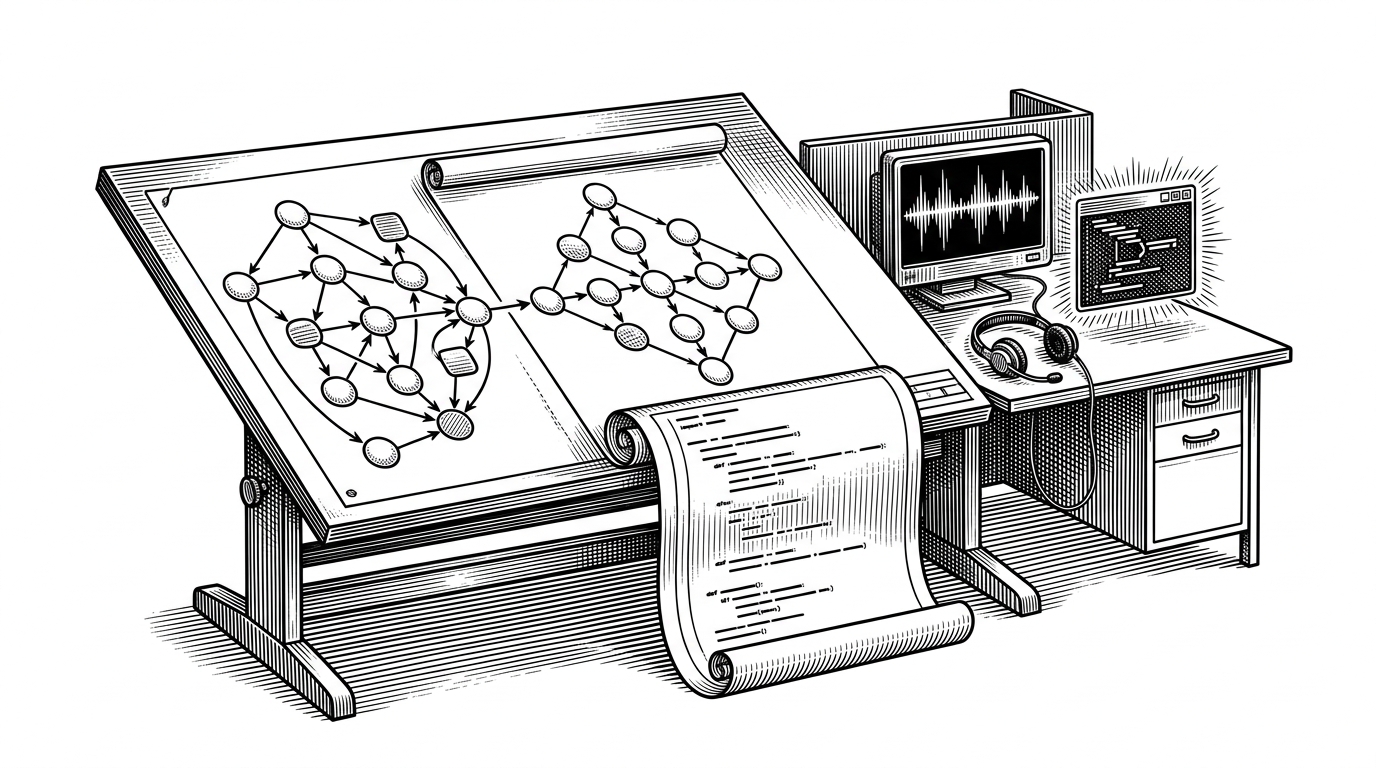
The codebase reads like a system, not a bundle of adapters. It is almost entirely TypeScript, built for modern Node.js, and validated with strict schema tools so the agent does not wander into unsafe input shapes. The project uses `tsdown` for bundling, `pnpm` for package management, and a mix of `zod` and `@sinclair/typebox` to keep inputs and outputs tight.
- `src/core/` handles SDK setup, multi-account identity, token storage, and request hygiene.
- `src/channel/` implements the OpenClaw channel plugin and manages the live connection.
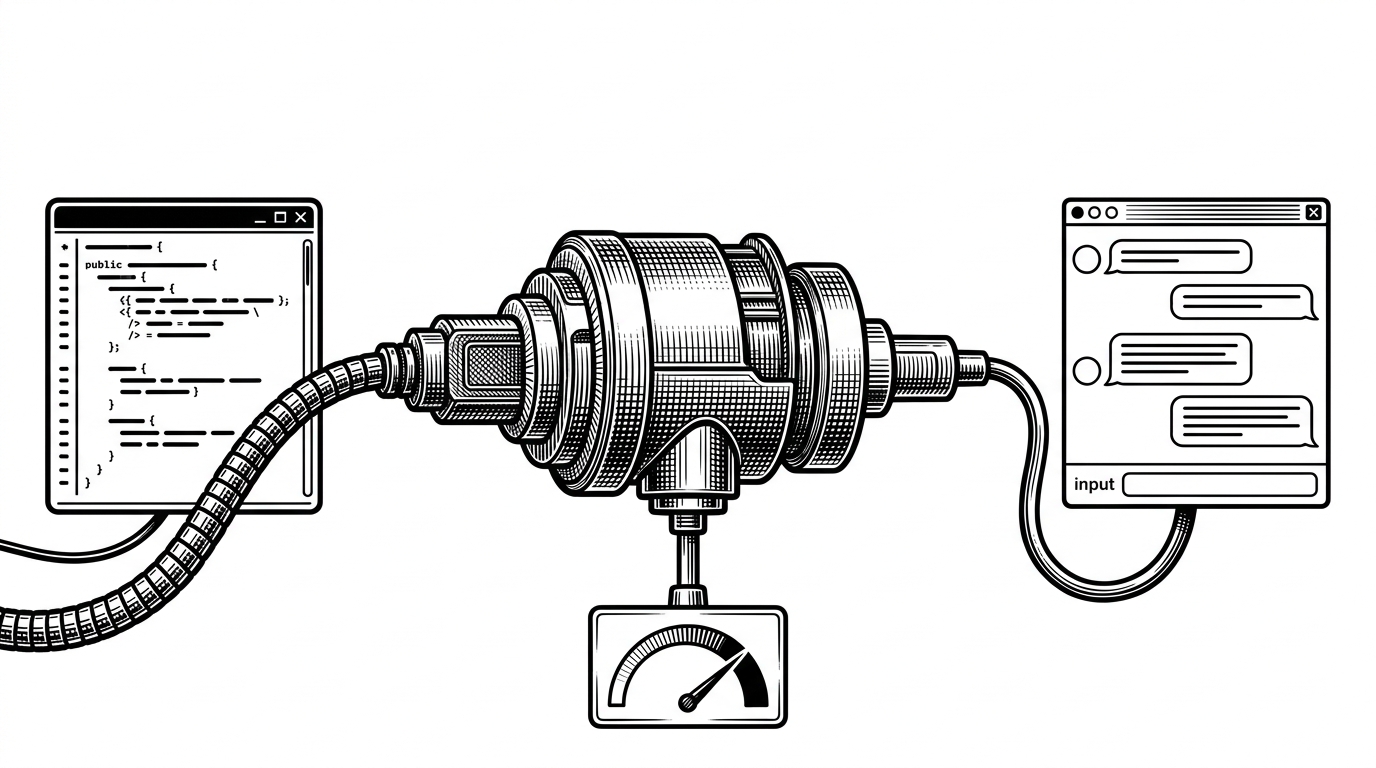
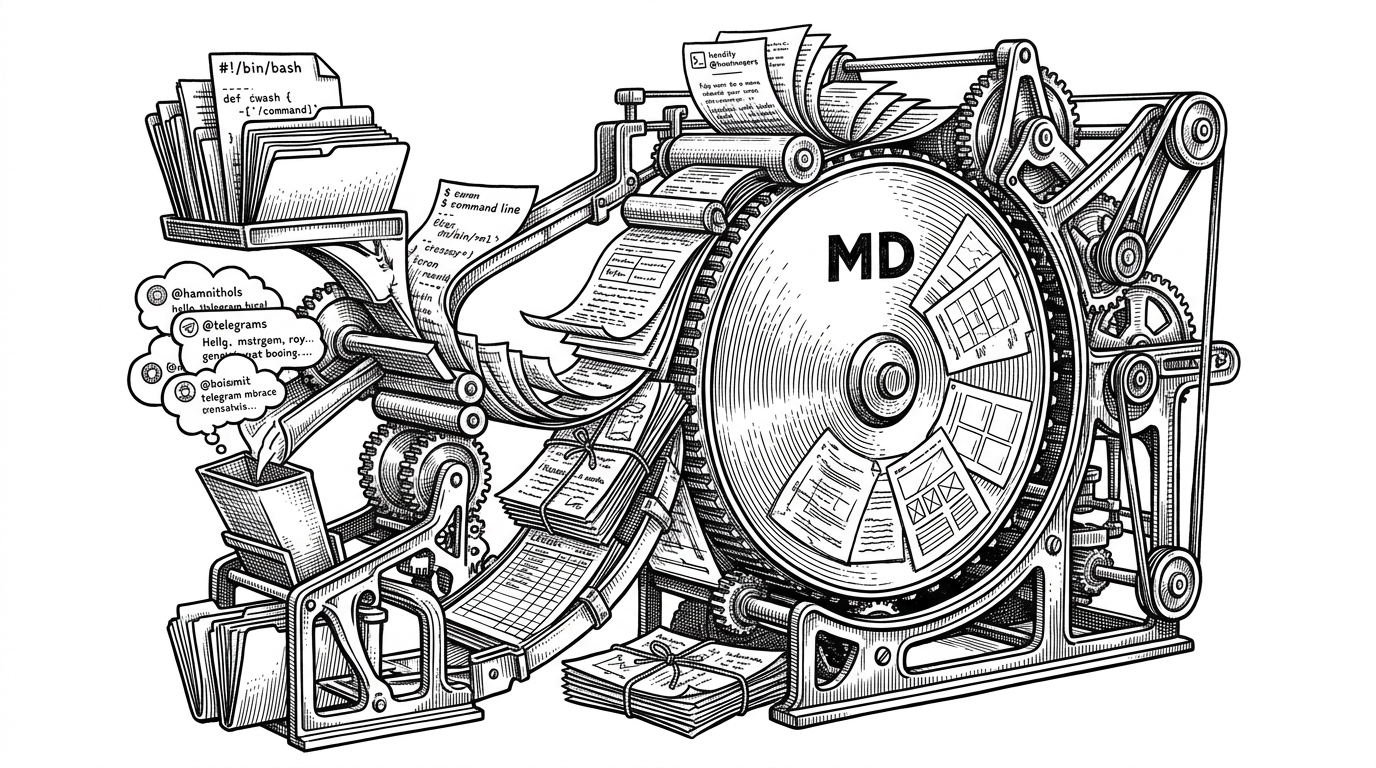
- `src/messaging/` translates inbound Lark events and outbound agent responses.
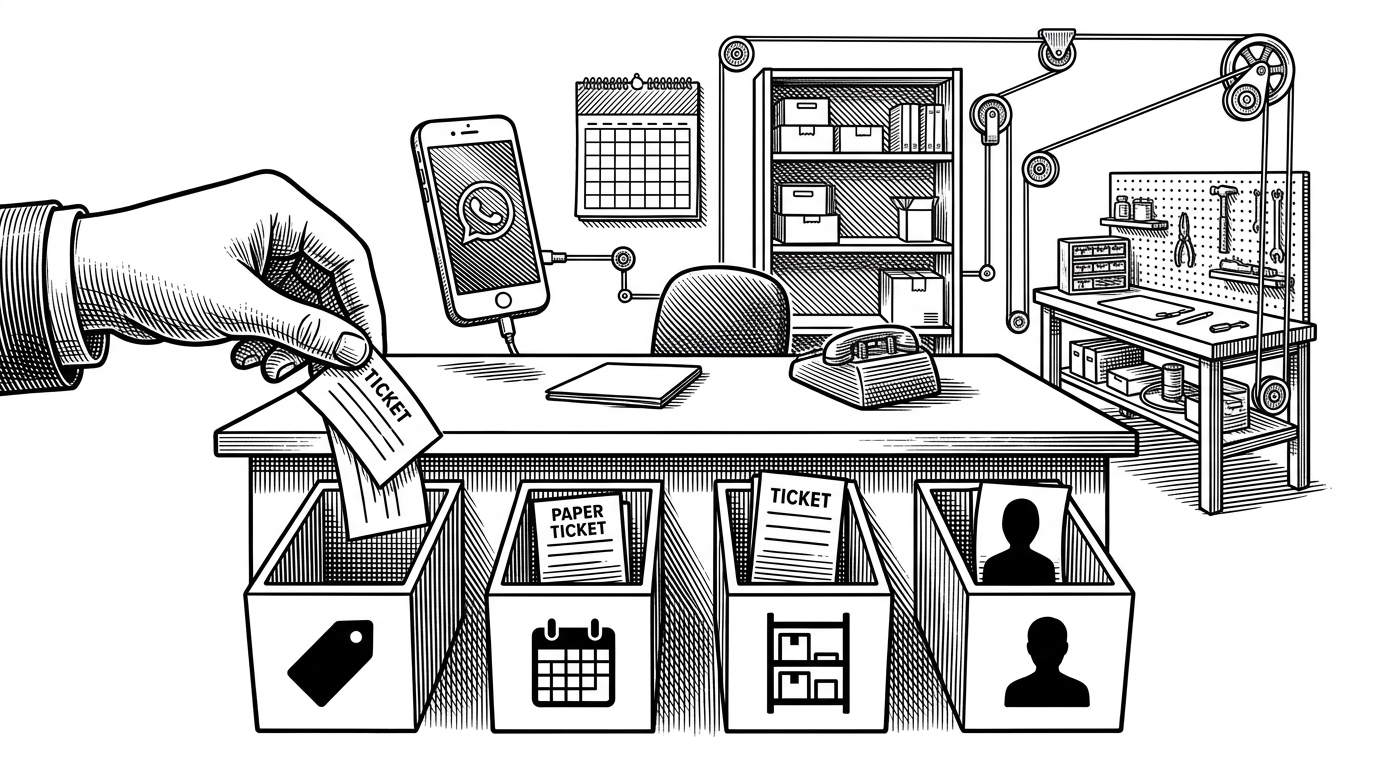
- `src/tools/` exposes docs, calendar, base, task, and message operations as actions.
- `skills/` teaches the model how to use those tools in a way that matches the product surface.
From message to action
The interesting part is the sequence. `event-handlers.ts` can short-circuit an abort request, so a stop command does not have to wait behind normal work. `enqueueFeishuChatTask` serializes messages inside a thread, which keeps one conversation from trampling another. Then `streaming-card-controller.ts` keeps the user updated while the model works, and `reasoning-utils.ts` strips sensitive details before traces land in the UI.
At the core, `src/core/lark-client.ts` manages multiple accounts and wraps the official SDK’s HTTP client so requests carry a versioned identity. That is a small detail with outsized value. In a production plugin, debugging and telemetry start to matter the moment the first workspace has more than one app credential.
Safety is part of the workflow
The safest-looking feature in the repo is also one of the most practical. `token-store.ts` moves credentials into the operating system’s native vault on macOS, and into encrypted files on Linux and Windows. That is the right default when the agent can touch company data. Secrets should not feel like developer convenience.
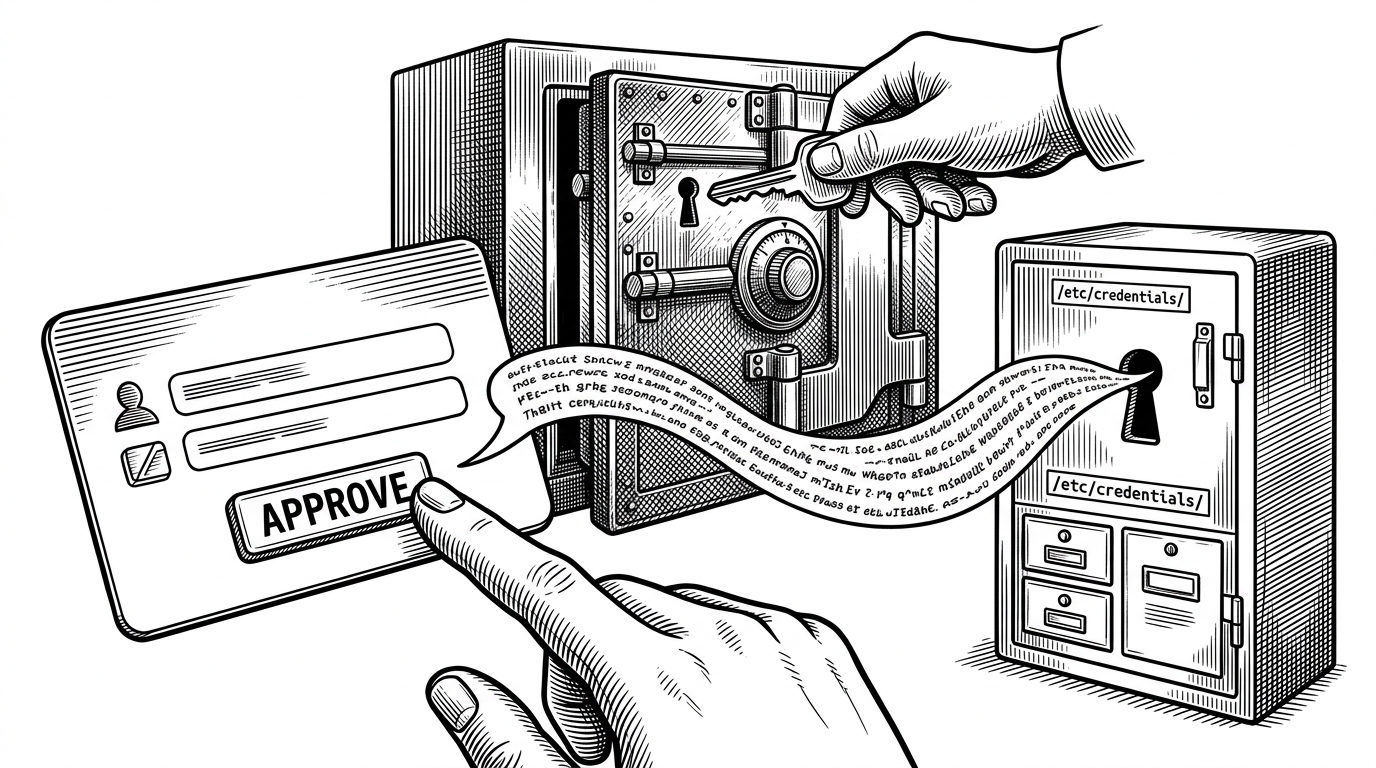
`ask-user-question.ts` pushes that discipline one step further. When the agent needs permission or is unsure about a high-risk action, it does not guess and hope for the best. It pauses, sends an interactive card, and waits for a human to approve or deny the move. That is a better pattern than silent confidence.
the plugin registers a large number of Feishu capabilities as first-class tools, and the tool schemas themselves consume a lot of context on every session turn.
Breadth has a cost
The same design choice that makes the plugin impressive also makes it heavy. If you expose a wide Feishu surface as first-class tools, every turn carries more schema baggage. That is a fair price when the goal is to let one agent move across the whole workspace. It is a worse deal when a team only needs one narrow action.
| Dimension | Simple chat bot | openclaw-lark | Why it matters |
|---|---|---|---|
| Deployment | Usually a webhook or narrow bot | WebSocket-driven plugin with no public URL required | Works behind firewalls and inside private networks. |
| Action surface | Replies in chat | Reads and writes messages, docs, base records, calendar events, and tasks | It can finish work, not just discuss it. |
| Safety | Model output goes straight to the user | Approval cards and OS-native token storage | Human confirmation and credential hygiene are built in. |
| Cost | Smaller surface, lower overhead | Broader surface, more tool schema pressure | Breadth increases capability, but it also increases context load. |
That table is the real trade-off in one glance. The plugin optimizes for being the official, enterprise-grade entry point, not the lightest possible wrapper. If you need a workspace operator, that is a good bargain. If you need a single-purpose bot, it may feel like a lot.
Why the MCP path matters
The docs path uses MCP while other capabilities stay on the Lark open API stack. That hybrid is not a footnote. It signals that the project is betting on interoperability, not just platform loyalty. Enterprise agents will likely need both stable vendor APIs and a broader protocol layer if they are going to scale across tools and teams.
In that sense, openclaw-lark is less about one chat integration and more about a pattern. The model is only one piece of the product. The UI, the approval loop, the credential store, the message normalizer, and the action surface are the thing users actually trust.