Kindle-for-ubuntu: How a Tiny Wrapper Makes a Website Feel Native on Linux
A lean Electron shell, a Freedesktop desktop file, and a handful of shell scripts turn Amazon’s Kindle Cloud Reader into something that behaves like a real Ubuntu app.
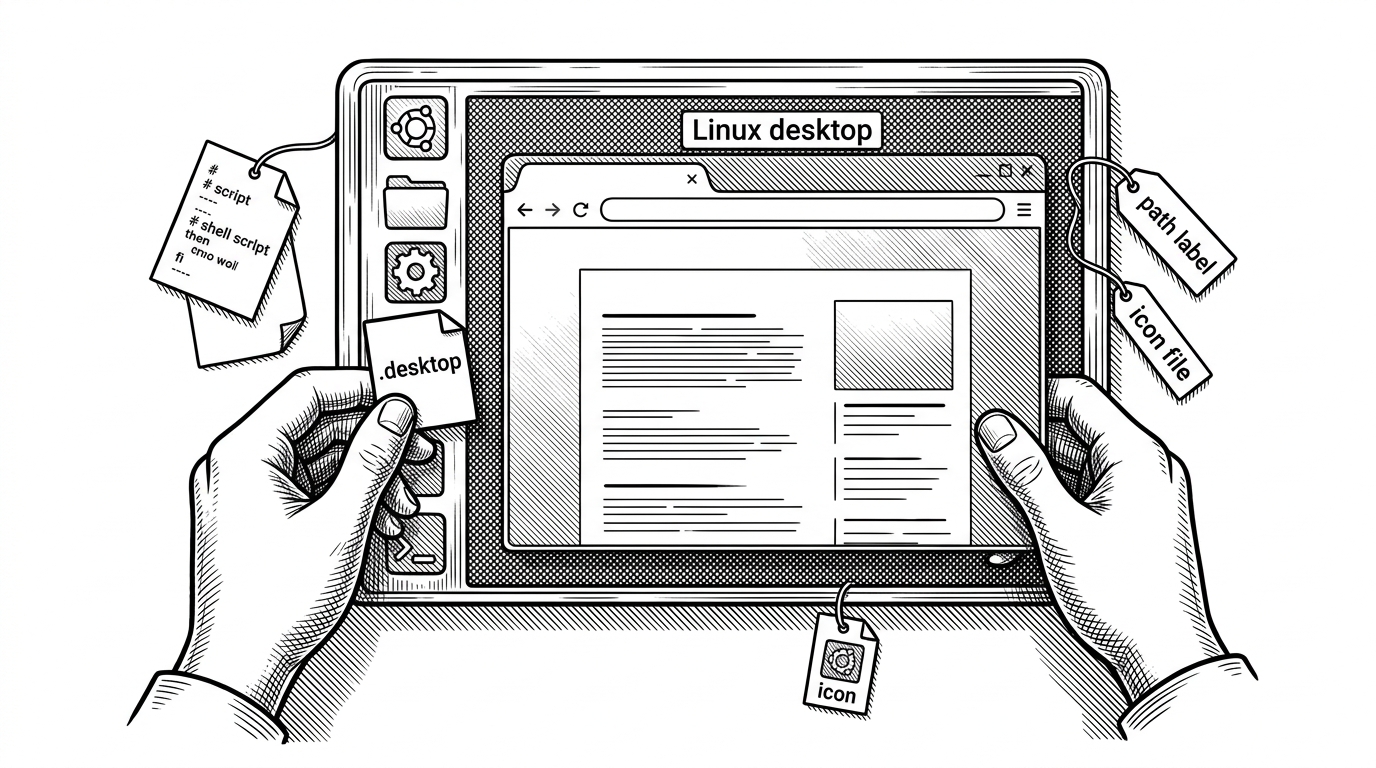
- Kindle-for-ubuntu is interesting because it turns a web app into a believable desktop app with Linux integration, not with a heavy rewrite.
- The `.desktop` file and shell scripts do most of the work, which makes native feel like a coordination problem instead of a rendering problem.
- Electron is used as a thin windowing layer, so the repo stays small by refusing to compete with Kindle itself.
- The project’s anti-build install model is transparent and hackable, but it trades convenience for control.
The app that is really a shortcut
Kindle-for-ubuntu is not trying to out-Kindle Kindle. It is trying to make Amazon’s Cloud Reader feel like it belongs on a Linux desktop. That is the whole move, and it is why the repo is more interesting than it first looks.
The codebase is tiny on purpose. Most of the experience comes from desktop integration: a launcher entry, a shell relay, path handling, and a minimal Electron window that stays out of the way. In other words, the app is less a product of application logic than of Unix glue.
Why Linux users keep wrapping web apps
Linux users are used to assembling their own workflows from pieces. When a vendor gives them a browser-only experience, the gap is not just convenience. It is discoverability, launch behavior, and whether an app feels like it lives in the system tray and menu instead of a tab bar.
| Approach | Setup | Desktop integration | Offline support | Maintenance |
|---|---|---|---|---|
| Kindle-for-ubuntu | Clone, install, launch | Launcher icon, window, menu entry | Depends on Kindle web features | Low, because it rides Amazon’s reader |
| Cloud Reader in a browser | Zero install | None beyond the browser | Limited and browser-bound | Very low |
| Wine-based Kindle setup | Higher, with compatibility work | Can be good after tuning | Often closer to native app behavior | Medium to high |
| Calibre or Waydroid | Separate toolchain | Not Kindle-native | Varies by path chosen | High |
That is the niche this repo fills. It sits between the zero-effort browser tab and the heavyweight compatibility stack. The payoff is not more Kindle features. It is a cleaner place for those features to live.
The trick lives in the desktop entry
The real center of gravity is not Electron. It is the Freedesktop plumbing around it. The installer wires up local paths, registers the app with the desktop database, and points the launcher at a small shell script instead of a raw Node command.
# kindle.sh
cd "$(dirname "$0")"
npm start
{
"scripts": {
"start": "electron main.js --no-sandbox"
}
}That is the elegance here. The launcher does not need to understand Kindle. It only needs to know where to hand off control. Once the desktop entry resolves to the relay script, the rest becomes a predictable chain of system conventions.
The supporting files matter because they make the chain robust. `paths.sh` centralizes locations. `logging.sh` keeps install feedback readable. `install.sh` handles registration instead of asking the user to stitch the workflow together by hand.
Electron is just the window
`main.js` is the smallest possible answer to a desktop-app problem. It opens `https://read.amazon.com/`, hides the menu bar, and follows the normal Electron lifecycle so the app behaves politely inside Linux window managers.
That restraint matters. The repo does not inject a custom reader or pretend to own the content layer. It uses Electron as a wrapper, not as a platform. The result is a window that feels installed, even though the page inside it is still Amazon’s.
const { app, BrowserWindow } = require('electron')

function createWindow () {
  const win = new BrowserWindow({
    autoHideMenuBar: true,
    width: 1200,
    height: 900
  })

  win.loadURL('https://read.amazon.com/')
}

app.whenReady().then(createWindow)
There is a good lesson hidden in that sparseness. Native feel is often created by subtraction. The fewer UI decisions the wrapper makes, the more the desktop decides the app belongs.
The anti-build philosophy
This repo does not ship as a polished binary or a locked-down package. It expects you to clone the source, install dependencies locally, and live with the code in `~/kindle`. That is a very Linux answer to the problem.
| Model | What you get | What you give up |
|---|---|---|
| Clone-and-run wrapper | Transparency, easy patching, local control | A little polish and a lower entry barrier |
| Prebuilt binary | Convenience and fewer steps | Less visibility into the install path |
| System package | Cleaner OS integration | More packaging overhead for a tiny project |
The upside is clarity. The user can inspect every script that touches the desktop. The downside is that the project asks for a more technical relationship than a one-click app store download would. It is practical, but not effortless.
How it compares to the obvious alternatives
Compared with the browser, Kindle-for-ubuntu gives you launcher integration and a dedicated app window. Compared with Wine, it is narrower and simpler, because it does not try to be a general compatibility layer. Compared with Calibre or Waydroid, it stays closer to the official Kindle experience instead of substituting a different reading stack.
| Option | Best for | Main limitation |
|---|---|---|
| Kindle-for-ubuntu | Users who want the Kindle web experience to feel installed | Depends on Amazon’s web app and local Node tooling |
| Browser tab | Quick access | Never stops feeling like a tab |
| Wine | Running Windows apps on Linux | General-purpose, so setup can be fiddly |
| Calibre | Library management and reading variety | Not the official Kindle storefront experience |
| Waydroid | Android app access | Heavier setup and more moving parts |
That is why the repo feels so specific. It is not trying to win the whole category. It is solving the narrow but annoying problem of making one web app feel like it belongs in one desktop environment.
What this repo teaches about desktop software
The bigger lesson is that “native” is often a convention stack. A launcher entry, an icon, a script, and a window with the right behavior can do more for perceived quality than a lot of custom code.
On Linux, the install path is part of the product. So is the app name in the menu, the icon on the dock, and whether the window opens like it was meant to be there. Kindle-for-ubuntu understands that well enough to keep its hands off everything else.