hermes-webui: Hermes WebUI: The Browser Shell for a Living Agent
A no-framework, zero-build interface that gives Hermes a Claude-style home in the browser without breaking the CLI-first, persistent-state model underneath.
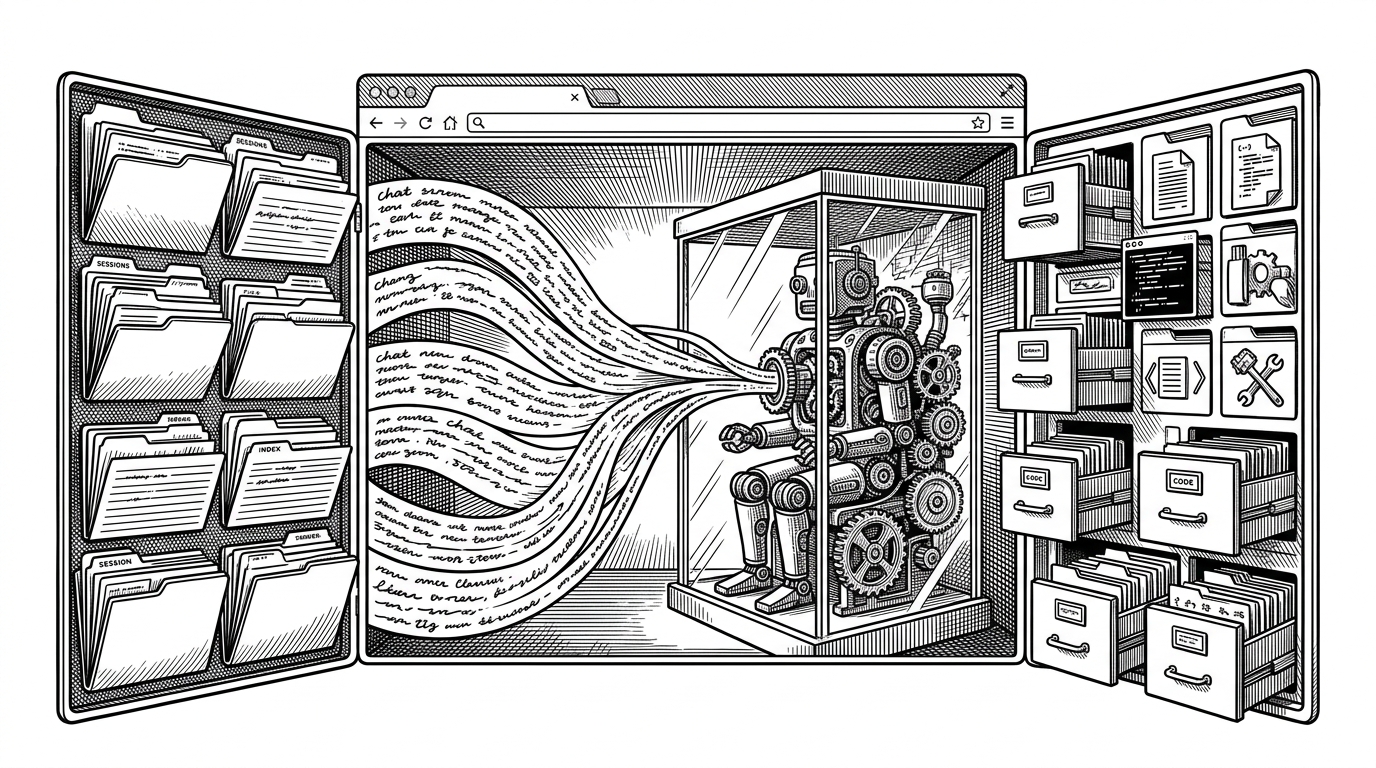

Hermes WebUI is a lightweight, dark-themed web app interface in your browser for Hermes Agent. Full parity with the CLI experience - everything you can do from a terminal, you can do from this UI. No build step, no framework, no bundler. Just Python and vanilla JS.
- Hermes WebUI is not trying to be a universal chat app. It is a browser shell for one persistent agent process, and that changes everything about how the interface works.
- The repo’s most interesting engineering choice is not the UI layer but the state model beneath it, where sessions, streaming, and workspace context stay coherent across runs.
- The no-framework stack is a product decision, not a minimalism pose. It reduces moving parts, keeps deployment simple, and makes the whole system easier to trust.
- Its real strength is coherence. Every design choice serves the same job: make a terminal-native agent usable in a browser without turning it into something else.
A browser window onto a living agent
Hermes WebUI is easiest to understand if you stop thinking about it as a chat app. The browser does not host the agent. It wraps an existing Hermes process that already has memory, tools, workspace access, and its own long-lived state.
That is why the project feels more like infrastructure than a UI kit. It gives you a Claude-style surface for work, but the thing doing the work still lives underneath as a persistent system. The browser is the interface, not the brain.
Why Claude-style matters here
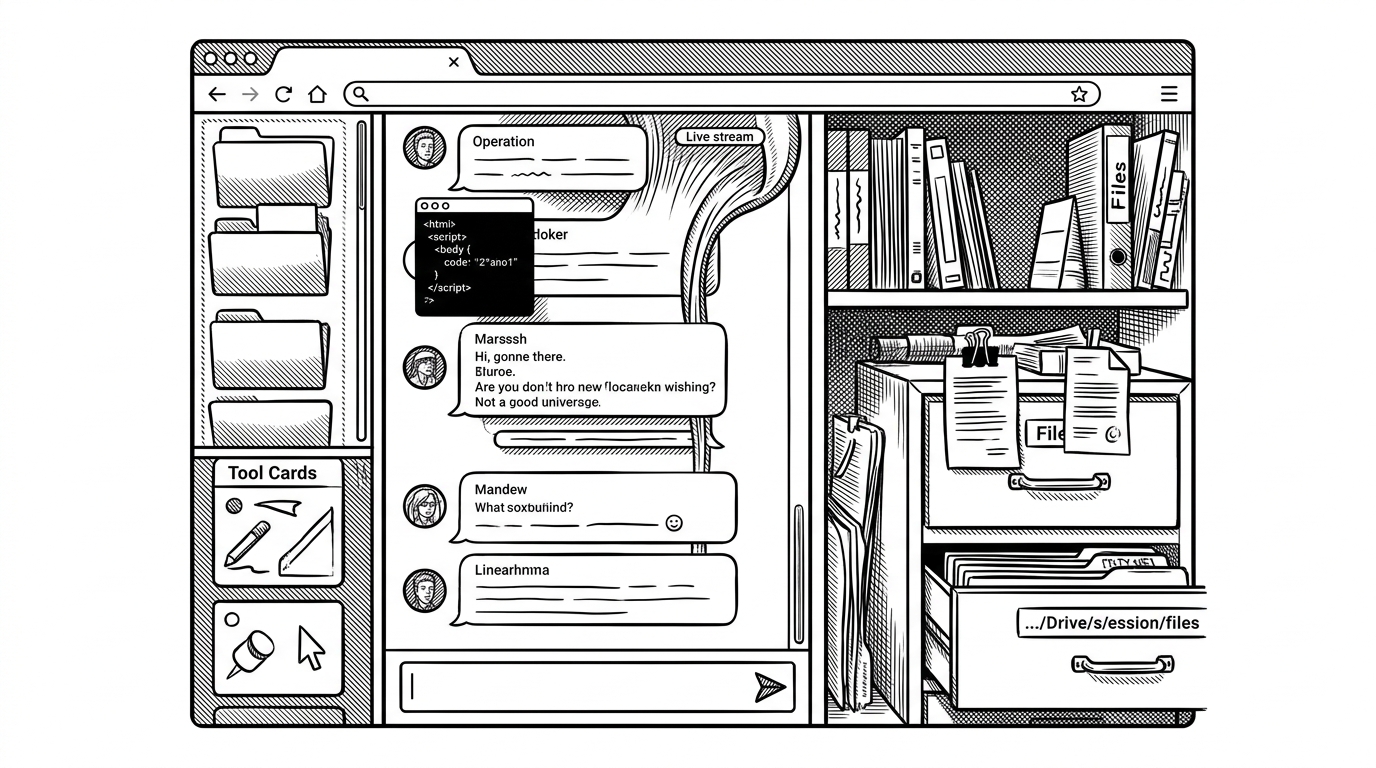
The three-panel layout is not aesthetic copying. It gives the agent a legible working environment: sessions and tools on the left, conversation in the center, workspace state on the right. That structure matters because Hermes is not just answering prompts. It is acting on files, tools, and persistent context.
| Area | What it does | Why it matters |
|---|---|---|
| Left rail | Sessions and tools | Makes agent history and controls visible at a glance |
| Center panel | Conversation and streaming | Keeps the active run readable without distraction |
| Right rail | Workspace browser | Shows the files and state the agent is actually touching |
The thin-shell architecture
The repo’s backend is intentionally plain. `server.py` uses Python’s standard library server, then hands routing off to `api/routes.py`. There is no framework scaffolding to hide the flow, which makes the codebase small enough to reason about in one sitting.
# server.py
from http.server import ThreadingHTTPServer
from api.routes import handle_get, handle_post

# routes.py
# request parsing and dispatch live here instead of in a framework layer
That simplicity is not naive. The server still does the boring security work, including a manual CSRF check based on headers. For a tool with filesystem access and agent control, that is the right kind of boring.
How Hermes WebUI keeps sessions alive
Sessions are stored as JSON files, with `_index.json` providing a fast sidebar listing and an `OrderedDict` cache keeping active conversations warm in memory. That is the kind of design that looks ordinary until you realize it keeps the UI responsive without a database server or a migration story.
| Pattern | What it buys | Trade-off |
|---|---|---|
| JSON session files | Simple persistence and easy inspection | You need index maintenance and careful writes |
| _index.json | Fast sidebar reads | Another file to keep consistent |
| OrderedDict cache | Less disk churn for active chats | Memory use must stay bounded |
The key idea is that sidebar speed and session durability are handled separately. The UI can list conversations quickly because it reads an index, while the agent can still write full session records without forcing the whole app to scan the filesystem every time.
The hardest problem: streaming without state collisions
The most interesting part of the repo is `api/streaming.py`. It runs agent work in a background thread, streams output over SSE, and protects process-global environment variables with `_ENV_LOCK`. That matters because Hermes tools depend on environment state, and in a web server that state can easily leak between concurrent runs if you are not careful.
# api/streaming.py
with _ENV_LOCK:
    _set_thread_env(context)
    try:
        run_agent_streaming()
    finally:
        _restore_env(previous_state)
This is the repo’s real engineering move: one shared agent process, many browser sessions, no accidental cross-talk. The interface feels simple because the hard isolation work happens before the first token reaches the screen.
Why the anti-framework choice is the feature
The no-build, no-framework, no-bundler stance is not austerity theater. It lowers deployment friction, shrinks the number of failure modes, and makes the app easier to keep alive as a long-lived tool. If your product is meant to sit next to a persistent agent, operational simplicity is a real feature.
It also makes the repo easier to audit. When the whole stack is Python standard library plus vanilla JavaScript, there is less hidden machinery between the user and the behavior that matters.
How it stacks up against heavier AI UIs
Hermes WebUI is not trying to outrun OpenWebUI or Chatbot UI on breadth. It is narrower by design, because it is built around one agent with one operating model. That makes the comparison less about raw features and more about coherence.
| Project | Stack shape | Best fit |
|---|---|---|
| Hermes WebUI | Python stdlib + vanilla JS | A persistent Hermes agent that needs a browser shell |
| Chatbot UI | Framework-based generic UI | Model access and polished chat flows |
| OpenWebUI | Feature-heavy local dashboard | Broad local AI usage with lots of knobs |
| SillyTavern | Highly customizable frontend | Power users who want deep persona and roleplay tooling |
The practical distinction is that Hermes WebUI respects the agent first, the interface second. Heavier UIs often start with feature coverage and then bolt on agent support. This project starts from the agent’s constraints and builds just enough browser around them.
Who this is for, and who it is not for
This repo is for people who already want Hermes as a persistent server-side agent and need a browser surface that does not fight that model. It is for users who value clarity, durability, and low setup friction more than a giant feature matrix.
It is not trying to be the universal AI workbench. That restraint is part of the appeal. The project knows exactly what it is: a thin, disciplined shell around a living system.