OpenWorker: The AI Coworker Built Around Your Desktop, Not Your Chat Box
A local-first agent platform that turns files, terminals, Slack, Jira, and approvals into one supervised workflow.
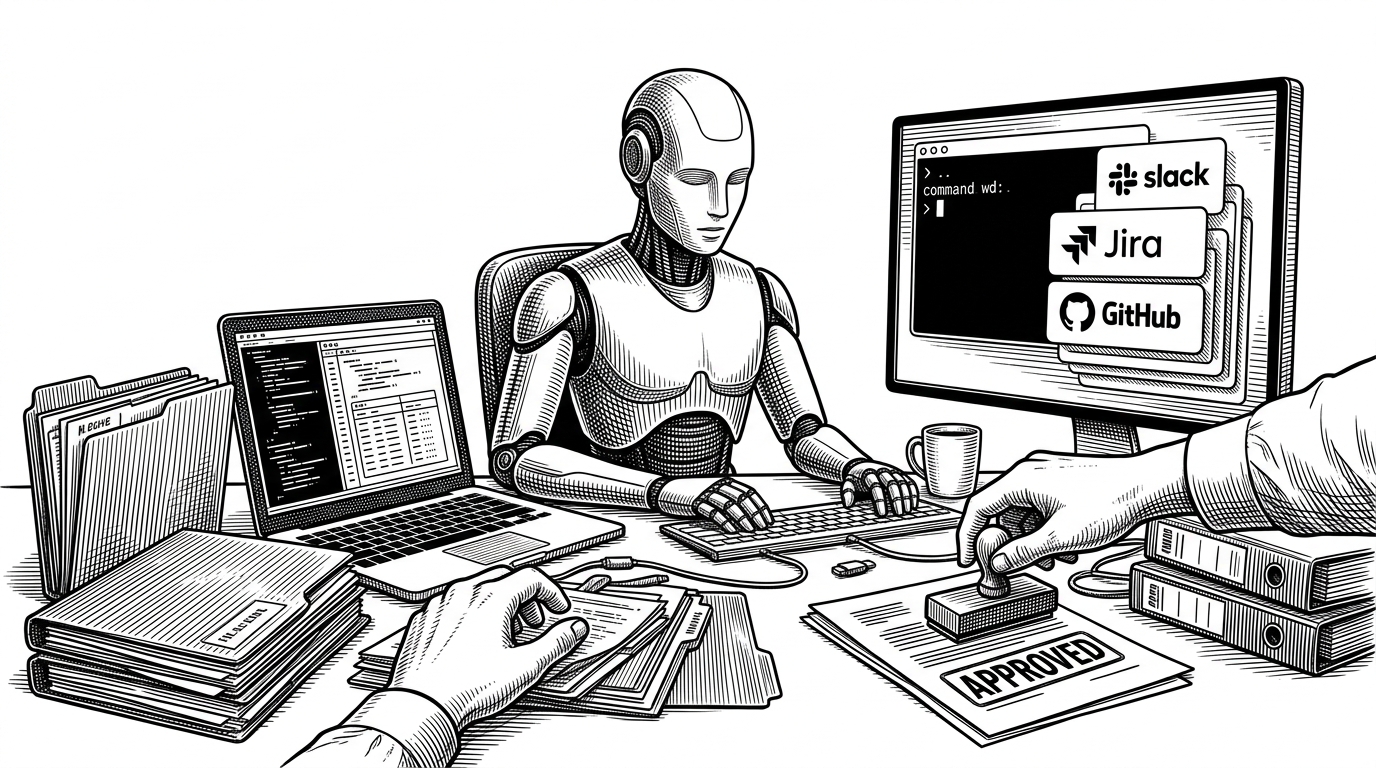
- OpenWorker’s main innovation is not autonomy, but controlled autonomy that stays legible to the user.
- Its risk tiers turn tool use into a governed workflow instead of a blanket yes-or-no permission prompt.
- The TurnEngine makes the agent feel like a sequence of supervised work turns, not a hidden black box.
- MCP and local-first execution make OpenWorker feel like a tool host for real workplace tasks, not a one-off chatbot.
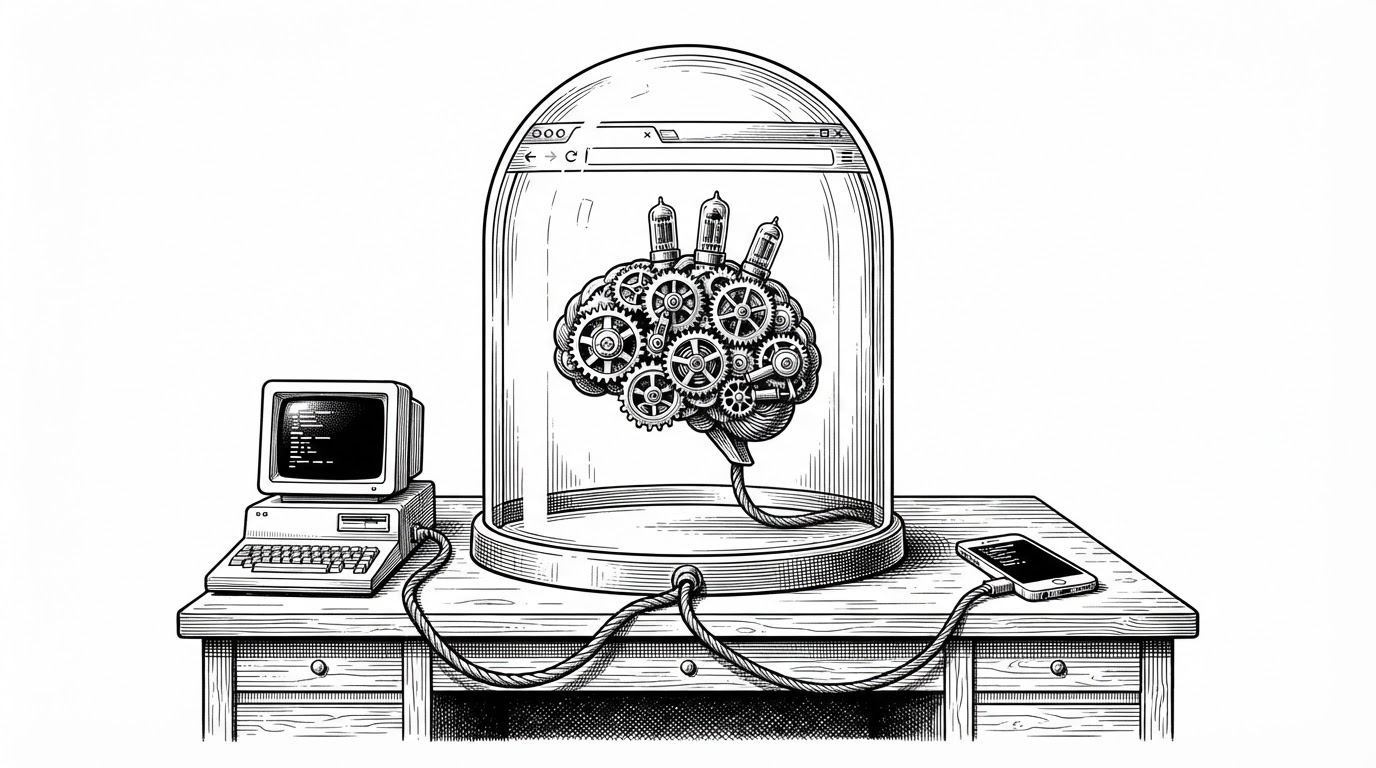
The Browser Chat Era Ends at the Desktop
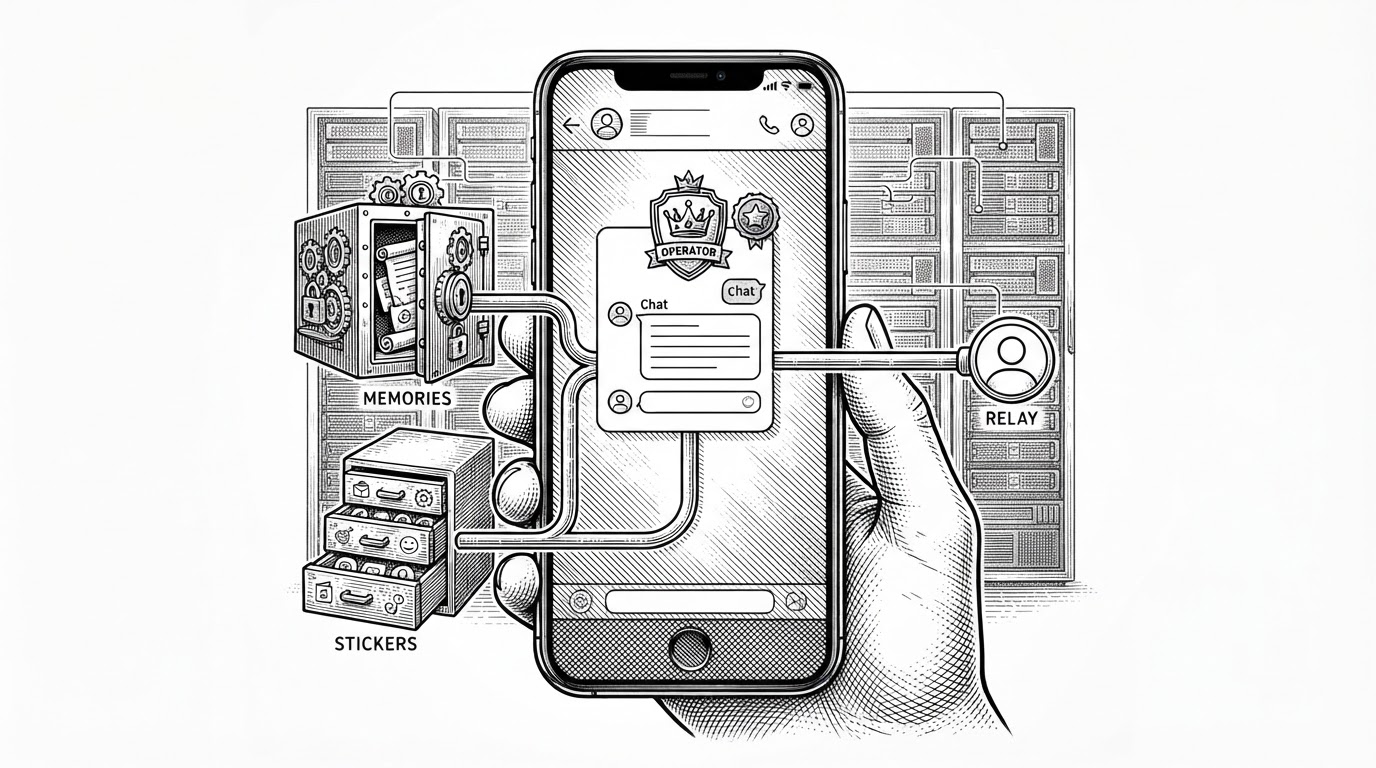
OpenWorker is built for a different unit of work. Not a prompt. A task. It is meant to touch files, terminals, Slack, GitHub, Jira, and other workplace surfaces from one local machine, which makes it feel closer to a coworker than a chat UI.
That shift matters because most agent products still ask you to translate work into dialogue. OpenWorker flips the default. It starts with the desktop and asks what should be done there.
an open-source agent that doesn't just chat with you, but delivers finished work, like hand you a polished document, send a slack message, or update a calendar entry.
Why the Risk Engine Is the Real Product
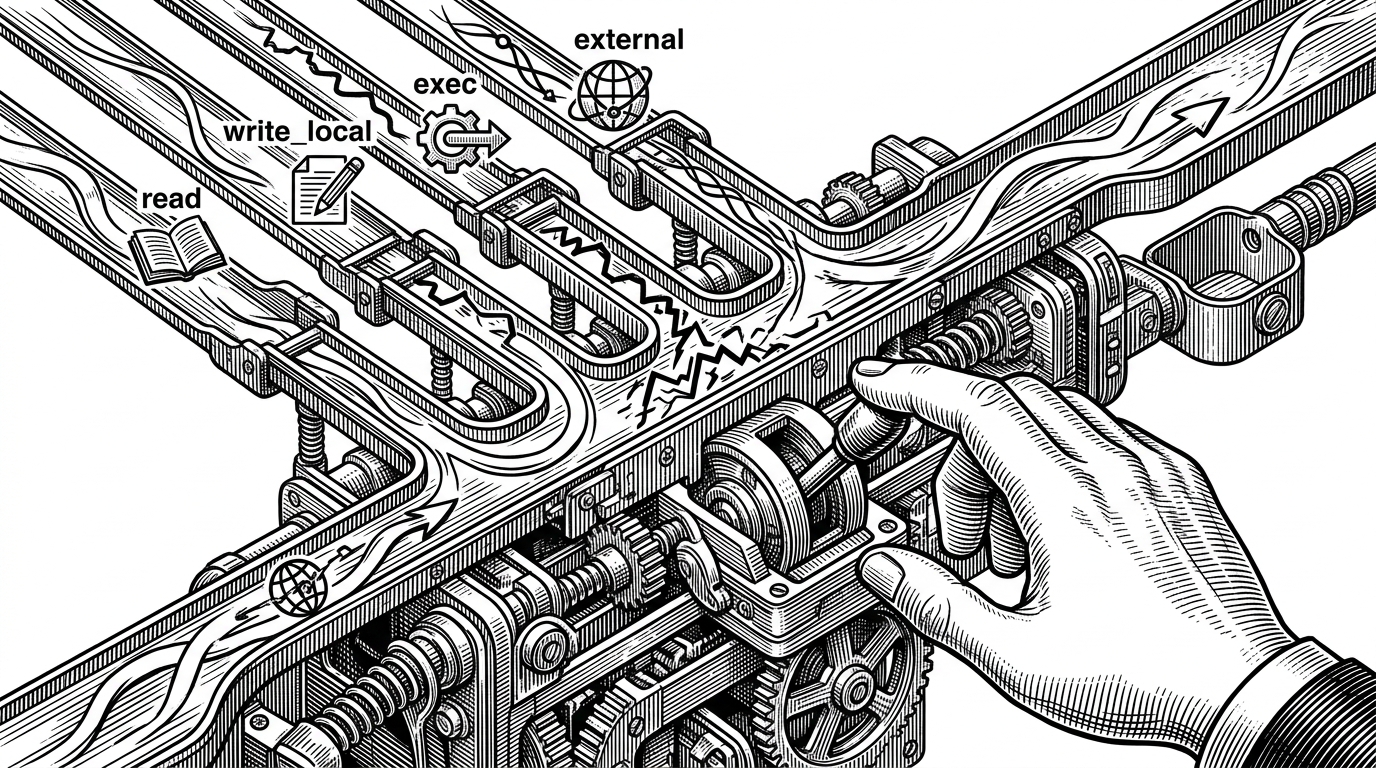
The differentiator is not just that OpenWorker can act. It is that it classifies action by risk. The engine separates reads, local writes, shell execution, and external actions into distinct tiers, then pauses when an action is consequential.
| Capability | OpenWorker | Typical agent apps |
|---|---|---|
| Permission model | Typed risk tiers: read, write_local, exec, external | Usually a single broad approve/deny prompt |
| User control | Approval happens inside the task loop | Approval often feels bolted on |
| Trust signal | The agent exposes what kind of act it wants to perform | The agent asks for trust after the fact |
The Turn Engine: A Loop That Plans, Acts, and Checks Itself
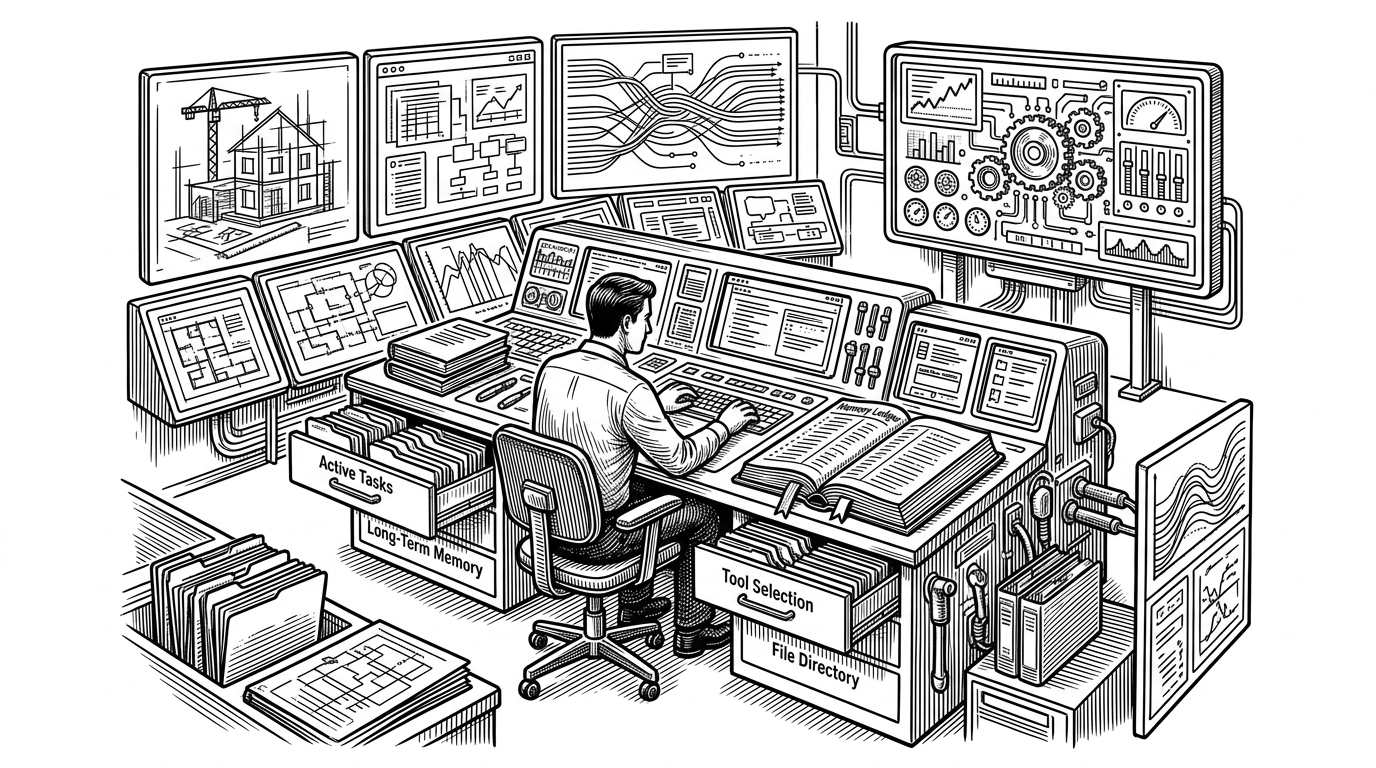
The center of the repo is `TurnEngine`. It runs the agent in turns, asks the model for tool calls, executes them, and feeds results back into the next cycle. That pattern is simple to describe and hard to get right.
class TurnEngine:
    async def run(self, goal):
        for _ in range(self.max_iterations):
            plan = await self.model.next_action(goal, self.memory)
            calls = self.risk_router.classify(plan.tool_calls)
            results = await self.executor.run(calls)
            goal = self.memory.merge(results)
        return self.summary(goal)
The useful detail is not the loop itself. It is the scheduling logic inside it. Low-risk tools can run concurrently. High-risk tools are serialized. That means search and reads can move quickly, while writes and shell actions stay ordered and reviewable.
OpenWorker's engine is built on aisuite, a lightweight Python library providing a unified chat-completions API across LLM providers and an agents layer with tools, toolkits, and MCP support.
Plan Mode and Discuss Mode Keep the Model Honest
OpenWorker does something clever with modes. In Plan mode, the model is pushed into proposal only. It cannot write or run shell commands. In Discuss mode, the same engine can reason more freely.
| Mode | What the model can do | What the user sees |
|---|---|---|
| Plan | Propose steps, but not execute risky work | A draft of intent and sequence |
| Discuss | Reason more broadly about the task | A conversational working session |
This is a small design choice with a big effect. The model cannot pretend it already acted. The mode boundary keeps intent, execution, and explanation separate.
Live Narration Makes the Agent Legible
OpenWorker also asks the model to narrate before it uses tools. One sentence of intent is enough to make the next action feel explainable instead of magical. Users can watch the work unfold instead of decoding a stream of silent tool calls.
MCP Turns OpenWorker Into a Tool Host, Not a One-Off App
The server manager acts like a control plane, and MCP is the extensibility layer. That combination matters because it avoids a brittle pile of one-off connectors. New tools can arrive through a standard protocol instead of bespoke integration work.
| Layer | OpenWorker approach | Why it matters |
|---|---|---|
| Core engine | Local turn-based loop | Keeps the work observable |
| Tool expansion | MCP servers through a control plane | Avoids custom connector sprawl |
| Deployment | Desktop-first shell around the engine | Keeps data and approvals near the user |
Why OpenWorker Feels Different From Open Interpreter, Cline, and Local Chat Apps
The comparison is not about who is smarter. It is about where the product lives. Open Interpreter is closer to local code execution. Cline lives inside the editor. Jan.ai and AnythingLLM focus heavily on local models and retrieval. OpenWorker sits at the desktop layer and treats workplace outcomes as the point.
| Primary environment | OpenWorker | Open Interpreter | Cline | Jan.ai / AnythingLLM |
|---|---|---|---|---|
| Primary environment | Desktop workspace | Terminal and local machine | VS Code | Local chat and retrieval |
| Main unit of work | Finished deliverable | Command and code execution | Coding task | Conversation or RAG query |
| Safety model | Typed risk tiers plus approval | User prompts and execution trust | Editor-centered review | Privacy-first, but less agentic |
| Data locality | Local-first | Local-first | Local to dev environment | Local-first |
| Best fit | Cross-tool knowledge work | Hands-on scripting and automation | Software development | Private chat and model hosting |
That makes OpenWorker feel less like a lab demo and more like a workflow system. Its ambition is not to replace every other agent. It is to make the desktop itself into a supervised execution surface.
What This Repo Suggests About Agent Software
OpenWorker points to a useful rule. Agents get better when they are constrained, visible, and close to the user’s actual work. Trust is not an add-on. It is architecture.
That is why this repo is interesting even if you never use its exact stack. It argues that the future of agent software may be less about bigger prompts and more about tighter loops, clearer approvals, and fewer invisible surprises.