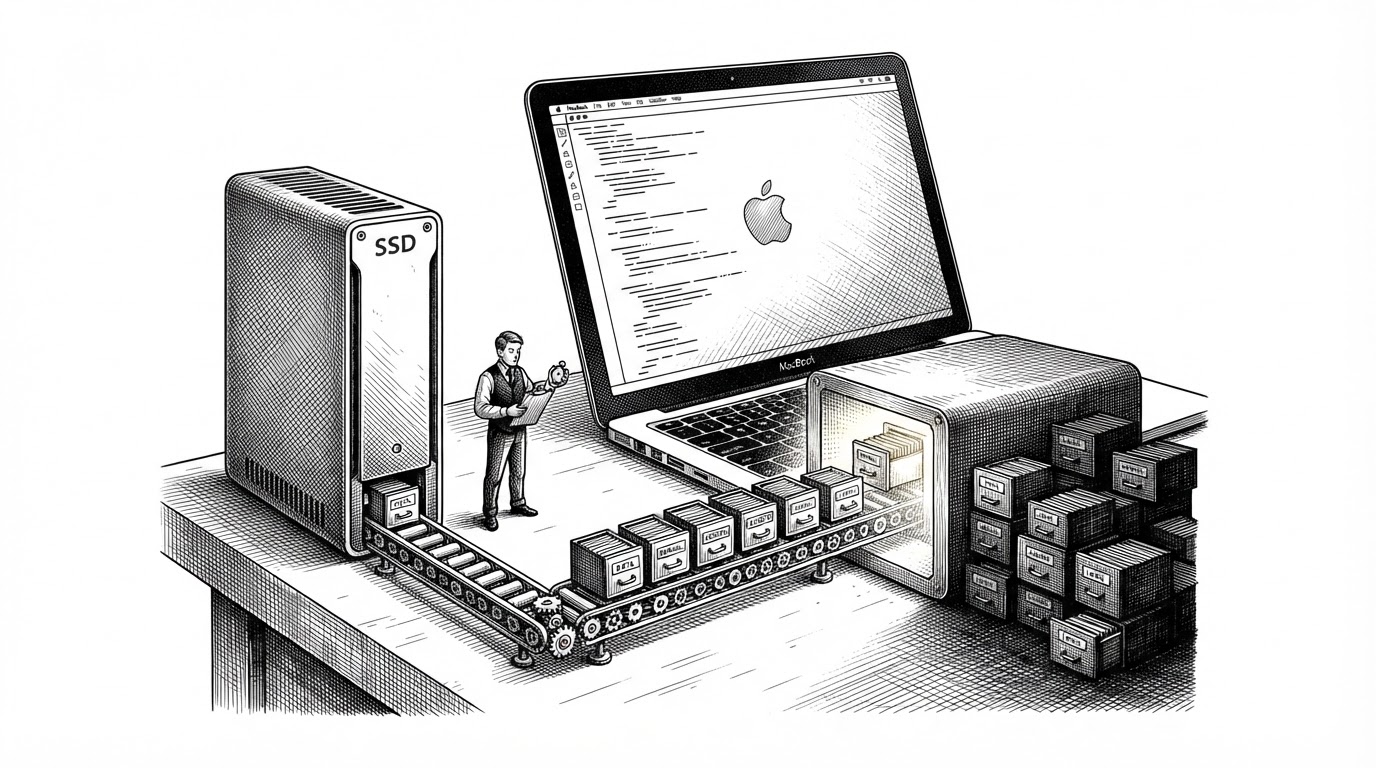
claude-code-local: The Proxy That Lets Claude Code Run Entirely on Your Mac
A local MLX server impersonates Anthropic’s API, rewrites tool calls, reuses prompt cache, and turns Claude Code into a privacy-first Mac-native coding stack.
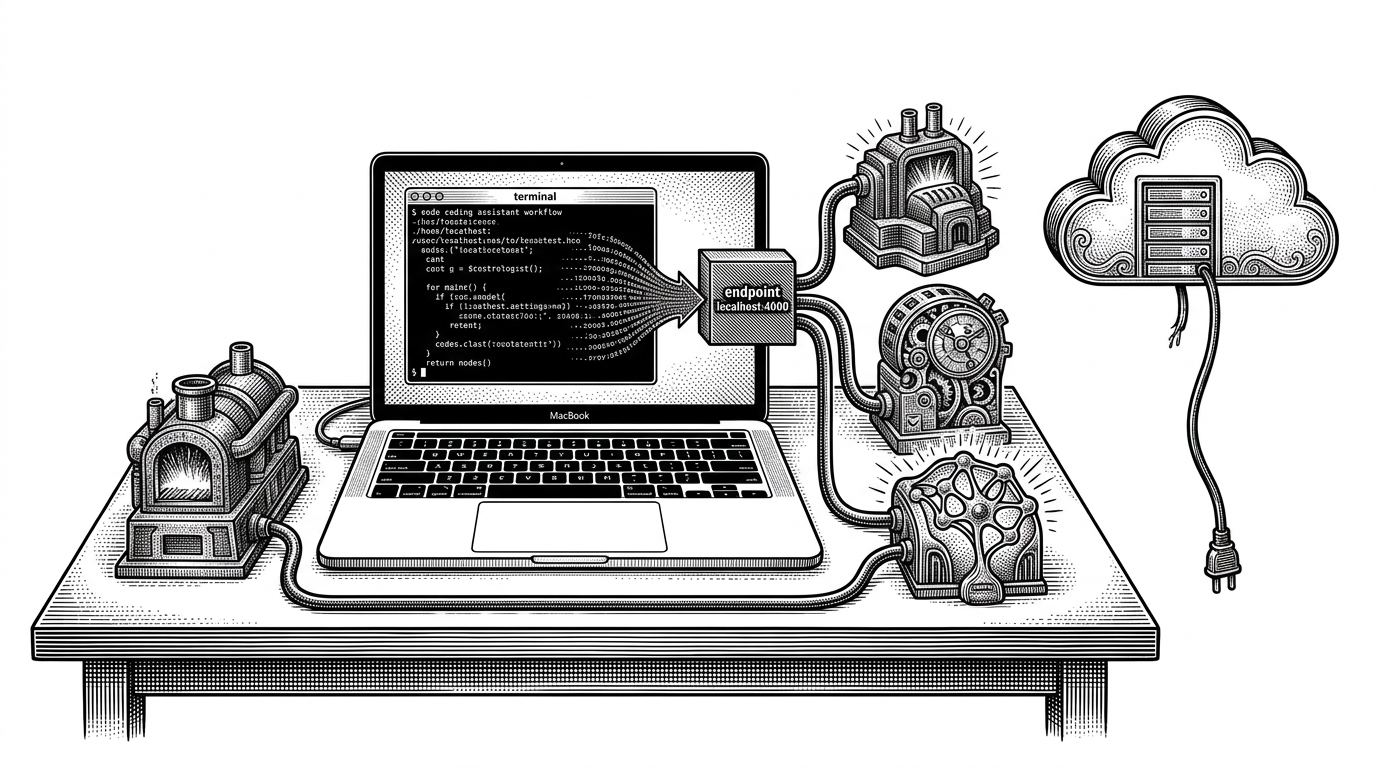
- claude-code-local is less a model demo than a compatibility layer that lets Claude Code keep its workflow while swapping in local MLX inference underneath.
- Its real value is the translation stack, not the model call itself, because tool formats, malformed JSON, and prompt-cache reuse are what make the proxy usable.
- The model lineup is a set of trade-offs, not a leaderboard, with Gemma, Llama, and Qwen each optimized for a different mix of speed, RAM, and reasoning.
- The repo fits into a broader local-first desktop-agent vision, where the coding CLI is one part of a larger on-device system.
The Fake Anthropic Endpoint
The cleanest trick in `claude-code-local` is also the most deceptive. Claude Code thinks it is talking to Anthropic, but the request lands on `ANTHROPIC_BASE_URL=http://localhost:4000`, where a local Python server answers in the shape Claude expects.
That matters because the project is not trying to replace Claude Code’s interface. It is preserving it. The CLI, the tools, the conversation loop, and the harness prompt all stay intact while the model underneath becomes local and model-swappable.
export ANTHROPIC_BASE_URL=http://localhost:4000
claude
That tiny override is the front door. The rest of the repository is the machinery that makes the lie hold together.
Why the Proxy Exists at All
Claude Code is not a simple chat client. It is a tool-heavy harness with large system prompts, structured tool calls, and a habit of sending a lot of context every turn. A normal local model server can answer text, but that does not automatically make it Claude Code-compatible.
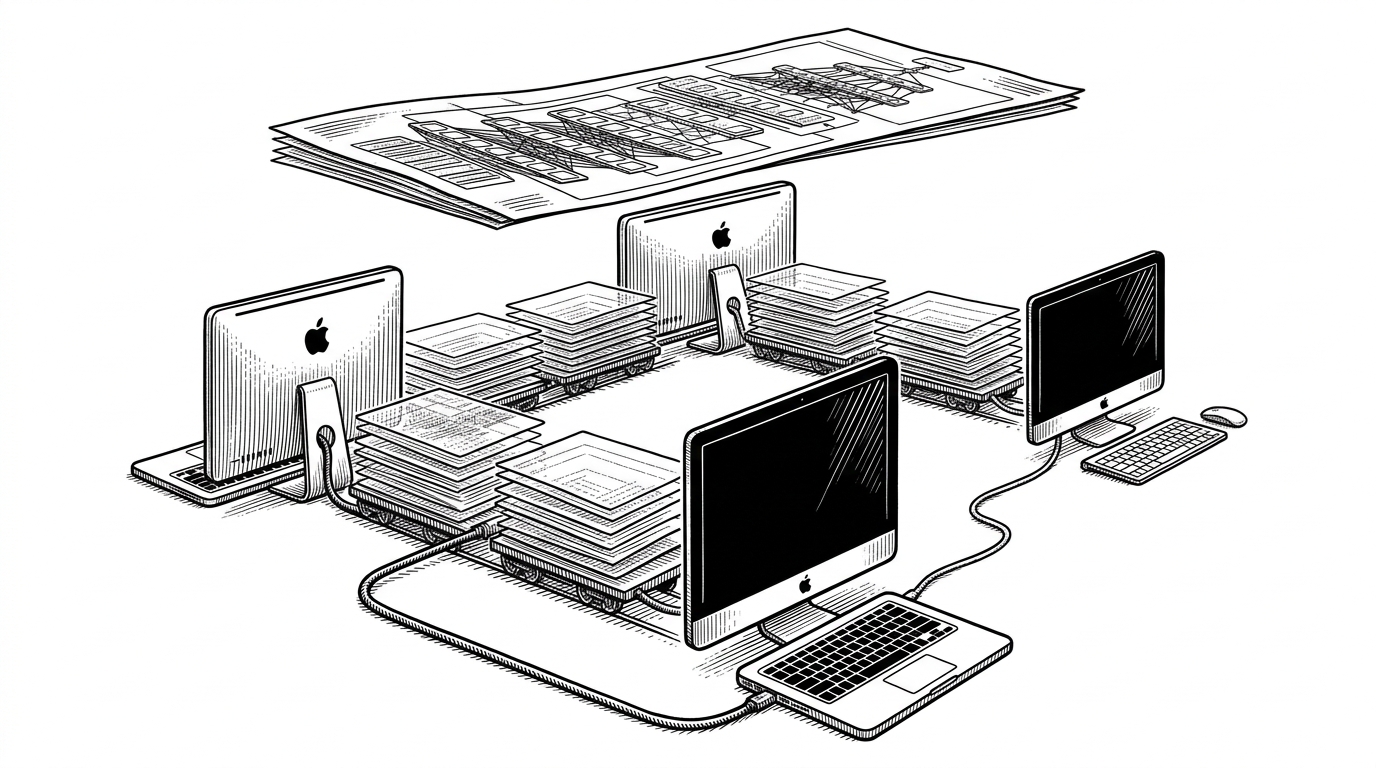
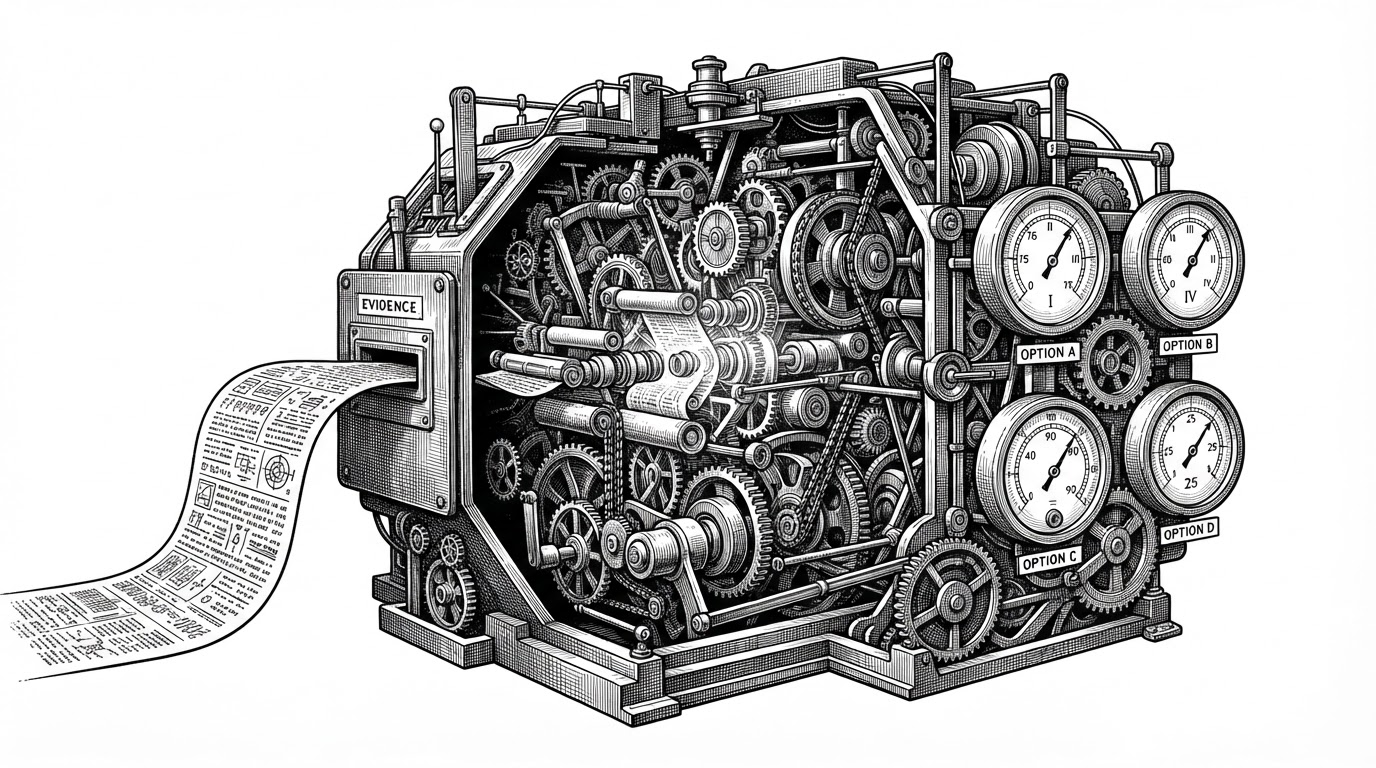
So the proxy has to do three jobs at once. It translates Anthropic-shaped requests into model-specific function calling, recovers from malformed tool JSON, and keeps prompt prefix state hot so the harness does not turn every turn into a cold start.
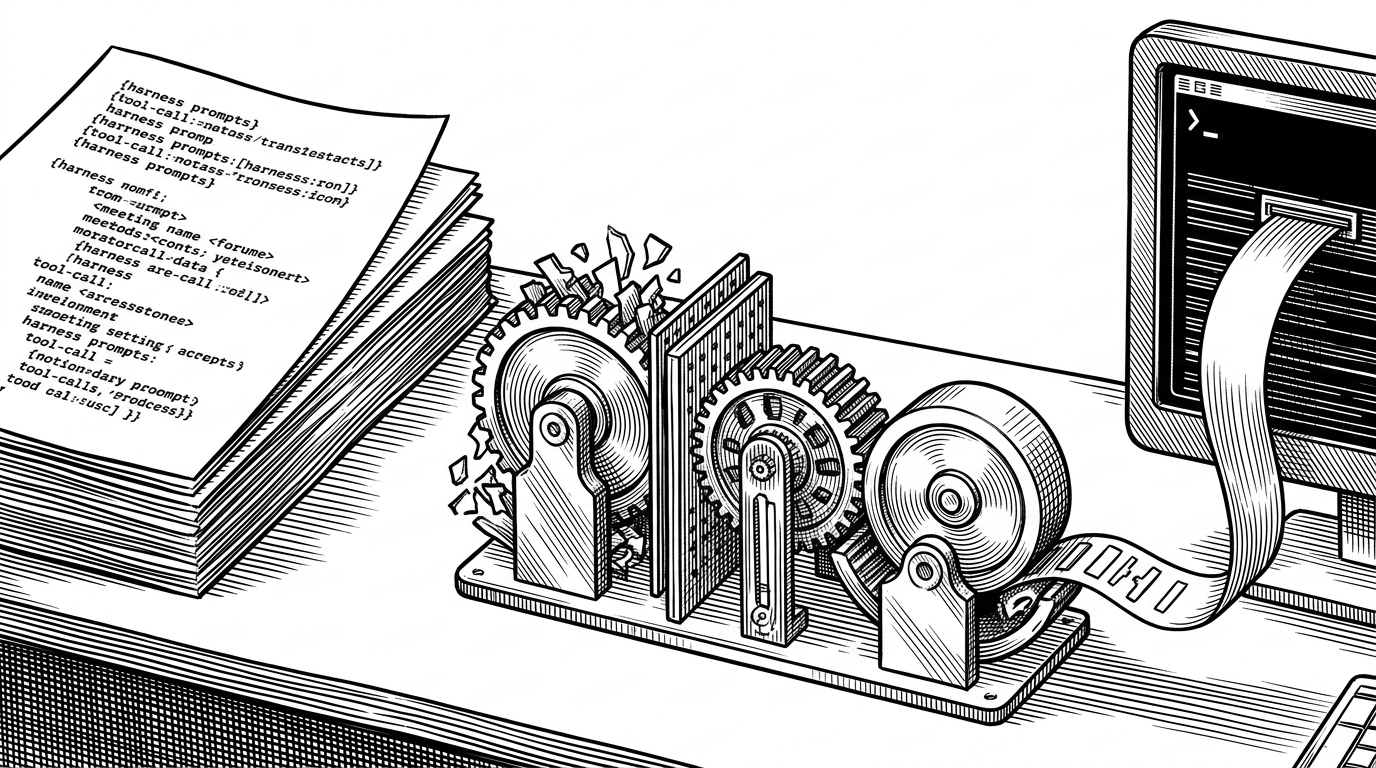
The result is a compatibility layer that feels almost boring when it works. That is the point. The user keeps Claude Code, the server keeps the illusion, and the local model only has to solve the pieces Claude Code actually needs.
The Three Brains in the Lineup
The repo does not treat models as interchangeable wallpaper. It treats them like three different engines for three different jobs.
| Model | Shape | Strength | Trade-off |
|---|---|---|---|
| Gemma 4 31B | Dense | Fastest everyday option, lighter on RAM | Less raw depth than the larger options |
| Llama 3.3 70B | Dense | Strong reasoning and a balanced coding profile | Slower and heavier than Gemma |
| Qwen 3.5 122B MoE | Mixture of Experts | Highest ceiling and strongest throughput on the right machine | Needs the most memory and hardware headroom |
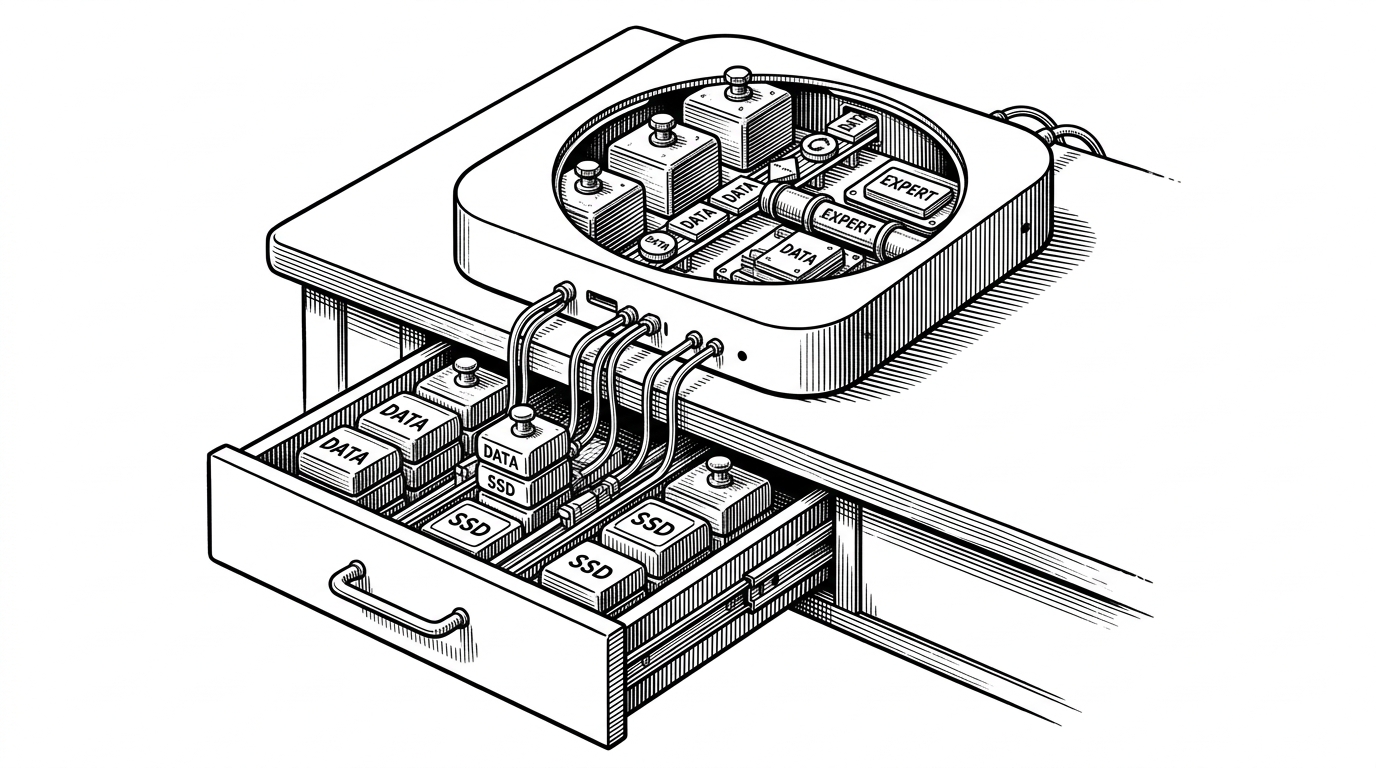
The important insight is that bigger is not automatically better here. Qwen can be the speed monster because MoE activates only part of the model per token. Llama can feel slower but more capable on difficult reasoning. Gemma is the practical option when memory is the constraint.
That is why the project sounds opinionated. It is. The goal is not to expose a generic model menu. The goal is to make local Claude Code usable on real Mac hardware without pretending every machine can carry the same load.
What Makes It Feel Native
The repo also cares about packaging, which is where a lot of local AI projects fall apart. The launchers are double-clickable `.command` files, so the workflow can feel like opening an app instead of assembling a shell ritual.
The setup script goes further. It checks memory, chooses a model tier, and installs the stack with symlinks so updates follow the repo automatically. That means the project behaves more like a maintained desktop utility than a pile of one-off instructions.
This is a subtle but important product choice. Most local AI tools stop at inference. `claude-code-local` tries to make the whole experience legible, repeatable, and hard to break.
The Local-First Stack Behind the Curtain
The repository is also part of a larger architecture. The maintainer describes it as the brain of a three-repo ambient-computing stack, paired with `NarrateClaude` for voice and `browser-agent` for browser control.
That framing changes how you read the code. This is not just a proxy for a coding agent. It is a modular local desktop system where the CLI is one interface, voice is another, and browser automation is a third.
You're looking at the **BRAIN** of a three-repo local-first ambient-computing stack
That makes the project feel bigger than a workaround. It is infrastructure for a local agent stack that can expand without surrendering the core promise: keep the work on the device.
What This Means for Claude Code
The strategic lesson is simple. The most durable AI interface may not be a monolithic app tied to one provider. It may be a stable CLI harness with interchangeable brains underneath it.
If that pattern holds, `claude-code-local` is a useful blueprint. It shows how to preserve a polished workflow, avoid outbound code traffic, and still swap in local intelligence when the machine is strong enough to carry it.
| Path | What stays stable | What changes |
|---|---|---|
| Cloud Claude Code | CLI and tool workflow | Model, cost, and data path remain external |
| Local proxy stack | CLI and tool workflow | Model, cache behavior, and privacy boundary become local |
| Standalone local agent | Nothing from Claude Code is preserved | You gain openness but lose the familiar harness |
That is the deeper differentiator. The repo is not asking whether local models can code. It is asking whether the best developer interface might be a familiar one, with the cloud brain quietly replaced by something you own.