ratatui-hypertile: Breaking the Gridlock of Static Terminal UIs
How Binary Space Partitioning is turning Rust terminal apps into dynamic, Hyprland-style workspaces.

- Ratatui-hypertile replaces static terminal layouts with a dynamic engine powered by Binary Space Partitioning trees.
- The library enables users to split, resize, and nest windows at runtime without manual coordinate calculations.
- Spatial heuristics allow for intuitive directional navigation by calculating physical proximity instead of logical tree order.
- A decoupled architecture separates core tiling logic from the rendering runtime to support modular and swappable UI components.
Beyond the Compiled Layout
For years, building a Terminal User Interface meant playing the role of a digital architect. You defined your screen real estate upfront. In the Rust ecosystem, Ratatui became the gold standard for this architecture. Developers would use the `Layout` primitive to slice the terminal into fixed percentages or absolute lengths. It produced beautiful dashboards, but those dashboards were static dioramas. If a user wanted to split a pane or move a window, they had to reach for an external multiplexer like tmux or Zellij.
The `ratatui-hypertile` library changes the contract entirely. Released in early 2026 by developer Miloš Nikolić, it abandons the static grid. Instead, it brings the dynamic logic of modern Wayland compositors directly into the application layer. It turns a Ratatui application from a rigid monitoring tool into a fluid, user-defined workspace.
The library solves a surprisingly complex geometric problem. Terminal resizing is essentially a game of Tetris played in real time. By embedding a window manager inside the UI framework, `hypertile` gives developers access to runtime splits, infinite nesting, and automatic spatial focus without writing custom coordinate math.
The Binary Engine Under the Hood
The secret to this fluidity is not a massive grid calculation. It is an elegant data structure known as a Binary Space Partitioning (BSP) tree. In a BSP tree, the user interface is never a flat list of rectangles. It is a recursive hierarchy.
Every node in the `hypertile` engine is either a `Split` or a `Pane`. A `Split` contains a direction (horizontal or vertical), a ratio (such as 50/50 or the Golden Ratio), and two child nodes. A `Pane` is a leaf node containing the actual widget content. When a user issues a command to split their current window, the engine simply mutates the tree. It replaces the target `Pane` with a new `Split` containing two fresh `Pane` children.
This approach guarantees mathematically perfect layouts. The engine performs a single recursive walk down the tree to convert ratios into pixel-perfect `Rect` coordinates. Gapless rendering is ensured by design, sidestepping the rounding errors and overlapping borders that plague manual layout calculations.
Spatial Intuition: Why "Right" is "Right"
Navigating a tree structure with a keyboard presents a unique user experience challenge. A binary tree understands parent and child relationships, but it has no natural concept of "Up" or "Down". If you press the right arrow key, how does the engine know which pane to focus?
The answer lies in the library's `movement.rs` module, which implements sophisticated spatial heuristics. When a user attempts to move focus directionally, `hypertile` ignores the logical tree order. Instead, it queries the layout cache to find the physical coordinates of every pane on the screen.
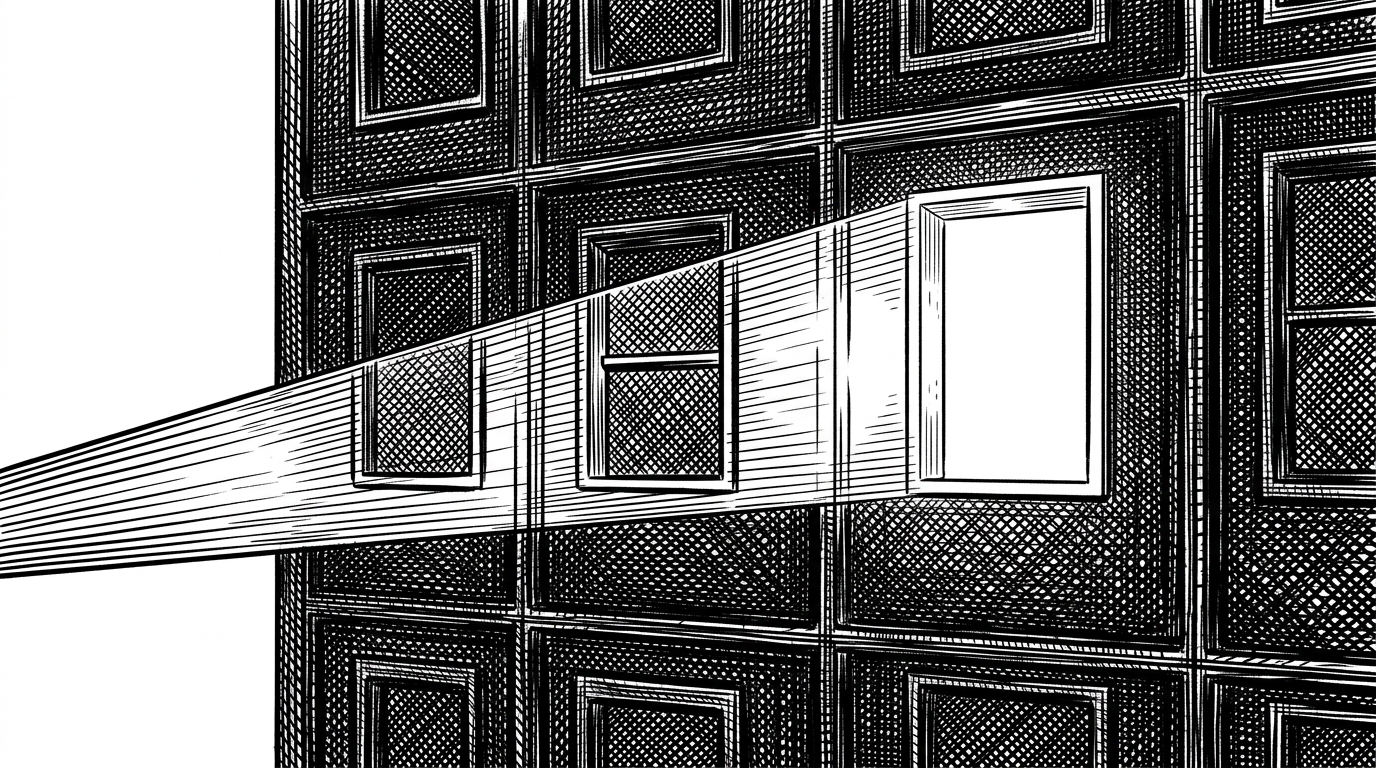
It calculates a primary and secondary distance metric. If you move "Right", the engine prioritizes panes whose vertical range overlaps with your current pane. It searches for the closest physical neighbor on the perpendicular axis, creating a Vim-like navigation experience that feels deeply intuitive regardless of how nested the underlying BSP tree has become.
From Math to Masterpiece: The Runtime
Raw layout math is powerful, but wiring it to keyboard events and rendering loops is tedious. Recognizing this, the repository is split into two distinct crates. The core `hypertile` crate handles the pure BSP logic. The `extras` crate provides a batteries-included runtime.
The runtime introduces a `Registry` and a `HypertilePlugin` trait. This cleanly separates the mathematics of tiling from the pixels of rendering. The core engine calculates the areas and hands a `PaneSnapshot` to the runtime. The runtime then looks up the correct plugin for that pane and executes its render closure.
This architecture allows developers to build modular, swappable UI components. It even includes pre-configured Vim-style keymaps and a floating command palette. By completely decoupling the application state from the window management state, `hypertile` provides a framework for building terminal applications that feel like native desktop environments.
| Feature | Standard Ratatui Layout | ratatui-hypertile |
|---|---|---|
| Layout Definition | Compile-time constraints | Runtime BSP tree mutation |
| User Control | Fixed by developer | Splits and resizes via keybinds |
| Focus Management | Manual state tracking | Automatic spatial heuristics |
| State Persistence | Requires custom implementation | Built-in Serde support for layouts |
Sources: