Noctalia Shell: The Wayland Desktop That Treats Your Config Like Software
A deep look at the shell layer that hot-reloads settings, migrates old configs, animates themes globally, and makes a modular Linux desktop feel durable instead of fragile.
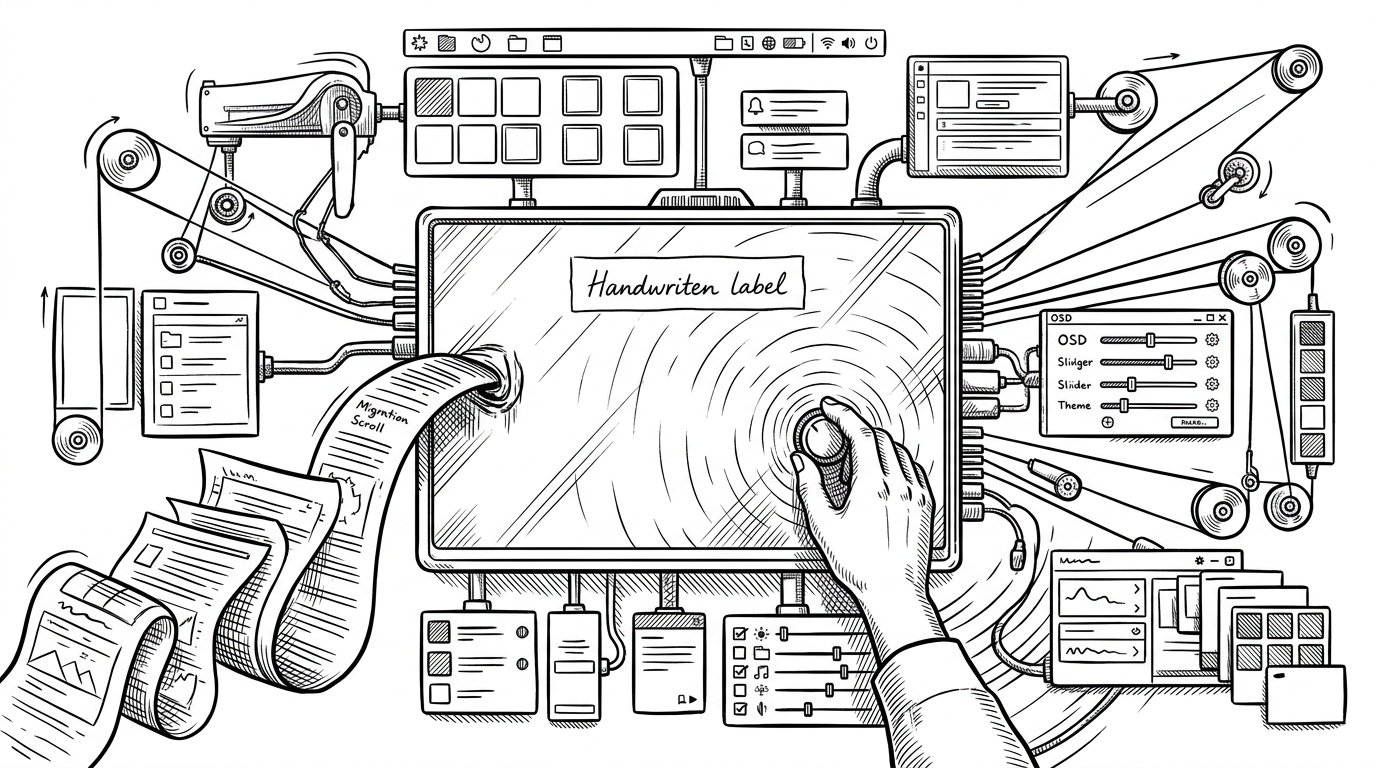
- Noctalia stands out because it treats config changes as a managed lifecycle, not a fragile edit-in-place ritual.
- Its hot reload, debounced saves, and versioned migrations make a Wayland shell feel maintainable in the same way mature software is maintainable.
- The theme system is not just cosmetic, because color, spacing, and animation rules propagate across the shell as shared behavior.
- Its real middle ground is not between pretty and ugly, but between full desktop environments and brittle dotfile stacks.
The first unusual thing about Noctalia is not the launcher, the bar, or the wallpaper polish. It is the fact that the shell expects its own configuration to evolve. Instead of assuming users will reinstall or manually patch broken JSON after an update, Noctalia keeps a migration registry so older config shapes can be upgraded forward.
That sounds like a boring maintenance detail. It is actually the thesis. Most desktop customizations are held together by memory and habit. Noctalia behaves more like a product with versioned state, upgrade paths, and runtime safeguards.
A Shell That Refuses to Break
This is the clearest signal that Noctalia is not just a visual layer. The repo includes versioned migration scripts under its configuration system, which means changes to settings are handled explicitly instead of accidentally. If the shape of the JSON changes, the shell can move the user forward.
A beautiful, minimal desktop shell for Wayland that actually gets out of your way. Built on Quickshell (Qt/QML) with a warm lavender aesthetic that you can easily customize to match your vibe.
That matters because shell users are usually paying a hidden tax: every update risks breaking a carefully tuned setup. Noctalia lowers that risk by treating settings as something that can be watched, transformed, and written back safely. The shell feels less like a collection of dotfiles and more like a maintained interface.
Why This Matters in the Wayland World
Noctalia sits in a specific niche. It is not a full desktop environment like GNOME or KDE. It is a shell layer for compositors such as Hyprland, Niri, and Sway, aimed at users who want a cohesive interface without giving up compositor-level control.
| Dimension | Noctalia Shell | Full DE | Hand-rolled dotfiles | Raw Quickshell |
|---|---|---|---|---|
| Polish | High, opinionated, cohesive | High, but broader and heavier | Depends on the author | Low until you build it |
| Maintenance | Versioned migrations, hot reload | Managed by the DE | Manual and brittle | Mostly your problem |
| Control | Strong, but structured | Moderate | Very high | Very high |
| Startup burden | Moderate | Higher | Variable | Lower, but unfinished |
| Upgrade safety | Designed in | Designed in | Usually absent | Depends on you |
| Best fit | Users who want control without fragility | Users who want an integrated desktop | Users who enjoy assembling everything | Users building their own shell logic |
That middle ground is the point. A full DE solves breadth. A dotfiles stack solves freedom. Noctalia tries to solve durability at the same level of control, which is a much rarer promise.
The Brain: Settings, State, and Migrations
The project’s internal split is tidy. `Settings.qml` owns persistent configuration. `ShellState.qml` tracks transient runtime state. That separation matters because a launcher ranking, a dismissed notification, or a UI scale drag should not be treated the same way as a user’s saved setup.
That architecture gives Noctalia three advantages at once. It can watch for external edits, it can avoid hammering disk with every slider tick, and it can keep volatile UI state separate from user intent. The shell is not guessing what should persist. It is deciding.
How the runtime stays calm
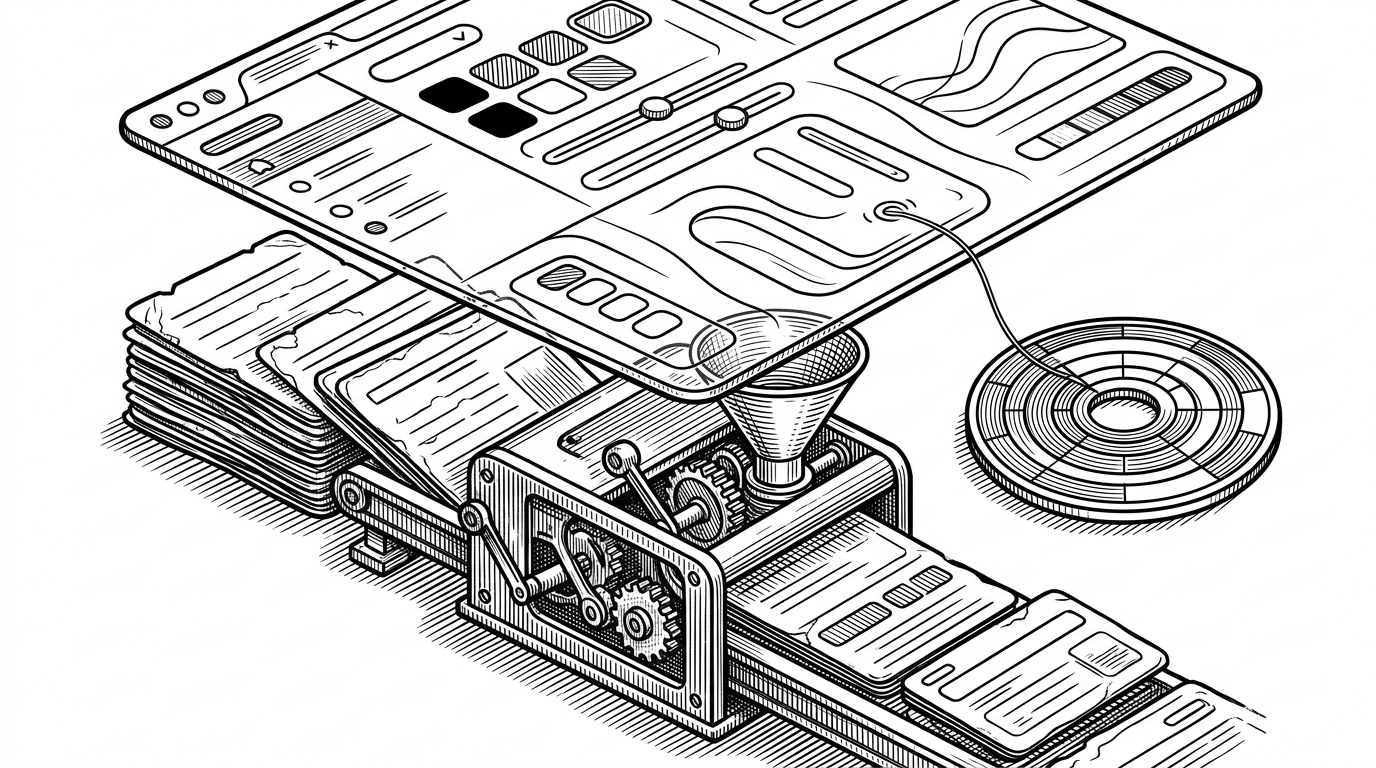
The hot-reload behavior is the visible part. The debounced save is the quiet part. Together, they make the shell responsive without turning configuration into a write storm. That is the kind of detail that usually disappears in hobby projects and becomes obvious the moment they age.
The Theme Engine Is Doing More Work Than It Looks
Noctalia’s `Color.qml` and `Style.qml` push the project beyond theming as decoration. Color transitions are animated globally, so palette changes do not snap harshly across the desktop. Style values like radius and spacing are derived from ratios, which keeps the visual language coherent as scale changes.
This is where the shell starts to feel designed rather than assembled. A lot of Linux customization is local: one widget here, one panel there, one config file per tool. Noctalia centralizes the rules so the whole surface behaves like one interface.
Quiet by Design Is an Engineering Choice
The project’s performance posture is not accidental. It can adapt animation behavior when power or performance mode changes, reducing motion and opacity costs when the machine needs to stay lean. That makes aesthetics conditional instead of mandatory.
That matters because most shells treat animation as a static cost. Noctalia treats it as a system behavior. The same design that looks polished on a plugged-in desktop can soften itself when the environment calls for restraint.
How Noctalia Keeps the UI Modular
The repository layout reinforces the product idea. `Commons` holds shared state and singletons. `Modules` contains visible UI pieces. `Services` wraps backend integrations. `Helpers` handles the math and conversion logic that QML should not have to carry alone. `Assets` carries translations, color schemes, and templates.
That separation is what keeps the shell composable. It is not just a bundle of widgets. It is a set of layers that can evolve independently, which is a much better answer to long-term maintenance than a giant all-in-one config folder.
Where It Fits Among Desktop Choices
| Option | What you gain | What you give up | Why choose it |
|---|---|---|---|
| Noctalia Shell | Cohesive polish with migration safety | Some degree of pure do-it-yourself freedom | You want a curated shell that still respects the compositor |
| Full desktop environment | Integrated tools and a unified platform | Weight and less compositor-first control | You want a complete system with fewer assembly steps |
| Hand-built dotfiles | Maximum personal control | Brittleness and upgrade anxiety | You enjoy owning every seam |
| Raw Quickshell | A blank canvas | You must build the operating logic yourself | You want primitives, not an opinionated layer |
The most useful way to read that table is simple. Noctalia does not win by adding the most features. It wins by reducing fragility without taking control away.
What Noctalia Suggests About the Future of Linux Desktops
Noctalia points toward a more serious model for desktop customization. The shell becomes versioned software with upgrade paths, not a pile of shell scripts and hope. That makes the user experience steadier, but it also makes the project easier to trust.
That may be the real innovation here. A desktop shell is usually judged by how it looks on day one. Noctalia makes a stronger claim. It is trying to stay beautiful after the third config change, the second theme swap, and the next upstream update.