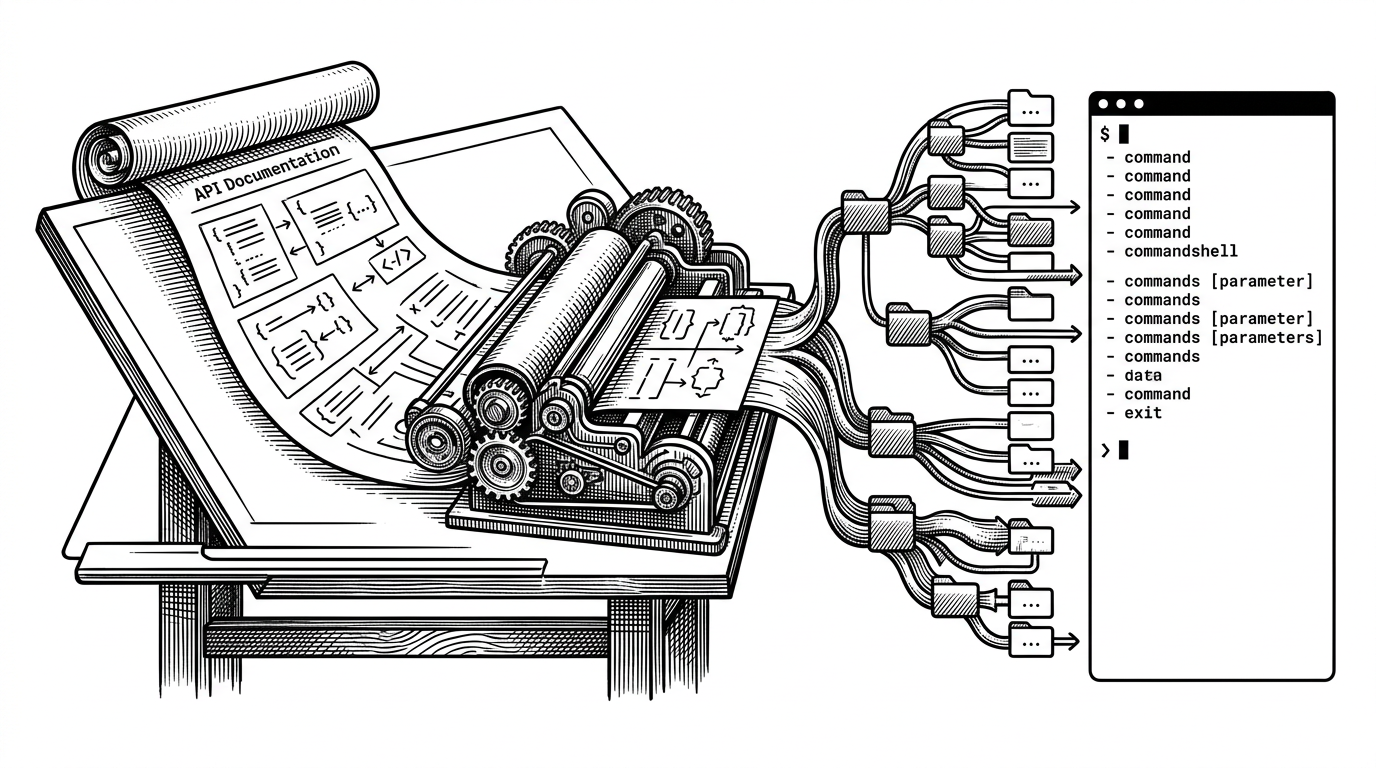
con: The Terminal That Treats the Agent Like a First-Class User
A Rust, Ghostty, and GPUI terminal for macOS that gives AI real access to panes, scrollback, and execution, then proves it with benchmarks.
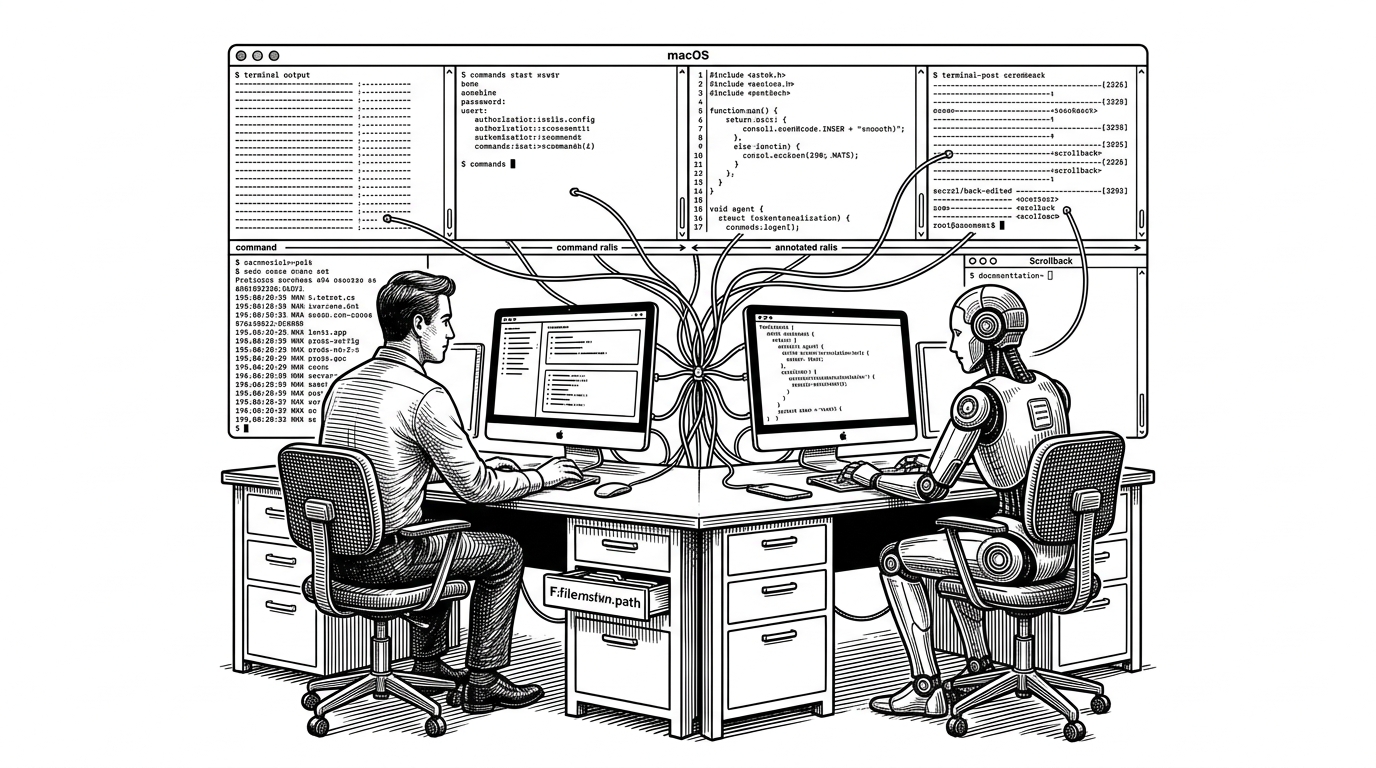
- con is built around a simple but unusual idea: the agent should live inside the terminal’s session model, not sit beside it.
- The project’s architecture separates terminal rendering, app shell, and AI orchestration so each layer can do one job well.
- The pane tree and harness are the real innovations because they turn a live terminal into structured context the agent can act on.
- The benchmark suite matters because it treats terminal intelligence as something to measure, not just demo.
Most AI terminals still feel like a chat window wearing a shell costume. con takes a harder line. It assumes the agent is not a guest in the terminal, but a participant with real access to panes, scrollback, and execution.
That design choice changes the whole product. Once the agent is part of the session model, UI, state, and evaluation all have to move together. con is interesting because it starts there.
Why the terminal needed a new mental model
Classic terminal tools were built for one operator: the human. Even when they add AI, the model usually stays the same. The assistant watches from the side, explains commands, or drafts text that the user still has to move into the session.
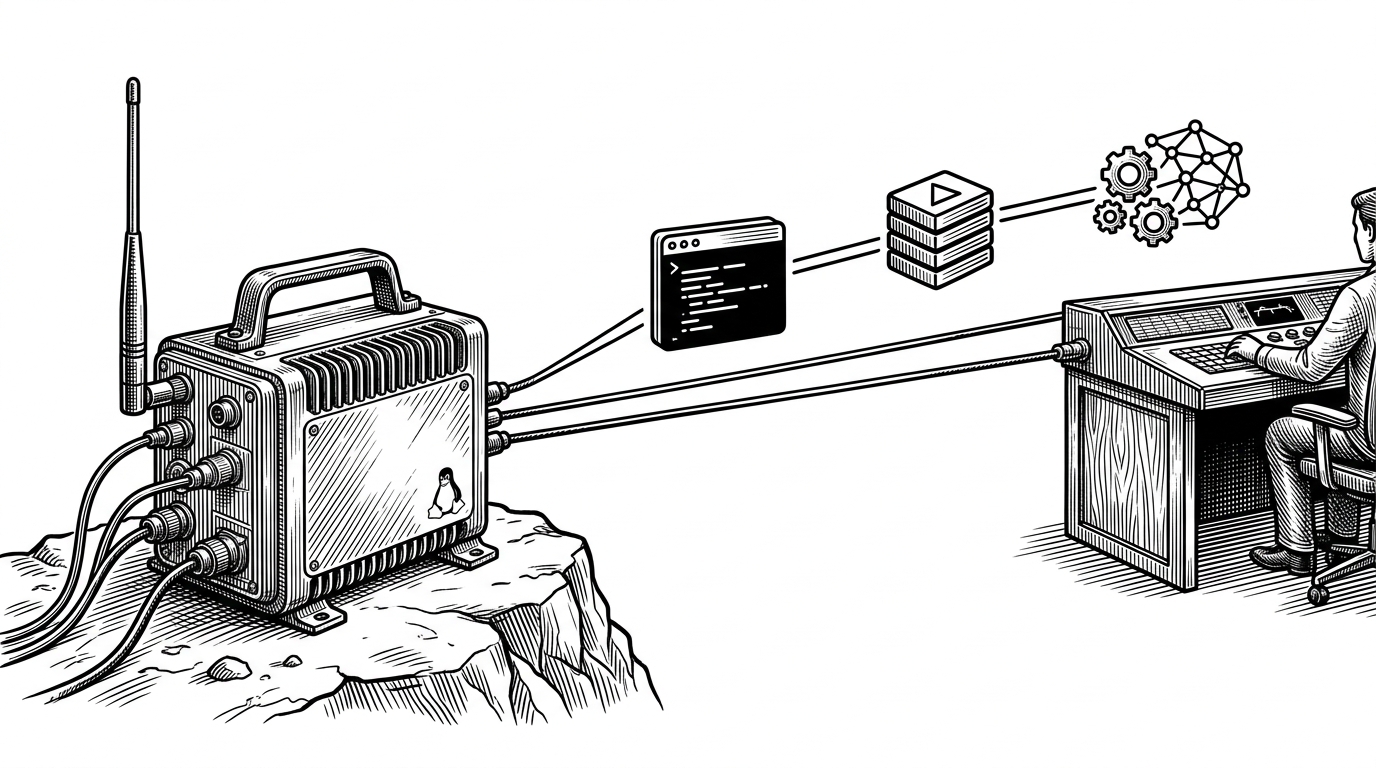
con flips that assumption. It treats live terminal state as context the agent can read and act on. That is a better fit for SSH, tmux, long-running jobs, and the kind of workflows where the screen is not a document, but a moving record of work.
| Dimension | Traditional terminal | AI overlay or sidecar | con |
|---|---|---|---|
| Where the agent lives | Outside the session | Beside the session | Inside the session model |
| Sees live terminal state | No | Sometimes partial | Yes, through observation frames |
| Can act directly in-session | User only | Usually indirect | Yes, through tools and harness |
| Terminal engine | Native terminal core | Varies | Ghostty embedded through FFI |
| AI role | Accessory | Assistant | First-class participant |
That difference is bigger than a feature checklist. If the agent can observe the real terminal, then the terminal becomes a workspace with memory and feedback, not just a screen for commands.
con is built like a native app, not a browser in disguise
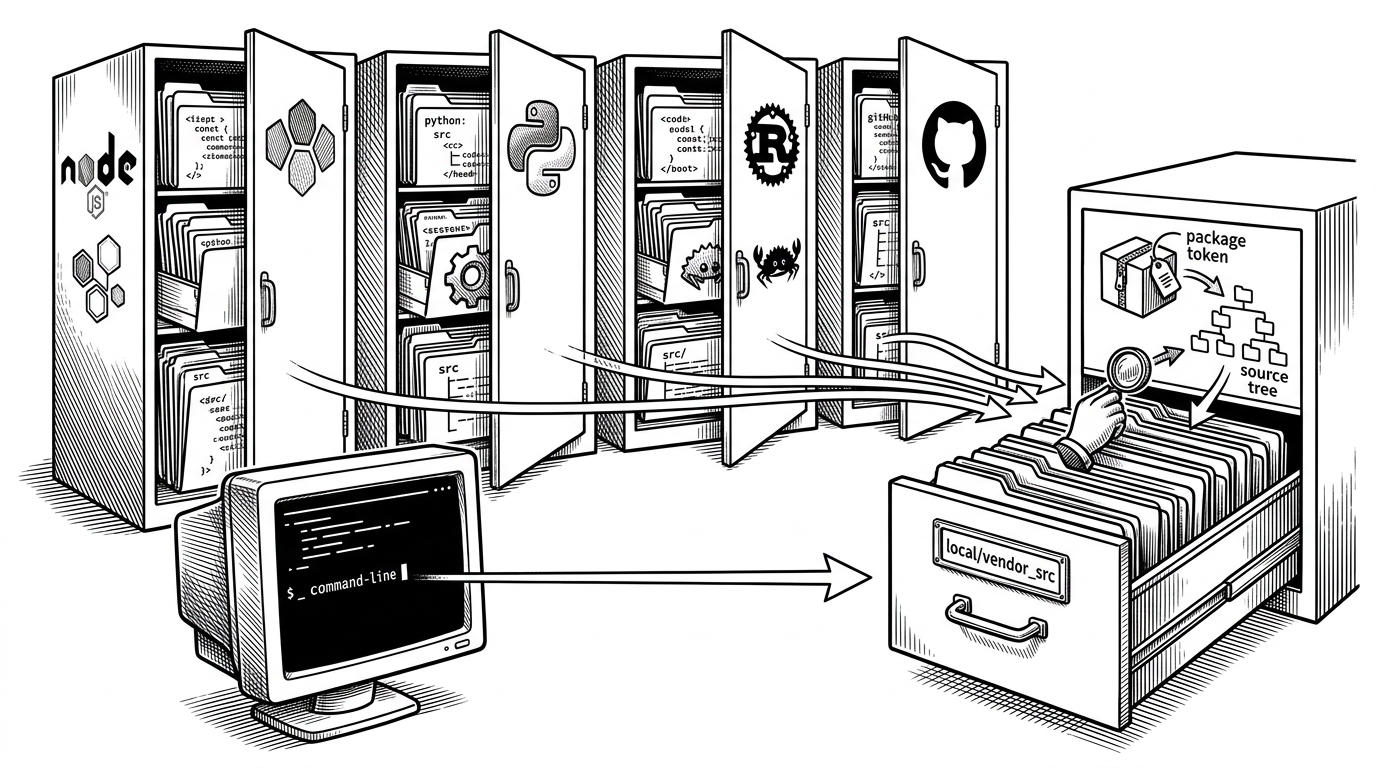
The repository is organized as a Rust workspace with clear boundaries. con handles the app shell and GPUI surface, con-core holds shared logic, con-ghostty wraps Ghostty through FFI, and con-agent carries the AI layer. That separation is not cosmetic. It keeps terminal performance, shared state, and agent behavior from collapsing into one blob.
That choice also explains the macOS focus. GPUI gives con a native GPU-rendered surface, while Ghostty provides a serious terminal engine instead of a homegrown parser and PTY stack. The novelty is concentrated where it should be: in how the app coordinates session state and AI behavior.
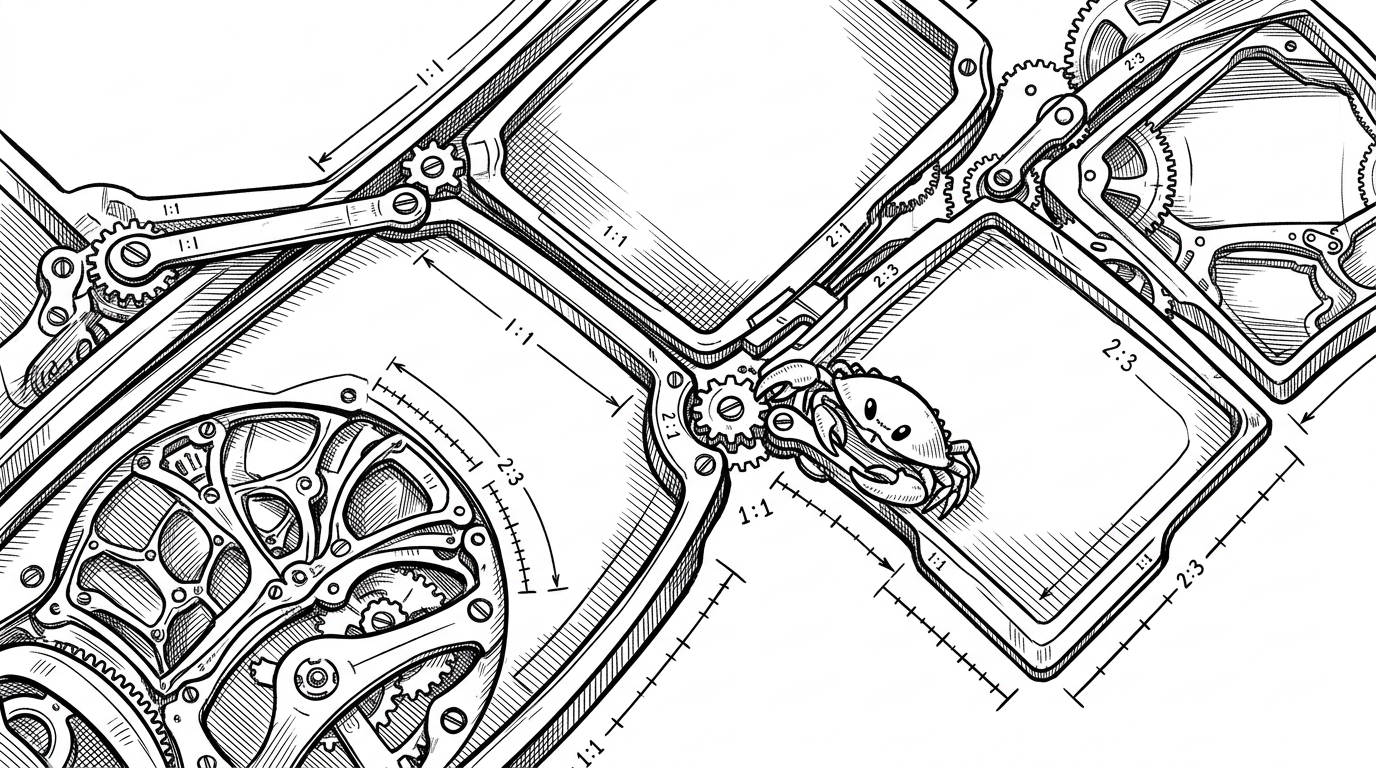
The pane tree is the user interface’s hidden spine
The workspace is not a flat grid. It is a recursive structure. In PaneTree, leaves can become splits, splits can be resized by ratio, and the layout stays responsive as the session evolves. That is a small implementation detail with large consequences: the terminal can change shape without forgetting what is running inside it.
That matters because terminals are stateful in a way most interfaces are not. Output scrolls. Commands launch processes that keep living. Splits appear and disappear. If the layout model is brittle, the whole workspace feels fragile. con’s pane tree makes the session feel continuous even when the geometry changes.
The harness is the real product
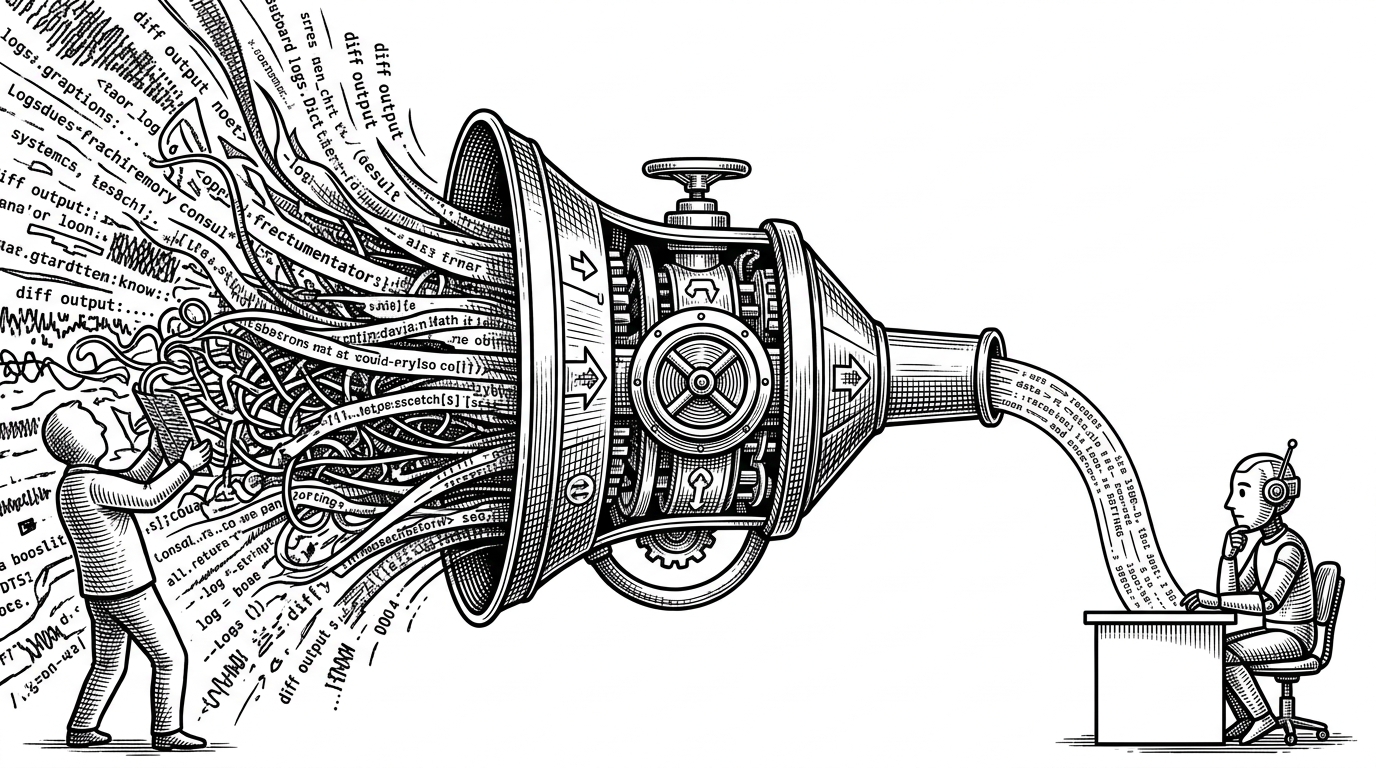
This is where con stops being a polished terminal and becomes a different category of tool. The harness turns a live terminal into an environment the agent can reason over. It extracts observation frames, packages context, and offers tools like terminal_exec, file, and shell so the agent can act instead of merely commenting.
That loop is the project’s most important idea. Read the screen. Reason over the current state. Pick a tool. Change the session. Observe the new state. The terminal is no longer a passive surface. It is a feedback system.
That is why the project feels less like a chat assistant and more like an operating surface. The agent is not guessing from a prompt. It is reading a live workspace, taking actions, and getting immediate feedback from the same environment it touched.
Why Ghostty matters more than rewriting the terminal from scratch
con embeds Ghostty instead of trying to replace the terminal engine. That is a practical decision with architectural payoff. Ghostty handles the hard terminal work, while con spends its energy on session coordination, screen extraction, and agent integration.
In other words, the project uses an existing terminal substrate to build a new interaction model on top. That is cleaner than rebuilding PTY and VT behavior in pursuit of a unified app. It also means the app can focus on the part that makes it distinct: the harness and the session graph.
| Question | Embed Ghostty | Rebuild terminal engine |
|---|---|---|
| Time to mature the core terminal | Shorter | Longer |
| Risk on PTY and parsing correctness | Lower | Higher |
| Room for AI innovation | More | Less |
| Where the novelty lives | Agent and session model | Infrastructure |
| Maintenance burden | Focused | Broad |
The benchmark suite shows this is more than a demo
The repository’s benchmarks/terminal-agent folder is a strong signal. It uses playbooks and rubrics to evaluate terminal-heavy agent workflows, which means the team is trying to measure competence, not just show a clever interface. That is a serious move for a project in pre-alpha shape.
Benchmarks also make the thesis testable. If con says the agent can participate in a terminal session, then session recovery, command execution, and multi-step workflows should be scored against that claim. Without evaluation, the product would be a demo. With evaluation, it becomes a system.
- Playbooks define realistic terminal tasks for the agent to complete.
- Rubrics score behavior across workflows instead of single-shot prompts.
- The benchmark suite makes terminal intelligence measurable rather than anecdotal.
Where con fits in the terminal wars
The cleanest comparison is not feature-by-feature. It is category-by-category. Traditional terminals optimize for execution. IDE AI tools optimize for code editing. Sidecar assistants optimize for advice. con is aiming at a different target: a terminal where the agent has first-class operational access.
| Tool category | Primary home | Strength | Limit |
|---|---|---|---|
| Traditional terminal emulator | Console session | Speed and correctness | No native agent model |
| AI sidecar or overlay | Chat panel | Low friction assistance | Weak access to live state |
| IDE-integrated AI | Editor buffer | Strong code context | Tied to editor workflows |
| con | Terminal session | Shared state and action | Still early and macOS-only |
That is the most useful way to read the project. Not as another terminal with AI bolted on, but as a prototype for a terminal where the agent is part of the workspace contract.
What con suggests about the next generation of devtools
If agents are going to be real workspace participants, devtools will need richer session models, more explicit context extraction, and better evaluation loops. con points toward that future by treating terminal state as something structured, observable, and actionable.
The implication is broader than terminals. Once the agent is a user of the system, not just a consumer of prompts, the interface has to support shared control. con is a strong sketch of that shift.