commandOK Turns the Terminal Into Spotlight for Shell Commands
A Rust TUI that streams commands inline, lets you switch LLM providers on the fly, and makes the command line feel searchable instead of memorized.
- commandOK makes command generation feel like a native terminal gesture, not a separate app.
- Its inline viewport preserves context, which turns the interface itself into the product.
- Token-by-token streaming gives users a chance to verify the command before they accept it.
- A single provider layer lets the same workflow span cloud and local models without changing how the terminal feels.
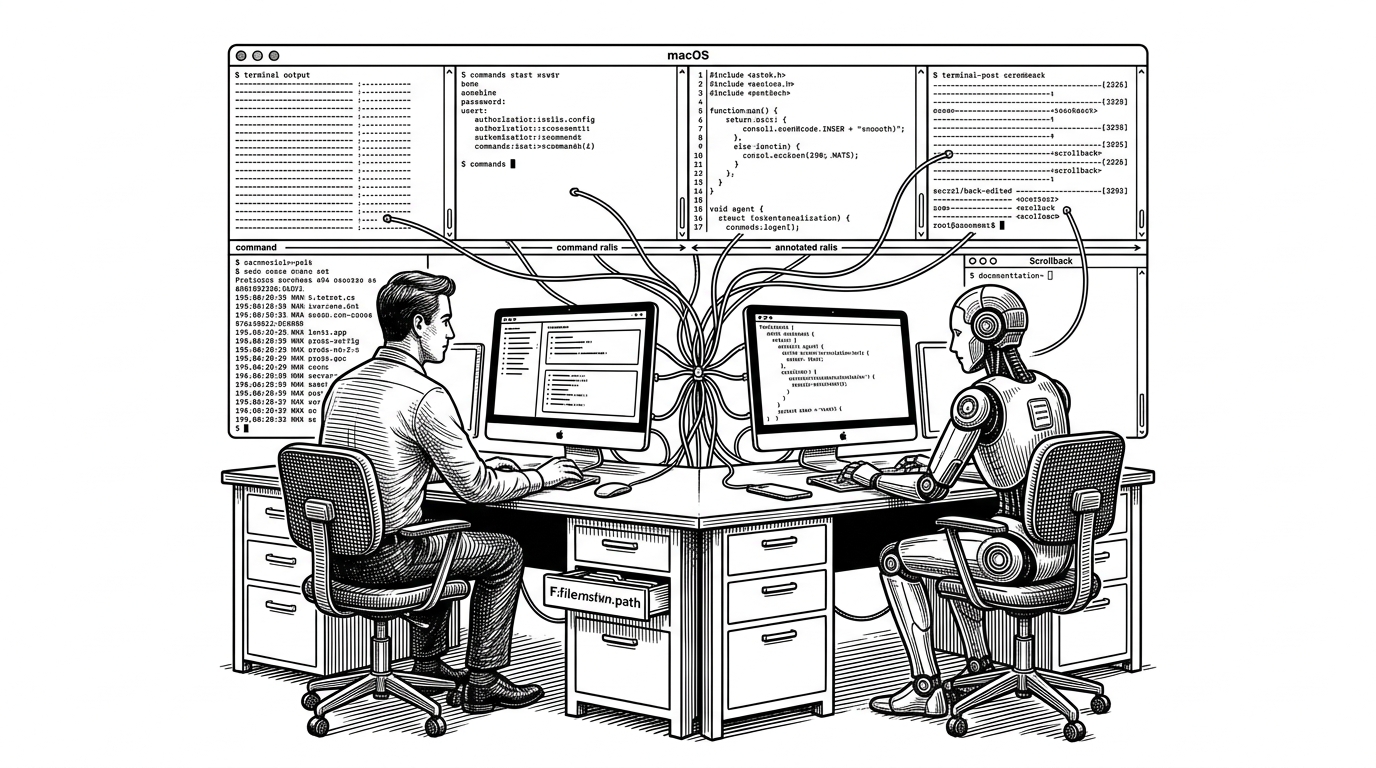
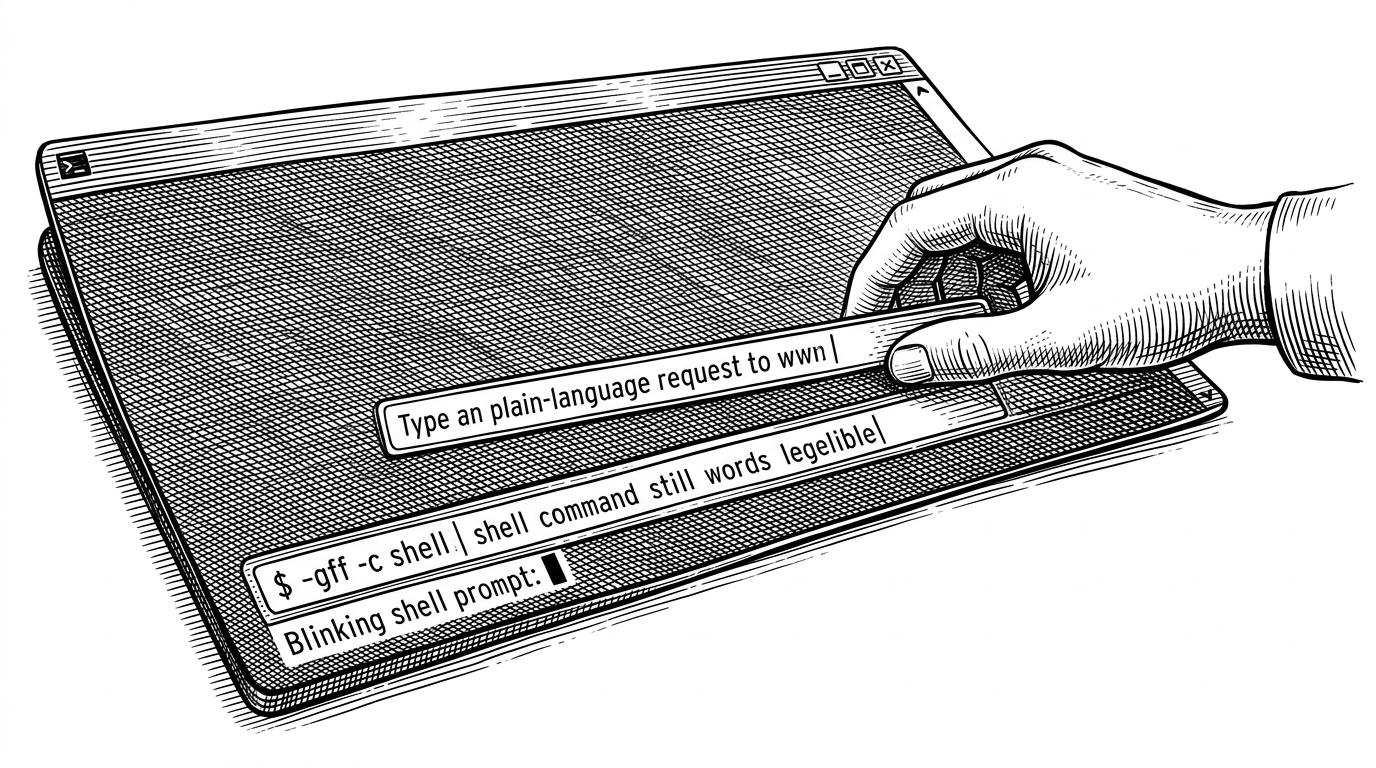
Most command generators ask you to leave the shell for a moment. commandOK does the opposite. It drops a Spotlight-like search bar right under the cursor, streams a command into view, and keeps the rest of your terminal intact.
That design choice matters more than it sounds. In the shell, context is everything: scrollback, prompt state, and muscle memory all live in one place. commandOK treats command generation as a transient layer on top of that context, not a destination of its own.
WARN: you must always verify the generated command before accepting it
The terminal, but with a search box
The core interaction is simple. You run `commandok`, type what you want in plain English, and the tool starts shaping that intent into shell syntax inline. Press Enter again to accept it into the prompt, or Esc to cancel.
That sounds small. It is not. The whole experience depends on the fact that the UI appears where your hands already are, then disappears without clearing your history or forcing you into a full-screen mode.
Why inline matters
The repo’s most important move is Viewport::Inline. Instead of taking over the whole screen, commandOK renders in place. That keeps the prompt, the current directory, and the visible terminal history in view while the command is being assembled.
This is the difference between a tool and an interruption. A full-screen TUI says, "come in here." commandOK says, "stay where you are." That small constraint changes the emotional model of the product.
The command is built in public
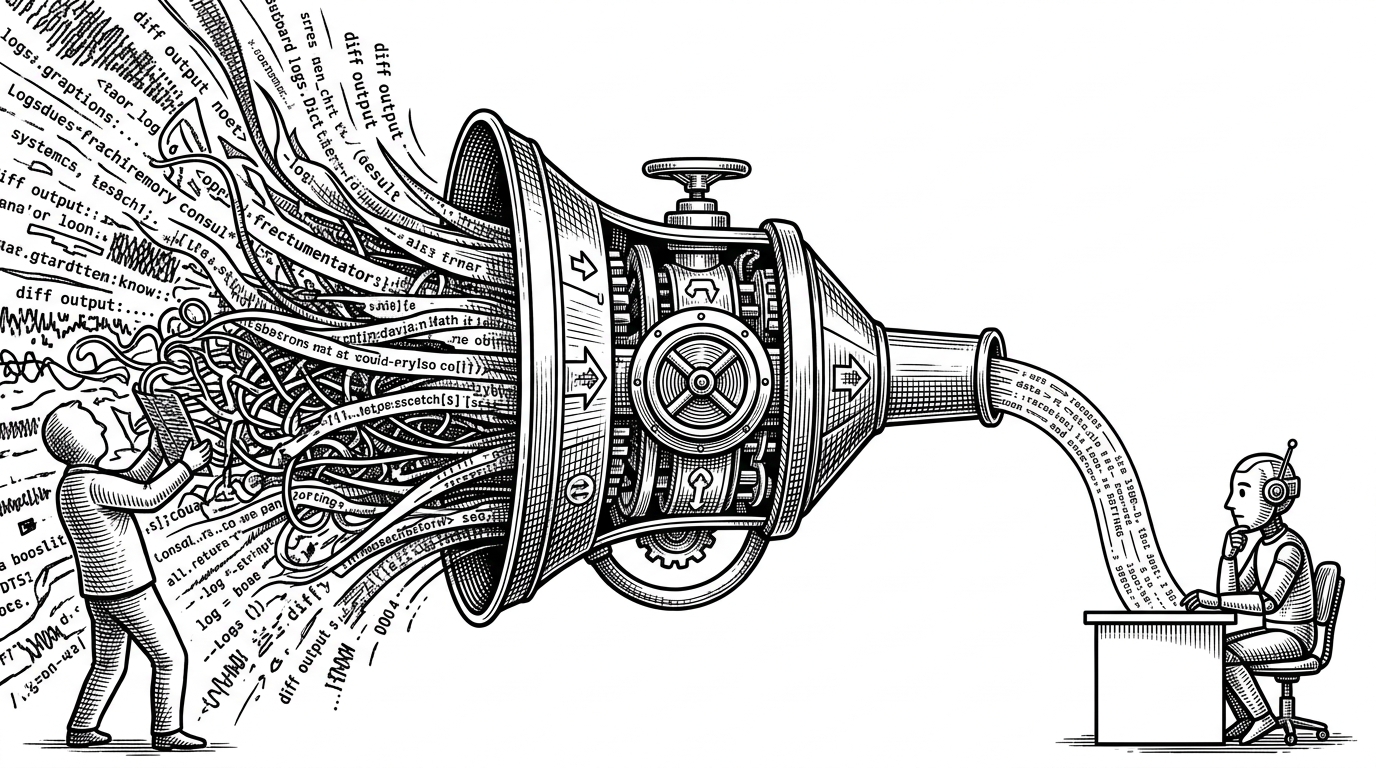
commandOK streams token by token, so the command does not appear all at once. That pacing does two things at once. It makes the tool feel responsive, and it gives the user time to inspect what the model is producing before they commit.
Under the hood, the UI drives an event loop with modes like input, loading, streaming, and result. The provider layer emits chunks, the parser normalizes them, and the visible buffer updates as the command emerges. The result is a live preview that behaves like a safety check, not a blind auto-runner.
// Conceptual flow in the app
match mode {
    Mode::Input => capture_prompt(),
    Mode::Loading => select_provider_and_request(),
    Mode::Streaming(cmd) => append_delta(cmd),
    Mode::Result(cmd) => wait_for_accept_or_cancel(cmd),
    Mode::Error(err) => render_error(err),
}
That review step is the real guardrail. The command is visible before it becomes real, which is a better safety story than hiding behind a one-click execution button.
One provider layer, many backends
The provider abstraction is the quiet superpower here. In src/provider/mod.rs, the app treats Anthropic, OpenAI, Google, Mistral, Ollama, OpenRouter, xAI, Vercel AI Gateway, and LiteRT-LM as variants of the same job: return a stream that can be turned into a command.
| Traditional shell workflow | Cobra-style CLI tooling | commandOK |
|---|---|---|
| Search history, read man pages, copy snippets, and rebuild the command mentally. | Define commands, flags, subcommands, and help text for your own CLI. | Convert a natural-language task into an inline shell command inside the terminal. |
| The intelligence lives in the user’s memory and the surrounding docs. | The intelligence lives in the tool’s structure and ergonomics. | The intelligence lives in a provider-agnostic generation layer and a streaming UI. |
| Switching techniques means switching context. | Switching tools means changing the app you are building. | Switching models or providers leaves the workflow intact. |
| Best for manual precision and established habits. | Best for authoring robust CLIs. | Best for arriving at the right command faster, with less context switching. |
That abstraction matters because it keeps the front end stable. The user experiences one workflow even when the backend changes from a hosted API to a local binary.
Local models, cloud models, same UX
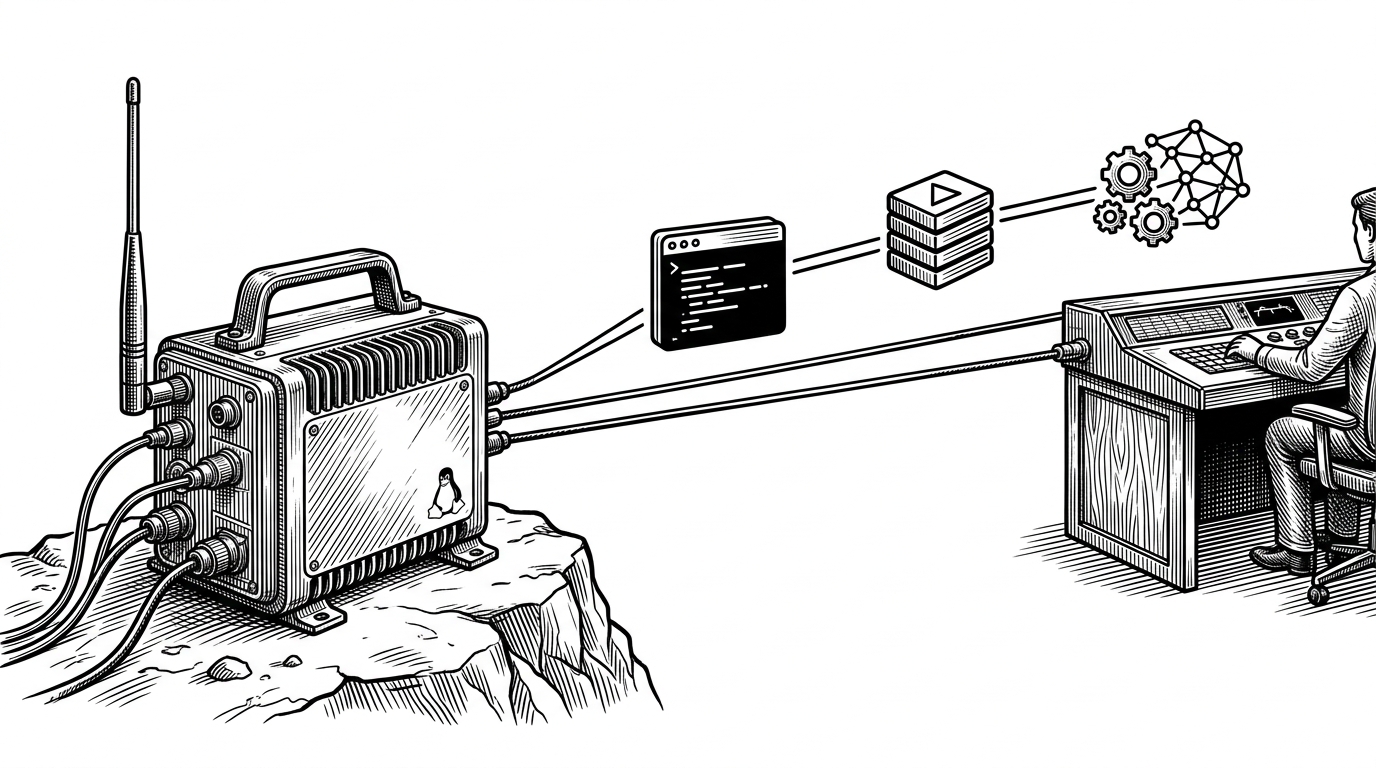
The local-first story shows up clearly in litert_lm.rs. commandOK can wrap a local binary, check whether a model is present, and import what it needs. That means the product is not locked to one privacy model or one infrastructure choice.
For a user, this collapses an annoying tradeoff. You do not have to decide whether you want convenience or control before you start typing. The same inline interface can sit on top of a cloud API or a machine running entirely on your own hardware.
| Cloud provider | Local provider | Shared UX |
|---|---|---|
| Anthropic, OpenAI, Mistral, Google, xAI, OpenRouter, Vercel AI Gateway | Ollama, LiteRT-LM | Type a task, stream a command, review it, accept or cancel. |
| Network-dependent | Runs near the data | The terminal interaction stays the same. |
| Billing and rate limits vary | Hardware and model availability vary | The UI absorbs the differences. |
Rust is doing more than making it fast
Rust gives commandOK a good fit for terminal work: async networking, cross-platform terminal handling, and a clean boundary between UI and provider code. But speed is not the main point. Reliability is.
The project also leans on configuration migration, which quietly improves the long tail of maintenance. When a new provider or model lands, users do not have to hand-edit everything from scratch. The app can evolve without making the config file feel brittle.
What it is not
commandOK is not Cobra. It is not a CLI framework. It is not a shell replacement. It is a command intent layer, which is a narrower and more interesting category.
That distinction helps explain why the project feels novel. It is not helping you build more commands. It is helping you reach the right one faster, in the same place where you will run it.
| Conventional CLI world | commandOK |
|---|---|
| You design commands for users. | You generate commands for users. |
| The interface is structured around flags and subcommands. | The interface is structured around intent and review. |
| Shell completion reduces typing. | Inline generation reduces search and recall. |
| The tool is the destination. | The tool is a layer in the terminal moment. |