esp32-iphone-agent: The $7 Board That Gives an LLM Eyes and Hands
No Mac, no jailbreak, no developer account. A stock iPhone becomes an agent-operable device using AirPlay as eyes, USB HID as hands, and an ESP32 that holds no logic at all.
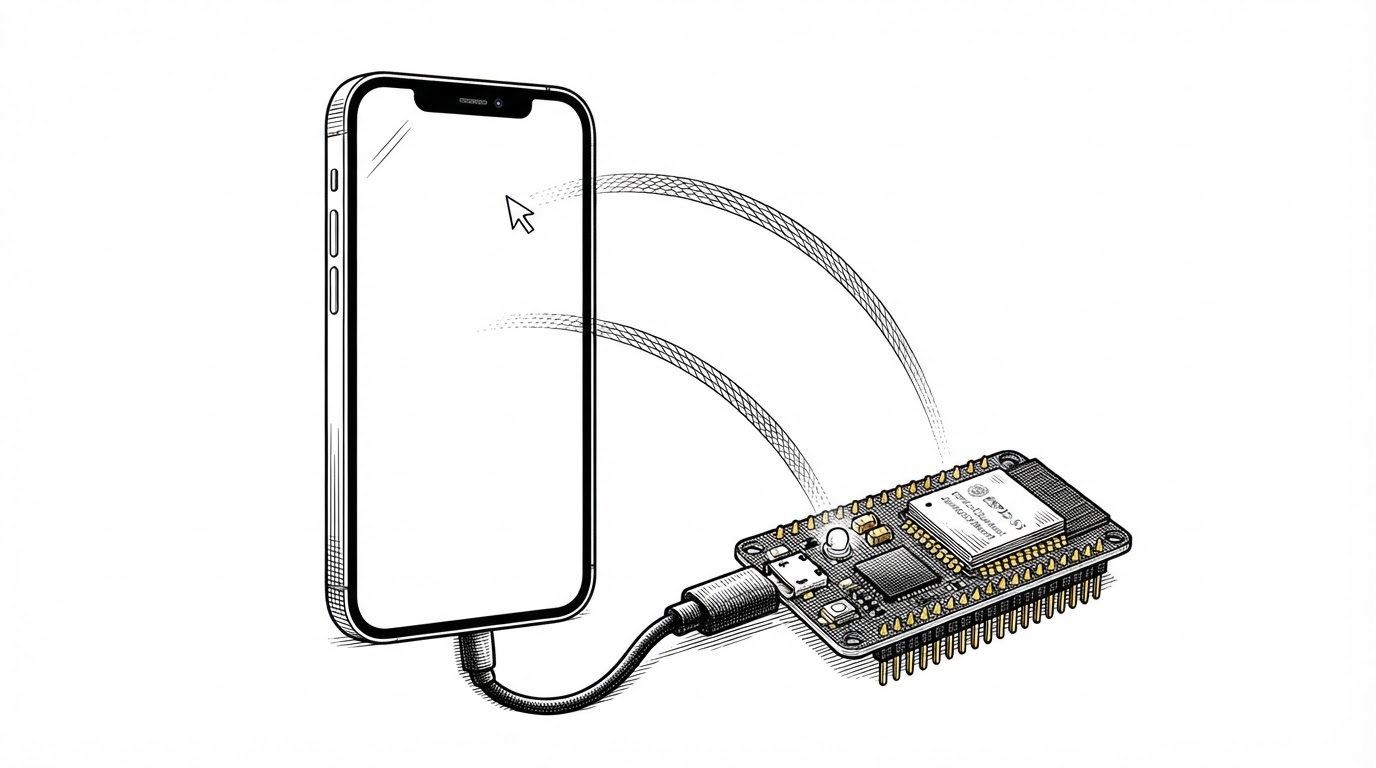
- A $7 ESP32-S3 turns a stock iPhone into an agent-operable device with no Mac, no jailbreak, and no developer account, because the board deliberately holds no logic at all.
- The firmware is a nerve, not a brain: it exposes a text command language and lets the vision model and planner live entirely on the phone.
- The real innovation is credit-based BLE pacing, which keeps a 40-byte command reply from ever queuing behind a 4 MB video stream on a single radio.
- The project trades structured accessibility-tree access for pixel-based control and zero phone-side install, and that is the whole bet in one sentence.
No Mac. No Jailbreak. No Developer Account.
Every other route to putting an agent inside an iPhone asks for something expensive. The WebDriverAgent and XCTest tools want a Mac running Xcode and a signed test runner. The CoreDevice debug channel wants Developer Mode, pairing, a Developer Disk Image, and self-signing. The early ESP32 experiments still leaned on a Linux box running UxPlay to catch the screen.
This project asks for three things: a roughly $7 Seeed XIAO ESP32-S3 with 8 MB of PSRAM, a USB cable, and AssistiveTouch toggled on in the iPhone's settings. That is the entire shopping list. The phone itself is completely unmodified. No app gets installed on it, no profile gets trusted, no certificate gets signed. The board advertises itself as "ESP32 Agent" in the Screen Mirroring list, and the phone treats it like any other AirPlay receiver.
That constraint stack is the product. Everything interesting about the design flows from refusing to touch the phone.
Eyes, Hands, and a Nerve
The board plays three roles at once, and keeping them straight is the key to understanding the whole system.
- Eyes. It runs its own Wi-Fi hotspot and acts as an AirPlay screen-mirroring receiver. It accepts the phone's H.264 stream and passes it through without decoding a single frame.
- Hands. It enumerates over USB as a standard mouse, keyboard, and consumer-control device. With AssistiveTouch on, the on-screen pointer turns a mouse move into a tap and a drag into a swipe.
- Nerve. It is a Bluetooth Low Energy peripheral that relays video and accepts commands from an iOS app running on the same phone.
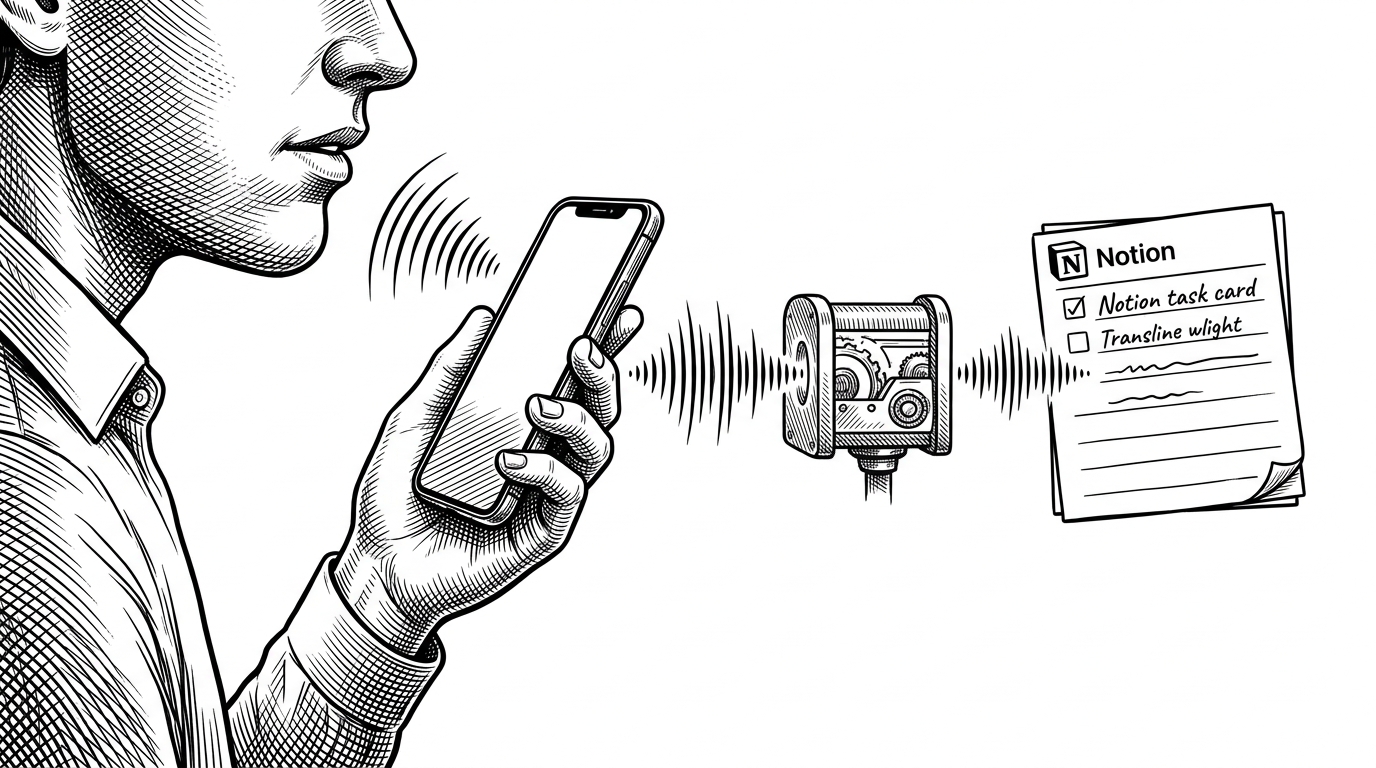
The agent itself, the part that looks at the screen and decides what to do, is that iOS app. It decodes the video, ships screenshots to any OpenAI-compatible vision model, and runs a planner and actor loop. The board never sees a model or a plan. It just moves the pointer and hands back pixels.
The Board Holds No Logic
The firmware exposes a small text command language and nothing else: ping, home, move <dx> <dy>, press, release, click, scroll, type, key, homescreen. That is the entire surface. There is no planner on the board, no screen understanding, no memory of what happened last.
This is a deliberate architectural bet, not a limitation. By keeping all the intelligence on the phone, the firmware stays small enough to audit, cheap enough to replace, and predictable enough to debug. When a command goes wrong, there is only one place it can go wrong.
The README states the division of labor just as plainly: "Let an AI model use a real iPhone with a $7 ESP32: AirPlay eyes, USB HID hands, any OpenAI-compatible vision model." The board is the nerve between the model and the glass. Nothing more.
One Radio, Two Jobs
Here is the hard part, and the reason this project is more than a clever demo. Video and commands share a single Bluetooth radio. A 4 MB stream of H.264 access units flows one way while a 40-byte command reply flows the other. If the reply queues behind the video, the agent stalls for seconds at a time and the loop falls apart.
The authors solved this with credit-based pacing on the controller's ACL credits. The host reports how many packets the controller is holding through the HCI Number of Completed Packets event. While commands are active, the firmware caps video at VIDEO_CTRL_PKTS = 8 packets in the controller, so a reply or an ATT write response never waits behind more than about 2 KB of video. That budget stays small for CMD_ACTIVE_MS = 1000 after each command write.
The authors also reserved MBUF_RESERVE = 16 of the 64 host buffers so video can never starve replies, and they gave the two traffic types different loss policies: replies retry with a REPLY_TIMEOUT_MS = 3000, while video simply drops a chunk after a VIDEO_TIMEOUT_MS = 1500 stall.
One detail is worth flagging for anyone doing BLE work. The obvious API for this job is NimBLE's NOTIFY_TX event, and many developers would reach for it. The code comment records why they could not: it "fires when a notify is queued in the host, not when it is on air, so it cannot pace anything." They checked, found it unusable, and used HCI ACL credits instead.
The memory tuning is enforced at compile time so a misconfigured build cannot silently ship:
static_assert(MYNEWT_VAL(MSYS_1_BLOCK_COUNT) == 64 && MYNEWT_VAL(MSYS_1_BLOCK_SIZE) == 320,
              "nimble_cfg.h not applied: build with hardware/flash.sh");
The comments next to those numbers read like a lab notebook. "12 x 256 ran out at ~300 kbps; 64 x 320 lets ~20 MTU-sized notifies wait in the host. ~22 KB internal RAM." They removed the second memory pool because "with 320-byte msys_1 blocks nothing asks, so it would be ~8 KB of dead RAM." Measured throughput and RAM cost sit next to every constant.
Why It Never Decodes the Video
A second design choice reinforces the dumb-board thesis from another angle. The board does not decode H.264. It keeps the current Group of Pictures in PSRAM and ships the access units straight through to the phone, which has a hardware decoder for exactly this.
const size_t GOP_CAP = 4 * 1024 * 1024;  // ~27 min of AUs at 5 fps for a still screen
const int MAX_AUS = 8192;
const size_t SCRATCH_CAP = 512 * 1024;
const size_t MAX_CHUNK = 512;
That comment shows its work. A still screen only gets a keyframe every few minutes, and P-frames of a still screen are tiny, so 4 MB stretches to roughly 27 minutes of access units at 5 frames per second. The number is an estimate you can check, and the reasoning sits right next to it.
Continuous streaming has a subtlety the firmware handles carefully. P-frames cannot be skipped, since each one needs the frame before it, and the next keyframe may be minutes away. So when streaming starts, the board sends from the last IDR in the buffer rather than from the live edge. It tracks the transmitted generation with a counter called txGen, and after any failed send it resets that counter to force a clean restart from the keyframe.
The philosophy is to restore correctness by restarting at a known-good point rather than trying to recover partial state. Each chunk still consumes its sequence number even if it fails, so the app sees the gap and can request a fresh snapshot. Loss detection lives on the phone, where the model already is.
How It Compares
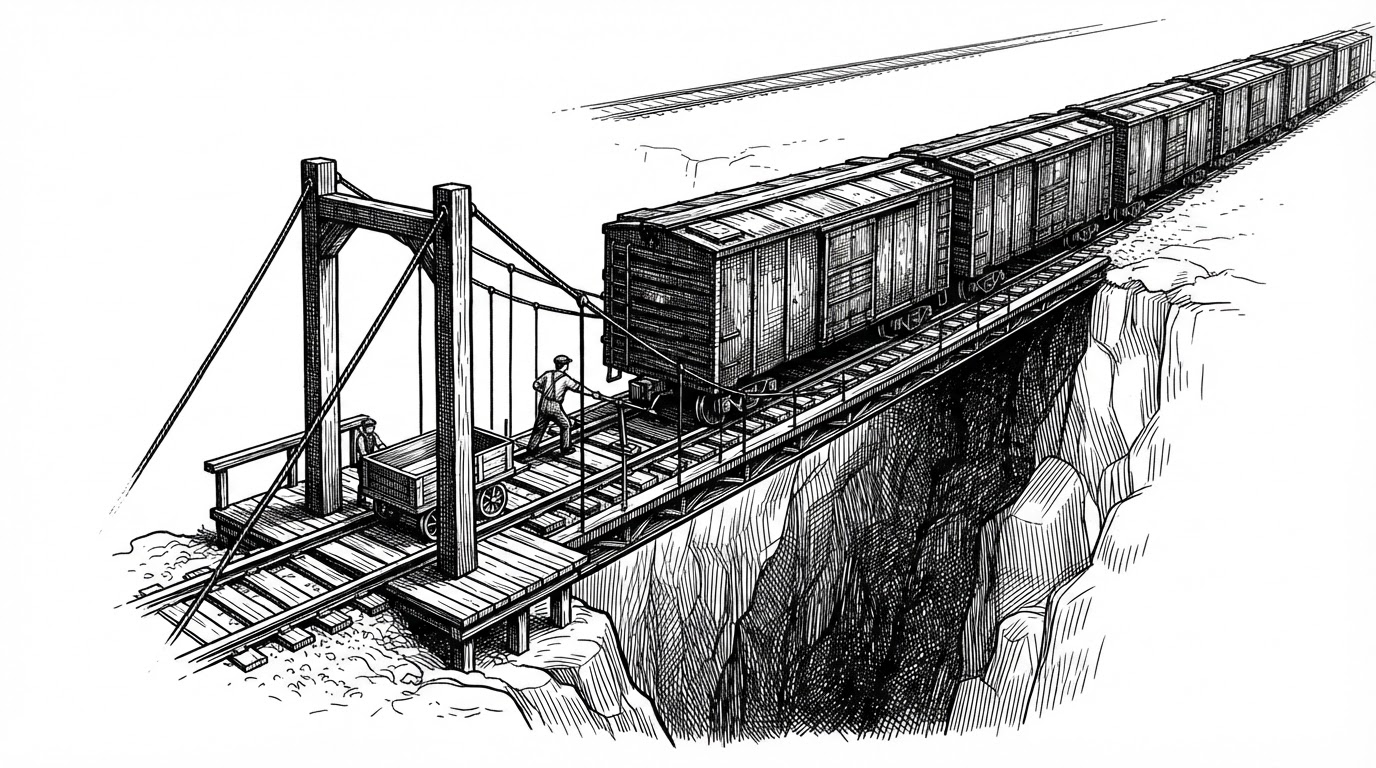
Now that the design is clear, the trade-off is easy to state. The XCTest and WebDriverAgent route gives structured access to the accessibility tree, which is more reliable than guessing from pixels, but it demands a Mac and a signed runner. This project gives up that structure in exchange for zero phone-side install and no Mac.
| Route | Needs a Mac? | Phone-side app or signing? | Observes via | License | |
|---|---|---|---|---|---|
| esp32-iphone-agent | AirPlay capture + USB HID | No | No | Pixels | MIT (AirPlay subtree GPL-3.0) |
| WebDriverAgent / XCTest | XCTest runner over USB | Yes | Yes (signed runner) | Accessibility tree | Apache-2.0 (varies) |
| VersaiOS | UxPlay mirroring + BLE mouse | Yes | No | Pixels | None reported |
| boboabw/phone-agent | BLE HID + AssistiveTouch | Yes (to build app) | Yes (iPhone app) | Pixels | Not listed |
| iPhone Use | WebDriverAgent over USB | Yes | Yes (Developer Mode) | Accessibility tree | MIT |
| ja1chen/actell | CoreDevice debug channel | Yes | Yes (Developer Mode + self-sign) | Pixels | Not listed |
The project trades structured accessibility access for pixel-based control and zero phone-side install. That is the whole bet in one sentence.
A caveat worth stating plainly: the competitor characterizations above come partly from the project's own comparison and from third-party benchmark pages, not from independent code review of each alternative. Treat the column entries as claims to verify, not as measured facts.
So what is new here is the wired connection, the loop that notices a missed tap, and Linux support.
The Fine Print
Two honest notes sit in the codebase, and both are the kind of thing that signals a maintainer who has actually run the hardware.
First, licensing. The repo is MIT, but the src/airplay/ subtree and its playfair/ directory carry GPL-3.0 notices inherited from UxPlay and RPiPlay. Anyone reusing the firmware needs to reckon with that subtree, and the project documents it rather than hiding it.
Second, power. The iPhone was dropping USB power to the board when the radio drew current peaks, and the reset reason came back as "power-on." The fix was to drop Wi-Fi transmit power to 5 dBm. The code comment records the cause, the symptom, and the remedy together, which is exactly what you want next to a hardware workaround.
That habit runs through the whole project. The USB sleep handler returns a user-readable error string ("err phone usb asleep (unlock the phone)") instead of hanging. The watchdog reboots after 8 seconds and decodes the reset reason so the app can diagnose it. The codebase documents its own failure modes, and that is a good sign.
A star is a click, not a code review.
The line is worth keeping in mind. The cleverness here is real and specific, but it lives in a young codebase. The pacing scheme, the GOP buffer, and the brownout fix are the parts that will outlast the hype.