openai/openai-chatkit-advanced-samples: ChatKit’s Headless GUI Blueprint
A FastAPI and React reference repo where state, widgets, hidden context, and client effects do the work that plain prompting cannot.
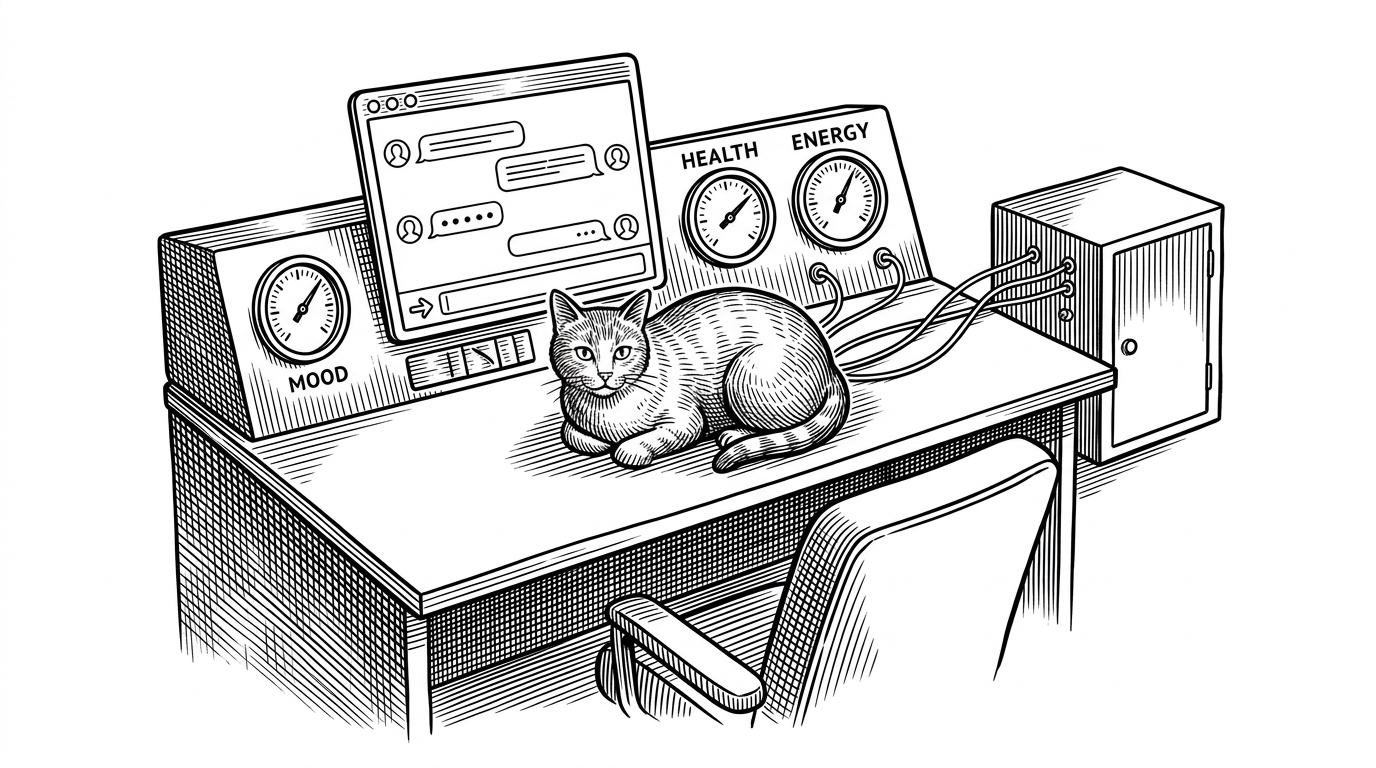
- ChatKit turns chat into a control surface by moving authority for state and effects out of the model and into the server.
- The cat lounge sample shows that hidden context can keep structured facts available to the agent without cluttering the visible thread.
- The repo functions as a pattern library for agentic interfaces, with each scenario demonstrating a different workflow shape.
- Compared with generic LLM stacks, ChatKit narrows the hard problem to the UI and coordination layer that sits around the model.
Chat is the wrong word for this repo
The most interesting thing in openai/openai-chatkit-advanced-samples is not that it chats. It is that it controls. The model is one participant in a loop that also includes backend state, widgets, and client effects, which is why the samples feel less like prompt demos and more like operating surfaces.
The cat lounge example is the cleanest proof. The cat does not "know" its mood because the model guessed it. The backend owns the canonical state, the agent reads that state when it plans, and the UI updates through explicit events. That makes the sample feel closer to a dashboard than to a text box.
ChatKit handles the plumbing. You focus on what your agent actually does.
What's actually inside the monorepo
The repo is organized as a set of scenario folders, each pairing a FastAPI backend with a Vite + React frontend. That makes it a reference library, not a single app. You get the same full-stack shape across cat lounge, customer support, news guide, and metro map, but each example highlights a different coordination problem.
That structure matters because the examples are not random demos. The cat lounge focuses on server-owned state. Customer support adds widgets and constrained actions. News guide shows page-aware context. Metro map pushes the pattern into a more visual, workflow-heavy interface.
This is the part to keep in mind while reading the rest of the repo. ChatKit is not trying to replace your product logic. It is trying to make that logic visible, structured, and reliably synchronised with the interface.

The real trick: state, effects, and hidden context
In the cat lounge sample, cat_state.py defines the canonical cat state. cat_agent.py tells the agent to call a tool before it plans. ChatKitPanel.tsx listens for client effects and turns backend updates into visible interface changes. That division is the heart of the repo.
The backend is authoritative. The agent is advisory. The frontend is reactive. Once you see that split, the samples stop looking like prompt engineering exercises and start looking like interface coordination systems.
Hidden context is the subtle part. The user does not see every structured fact in the chat thread, but the agent still receives it. That keeps the visible conversation clean while preserving the information the system needs to behave consistently.
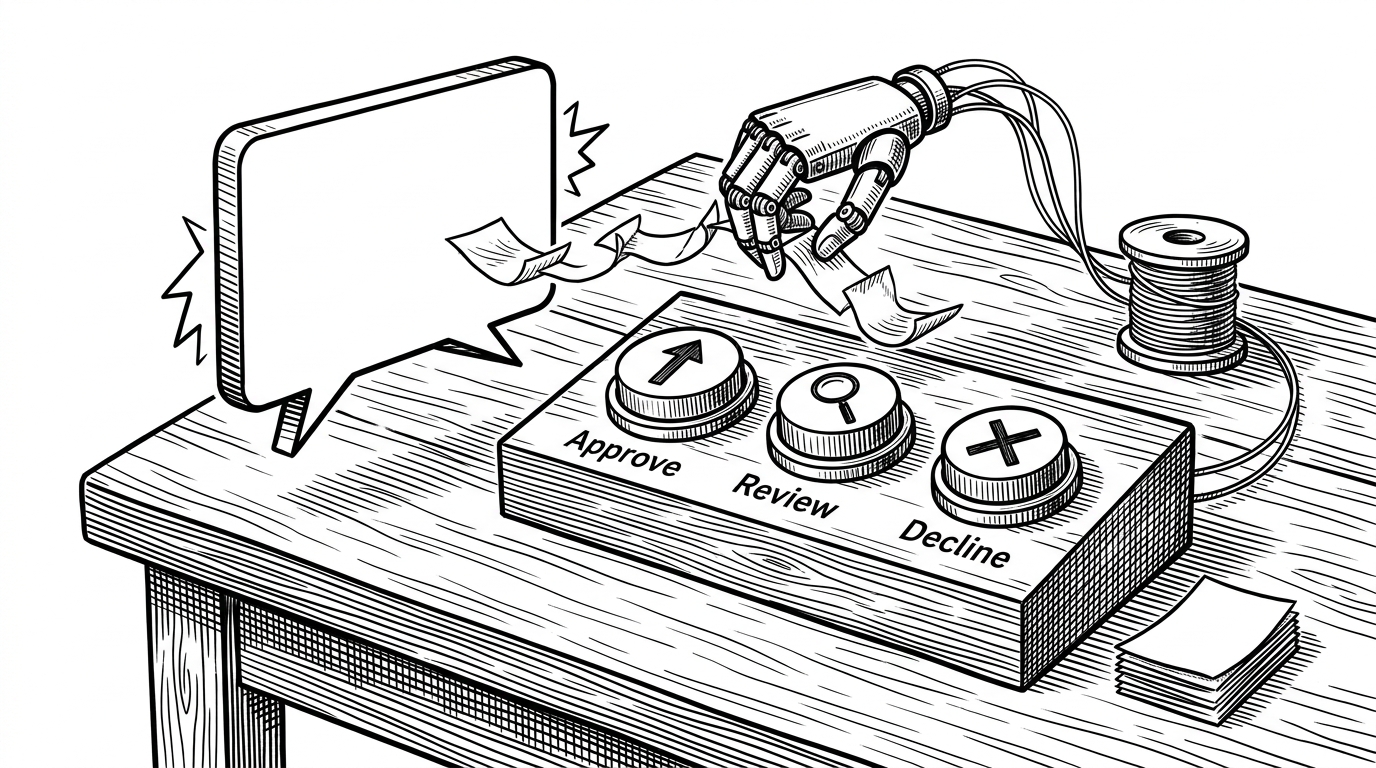
That separation is why the repo feels practical instead of speculative. It shows how to make an assistant that can acknowledge state, trigger an action, and update the UI without pretending the model is the source of truth for everything.
How it compares with nearby stacks
The cleanest way to compare ChatKit with adjacent tools is by asking which layer each one owns. Some stacks are strong on orchestration, some on streaming chat UX, and some on agent logic. This repo is opinionated about the layer just above the model: the interface, the state, and the feedback loop.
| Layer | ChatKit samples | Vercel AI SDK | LangChain | Semantic Kernel |
|---|---|---|---|---|
| UI primitives | Opinionated widgets, effects, and panels | Strong streaming hooks, mostly bring your own UI | Minimal UI, mostly bring your own | Minimal UI, mostly bring your own |
| State ownership | Backend-first, explicit server state | Usually app-owned | Usually app-owned | Usually app-owned |
| Workflow support | Built in through actions and widgets | Composable, but assembled by you | Composable, but assembled by you | Composable, but assembled by you |
| Best fit | Opinionated ChatKit interfaces | React or Next.js chat apps | Agent orchestration across providers | Multi-language agent systems |
| What you still build | Domain logic and product polish | Complex state sync and widgets | The chat UI layer | The chat UI layer |
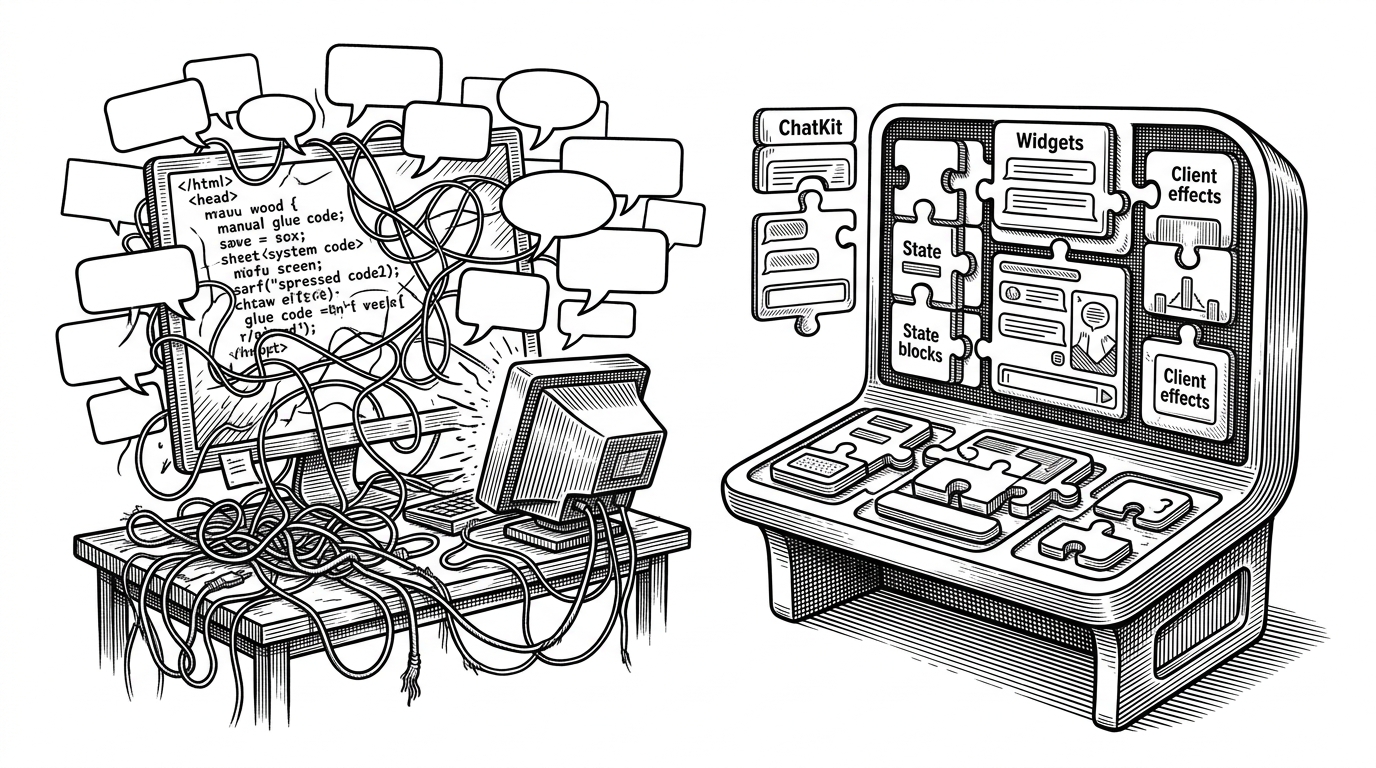
That is the useful distinction. Vercel AI SDK is a powerful way to assemble chat experiences. LangChain and Semantic Kernel are broad agent platforms. This repo is narrower and more opinionated. It shows what happens when the UI layer is treated as a first-class part of the system instead of an afterthought.
Who should build this way
If you are building a domain assistant, a guided workflow, or any product where the UI must do real work, this repo is worth studying. It is especially useful when state must stay authoritative, when user choices must be constrained, and when the agent needs to understand the screen without guessing.
If your app is mostly text in, text out, the samples may feel heavier than you need. If your app has to orchestrate actions, reflect page context, or keep live backend state in sync with the conversation, they are close to the center of the problem. ChatKit does not make the model smarter. It makes the product more controllable.