silent_gallery: Silent Gallery: The Productivity OS That Treats Voice Like an API
A Next.js dashboard that listens, classifies, and executes. The real trick is not the interface, but the translation layer between human speech and structured action.
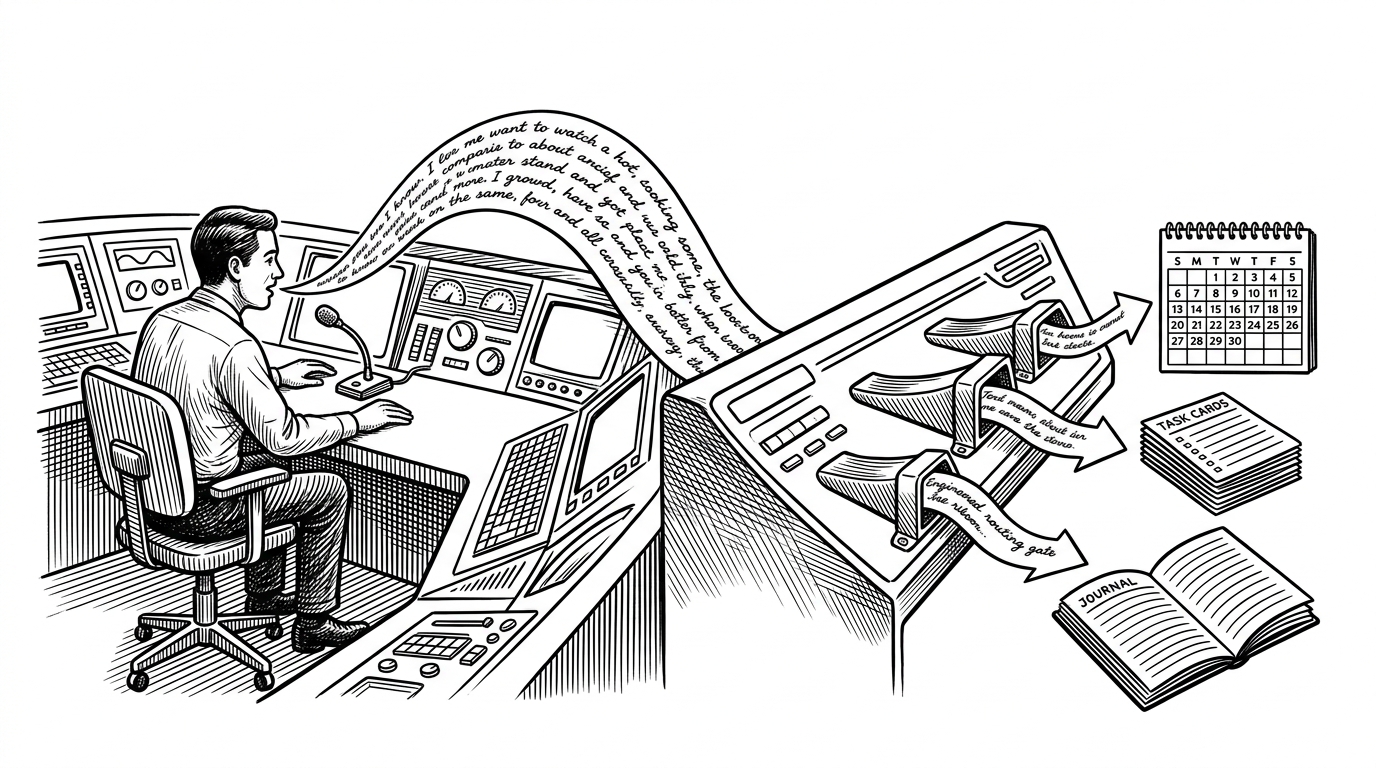
- Silent Gallery is interesting because it uses the LLM as a middleware layer, not as a chatbot front end.
- The product removes the user’s translation work by turning spoken intent into structured calendar, task, and journal actions.
- Its hybrid AI stack is pragmatic, with transcription, function calling, and lightweight NLP each doing the job they are best at.
- The dashboard matters because it makes the automation feel premium, legible, and trustworthy instead of opaque.
The app that listens first
Silent Gallery starts with a simple but sharp premise: the fastest way to manage work is to say what you mean once, then let the system do the parsing. That is a different product philosophy from traditional productivity apps, which ask users to translate intent into fields, tags, dates, and menus before anything happens.
The repository presents itself as a Next-Generation Personal Productivity Dashboard, but the real novelty is underneath the chrome. It is trying to collapse the distance between thought and action by making voice the primary input and structured persistence the immediate output.
Why productivity tools keep making you manage your work
| Dimension | Traditional productivity app | Silent Gallery |
|---|---|---|
| User effort | Type, classify, schedule, tag | Speak once, then confirm |
| Cognitive load | High, because the user translates intent | Lower, because the system translates first |
| Automation depth | Usually shallow and manual | Routes speech into actions and APIs |
| Latency | Fast for entry, slow for setup | A little more processing upfront, less handling later |
| Error mode | Bad form entry or forgotten fields | Misread intent or incorrect tool selection |
| Best fit | Users who like explicit control | Users who want a command surface |
That contrast matters because productivity software often hides its real cost. The work is not the task itself. The work is all the bookkeeping around the task. Silent Gallery is built around the idea that a good interface should absorb more of that bookkeeping for you.
The voice agent is the real product
The technical heart of the repo lives in src/app/api/agent/route.ts. It receives audio, transcribes it with a Whisper-style model, then passes the transcript into an LLM configured for function calling. From there, the route maps intent into discrete tools such as task creation or meeting scheduling, and hands the result off to server actions.
That is the key architectural choice. The model is not asked to behave like a conversational assistant for its own sake. It is asked to act like a router that converts messy speech into a valid command shape.
Why the AI stack is hybrid, not monolithic
// Simplified shape of the pipeline
const transcript = await transcribeAudio(audioBlob)
const intent = await classifyIntentWithLLM(transcript, {
  tools: ["create_task", "schedule_meeting", "create_journal_entry"],
})

if (intent.tool === "create_task") {
  await createTask(intent.arguments)
}

if (intent.tool === "schedule_meeting") {
  await createCalendarEvent(intent.arguments)
}

if (intent.tool === "create_journal_entry") {
  await createJournalEntry(transcript)
}
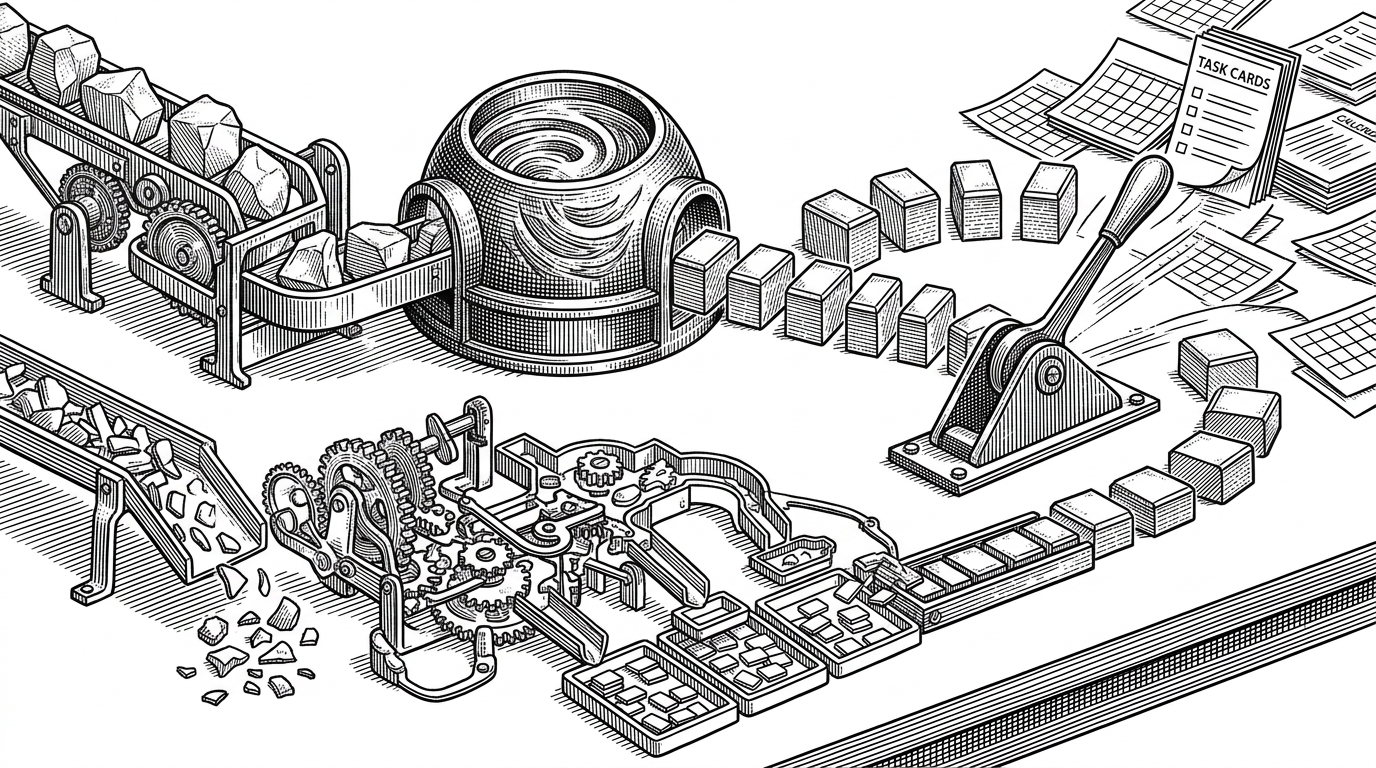
The hybrid design is the elegant part. Groq’s Whisper-style transcription handles speech-to-text. Llama 3 handles intent and function selection. Wink NLP handles the smaller, cheaper work of sentiment and token-level tagging. Each layer does a narrower job than a single general model would have to do.
| Layer | Job | Why it is used |
|---|---|---|
| Transcription | Speech to text | Fast conversion of raw audio into text |
| LLM function calling | Intent and tool choice | Turns free-form speech into structured actions |
| Wink NLP | Sentiment and tags | Adds lightweight metadata without overusing the LLM |
| Server actions | Mutation | Executes the real change in database or external APIs |
The briefing layer turns data into posture
Silent Gallery is not only about capture and execution. The repository also includes an AI briefing layer that reads density, focus, and time context to produce a more opinionated view of the day. That is a subtle but important move. It does not just summarize what is on the calendar. It tries to tell you what the day feels like.
That approach gives the product a stronger point of view than a normal dashboard. It is not merely reporting state. It is shaping attention.
The dashboard is designed to feel like a premium control room
The UI language reinforces the product thesis. Glassmorphism, motion polish, and high-contrast widgets make the system feel like a control surface rather than a form heavy admin panel. Even the playful components, including the stickman modules mentioned in the codebase, contribute to a strong identity instead of generic SaaS sameness.
That matters because trust is part of the product. If a system is going to listen to you, interpret you, and act for you, it needs to feel legible. The visual design is doing some of that trust work.
What Silent Gallery gets right, and what remains fragile
| Strength | Why it matters |
|---|---|
| Translation-first workflow | Removes friction between intent and execution |
| Layered AI design | Avoids forcing one model to do everything |
| Opinionated dashboard | Makes automation feel deliberate rather than hidden |
| Server action architecture | Keeps mutations explicit and testable |
The weak points are real too. Any voice-first personal system inherits ambiguity from language, and any calendar-integrated product inherits complexity from OAuth, platform behavior, and external API reliability. The architecture is modern, but it is still a personal operating system, which means the margin for error is small.
Even so, Silent Gallery points toward a useful future for personal software. The best productivity tools may not be the ones with more fields or more tabs. They may be the ones that understand plain speech well enough to become a reliable command layer.