clutch-creator: The Browser is the Backend: How Clutch Creator Bypasses the AI SaaS Tax
A deep dive into the no-build architecture of a Chrome extension that turns raw web content into structured marketing intelligence.
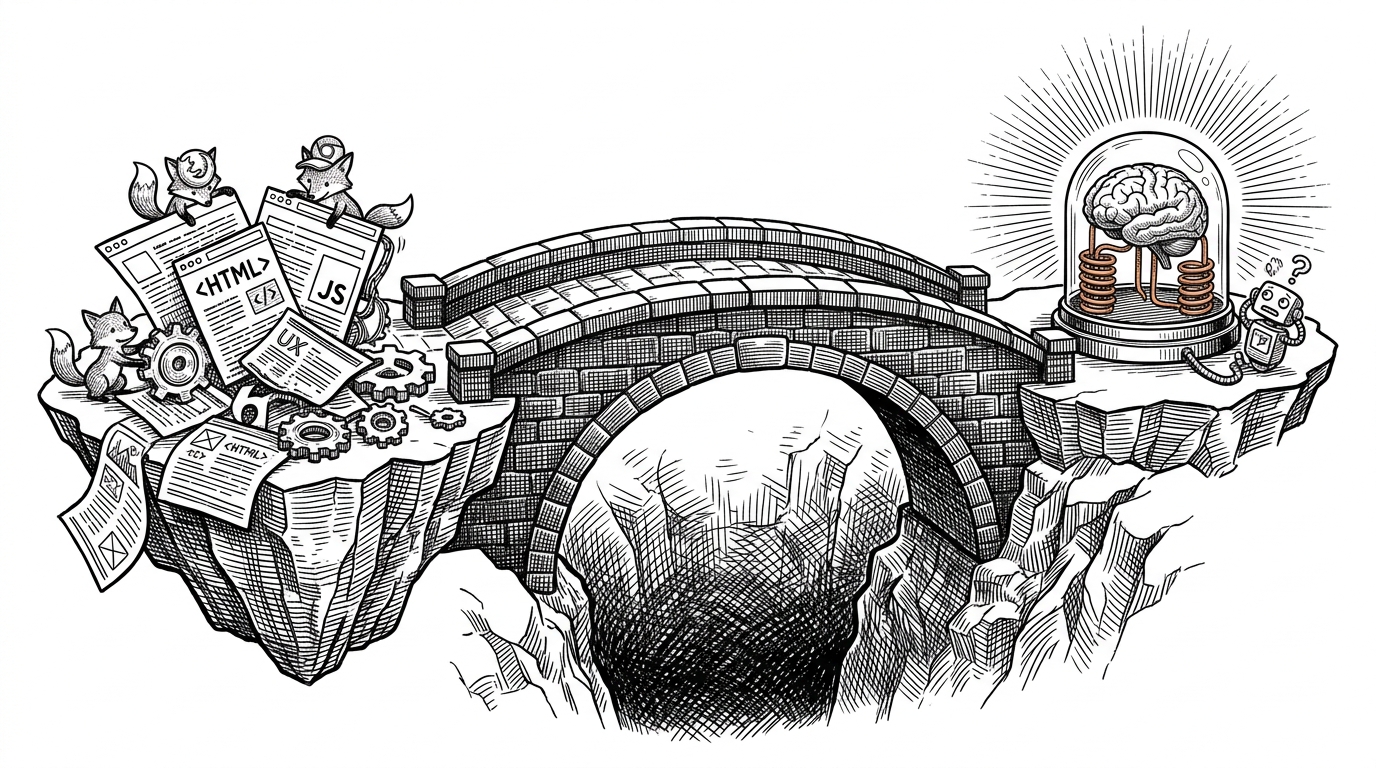
- Clutch Creator eliminates server costs by connecting the browser directly to AI models via the Anthropic direct access header.
- A prioritized array of 16 semantic selectors and a truncation algorithm strip web bloat to keep prompts within context limits.
- The extension uses a closed Shadow Root to shield its UI components from the host website's global CSS styles.
- Native browser storage replaces external databases to manage analysis history and user preferences locally.
The Sovereign Side Panel
Most AI wrappers follow a predictable playbook. They spin up a Next.js frontend, route user requests through a proprietary backend server, and charge a monthly subscription to cover API costs. Clutch Creator defies this architecture entirely. It operates as a "No-Build, No-Server" Chrome extension.
Instead of a fleeting popup that closes when you click away, the project utilizes the Chrome Side Panel API. This creates a persistent workspace that stays open as you navigate the web. The extension communicates directly with Anthropic using the "Dangerous Direct Browser Access" header. This bypasses the need for a proxy server, turning the browser itself into a sovereign AI workstation where API keys and user data never leave the local machine.
Surgical Extraction in a Messy Web
Feeding raw HTML to a Large Language Model is an expensive mistake. The modern web is bloated with navigation menus, advertisements, and tracking scripts. Clutch Creator solves this with a highly surgical extraction engine.
The extension deploys a prioritized array of 16 semantic selectors (like <article> and .post-content) to isolate the actual "meat" of a page. Once the core content is found, the engine applies a sentence-boundary truncation algorithm. This ensures the text stays under the 6,000-character context limit without cutting off mid-word, preserving the semantic meaning for Claude.
Governance via the Shadow DOM
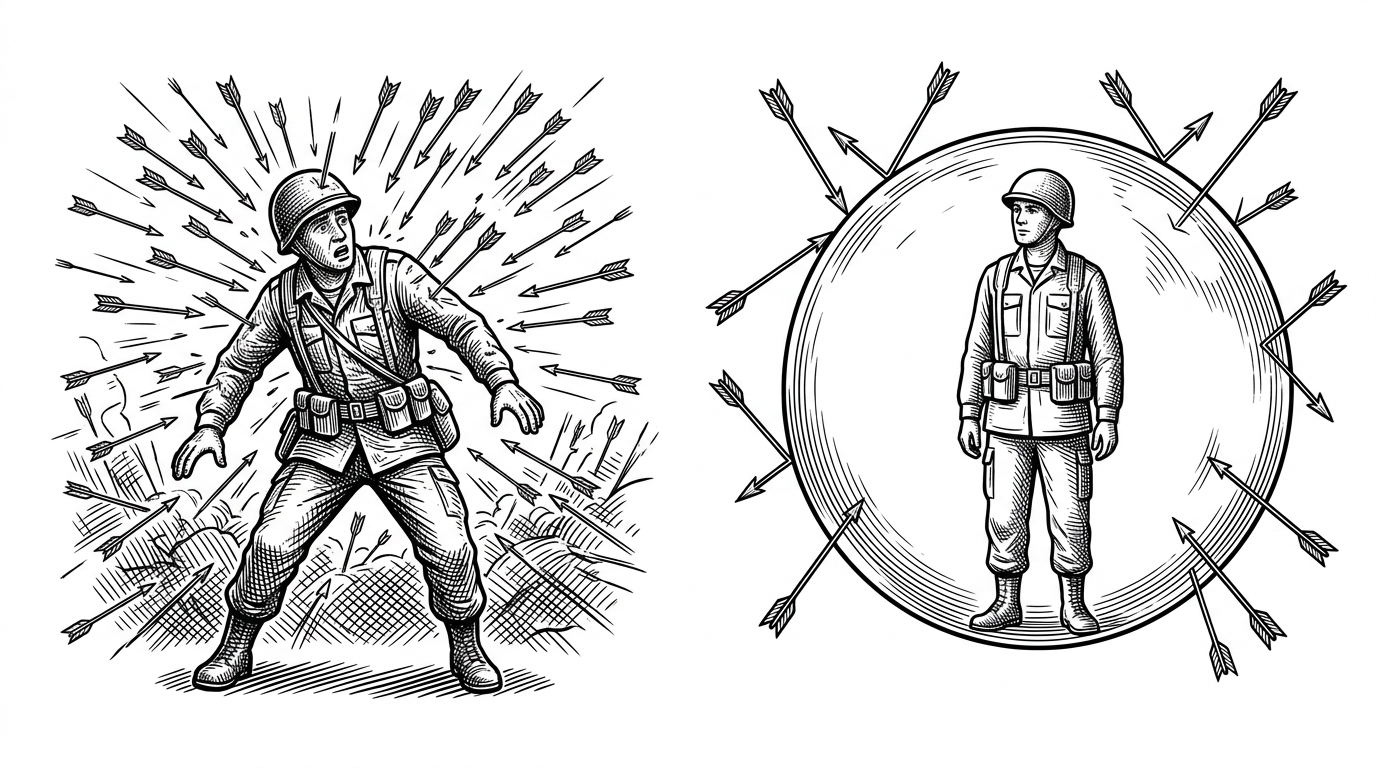
Building UI elements that inject directly into a host webpage is notoriously difficult. A beautifully styled extension button can be instantly destroyed by the host website's global CSS rules. Clutch Creator sidesteps this "CSS Leakage" by wrapping its Floating Action Button (FAB) inside a closed Shadow Root.
The Shadow DOM acts as a fortress. It guarantees that the host site's styles cannot penetrate the extension's UI, and the extension's styles will not accidentally break the host page. This architectural choice ensures the FAB looks identical whether deployed on a chaotic Reddit thread or a minimalist blog.
Memory Without a Database
To be truly useful, an analysis tool needs state. It needs to remember past insights and user preferences. Instead of relying on an external database like Supabase or Firebase, Clutch Creator uses chrome.storage.local to build a lightweight persistence layer.
This local storage handles a 50-item circular buffer for analysis history. It also tracks the exact X and Y coordinates of the draggable FAB across different domains. By relying entirely on the browser's native storage APIs, the project maintains its serverless ethos while delivering the UX of a full-fledged web application.
The Extension Evolution
The architectural choices in Clutch Creator reflect a broader shift in how developers are building AI tools. By pushing compute to the edge (the user's browser) and relying on direct API connections, developers can build highly capable, privacy-first applications with zero overhead.
| Architecture | Statefulness | Privacy | Cost Model |
|---|---|---|---|
| Traditional Popup | Stateless (closes on blur) | Varies | Free or SaaS |
| Standard SaaS App | Stateful (Remote DB) | Data leaves device | Monthly Subscription |
| Clutch Creator | Stateful (Local Storage) | Data stays local | Bring Your Own Key |