SLAMBox: The Node Graph That Turns SLAM Into Something You Can Edit Live
A visual programming layer for feature detection, matching, triangulation, and optimization, built to make spatial AI easier to explore, debug, and teach.
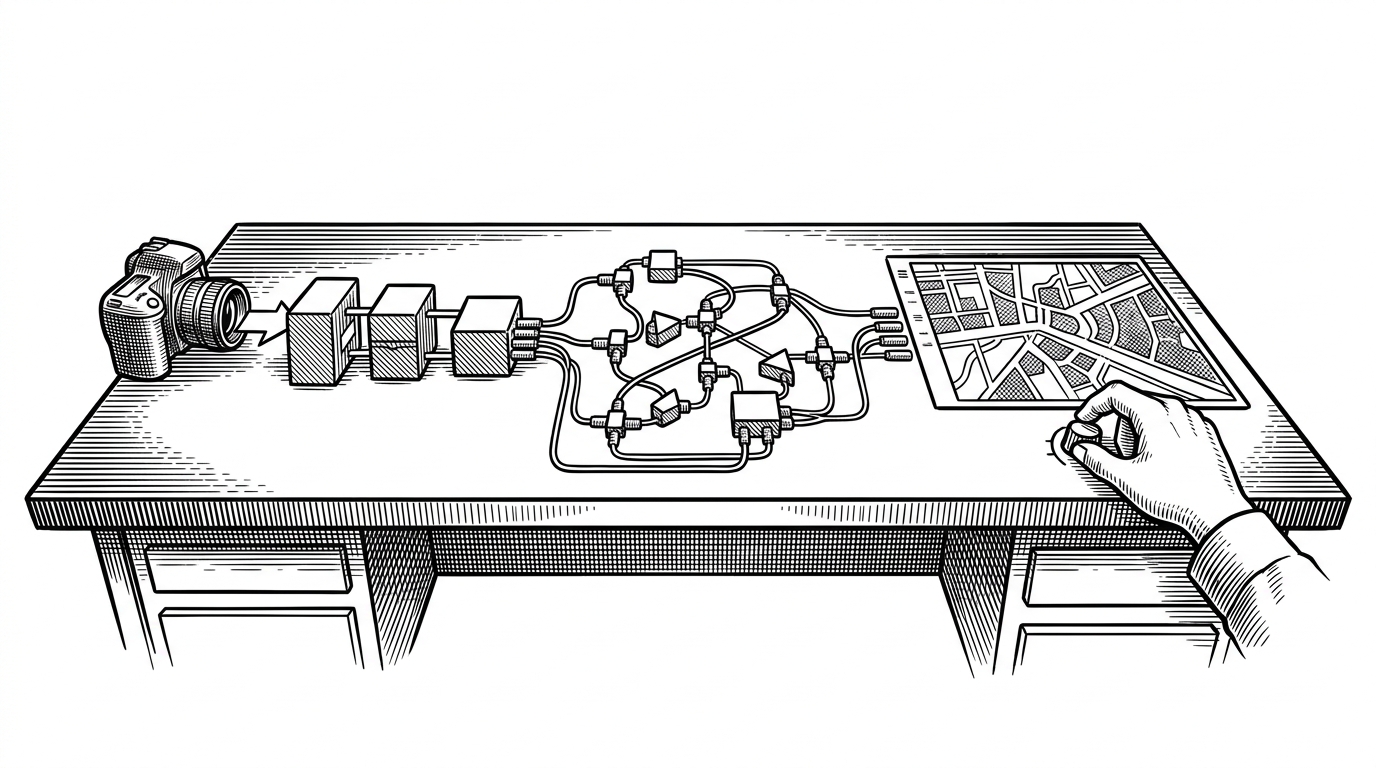
- SLAMBox’s real novelty is not modularity, but the ability to change a live SLAM pipeline through a visual control plane without restarting the engine.
- The project separates interface from execution so the UI can edit the graph while the backend keeps processing frames, features, and optimization steps.
- Its plugin model turns SLAM stages into swappable nodes, which makes the system useful as a laboratory for debugging and teaching.
- SLAMBox is less a competitor to mature production SLAM stacks than a clearer window into how spatial AI works.
Why Live-Tuning SLAM Changes the Game
Most SLAM systems are built like sealed machines. You feed them parameters, start the process, and hope the settings survive the run. SLAMBox changes the deal: the graph is editable while the pipeline is active, so tuning becomes part of the workflow instead of a separate restart cycle.
That matters because SLAM is brittle in exactly the ways that make experimentation slow. A detector threshold that is too low, a matcher that is too loose, or an optimization window that is too wide can all distort the map. SLAMBox turns those trade-offs into something you can adjust and observe in motion.
SLAMBOX is designed for use metod simultaneous localization and mapping (SLAM) in education, experiments, research and development by Node-based user interface.
A Graph That Separates Brain From Body
The most important architectural choice is the split between the GUI and the execution engine. The UI edits the graph. The backend runs the pipeline. That makes the interface a control plane, not a renderer.
| Project | Primary strength | UI model | Language | Best for | Main trade-off |
|---|---|---|---|---|---|
| SLAMBox | Live tuning and inspectability | Node-based visual graph | Python | Teaching, experimentation, rapid iteration | Not built for deployment-first performance |
| ORB-SLAM3 | Accuracy and maturity | Code and config driven | C++ | Production-grade SLAM research and applications | Harder to inspect and rewire visually |
| twitchslam | Minimal SLAM precursor | Mostly code driven | Python | Small experiments and reference reading | Less scaffolding for visual exploration |
How a Node Becomes a SLAM Step
Under the hood, SLAMBox uses a plugin architecture. JSON graph definitions are turned into Python objects by a graph factory, and node types are registered dynamically so the system can instantiate the right class from a string name. That is what makes the graph feel editable instead of hardwired.
The important data carrier is the buffer that moves slam_data between nodes. In practice, that means a frame, a map, camera intrinsics, and other state can pass from one stage to the next without each node needing to know the full system. Each node only needs to consume what it needs and emit what the next node expects.
# Conceptual flow inside the graph
root = RootNode()
frame = Camera().update()
features = DetectorDescriptor().update(frame)
matches = MatchPoints().update(features)
points3d = Triangulate().update(matches)
map_state = GeneralGraphOptimization().update(points3d)

# The graph factory wires nodes from JSON
node = PluginRegistration.create(node_type_name)
node.update(data_buffer)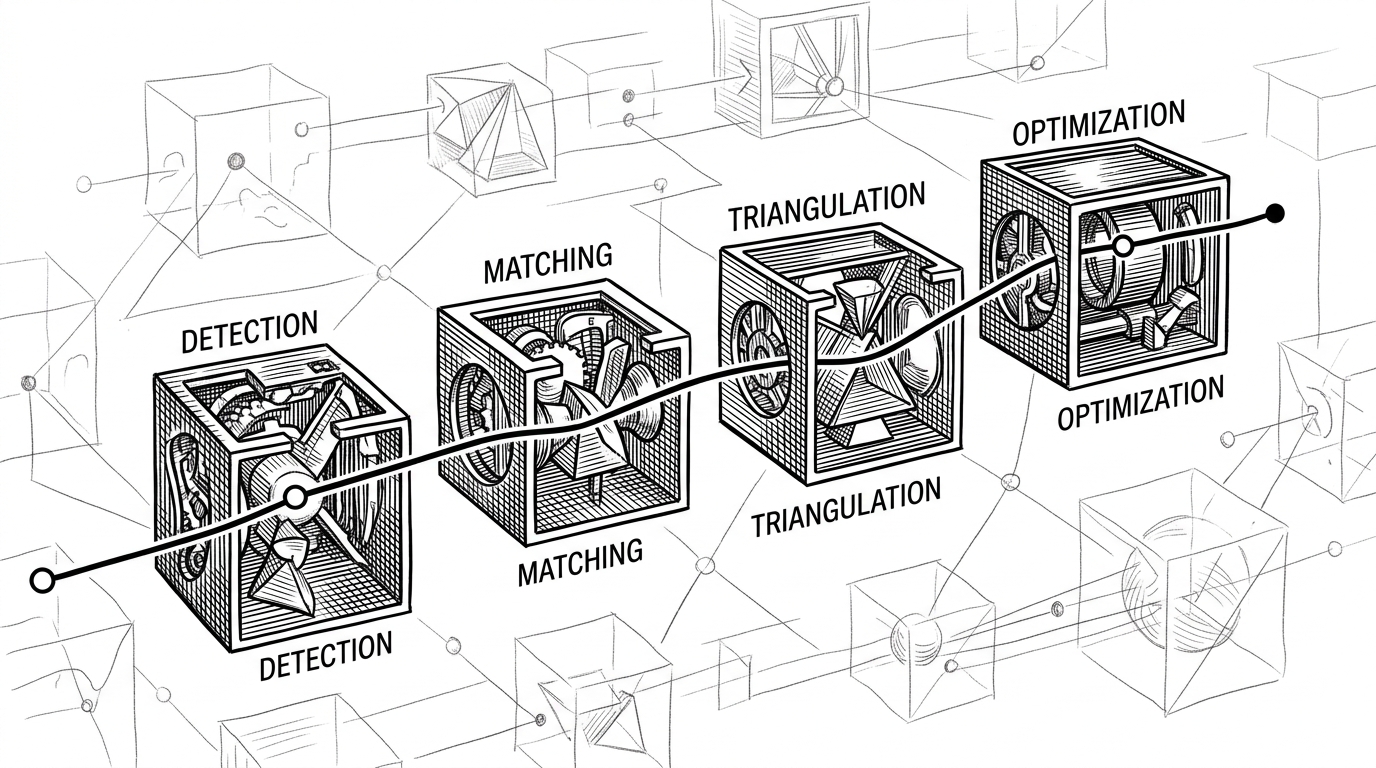
From Camera to Map: The Pipeline in Motion
The pipeline is easier to understand when you follow one measurement through it. A camera node receives frames. A detector-descriptor node extracts features. A matcher connects them across frames. Triangulation turns correspondences into 3D structure. Optimization then nudges the map toward consistency.
The system also exposes modern hybrid ideas. Nodes like DNNMask and vit_track hint at a future where classic feature-based SLAM shares the graph with learned masking and tracking components. That is a useful direction because dynamic scenes are where many traditional pipelines get messy.
Where SLAMBox Fits in the SLAM Landscape
SLAMBox is not trying to win the same race as ORB-SLAM3. It is optimizing for inspectability, experimentation, and teaching. That is a different product category, even if some of the underlying math overlaps.
Compared with twitchslam, SLAMBox adds a much richer visual layer and a clearer separation between editor and runtime. Compared with ORB-SLAM3, it gives up some of the prestige of a battle-tested production stack, but gains a kind of transparency that makes the system easier to reason about.
| Project | What it optimizes for | What you can see | What you can change live | Typical audience |
|---|---|---|---|---|
| SLAMBox | Exploration and learning | Graph structure, node parameters, pipeline state | Yes | Students, researchers, builders |
| twitchslam | Compact reference implementation | Core flow of SLAM logic | Limited | Engineers reading code |
| ORB-SLAM3 | Performance and robustness | Algorithm outputs more than process | Usually no | Research and deployment teams |
The Educational Layer Is the Product
The strongest case for SLAMBox is educational. It lowers the cost of asking small, precise questions. What happens if I change the descriptor? What if I tighten matching? What if optimization considers a different window? Those are the questions that usually get buried inside a repository, and SLAMBox puts them on the screen.
That is why the project feels bigger than a demo. It is a visual language for spatial AI, and the language itself is the product. The architecture, the node editor, and the live socket bridge all serve the same goal: make hidden mechanics legible.
Based on twitchslam by geohot