ChronoChat: The Extension That Turns ChatGPT Into a Navigable Workspace
A vanilla-JavaScript sidebar, keyboard shortcuts, and virtualized message indexing make long AI conversations feel searchable, fast, and native.
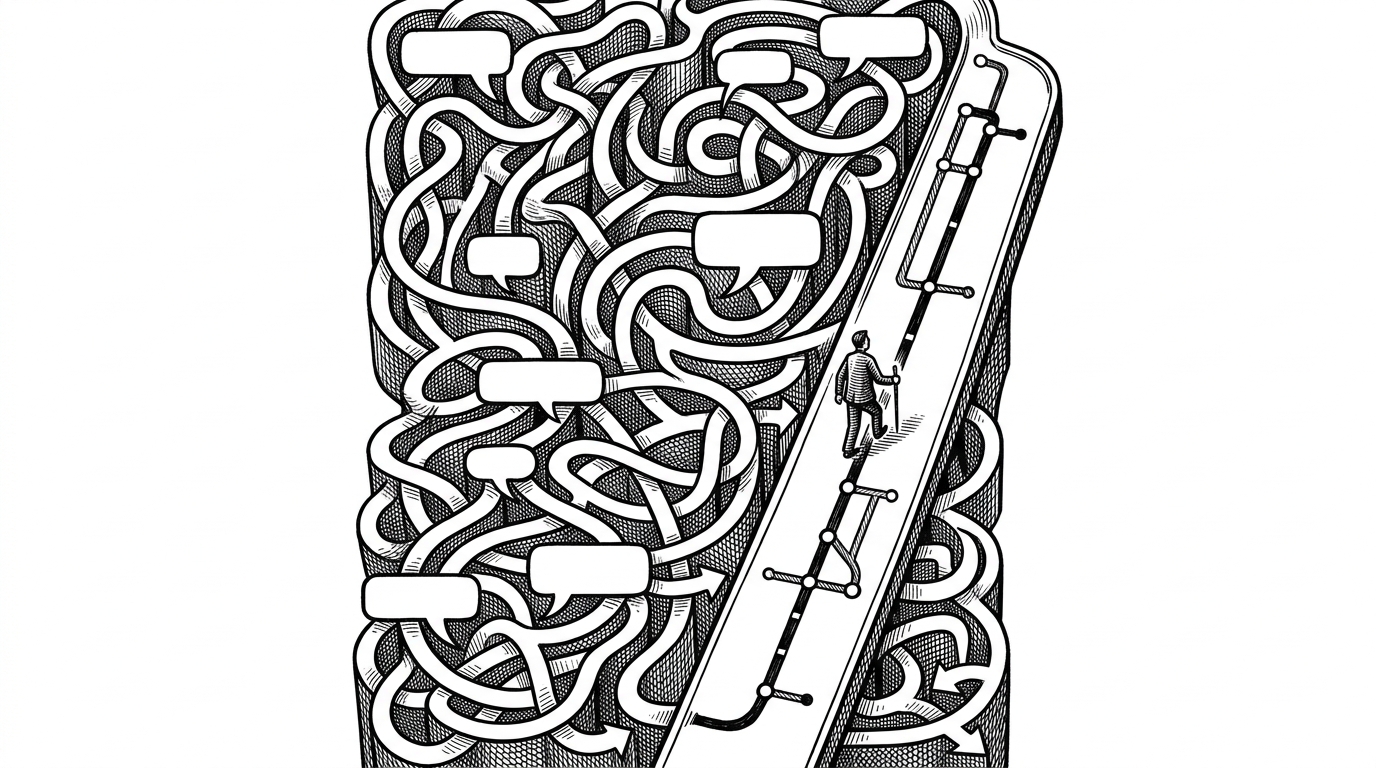
- ChronoChat’s real innovation is not more features, but a cleaner navigation model for long ChatGPT threads.
- The extension survives a moving target UI by reading the host page with selector-first DOM logic and fallback heuristics.
- Keyboard shortcuts and virtualization make huge conversations feel lightweight because only the useful slice stays active.
- Vanilla JavaScript is an architectural choice here, not austerity, because it keeps the extension small, resilient, and native-feeling.
The infinite scroll problem, solved from inside the page
Long ChatGPT threads break down in predictable ways. You stop trusting the scrollbar, search becomes noisy, and the conversation you need is always buried under the one you do not. ChronoChat attacks that problem from inside the page, not from above it.
The goal is not to add another panel. It is to create a second way of reading the thread: a conversation map that makes history searchable, skimmable, and navigable without making ChatGPT feel foreign.
Why it feels native, not bolted on
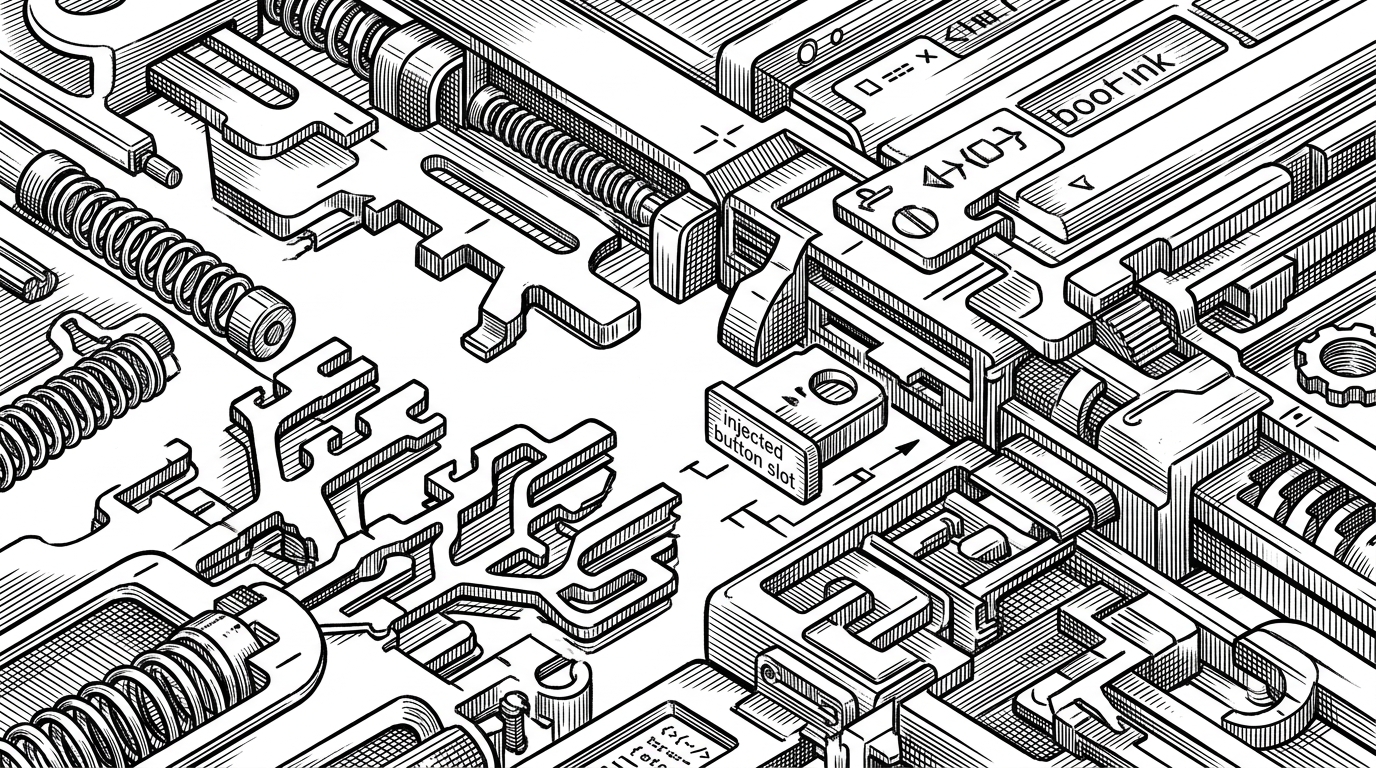
ChronoChat’s strongest move is restraint. It does not wrap ChatGPT in a separate app shell or drag in a heavy framework. It injects a sidebar and control surface that sit where the user already expects useful tools to live.
That native feel comes from how it treats the host page. The extension looks for the right toolbar slots, follows the page theme, and adapts to the interface instead of fighting it. On a site that changes often, that is not cosmetic. It is survival.
The DOM is the product
This is the technical heart of the project. Browser extensions live or die by how gracefully they survive host-page changes, and ChronoChat’s answer is selector-first parsing with layered fallbacks. It tries the most specific hooks first, then broadens out when the page shifts under it.
The repo’s content script architecture reflects that reality. Files are ordered by responsibility, then flattened into a single extension payload at build time. A shared namespace keeps state and utilities together without forcing a full application framework into the page.
// Simplified shape of the extension's approach
const ns = globalThis.__JTC__ || (globalThis.__JTC__ = {});
ns.config = {
  debounceDelay: 220,
  maxPreviewLength: 160,
  virtualListPageSize: 60
};

function inferRole(node) {
  // Try data attributes, ARIA, then fallback heuristics.
  // The goal is resilience when the host UI changes.
}
That is the real product. Not a sidebar in isolation, but a system that can recognize, index, and re-anchor conversation state even when ChatGPT’s UI drifts.
A sidebar that behaves like a command line
ChronoChat leans into keyboard-first navigation because long conversations punish mouse-driven scanning. Movement becomes a series of deliberate jumps. Search becomes a command, not a chore.
That matters because the sidebar is not just a list. It is a control surface. Once you can move with j and k, search with /, and jump directly to a message, the thread stops feeling like a wall of text and starts behaving like an addressable structure.
- j and k move through the conversation without losing rhythm.
- / turns search into a fast command, not a separate task.
- Role-aware filtering keeps the map readable when the thread gets dense.
- Clicking a node syncs the sidebar back to the main conversation pane.
Why virtualizing the thread matters
The performance story is straightforward. Huge threads should not force the browser to render every node just so the user can inspect a handful of them. ChronoChat computes what is visible, renders a bounded window, and keeps the rest in the model.
That is why the extension stays usable when the conversation gets big. Filtering and virtualization are doing different jobs. Filtering decides what belongs in the story. Virtualization decides what needs to exist on screen right now.
| Approach | Discoverability | Speed | Memory footprint | Native feel | Privacy |
|---|---|---|---|---|---|
| Scroll and browser search | Low on long threads | Slow when the thread grows | Low on logic, high on effort | Native but blunt | Strong |
| Heavy overlay or wrapper | Medium | Often sluggish | High | Usually feels separate | Varies |
| ChronoChat sidebar plus virtualization | High | Fast on large threads | Low | Very native | Strong |
Vanilla JS as an architectural choice
ChronoChat’s lack of a framework is not a nostalgia play. It is a systems decision. A lighter content script is easier to ship, easier to test, and less likely to collide with ChatGPT’s own frontend.
That also explains the custom build flow. The repository uses ordered source files, concatenation, and minification instead of a general-purpose bundler stack. The result is boring in the best way. Fewer moving parts. Fewer assumptions. Less to break when the host page changes.
| Design choice | What it buys | What it avoids |
|---|---|---|
| Vanilla JavaScript | Low overhead and direct DOM control | Framework mismatch with the host app |
| Custom build scripts | Predictable output and explicit module order | Bundler complexity for a small extension |
| Selector-first DOM logic | Better survival across UI changes | Brittle assumptions about static markup |
What ChronoChat is really optimizing for
The project’s values are clear: privacy, resilience, low overhead, and a native feel. It is trying to disappear in the right places. The user should notice the conversation becoming easier to navigate, not the extension making a spectacle of itself.
That is the deeper design lesson here. ChronoChat is not competing on breadth. It is competing on fit. When a tool matches the shape of the task, it feels less like software and more like the interface should have worked that way all along.