Cobra: The Command Tree That Powers Go’s CLI World
How one Go library turned flags, subcommands, help text, and shell completion into a single declarative system.
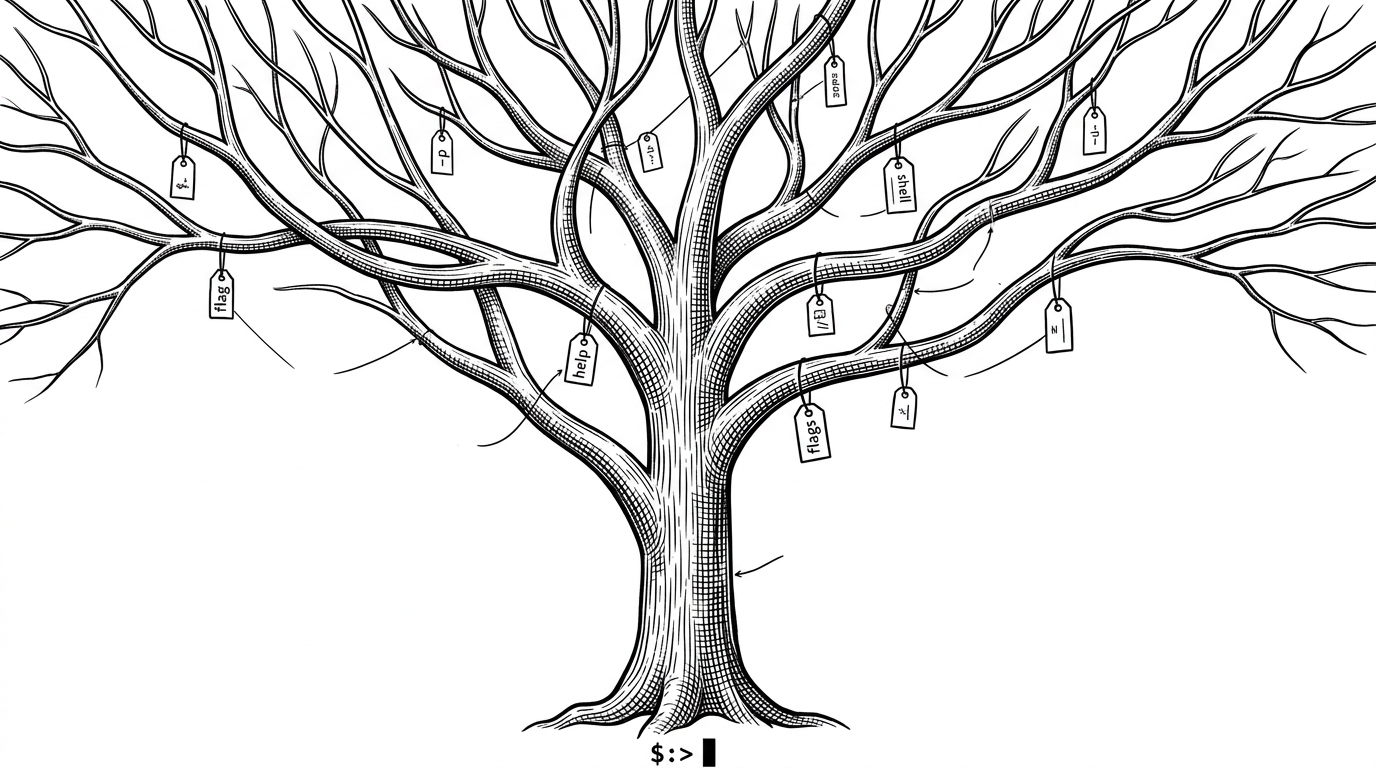
- Cobra won by making the CLI a command tree with inherited behavior, not a flat parser with extra features bolted on.
- Its real advantage is metadata reuse, because the same command and flag definitions can feed execution, help, completion, and documentation.
- Cobra is the right fit when a Go tool has to scale into a multi-command product with validation, nested routing, and polished UX.
- The library became infrastructure for infrastructure, shaping the interface layer of much of the Go ecosystem.
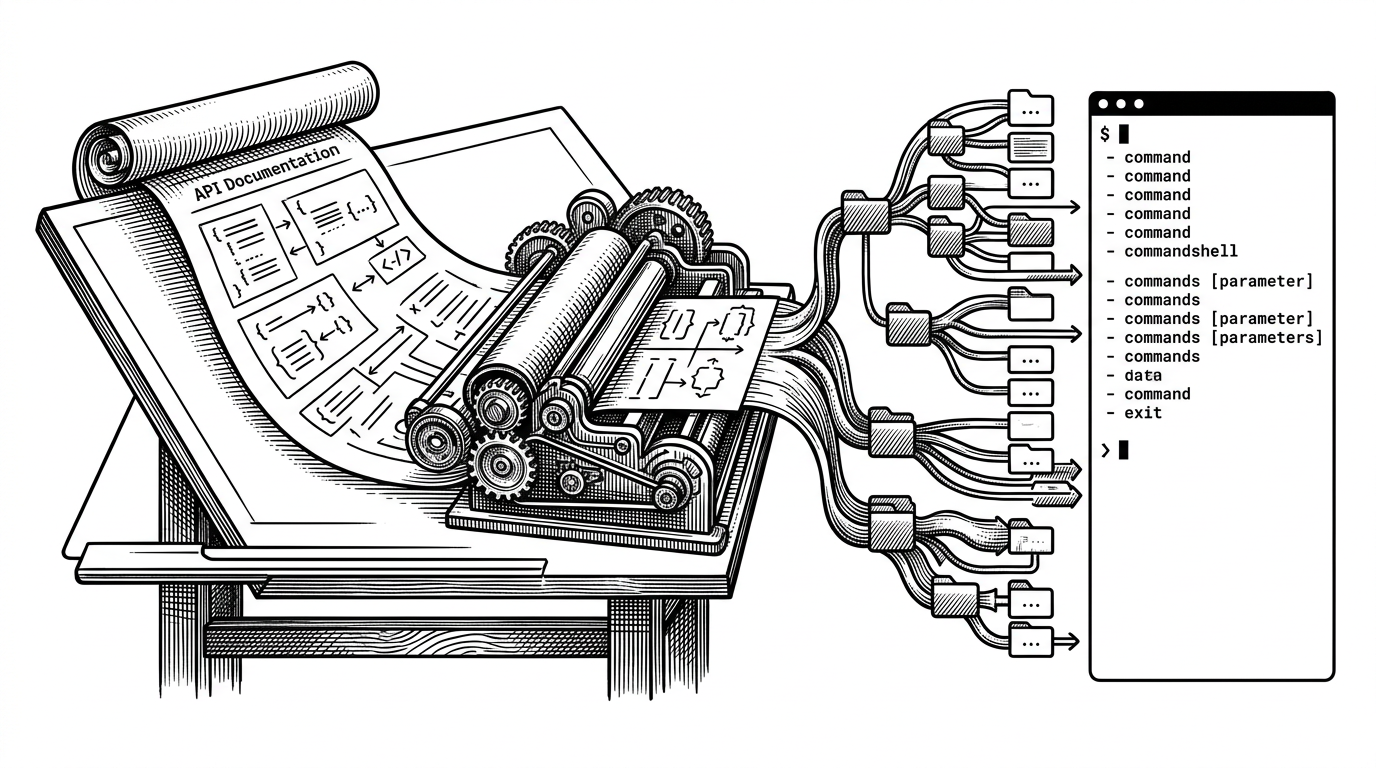
Cobra is easy to underestimate if you only look at the surface. It looks like a Go CLI helper, but its real job is closer to a small runtime for command-line products. The command tree, persistent flags, validators, help templates, and shell completion all come from the same object model.
That is why so many serious Go tools grew around it. Once a CLI has subcommands, inherited flags, and real completion behavior, a flat parser starts to feel like the wrong abstraction. Cobra makes the CLI feel structured from the start.
The CLI as a Tree, Not a String
Steve Francia’s core idea was blunt: a command line app should not be forced to act like a pile of flags. In the README and his early writing, Cobra is described as a place where everything is either a command or a flag, with the top level command able to run an action or host subcommands. That sounds simple, but it is the design move that makes the rest of the system work.
A tree model matches how users already think about tools like git, kubectl, and docker. You do not memorize a single giant invocation. You navigate a hierarchy, and each node can own behavior, documentation, and constraints.
| Capability | Go flag | Hand-rolled routing | Cobra |
|---|---|---|---|
| Subcommands | No | Sometimes | Yes |
| Persistent flags | No | Manual | Yes |
| POSIX-style flags | No | Depends | Yes via pflag |
| Auto help | Basic | Manual | Built in |
| Shell completion | Manual | Manual | Built in |
| Validation ergonomics | Low | Medium | High |
| Docs generation | No | Manual | Built in |
Why Cobra Won in Go
Go’s standard flag package is fine for small tools. It parses flags, prints usage, and gets out of the way. The moment a CLI needs nested verbs, inherited options, or clean help output across many subcommands, the standard library starts to show its limits.
Cobra steps in with a different mental model. It pairs with pflag for POSIX and GNU-style flags, adds command inheritance, and keeps the tree shape visible in the API. That is not just more power. It is less accidental complexity for teams building large interfaces.
One Metadata Layer, Many Outputs
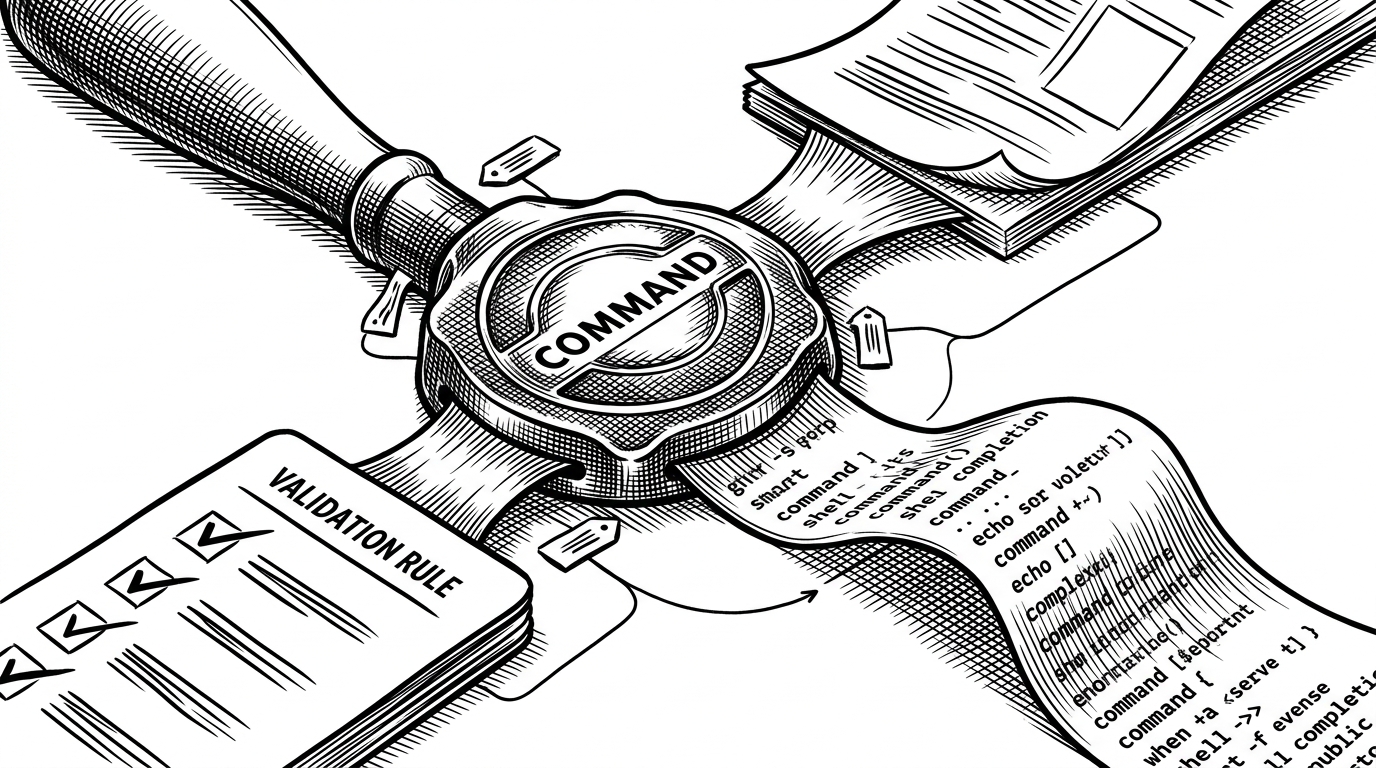
This is where Cobra gets interesting. Commands and flags carry annotations, and those annotations are not decoration. They are a shared metadata layer that other parts of the system can read.
The payoff is bigger than it first sounds. Help generation can inspect the command tree. Shell completion can ask the binary for context-aware suggestions. Validation logic can enforce relationships like mutually exclusive flags or required-together flags without scattering special cases across the codebase.
That is the architectural trick. Cobra keeps the command definition generic, then lets specialized consumers read what they need. A developer writes one source of truth. The library turns it into several user-facing behaviors.
How Execution Actually Flows
The execution path is more structured than many developers expect. Cobra resolves the command tree, validates positional arguments separately from flags, then walks through lifecycle hooks before it reaches the leaf command body. The order matters because it gives parent commands a chance to prepare shared state before a child runs.
cmd := &cobra.Command{
	Use:   "app",
	Short: "Example app",
	PersistentPreRun: func(cmd *cobra.Command, args []string) {
		// setup shared state
	},
	PreRun: func(cmd *cobra.Command, args []string) {
		// local preparation
	},
	Run: func(cmd *cobra.Command, args []string) {
		// main action
	},
	PostRun: func(cmd *cobra.Command, args []string) {
		// local cleanup
	},
	PersistentPostRun: func(cmd *cobra.Command, args []string) {
		// shared cleanup
	},
}

cmd.Args = cobra.ExactArgs(2)
_ = cmd.Execute()
That separation of concerns is the point. Flag parsing answers one question. Positional validation answers another. Hooks let the tree itself control setup and teardown without turning every command into a pile of ad hoc conditionals.
In Cobra, everything is a command or a flag. The top level of the application is a command which optional can run an action and optionally have subcommands (at least one of these two is required).
Completion Is the Quiet Superpower
Cobra’s completion story is more dynamic than a lot of developers realize. Instead of relying only on static shell scripts, it can route completion requests back into the binary through a hidden __complete command. That means completion can be context-aware at runtime.
This matters because completion is not just sugar. It is a trust signal. When a tool can suggest valid subcommands, flags, and arguments in real time, the interface feels safer and more finished.
The Windows Mousetrap
Cobra even handles an awkward Windows edge case. If a user launches a CLI binary from Explorer, the terminal can disappear before the output is readable. The mousetrap dependency exists to catch that moment and pause long enough for the user to see what happened.
It is a tiny detail, but it reveals the project’s posture. Cobra is not just optimized for Unix-native developer workflows. It tries to make command-line software behave well across the places people actually run it.
What Cobra Is Not
| Use case | Go flag | Hand-rolled CLI | Cobra |
|---|---|---|---|
| One-off utility | Best fit | Possible | Often too much |
| Multi-command product | Awkward | Labor intensive | Best fit |
| Custom validation | Manual | Manual | Built in |
| Generated docs and completion | Manual | Manual | Built in |
| Minimal dependencies | Best fit | Best fit | Heavier |
Cobra is not the lightest choice. If you are writing a tiny single-command utility, the standard library is simpler. Cobra earns its place when the CLI is becoming a product and the interface needs to scale with it.
That boundary is part of why it won. It does not try to be the smallest abstraction. It tries to be the one that still feels coherent when the command tree gets large.
While developing Hugo I became disappointed with the interface limitations flags alone provide. A quick look at virtually any command line application (ls, grep, less, etc) reveals that most applications overuse flags to do everything and often allow conflicting flags to be applied.
Why It Still Matters
Cobra became infrastructure for infrastructure. It sits underneath tools that other teams depend on, which is why its API choices echo far beyond the repo itself. When a command framework becomes the default shape of a category, it starts shaping how the category thinks.
That is the real lesson here. The winning move was not adding a few conveniences around flags. It was turning CLI structure into a reusable system with one metadata layer and many outputs. That is why Cobra still feels less like a helper and more like the operating system of Go command lines.