anthropic-cli: The CLI That Announces Itself Before It Exists
Anthropic-cli is interesting because the public repo already does product work. It claims the terminal as a Claude surface before the implementation is visible.
- Anthropic-cli matters less as software than as a signal that the terminal is becoming a first-class Claude surface.
- A useful CLI has to solve auth, configuration, streaming, and state before it ever feels fast.
- Community wrappers prove the demand, but first-party tooling changes trust, onboarding, and the product story.
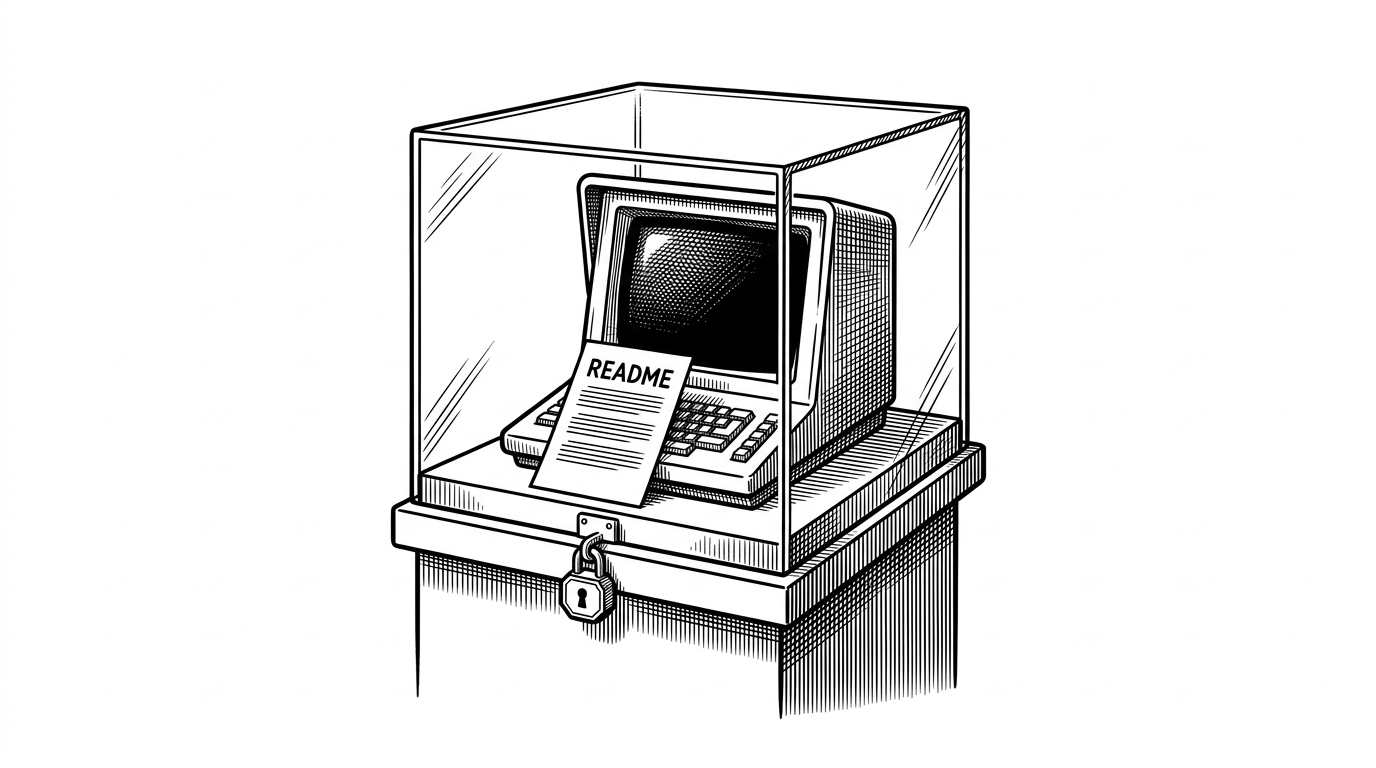
- The sharpest contrast is not chat versus terminal. It is README-shaped promise versus workflow-native tool.
Most open-source repos announce themselves with a tree of files. This one announces itself with absence. No visible src/ surface, no build scaffolding to inspect, just a name, a README, and the implication that the terminal is about to become a serious home for Claude.
Why the empty repo matters
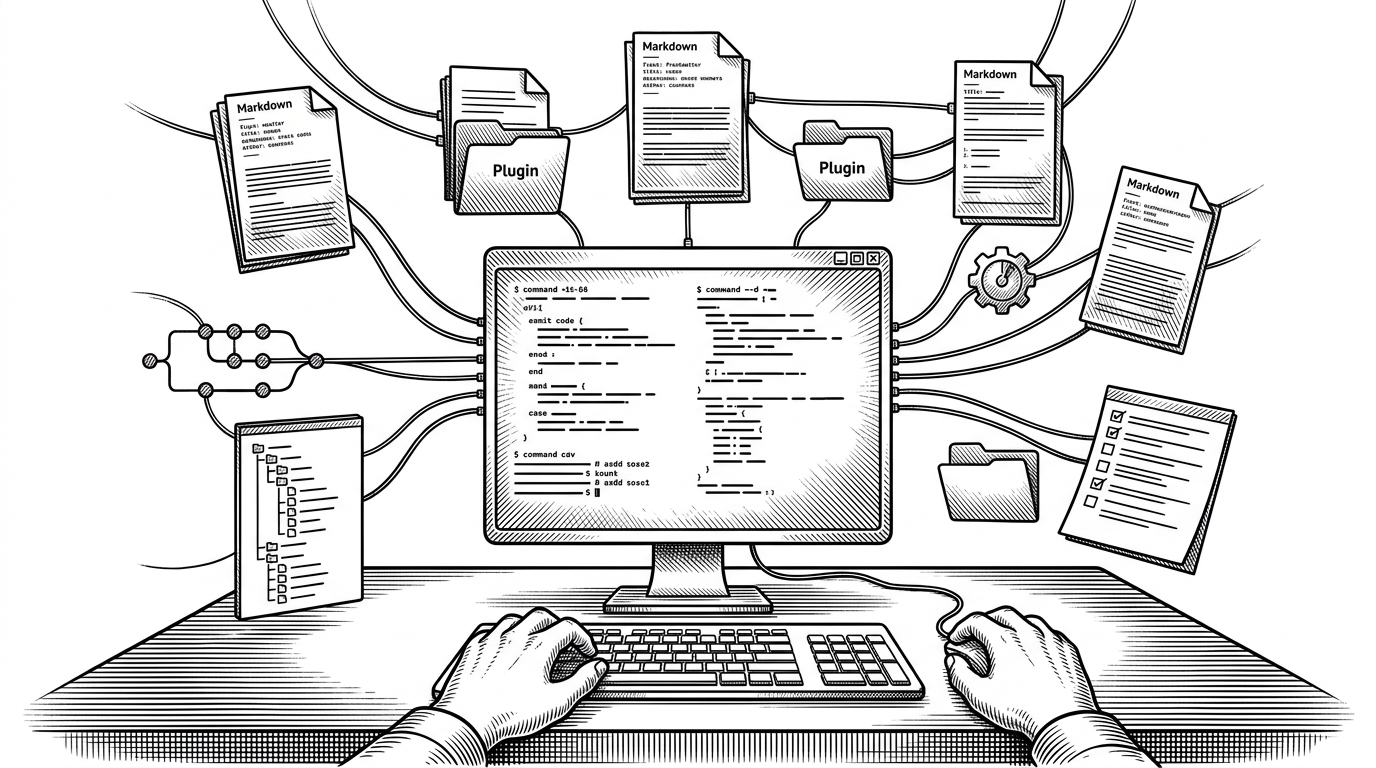
The interesting move is not that Anthropic has another way to call its API. The interesting move is that it is trying to make the shell feel like a native product surface, not a workaround. Developers already chain tools, inspect output, and automate repetitive work in terminals, so a CLI is where Claude starts to look less like a chat box and more like infrastructure.
Unlike traditional chatbots that require copy-pasting code, Claude Code operates directly in your terminal, acting as an autonomous agent that can read, write, and execute code within your actual development environment.
What a useful Claude CLI actually has to do
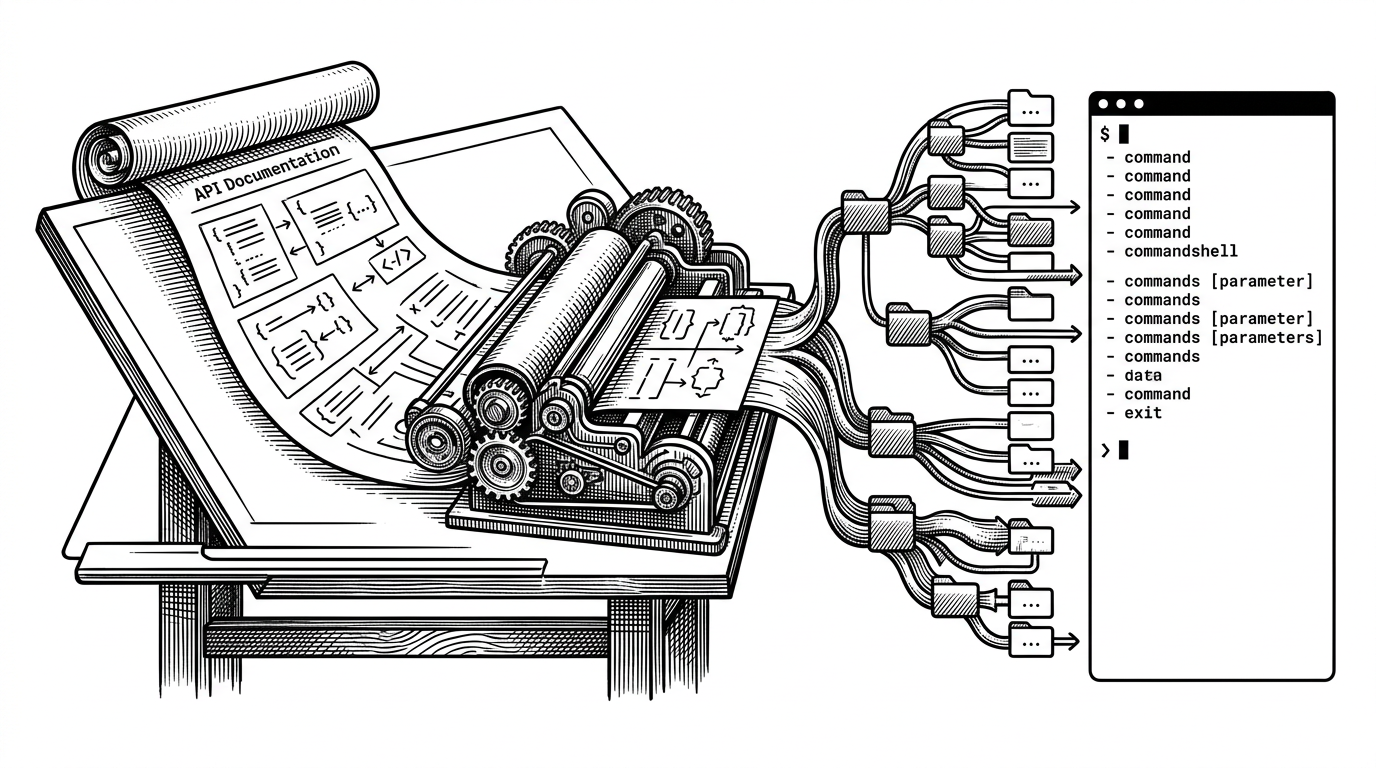
Wrapping the API is the easy part. The hard part is the boring work every good CLI hides: authentication, profile management, model selection, token budgeting, streaming output, and a place for prompts to live between runs. If those pieces are clumsy, the tool never becomes muscle memory.

How the pieces fit
That hidden plumbing is where CLI products either become beloved or get ignored. A first-party release can make those layers feel coherent in a way community wrappers often cannot, because it can standardize the defaults and own the rough edges. In a tool like this, ergonomics is the architecture.
Official intent, community utility, agentic ambition
| Project | What it is | Strength | Trade-off |
|---|---|---|---|
| anthropic-cli | Public repo with a README-first surface and no visible implementation | Signals first-party intent and a terminal-first direction | Not yet a workflow you can evaluate on code alone |
| dvcrn/anthropic-cli | Community CLI that wraps the Anthropic Python SDK for text and images | Simple, scriptable, and concrete | Narrower ambition and not first-party |
| Claude Code | Anthropic's agentic terminal assistant in research preview | Reads, writes, and executes in the shell | More autonomous, and more opinionated |
This is a command line tool that allows you to interact with the Anthropic API using the Anthropic Python SDK. You can send messages, including text and images, to the API and receive responses.
That README describes the baseline well. A working CLI should be small, direct, and useful immediately. The remaining question is whether Anthropic wants this repo to stay a thin wrapper, or become the opinionated shell where Claude sessions, tooling, and developer state all meet.