SkipBackRecorder: The Recorder That Starts Before You Hit Record
A Windows desktop app in Python that keeps a live audio buffer, then stitches the past onto the present the moment you decide to save.
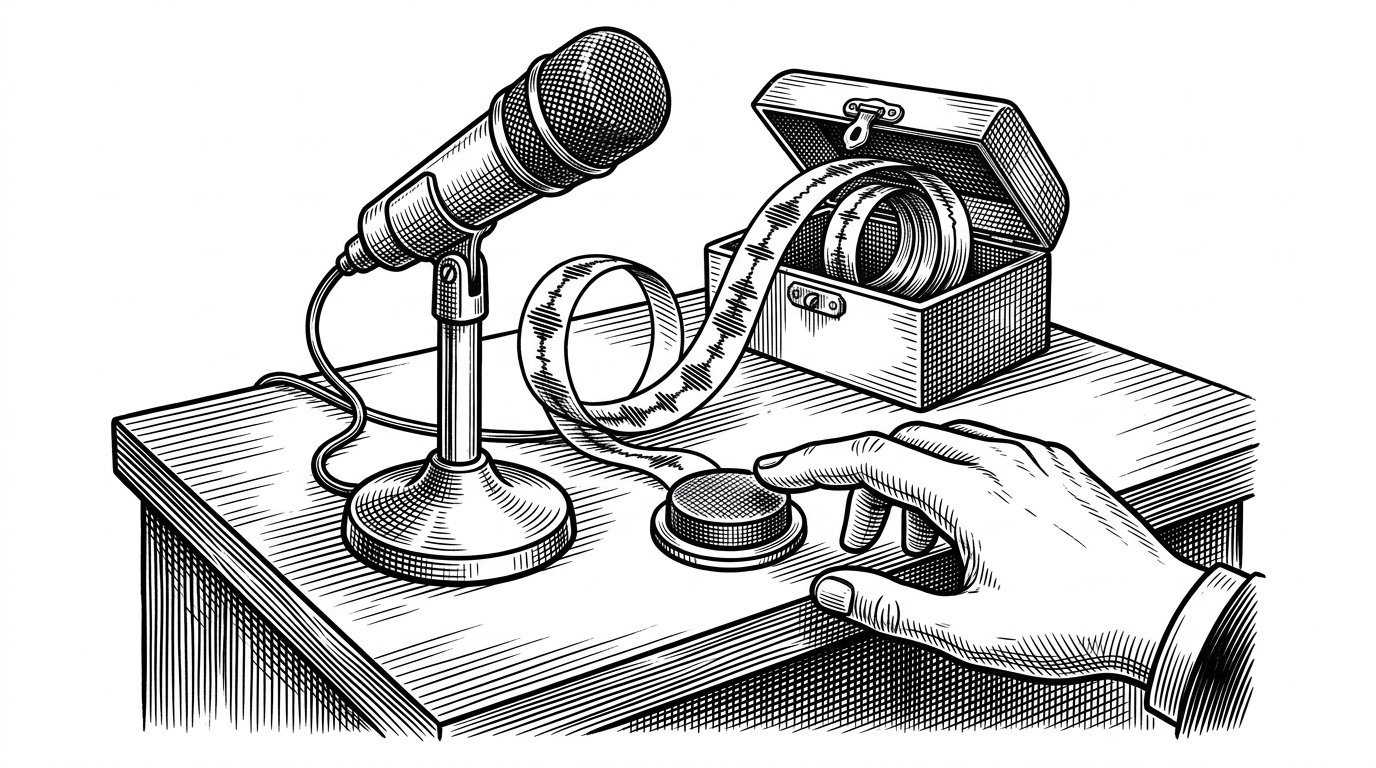
- SkipBackRecorder turns late recording into a feature by keeping a rolling audio buffer alive before the user commits to save.
- The implementation stays simple because a non-blocking audio callback, a fixed deque buffer, and a clean save path each do one job.
- The project matters less as a Python demo than as a UX pattern for moments people only realize are worth capturing after they have begun.
- Its narrow scope is the point, because a single-purpose recorder is easier to understand, trust, and use under pressure.
Most recorders assume you are on time. SkipBackRecorder is built for the opposite. It keeps a short live buffer running in the background, then when you finally hit record, it stitches the recent past onto the front of the new file. The result feels less like recording and more like recovering a moment.
Even if you think "I wish I had been recording that!", you can go back by a configurable number of seconds and include that audio in your recording.
The trick is a rolling buffer, not magic
Under the hood, the idea is plain. audio_recorder.py keeps samples in a fixed-size collections.deque, sized from the skip-back duration and the sample rate. The audio callback from sounddevice.InputStream writes into that ring, updates the level meter, and, when recording is active, appends to the capture buffer too. When save time comes, numpy.concatenate joins the buffered past and the fresh present, and the wave module writes one WAV file. QMutex and QMutexLocker keep the UI thread and callback thread from stepping on each other.
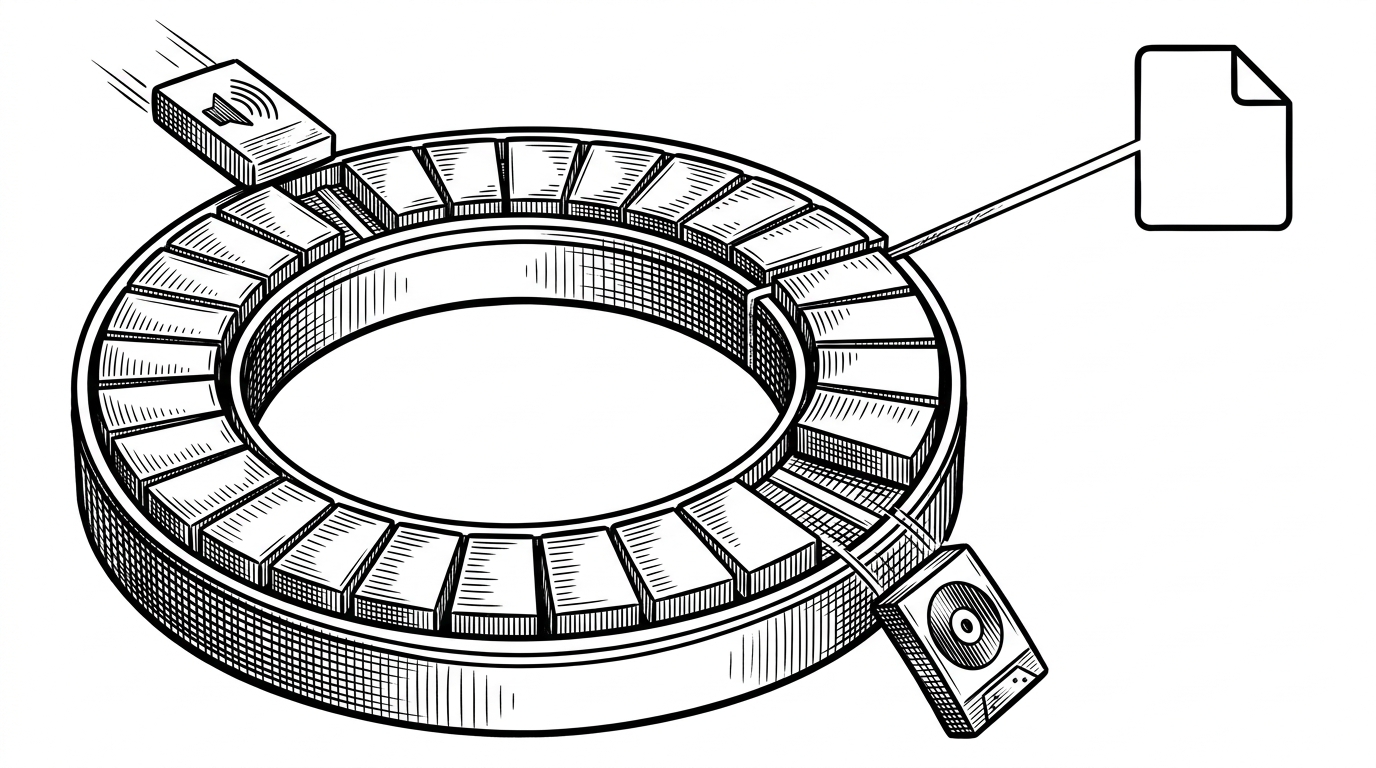
The code stays small because each file has one job
main.pyorchestrates the app lifecycle and bridges the UI thread to the audio worker.audio_recorder.pyowns the stream, the rolling buffer, and the save logic.ui_main.pybuilds the PySide6 interface and wires signals to the visible controls.config.pycentralizes device, sample rate, and skip-back settings.
That split matters because it keeps the project legible. The UI does not need to know how the buffer works, and the audio engine does not need to care which widget paints the level meter. For a desktop utility, that separation is the difference between a tidy tool and a one-off script that becomes fragile the second the interface changes.
Why it feels different from a normal recorder
| Typical recorder | SkipBackRecorder | Why it matters |
|---|---|---|
| Begins at the button press. | Starts with a buffered past stitched to the present. | Late reactions still capture the opening. |
| Keeps a single forward file. | Maintains a live rolling buffer before saving. | The machine is always ready without saving everything. |
| Asks the user to time the moment perfectly. | Assumes the user will remember a little late. | The UX is forgiving instead of brittle. |
| Often broad and multi-purpose. | Single-purpose and narrow. | Narrow tools are easier to trust under pressure. |
That narrowness is the product. A full digital audio workstation can already record anything, but it asks you to think like a producer. SkipBackRecorder behaves more like a dashcam for sound. It is not trying to win a feature checklist. It is trying to remove regret.
The origin is a user problem
The repo is a Windows desktop app in Python 3.10+, built by Masaya Miyazaki of Office Stray Cat and released under the MIT License. It targets Windows 10/11 users who want a lightweight recorder with a little more forgiveness than a standard capture app. The Japanese documentation and the focused README both point to the same thing: this is a product-shaped tool, not a weekend experiment.
That also explains the competitive shape. The interesting comparison is not another open-source recorder. It is any tool that helps you recover from a missed moment, whether that is a phone voice memo app, a DAW, or a different kind of skip feature in software elsewhere. SkipBackRecorder wins by staying small, local, and specific. It gives one promise and keeps it.