DogSprite: The Pixel Art Editor That Lets AI Hold the Brush
A browser-based sprite studio with an MCP server, programmatic templates, and one shared engine for humans and agents.
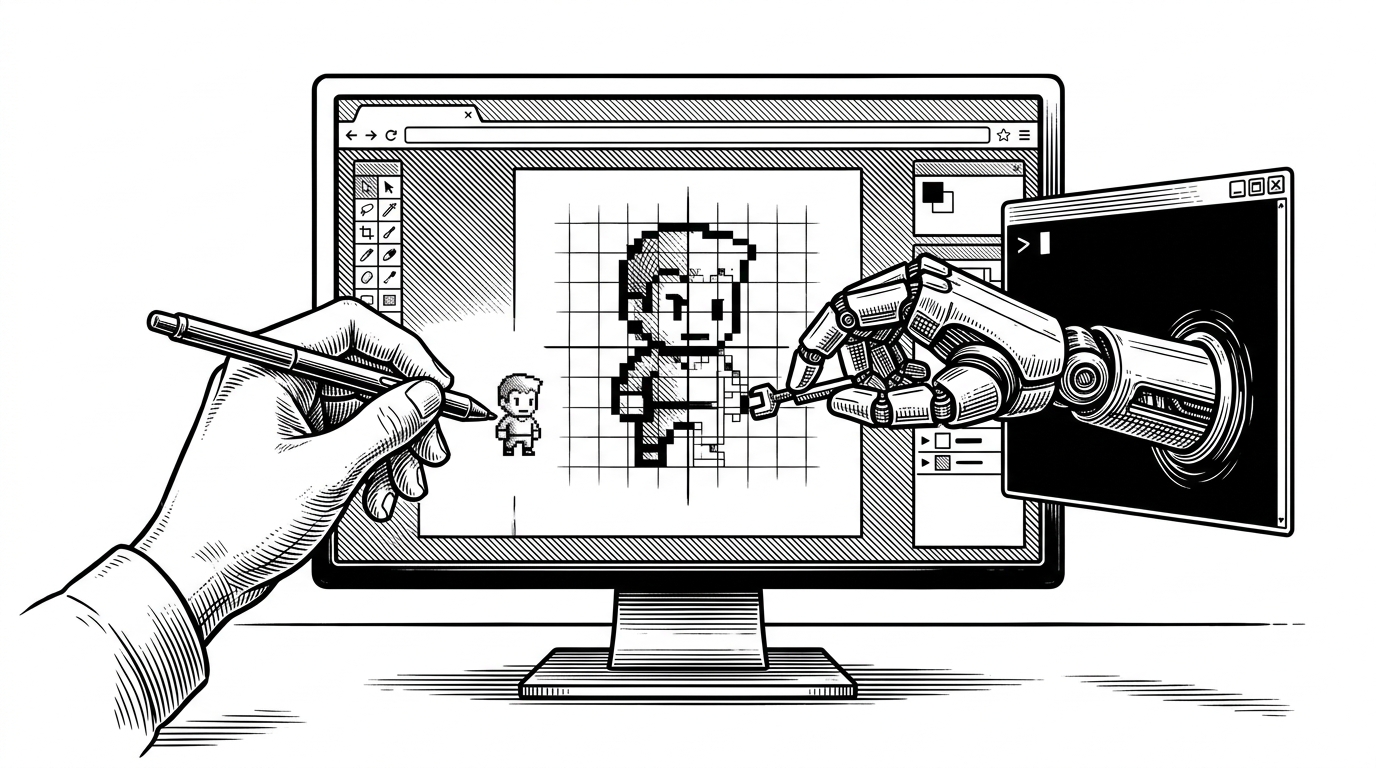
- DogSprite’s real novelty is that humans and AI agents edit against the same pixel logic, not separate interfaces with different truths.
- The browser editor and the MCP server are two control surfaces on one project model, which keeps behavior consistent across manual and programmatic edits.
- Normalization is the trust layer that makes the system safe for both older files and agent-driven changes.
- The template library turns sprite assets into reusable definitions, so DogSprite scales like a toolchain instead of a static paint app.
DogSprite is easy to misread as another browser pixel editor. That misses the point. The interesting move is that it exposes the canvas through Model Context Protocol, so an AI agent can inspect, validate, shade, and draw with the same project rules a human uses.
That matters because pixel art is unforgiving. One bad coordinate, one malformed layer, one sloppy opacity value, and the asset stops behaving like a sprite. DogSprite’s design says the solution is not more prompt text. It is a real editing API with guardrails.
I created DogSprite, a completely free pixel art editor that runs directly in your browser and works offline.
The Brush That an AI Can Actually Use
The most surprising part of DogSprite is not that it has AI hooks. It is that the hooks are concrete. The MCP server exposes structured tools such as draw_line, fill_area, auto_shade, and sprite-quality checks, which means the agent is not guessing at the interface. It is operating the editor.
That changes the relationship between creator and assistant. Instead of asking an LLM to describe pixels, DogSprite lets it manipulate pixels through validated commands. The canvas becomes a shared workspace, not a screenshot the model is staring at from the outside.
One Engine, Two Interfaces
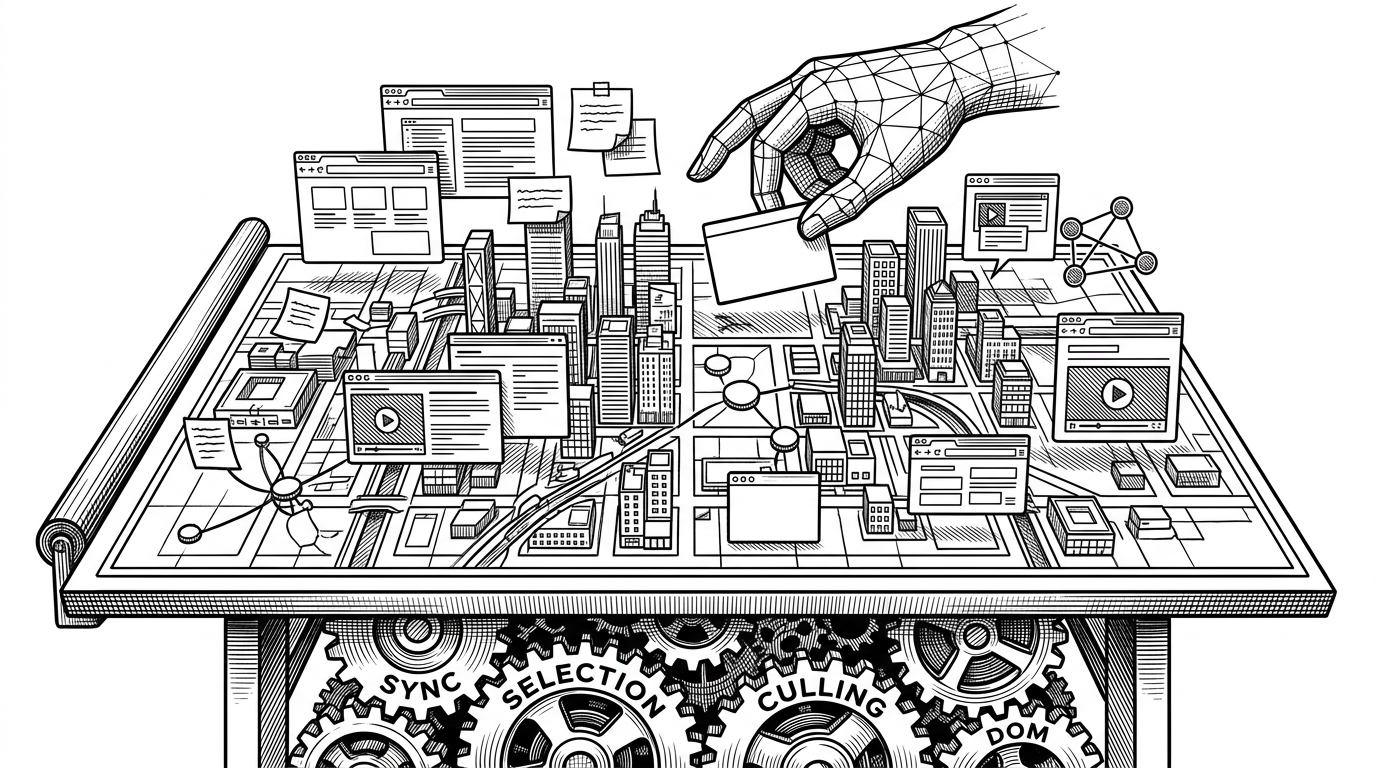
DogSprite splits cleanly into two surfaces. The browser app in /src is for humans. The MCP server in /mcp-server is for agents. They are different control planes, but they sit on the same project concepts, which keeps the rules consistent.
That is the architectural trick. This is not a normal app with a separate API bolted on. It is one editing system with two ways to touch state, and that makes the AI layer feel native instead of decorative.
Why It Feels Fast When You Paint
Pixel editors live or die on latency. DogSprite’s store layout reflects that. Canvas, tool, layer, timeline, and history are split into specialized stores, which reduces the blast radius of every update.
The rendering path also matters. Canvas handles the visual hot path, while Zustand keeps React from becoming the bottleneck when the user is pushing individual pixels around at speed. That is the difference between a toy and a tool.
The point is not just performance for performance’s sake. It is trust. When brush strokes feel immediate, the editor disappears and the work takes over.
The File Format Is a Safety Net, Not Just a Dump
DogSprite’s .dogsprite file format does more than serialize state. The normalizeProjectFile pattern sanitizes incoming data before it becomes editable truth. Values get clamped. Dimensions get checked. Raw arrays get reshaped into canvas-friendly structures.
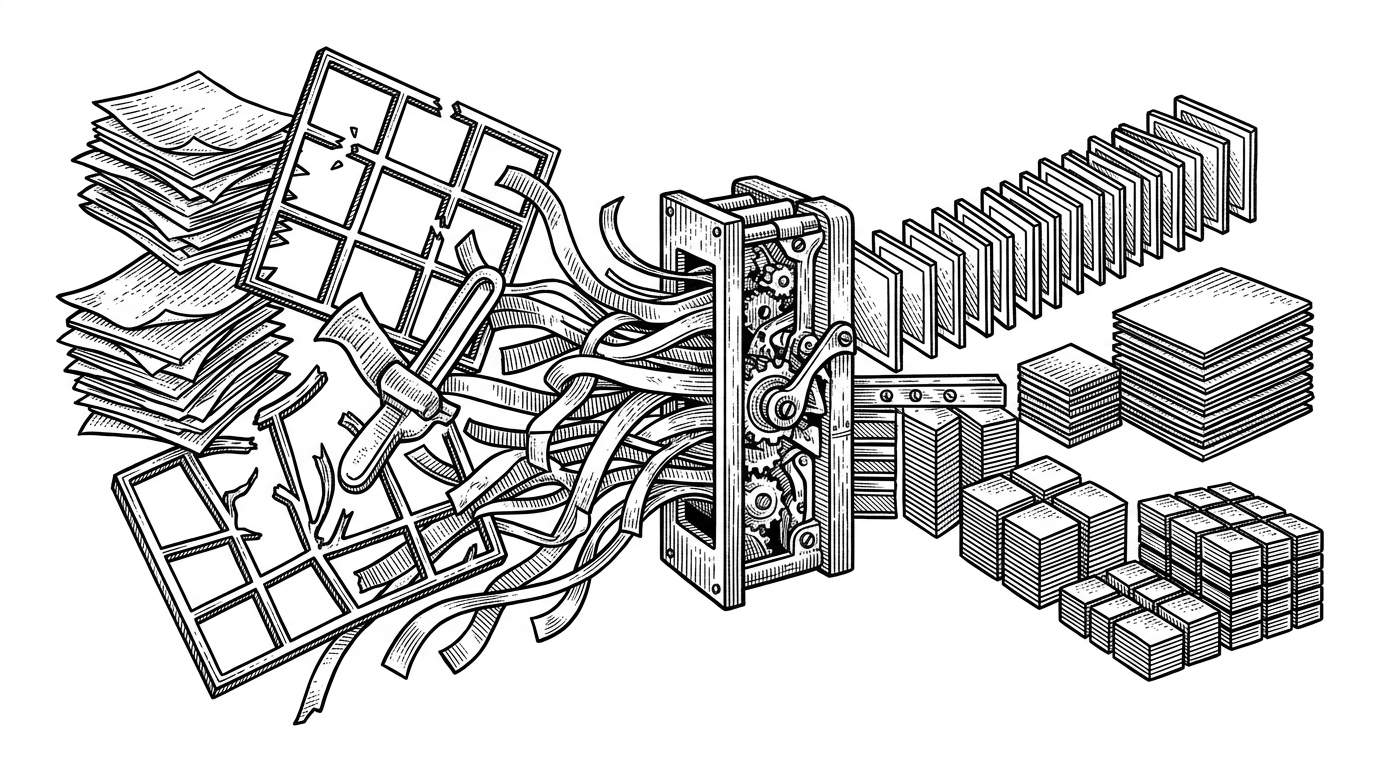
That is what makes the AI story credible. An agent can only be a useful collaborator if its edits land inside a system that can reject bad state and reshape valid state consistently. DogSprite’s file layer is the trust boundary.
| Input state | What normalization does | Why it matters |
|---|---|---|
| Raw layer data | Clamps, validates, and reshapes it | Prevents malformed edits from reaching the canvas |
| Odd opacity values | Constrains them to the allowed range | Keeps rendering predictable |
| Old or edited project files | Converts them into expected structures | Lets humans, tools, and agents share one format |
The Template Library Turns Art Into Code
The batch files in scripts/batches/ suggest another big idea. DogSprite does not treat sprites as static artifacts. It treats them as parameterized definitions that can be recolored, remixed, and generated repeatedly.
That is why the template library matters. It turns the project into a production system, not just a drawing surface. For an AI agent, this is gold. Templates give it repeatable structures to work from instead of asking it to improvise every asset from scratch.
// Conceptual shape of DogSprite's template approach
const template = {
  category: 'RPG',
  base: 'armor_helmets_batch',
  palette: ['iron', 'bronze', 'gold'],
  variants: ['damaged', 'reinforced', 'ornate']
}

// The same definition can be remixed, recolored, and exported
// without losing the underlying sprite logic.
What DogSprite Is Competing Against
DogSprite is not trying to beat every pixel tool on every axis. It is choosing a different control model.
| Tool | Where it runs | AI operability | Collaboration | Tradeoff |
|---|---|---|---|---|
| DogSprite | Browser, offline-first | Yes, via MCP tools | Single-user focus | New agent-native workflow |
| Aseprite | Desktop | No native MCP layer | Not the main goal | Polished and mature |
| Piskel | Browser | No agent control layer | Lightweight sharing is limited | Simple and familiar |
| PixelEdit | Browser | Not the core pitch | Real-time collaboration | More online-first and collaborative |
The useful distinction is not feature count. It is control surface. Aseprite is the benchmark desktop tool. Piskel is the familiar web editor. PixelEdit is about collaborative canvases. DogSprite is the one that asks what happens when an AI can operate the same editor logic as the human.
Why This Feels Like a Prototype of the Future Studio
DogSprite points toward a studio workflow where sketching, validation, shading, and batch generation all happen in one local system. The human still sets direction. The agent does more than talk. It actually works the brush.
That is the deeper shift. If the project holds up over time, the important thing will not be that it is a browser app or that it is free. It will be that it shows a path to a shared editable truth for people and agents alike.
DogSprite includes animation presets that make it easy to start working with common sprite formats.