Reverse-Engineering the Analyst: Inside tradingview-mcp
How a local MCP bridge uses React Fiber traversal and Chrome DevTools to turn a closed-source trading terminal into an AI control plane.


This project explores an open research question: **how can LLM-based agents interact with professional trading interfaces to support human decision-making?**
- The tradingview-mcp project bypasses closed-source API limitations by puppeteering the TradingView Desktop app via the Chrome DevTools Protocol.
- The bridge traverses obfuscated React Fiber trees to extract visual data and inject Pine Script directly into the Monaco editor.
- By computing OHLCV statistics locally in Node.js, the tool prevents LLM context window exhaustion and drastically reduces token costs.
- This architecture shifts the paradigm from blind, server-side trading bots to agent-forward, human-in-the-loop technical analysis.
The Heist in the DOM
TradingView is a notoriously closed ecosystem. It is a highly obfuscated, stateful Electron application with no official desktop API. To an AI agent, it is a black box. The tradingview-mcp project solves this by treating the desktop app as a remote-controllable browser instance. It connects to the application using the Chrome DevTools Protocol (CDP), effectively puppeteering the user interface from the outside.
The real magic happens during component targeting. Because TradingView minifies its class names, standard DOM selectors fail. Instead, the bridge runs a script that traverses the __reactFiber$ keys attached to DOM nodes. It walks the React component tree backward until it locates the exact underlying Monaco Editor instance or canvas element, turning a visual-first human interface into a machine-readable state engine.
Reading the Invisible
Standard REST APIs can return open, high, low, close, and volume (OHLCV) data. What they cannot return is the custom visual context generated by user-defined Pine Scripts—trendlines, dynamic table cells, and custom labels. To Claude, if it isn't in the API response, it doesn't exist.
The bridge bypasses this limitation by scraping the internal dataSources() arrays within the TradingView runtime. It extracts deeply embedded primitives like dwgtablecells, granting the LLM access to visual data that is normally locked inside the HTML5 canvas.

The Context Diet
Feeding thousands of raw candlesticks directly into an LLM's context window is a recipe for token exhaustion and exorbitant API costs. The system needs a filter.
Rather than passing raw data, the project utilizes local summarization. It calculates OHLCV statistics and change percentages natively in the Node.js process before sending anything to the AI. This ensures Claude receives a compact, token-friendly summary that retains the mathematical essence of the chart without the bloat.
The Closed-Loop Coder
The bridge goes beyond merely reading charts; it enables autonomous software development within the TradingView ecosystem. By gaining access to the Monaco editor, Claude can inject Pine Script directly into the application, trigger a compilation, read the local error logs, and fix its own bugs.
Beyond the Trading Bot
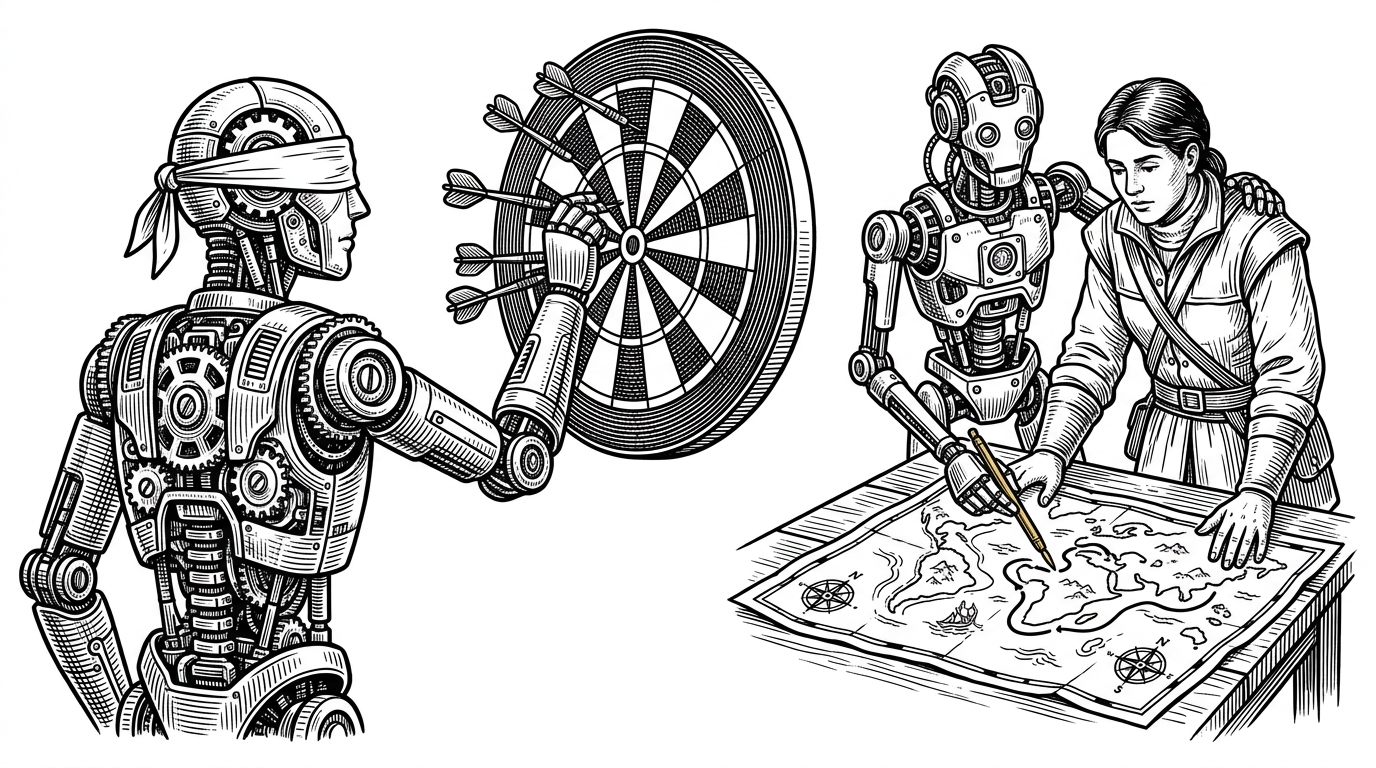
Traditional trading bots use REST APIs to execute trades blindly on remote servers. They are completely decoupled from the human's visual workspace. tradingview-mcp takes the opposite approach. It offers 68 granular tools to assist the human operator directly on their stateful, visual UI.
| Feature | Traditional Trading Bots | tradingview-mcp (Agent-Forward) |
|---|---|---|
| Data Source | REST APIs (OHLCV only) | CDP DOM Scraping (Includes custom visuals) |
| Execution | Blind, autonomous server-side | Local, human-in-the-loop desktop |
| State | Stateless API calls | Deep integration with visual UI layout |
| Developer Experience | Write code locally, deploy to cloud | AI writes and debugs directly in the IDE |