unity-cli-loop: Unity CLI Loop: Giving AI the Keys to the Unity Editor
A local agent loop that compiles, clicks, screenshots, and replays Unity actions until the game behaves the way it should.
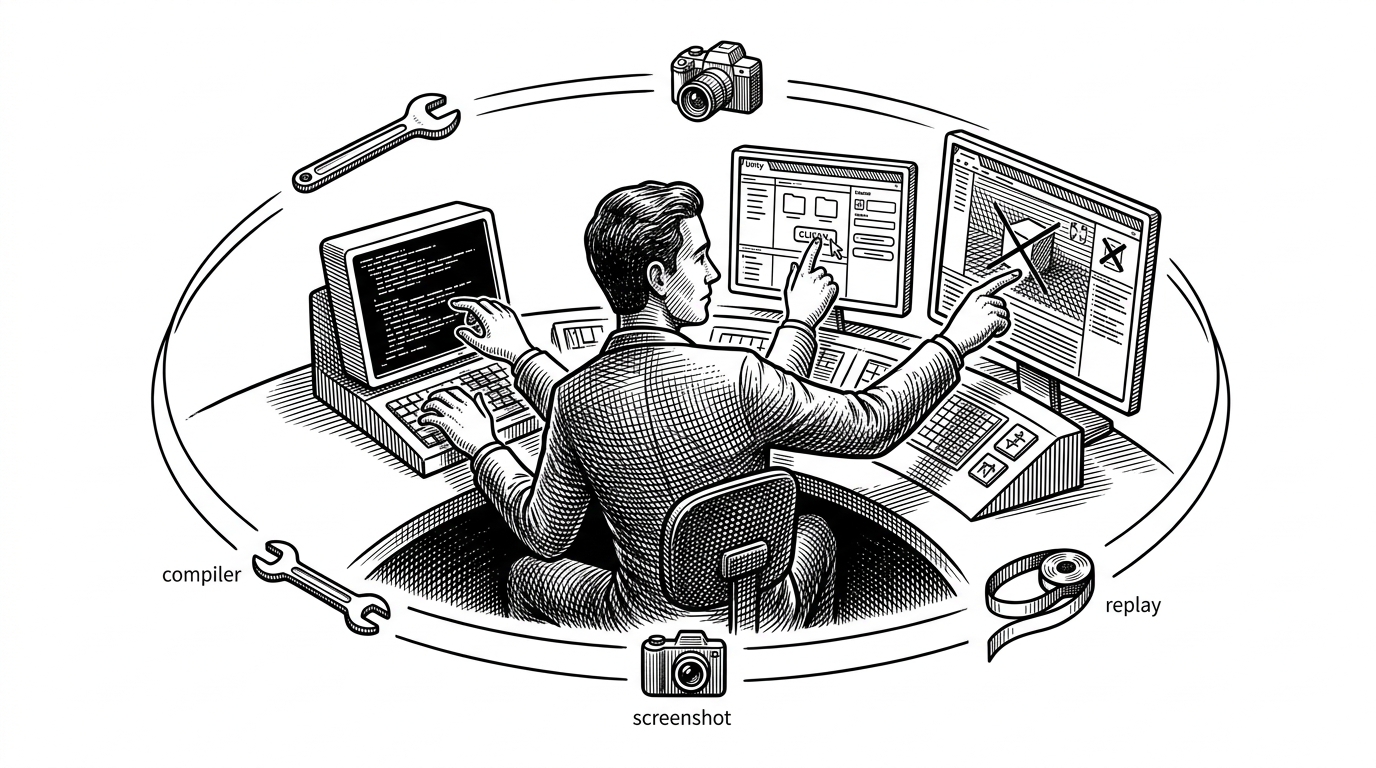
- Unity CLI Loop matters because it turns Unity from a place where AI writes code into a place where AI can keep operating until the UI and runtime state are actually correct.
- Its most distinctive move is the skills layer, which teaches agents through structured `.agents/skills` files instead of treating the editor like a generic CLI.
- The TypeScript server and C# package split is deliberate, because orchestration, protocol handling, and engine execution belong on different sides of the bridge.
- Dynamic code execution and input replay make the loop feel less like automation and more like deterministic debugging with an agent in the chair.
The Editor is no longer the boundary
Most Unity automation stops at build steps. unity-cli-loop goes further: it lets an agent compile, inspect, click, and try again without leaving the local development loop. That shift matters because game development is full of failures that only show up after the editor runs, the UI responds, or the input path is replayed.
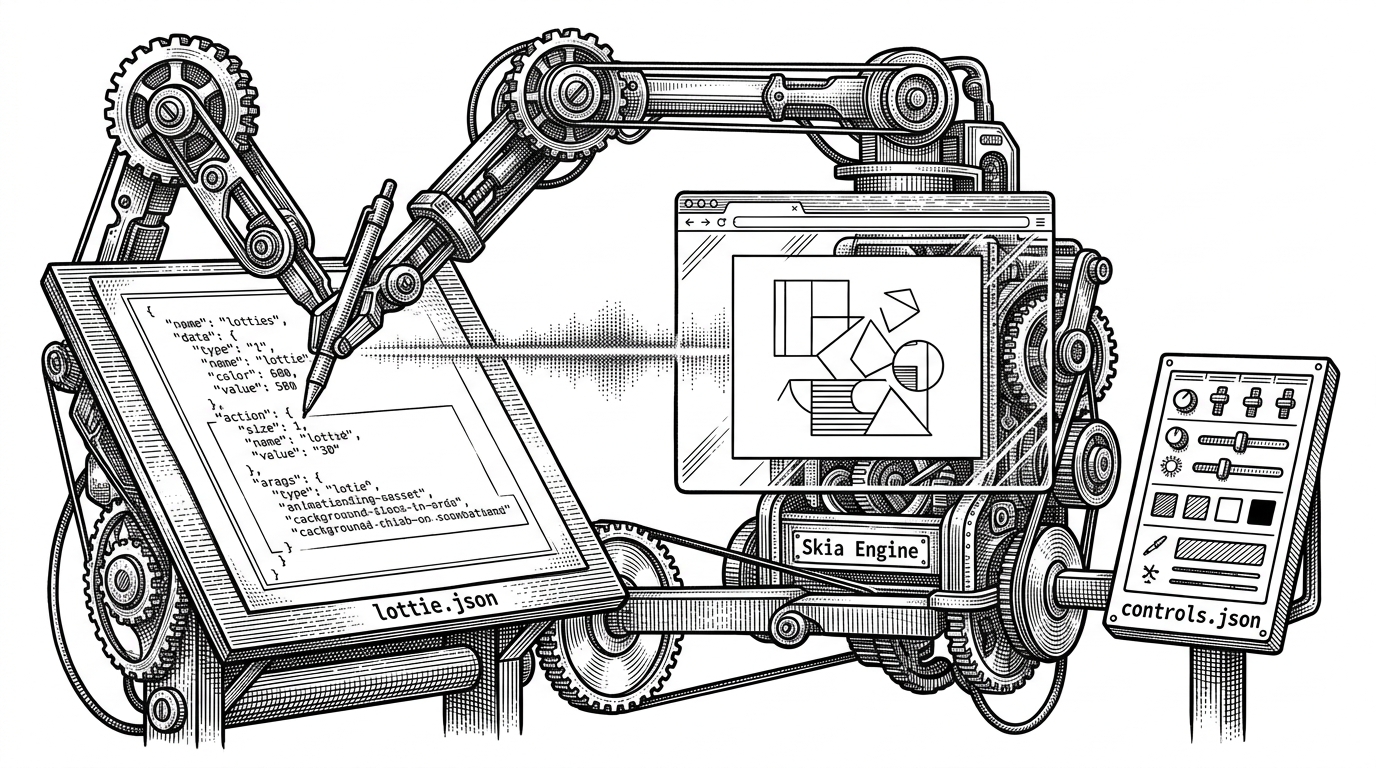
The repo is built around that constraint. It is not a script pile with an LLM bolted on. It is a control surface for an agent that needs to sense Unity, act inside it, and verify what happened.
Unity CLI Loop v2の動的コード実行ツール、Unityが一時停止中でも動くようになっています。 ・Profilerで特定フレームで止めている時のパフォーマンス調査 ・再生中、エラーが起きたタイミングで一時停止してバグ調査 などが可能になっています! https://t.co/y88X202MjE
Skills, not flags
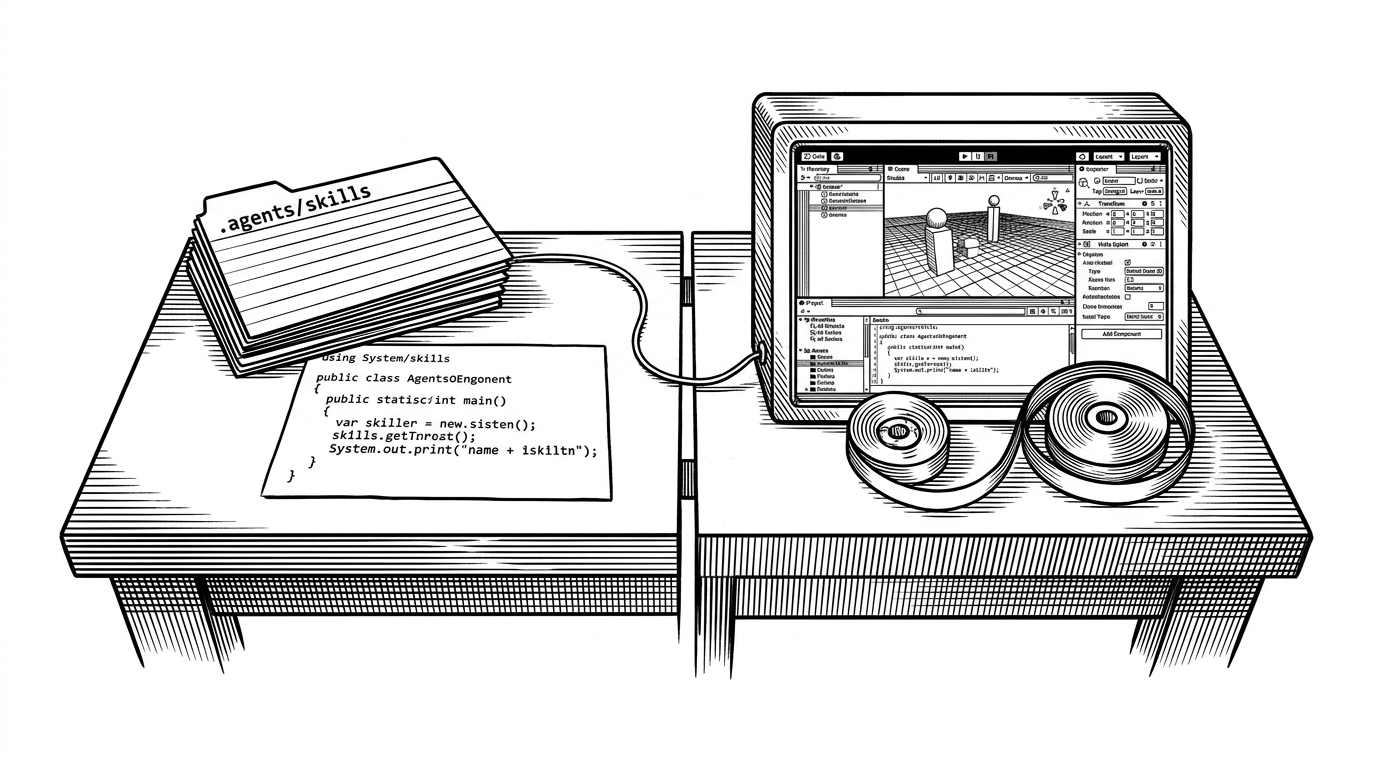
The most original idea in the repo is the skills layer. Instead of expecting an agent to discover a CLI through flags and help text, the project teaches it through `.agents/skills` files and structured examples. That is a subtle but important inversion: the user interface is written for the model first, not for a human at a terminal.
.agents/skills/
  uloop-execute-dynamic-code/
    skill.md
    references/
      scene-operations.md
      prefab-operations.md
  uloop-simulate-mouse-ui/
  uloop-record-input/
  uloop-replay-input/
That shape makes the repo feel closer to a playbook than a command palette. The skill files constrain behavior, provide examples, and give the model a narrow enough surface area to act safely inside Unity’s editor and play mode.
Why the bridge is split in two
The architecture is deliberately hybrid. TypeScript handles orchestration in a local server, while Unity stays in C# where engine access actually lives. That split is not incidental complexity. It lets the repo use web-native plumbing for communication and still keep the final execution inside the editor package.
| Layer | TypeScript server | Unity C# package |
|---|---|---|
| Job | Routes agent requests and coordinates tools | Executes engine-specific actions inside Unity |
| Strength | Good at local orchestration and protocol handling | Good at direct editor, play mode, and input access |
| Why it matters | Keeps the control plane outside the engine process | Keeps the actuation plane inside the engine process |
| Failure mode | A bridge problem is visible and isolated | A Unity action can be tested where it actually runs |
Unity CLI Loop v2の動的コード実行ツール、Unityが一時停止中でも動くようになっています。 ・Profilerで特定フレームで止めている時のパフォーマンス調査 ・再生中、エラーが起きたタイミングで一時停止してバグ調査 などが可能になっています! https://t.co/y88X202MjE
The dangerous superpower: execute code on demand
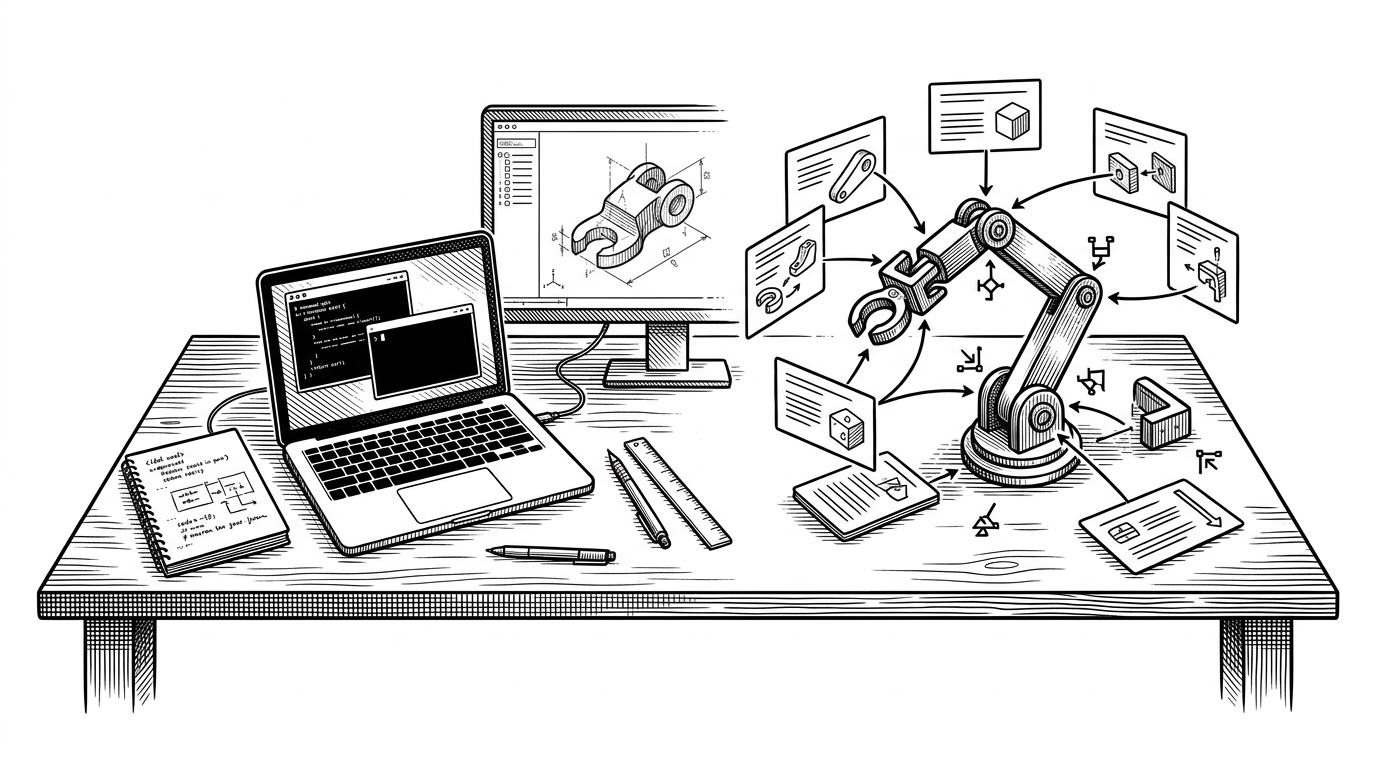
The repo’s most potent tool is uloop-execute-dynamic-code. Instead of hardcoding every Unity action, the system can synthesize and run C# on demand. That makes the agent more adaptable, especially when it hits a task the existing tools do not cover cleanly.
The important detail is the references directory. It works like a retrieval layer for the model, with snippets for scene operations, prefab operations, and related Unity tasks. The agent is not improvising from memory. It is composing from a local knowledge base that is already shaped for the editor.
That is why the project feels closer to an internal operator than a command runner. The model can generate the move it needs, execute it inside Unity, and then inspect the result without waiting for a human to translate intent into a script.
From screenshot to click to replay
The UI workflow is where the project stops being theoretical. Screenshot capture gives the agent eyes. Mouse simulation gives it hands. Input replay gives it memory. Together, those tools let Unity CLI Loop verify not only that code compiled, but that the thing on screen responded the way a player would experience it.
| Task | Traditional Unity automation | Unity CLI Loop |
|---|---|---|
| Compile and build | Usually the main target | Only one step in a longer loop |
| Inspect UI state | Often manual or brittle | Can capture screenshots and drive clicks |
| Reproduce a bug | Depends on a developer redoing the steps | Can record and replay the same input path |
| Iterate after failure | Human has to diagnose the next move | Agent can try another pass immediately |
That combination is what makes the repo feel different from ordinary CI. CI is about proving a build exists. This project is about proving the editor behaves correctly, then repeating the exact failure until it does not.