diffusionstudio/lottie: The Harness That Teaches AI to Make Real Lottie Animations
A text-to-Lottie workflow built around a skill, a Skia renderer, and a live verification loop, so agents can generate and refine motion assets without leaving the browser.
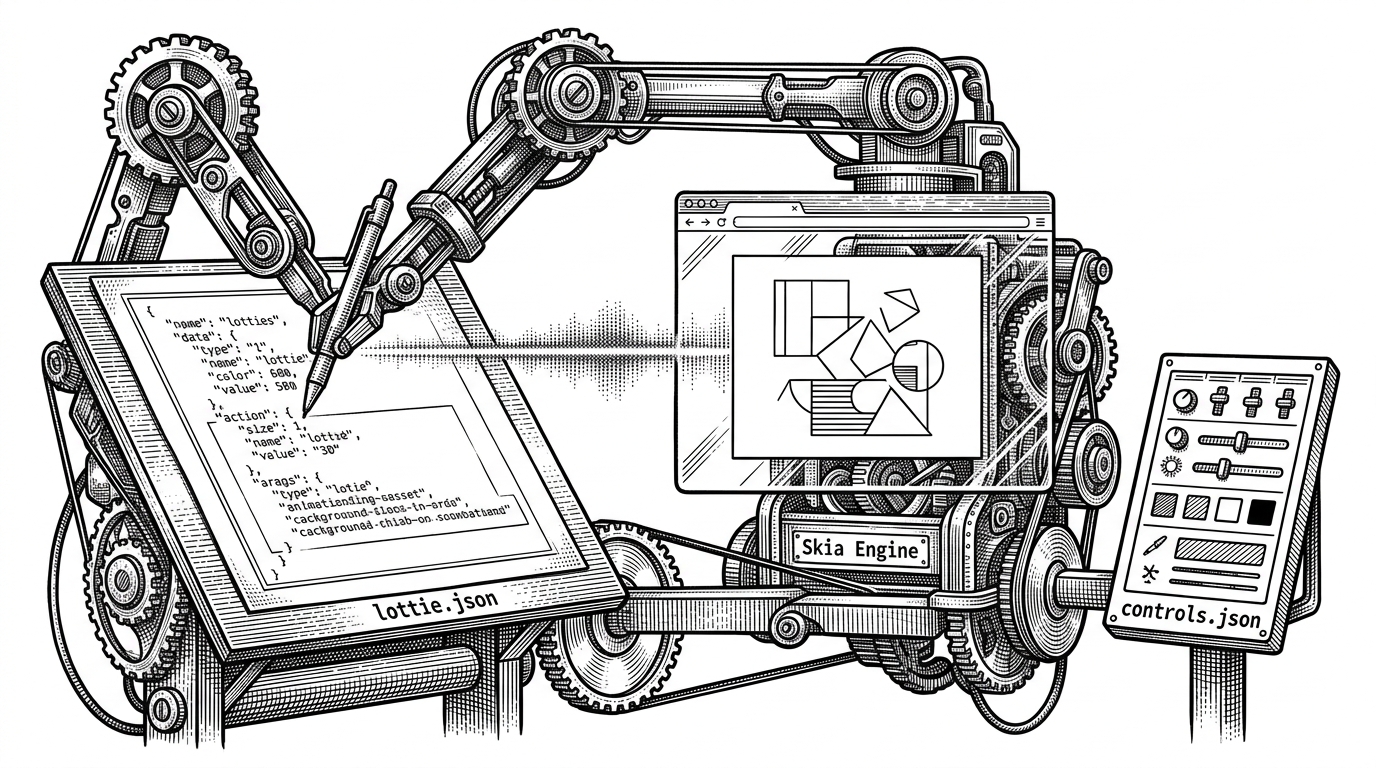
- diffusionstudio/lottie is built as a verification loop for AI agents, not as a conventional animation editor.
- Its skill file matters because it teaches the model the constraints that keep Lottie JSON valid and renderable.
- The Skia-based preview is a correctness choice, since the renderer is meant to behave like the real target rather than a loose approximation.
- The repo’s sidecar controls and frame pinning turn motion assets into inspectable templates instead of one-off outputs.
The real product is the loop
diffusionstudio/lottie is easy to misread as an AI animation toy. It is closer to a training rig for a motion-design agent. The repo asks a different question: how do you make generated Lottie reliable enough to inspect, adjust, and ship?
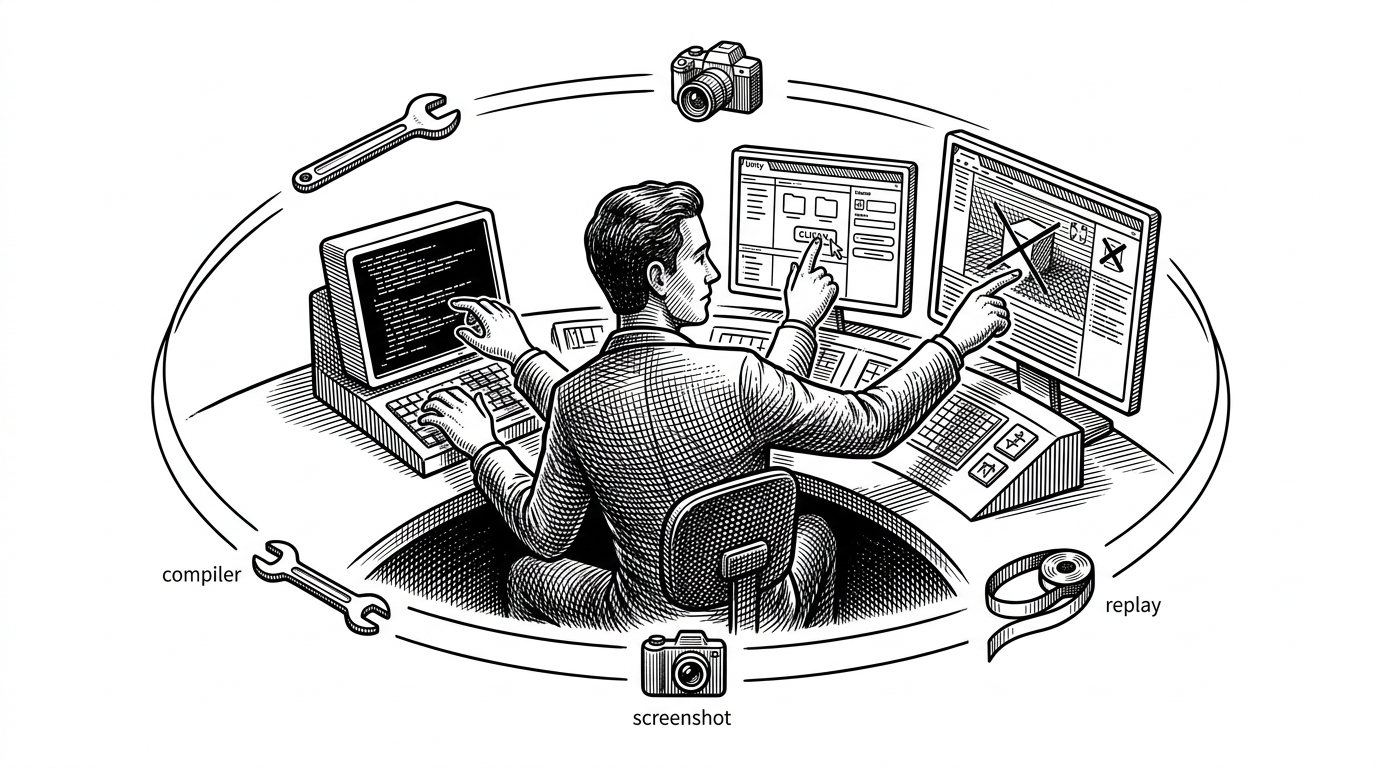
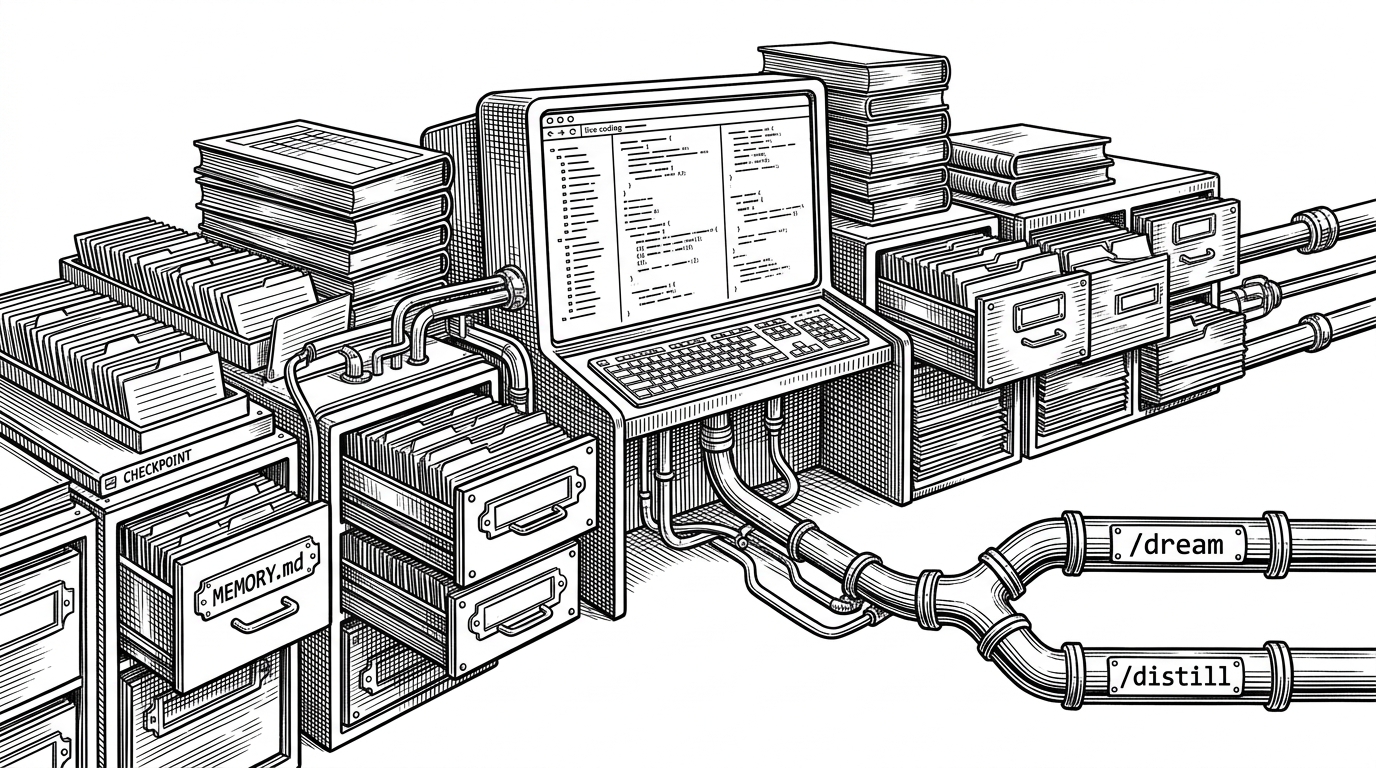
The answer is a closed loop. The agent writes JSON, the repo watches it, Skia renders it, the user checks a frame, and the next edit tightens the result. That is the core product, and it is why the project feels more like infrastructure than like an editor.
That distinction matters because Lottie generation fails in boring ways. Shapes get nested wrong, frame timing drifts, and a preview can look fine even when the JSON is brittle. This harness tries to make those failures visible early, while the agent still has context.
Why the skill file matters more than the UI
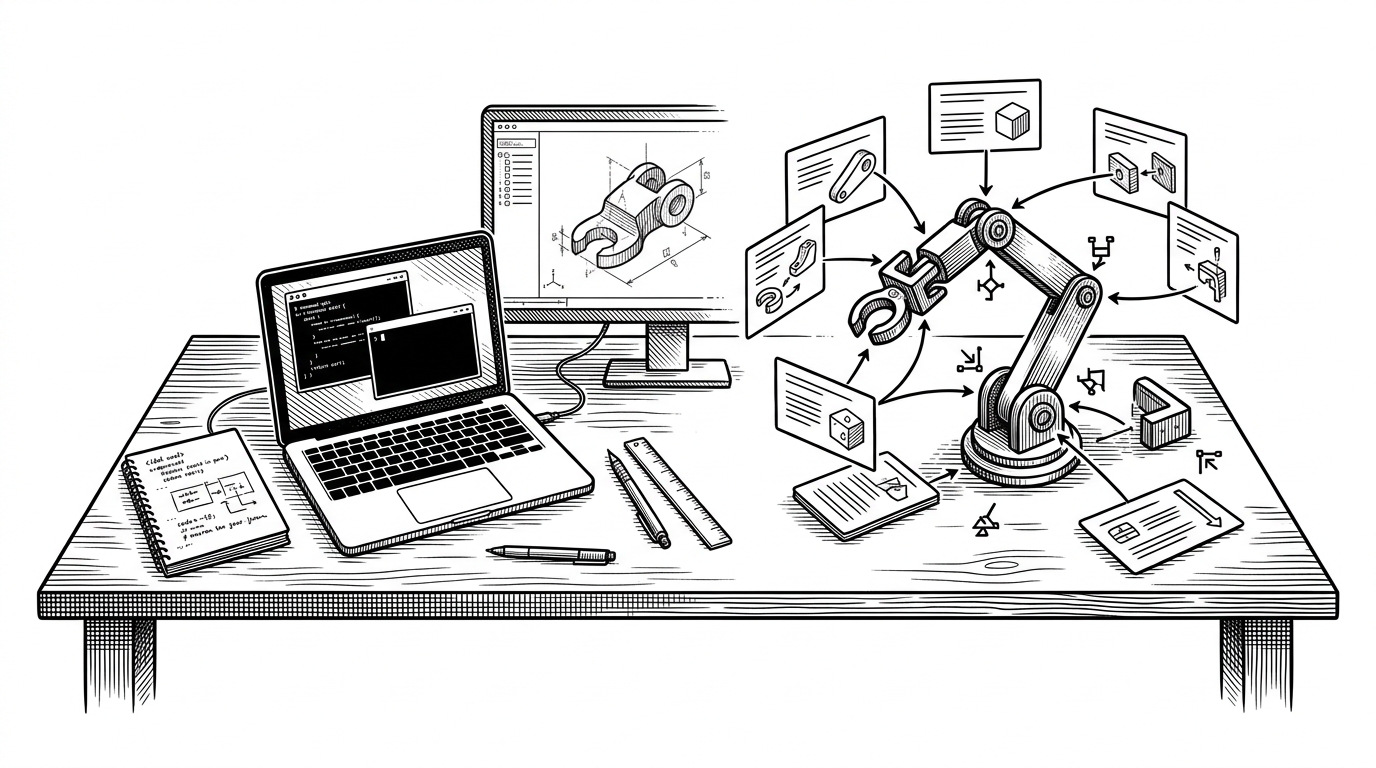
The hidden center of gravity is skills/text-to-lottie/SKILL.md. This is where the repo teaches the model the rules of the format, the gotchas of Skottie, and the scaffolding needed to start with something valid instead of improvising from scratch.
# text-to-lottie skill

- Write valid Lottie JSON into public/lottie.json
- Use controls.json for adjustable slots
- Verify the output in the local player
- Pin a frame when inspecting a specific scene
- Fix structure issues before styling details
That looks small, but it is the product. A general-purpose model can describe motion. A skill can constrain it. The skill turns vague intent into a repeatable workflow that behaves more like a compiler pass than a prompt.
Introducing text-to-lottie: an open source skill and harness for generating production ready Lottie animations with codex/claude code.
Skia is the bet
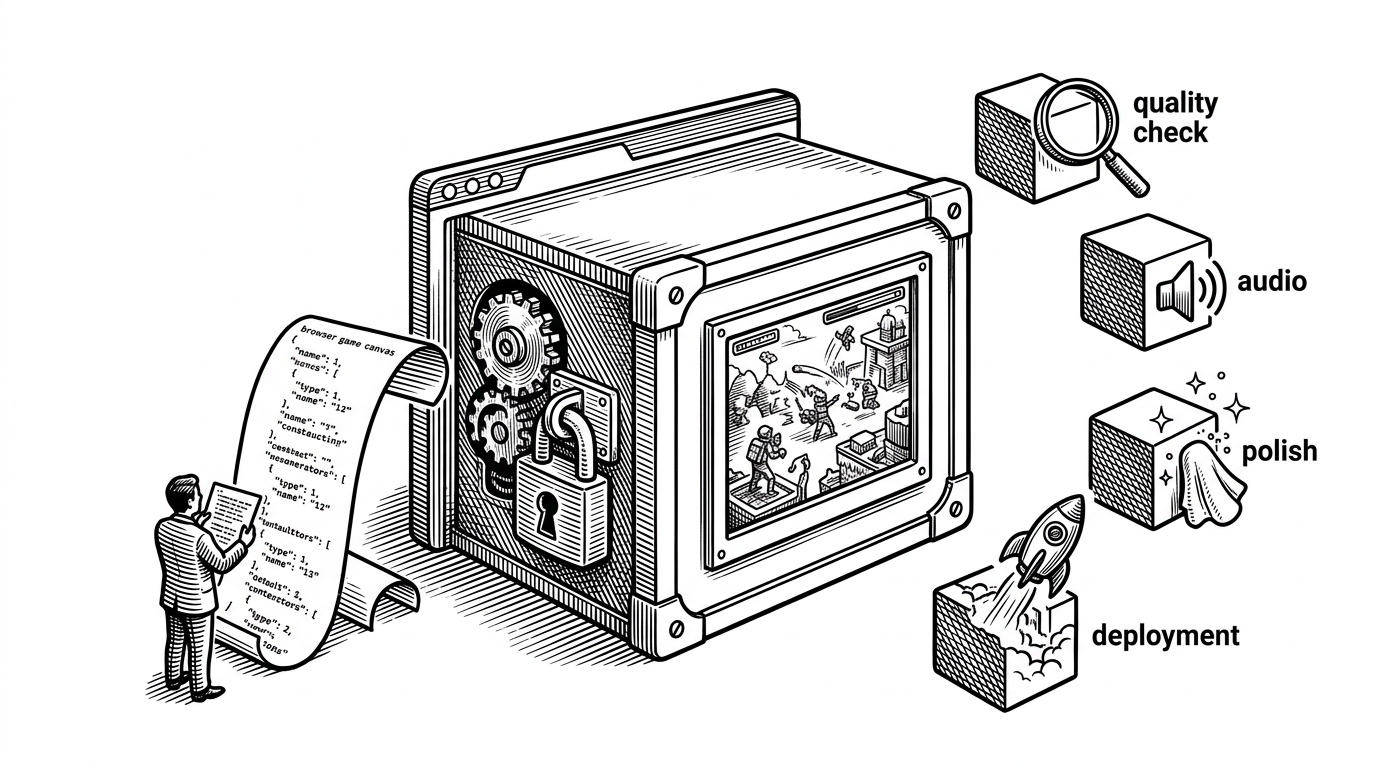
The renderer is not an incidental implementation detail. The repo uses CanvasKit and Skottie instead of leaning on the more familiar browser-only preview stack. That choice makes the preview closer to a real rendering path, which matters when the output is supposed to survive outside the browser.
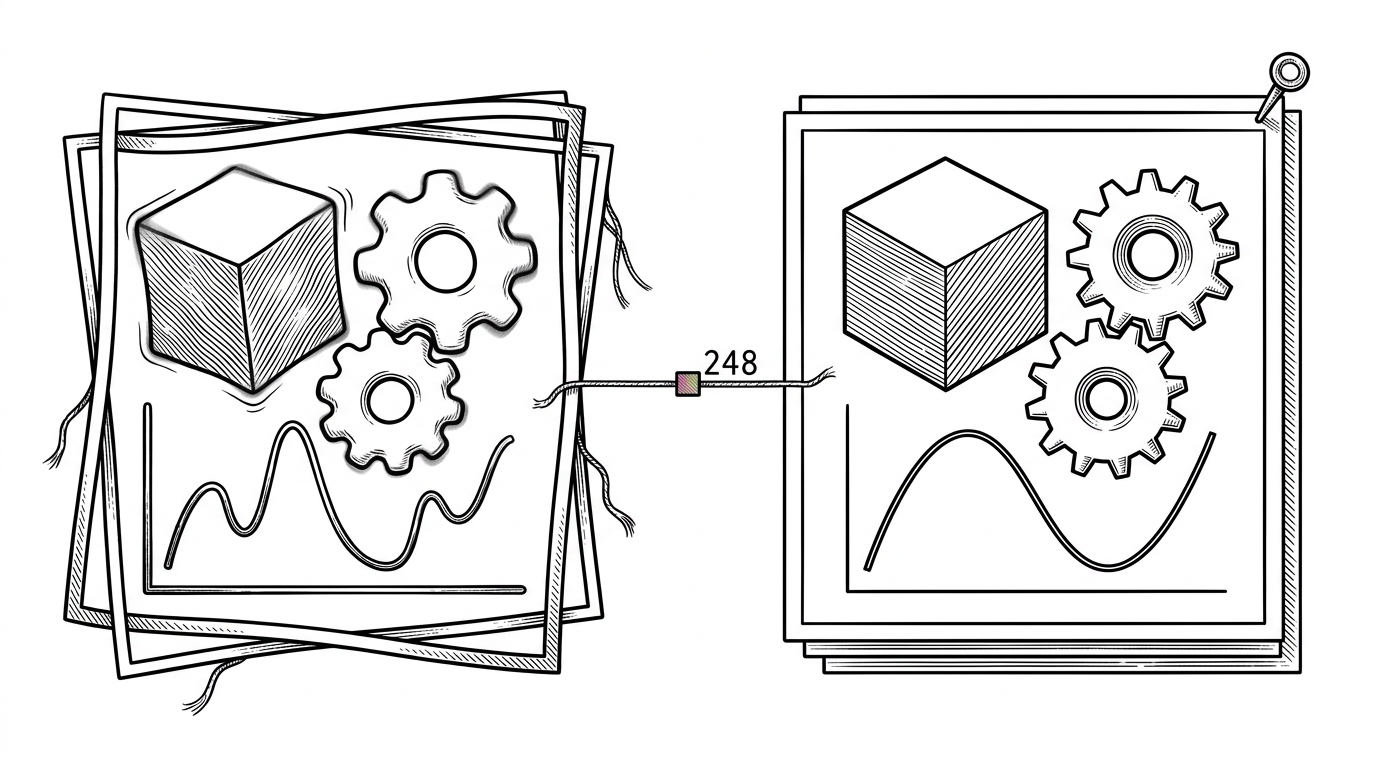
That is also why the project exposes slots. A generated animation is easier to iterate on when colors, sizes, and other variables are not buried inside opaque paths. The agent gets a smaller search space, and the human gets controls that behave like real product knobs.
| Pattern | Preview engine | Iteration quality | Best for |
|---|---|---|---|
| After Effects workflow | Native desktop composition tools | High for artists, low for agents | Hand-authored motion |
| Browser-only Lottie preview | lottie-web or similar | Convenient, but not always faithful | Fast human review |
| diffusionstudio/lottie | Skia / Skottie | Faithful feedback loop for agents | Agent-generated motion assets |
The sidecar that turns JSON into a control surface
The repo’s most practical idea is the sidecar model. lottie.json holds the animation, and controls.json defines the tweakable surface around it. That pairing turns a static file into a template the UI can interrogate.
This is a subtle but important move. Instead of asking an agent to regenerate everything for every change, the system lets it expose the parts that should be adjustable. That makes iteration cheaper and keeps the output more stable.
{
  "slots": [
    { "name": "brandColor", "type": "color" },
    { "name": "scale", "type": "number" },
    { "name": "label", "type": "text" }
  ]
}
The payoff is not just cleaner UX. It is better tooling for an agent. If the model can move a slider instead of rewriting the whole scene, the feedback loop becomes narrower and easier to verify.
A tiny URL parameter makes the system testable
The presence of a frame pin like ?frame=X says a lot about the repo’s priorities. It treats inspection as a first-class operation, not a debugging afterthought. That is exactly what you want if the output will be checked by a human, a bot, or a CI step.
const frame = searchParams.get('frame');
const paused = searchParams.get('paused') === '1';

if (frame) {
  player.seekToFrame(Number(frame));
  player.pause();
}
This is the kind of detail that separates a demo from a tool. When you can freeze time and look at one frame, you can reason about correctness. When you can reason about correctness, you can automate it.
Compared with the old motion stack
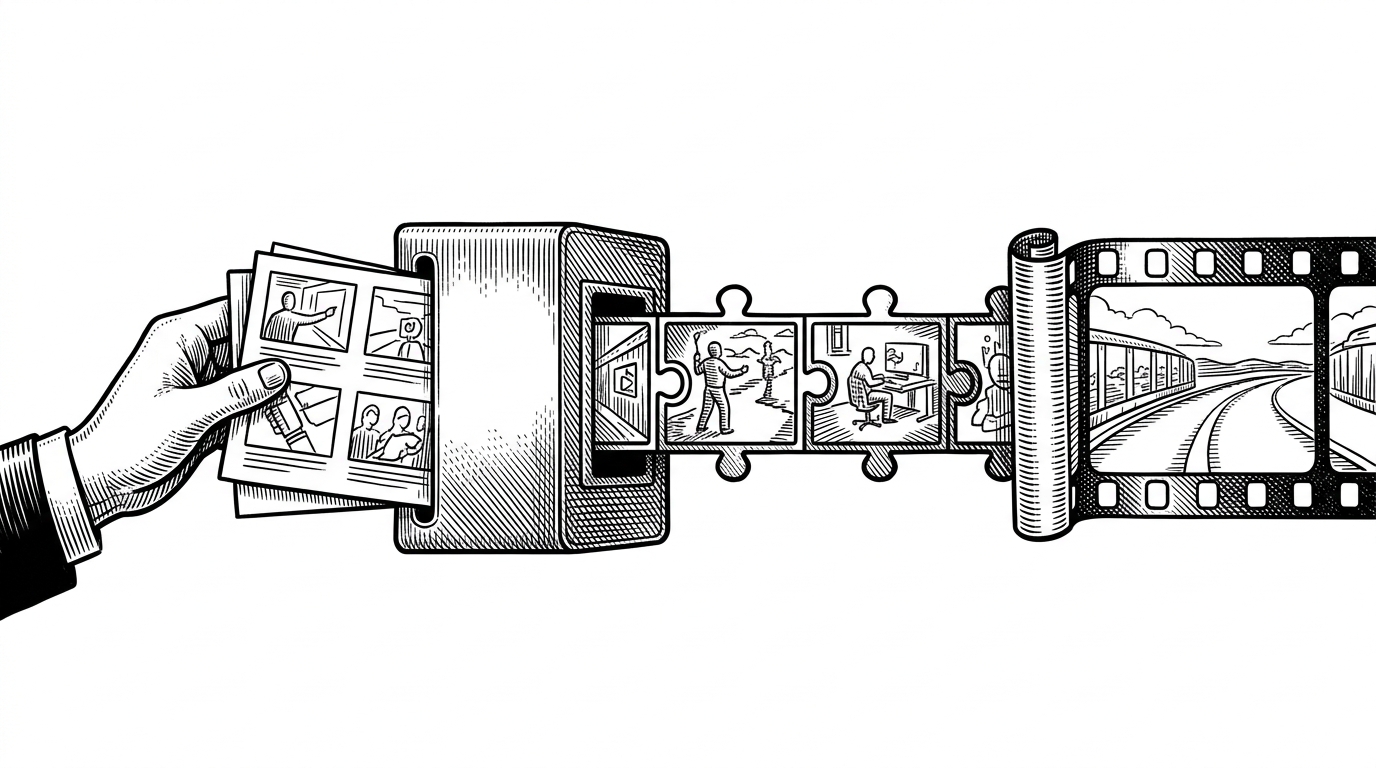
The old stack starts with a human artist inside a heavyweight design tool, then exports to a preview layer that is often close enough but not exact enough. Generic AI generation flips the order, but usually loses the checks. diffusionstudio/lottie tries to keep both the speed of AI and the discipline of real rendering.
| Workflow | Primary user | Main strength | Main tradeoff |
|---|---|---|---|
| After Effects | Designer | Deep manual control | Heavy, human-centered workflow |
| Generic AI video or image tools | Prompt writer | Fast generation | Weak schema and iteration control |
| lottie-web preview flows | Developer or designer | Easy browser preview | Not always a faithful truth source |
| diffusionstudio/lottie | AI agent plus reviewer | Closed-loop verification | Requires a stricter motion workflow |
That is the larger thesis. The repo suggests a future in which creative tooling is built around machine reliability: domain skill, faithful renderer, editable slots, deterministic inspection. The human still matters, but the center of gravity shifts toward systems that help an agent get to a trustworthy answer.