forgecad-public-kit: ForgeCAD Public Kit: CAD Built for Humans, Prompts, and Machines
A deep look at the open-source kit that turns parametric modeling into a language agents can actually learn, test, and execute.
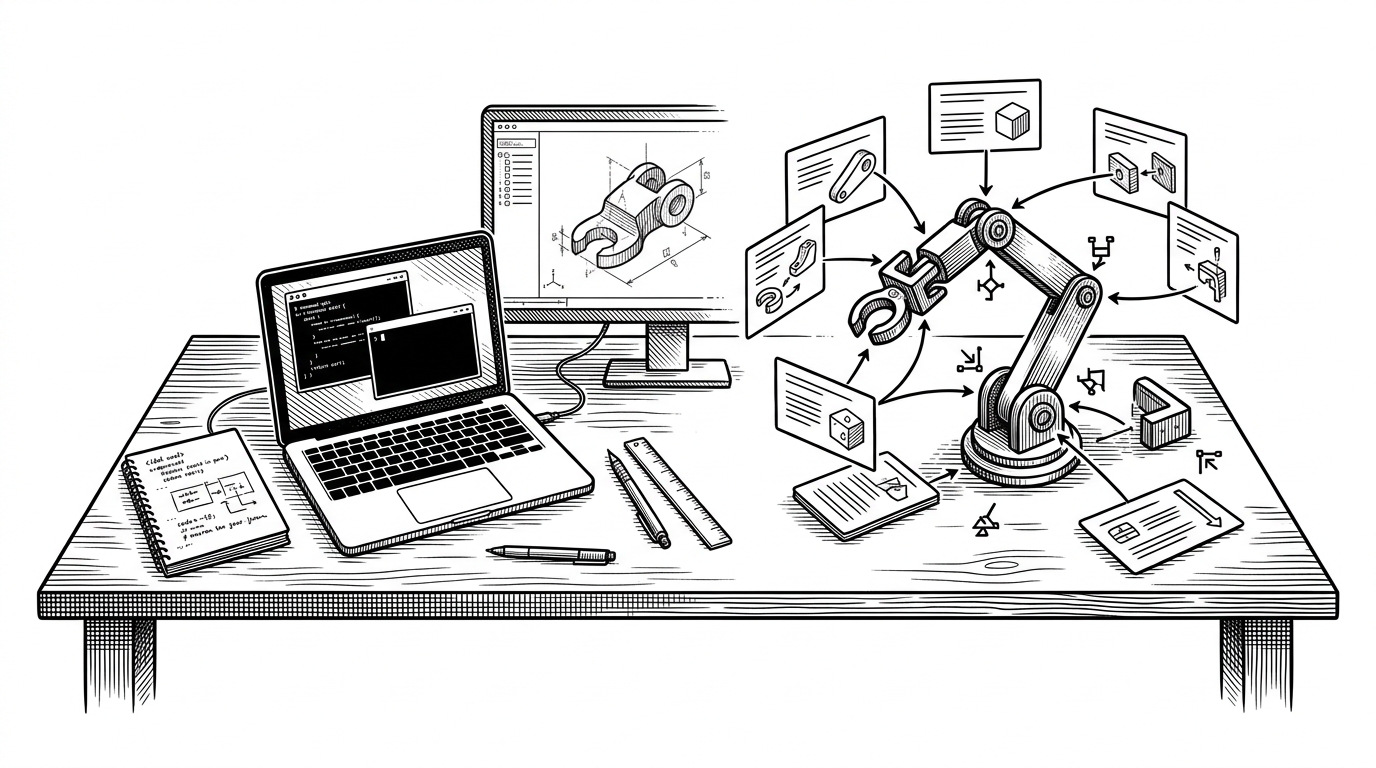
- ForgeCAD’s real product is not just code-first CAD, but a machine-readable modeling environment that teaches humans and agents the same conventions.
- The skills folder is the strategic center of the repo because it turns usage into curriculum, which is how the system becomes legible to LLMs.
- Semantic anchors and constraint solving make placement and sketching less brittle than coordinate guessing, so the model reads like engineering instead of scripting tricks.
- The hybrid geometry stack is the proof point: ForgeCAD is trying to orchestrate exact surfaces, booleans, and organic forms inside one workflow.
ForgeCAD is interesting because it does not treat AI as an add-on. It treats AI as another CAD user, with its own documentation, prompts, benchmarks, and workflow conventions. That is why the repository feels less like a demo and more like a training ground for geometry-aware agents.
I love OpenSCAD-style scripting but wanted proper constraints, better topology handling, assemblies, reporting, and especially something that feels friendly to both humans and AI coding agents.
Why This Repo Exists for Agents, Not Just Users
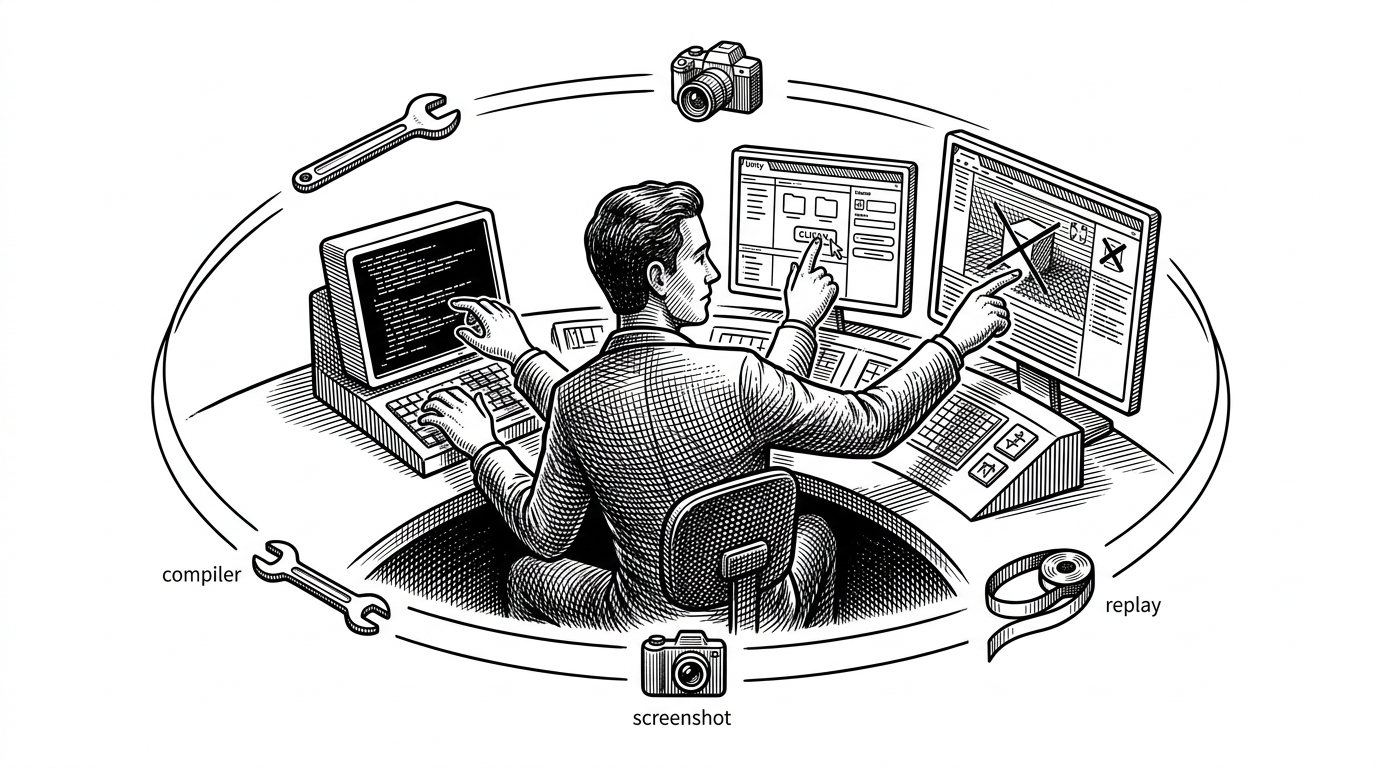
Most code-CAD projects start with geometry. ForgeCAD starts with legibility. The public kit exists so a human, a compiler, and an LLM can all follow the same modeling language without guessing where the rules live.
That is the subtle shift. The repository is not only a library of examples. It is a manual, a benchmark set, and a prompt pack for the next model that needs to place a face, preserve provenance, or assemble parts without breaking the design.
It's a code-first parametric CAD system written in JavaScript/TypeScript, where your entire model lives in plain .forge.js or .sketch.js files (basically nicely-typed TS scripts).
The `skills/` Folder Is the Real Product
The `skills/` directory is where the thesis becomes concrete. Instead of assuming an agent will infer how to use the system, ForgeCAD packages the instructions, examples, and conventions needed to make the workflow reproducible. That makes the repo feel like a curriculum for machine users.
| Traditional CAD docs | ForgeCAD skills layer |
|---|---|
| Human-first tutorials | Agent-facing prompts, conventions, and examples |
| Manual discovery of APIs | Structured guidance for code generation |
| Loose documentation | Reusable task-specific workflows |
| User learns the tool | Tool teaches the model how to use it |
That design matters because language models do not benefit much from vague product prose. They benefit from patterns, constraints, and examples that can be copied, adapted, and checked. ForgeCAD appears to know that, and the repo is organized accordingly.
Semantic Anchors Beat Face Picking
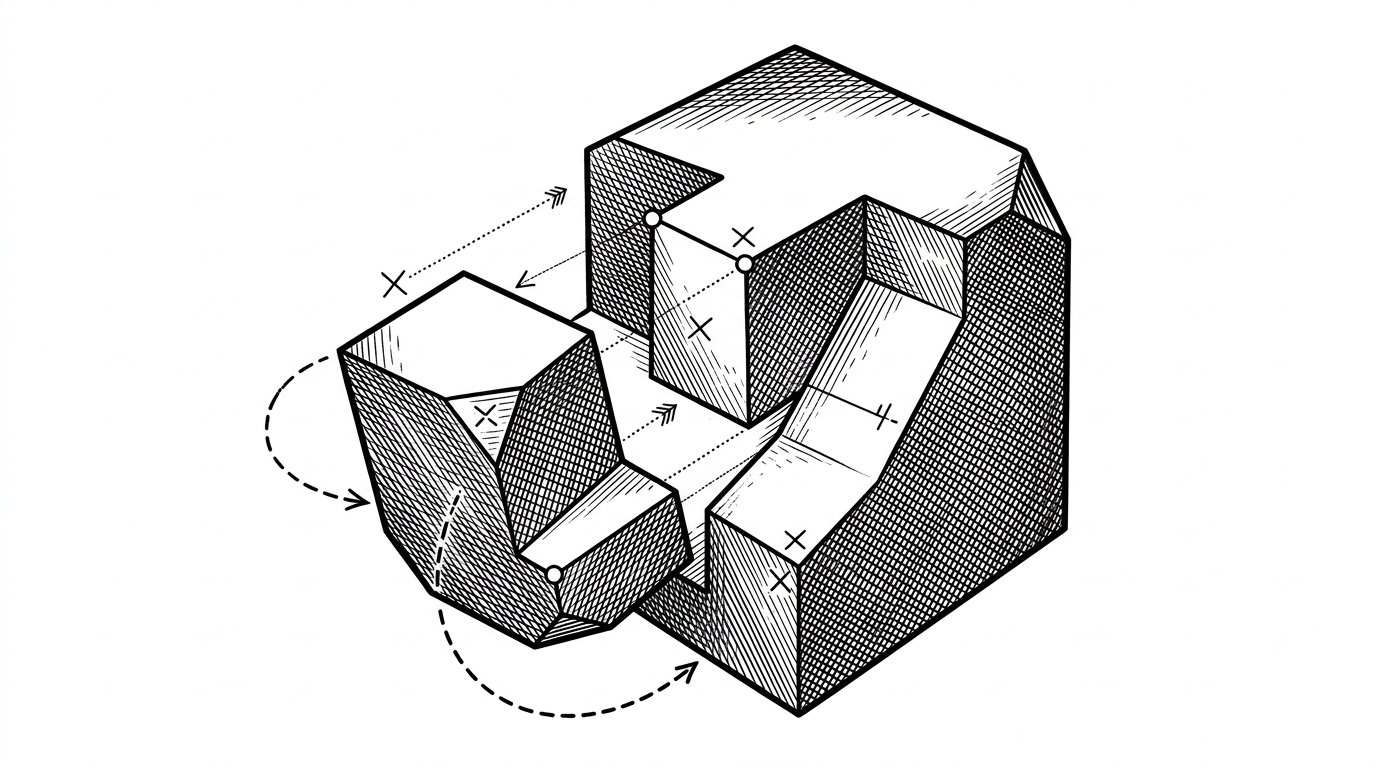
The `attachTo()` model is the hidden assembly system. Instead of forcing users, or agents, to remember brittle coordinates, ForgeCAD lets parts connect through readable anchors like `top-front-left`, which gives assemblies a stable mental model as geometry changes.
child.attachTo(parent, 'top-front-left', 'bottom-back-right', { x: 0, y: 0, z: 2 });That is a small API with big consequences. It narrows the search space for both people and agents, and it reduces the kind of topological guessing that makes CAD automation fragile. In practical terms, this is what lets a model stay understandable after a parameter update.
Why Constraint Solving Makes It Feel Like Real CAD
ForgeCAD’s sketch system matters because it behaves like engineering software, not a drawing toy. `constrainedSketch()` lets the model express intent through degrees of freedom, equalities, tangencies, and conflicts, so the system can tell when a shape is under-defined or over-constrained.
| Loose sketching | Constrained sketching |
|---|---|
| You place geometry by hand | You define intent and relationships |
| Changes can drift silently | The solver preserves or rejects the design |
| Bugs show up later | Constraint issues surface immediately |
| Shape is the source of truth | Intent is the source of truth |
That is a familiar software-engineering move. By turning the sketch into something that can be validated, ForgeCAD makes physical design closer to code you can test.
One Script, Three Geometry Philosophies
ForgeCAD does not force every shape through one worldview. It can lean on exact B-Rep for engineering surfaces, use CSG for standard booleans, and switch to SDF for organic forms. That flexibility is the point.
Under the hood it uses Manifold (super fast & robust WASM geometry kernel) for the heavy lifting.
| Geometry mode | Best at | Why it matters |
|---|---|---|
| Exact B-Rep | NURBS, fillets, engineering surfaces | Keeps precision where it counts |
| CSG | Fast boolean operations | Makes standard parts easy to script |
| SDF | Organic, blobby, complex forms | Opens a different design vocabulary |
This is where ForgeCAD starts to feel less like a single tool and more like an orchestration layer. It is not choosing a winner among geometry systems. It is trying to keep all of them available when the design demands it.
Generating illustration...
Verification Turns Design Into Something Testable
The verification API is the most software-native part of the repo. Functions like `verify.volumeApprox`, `verify.notColliding`, and `verify.parallel` bring a test mindset to geometry, which means design intent can fail fast instead of escaping into fabrication.
verify.volumeApprox(part, 1200, { tolerance: 0.05 });
verify.notColliding(door, frame);
verify.parallel(holes, baseFace);
That matters because a CAD model is usually judged too late. ForgeCAD’s checks move the judgment earlier, when a change can still be fixed before it becomes a broken part or a wasted print.
What ForgeCAD Is Replacing
The comparison is not just about features. It is about workflow. ForgeCAD competes with the old scriptable CAD stack by combining a modern language, browser-first access, semantic assembly, and a surface area that is built for both humans and agents.
| Project | Language | Strength | ForgeCAD’s difference |
|---|---|---|---|
| OpenSCAD | Custom scripting | Simple, established code-CAD | Modern TypeScript and agent-ready docs |
| CadQuery | Python | Robust engineering geometry | Browser-first workflow and semantic anchors |
| FreeCAD | Python + GUI | Broad traditional CAD coverage | Lean code-first path with clearer agent support |
| Replicad | TypeScript | Web-native CAD | More explicit focus on skills, verification, and automation |
That leaves ForgeCAD with a distinct identity. It is not trying to be the most complete CAD suite. It is trying to be the easiest one for a developer, or a model-writing agent, to understand and execute correctly.
The Bet Behind the Public Kit
The public kit is really a bet on source of truth. If the same repo can teach, generate, assemble, and verify geometry, then CAD stops being a brittle handoff between separate tools and becomes an executable specification for physical objects.
That is the most interesting thing here. ForgeCAD is not just a new modeling environment. It is an attempt to make CAD readable enough for humans and structured enough for machines, without forcing either side to translate the whole thing by hand.