AlgoPlayground: The React Playground That Turns Algorithms Into a Live Performance
A look at how callback injection, async pauses, and generator-based stepping let one small app teach sorting, search, and pathfinding without burying the logic in UI code.

AlgoPlayground is an interactive web app that visualizes core algorithms like sorting and pathfinding.
- AlgoPlayground is strongest when you read it as an execution protocol, not a gallery of algorithms.
- React Context carries the orchestration burden, while the algorithms stay close to their own logic.
- Async pauses and generator stepping make the same browser surface support two different teaching styles.
- The repo is especially useful because it shows how to make fast code visible without turning the UI into a pile of imperative hacks.
Algorithms as a Live Performance
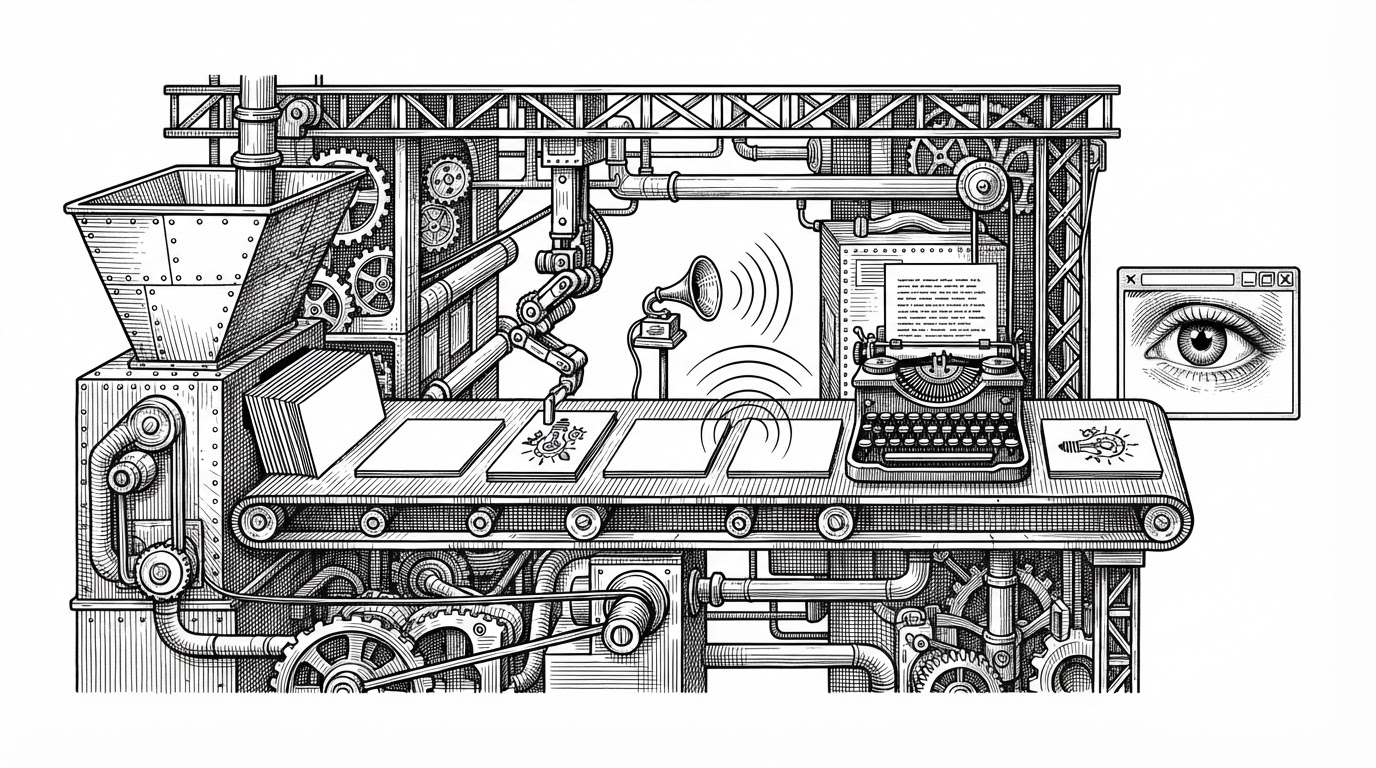
Most visualizers show you the result. AlgoPlayground shows you the process. The app is built so the browser can repaint between comparisons, swaps, and frontier updates, which means the algorithm becomes a sequence of visible decisions instead of a black box that finishes and then speaks.
That is the real trick here. The UI is not a passive dashboard wrapped around algorithm code. It is the execution theater that lets the code report what it is doing while it is doing it.
The Core Trick: React Context as an Orchestrator
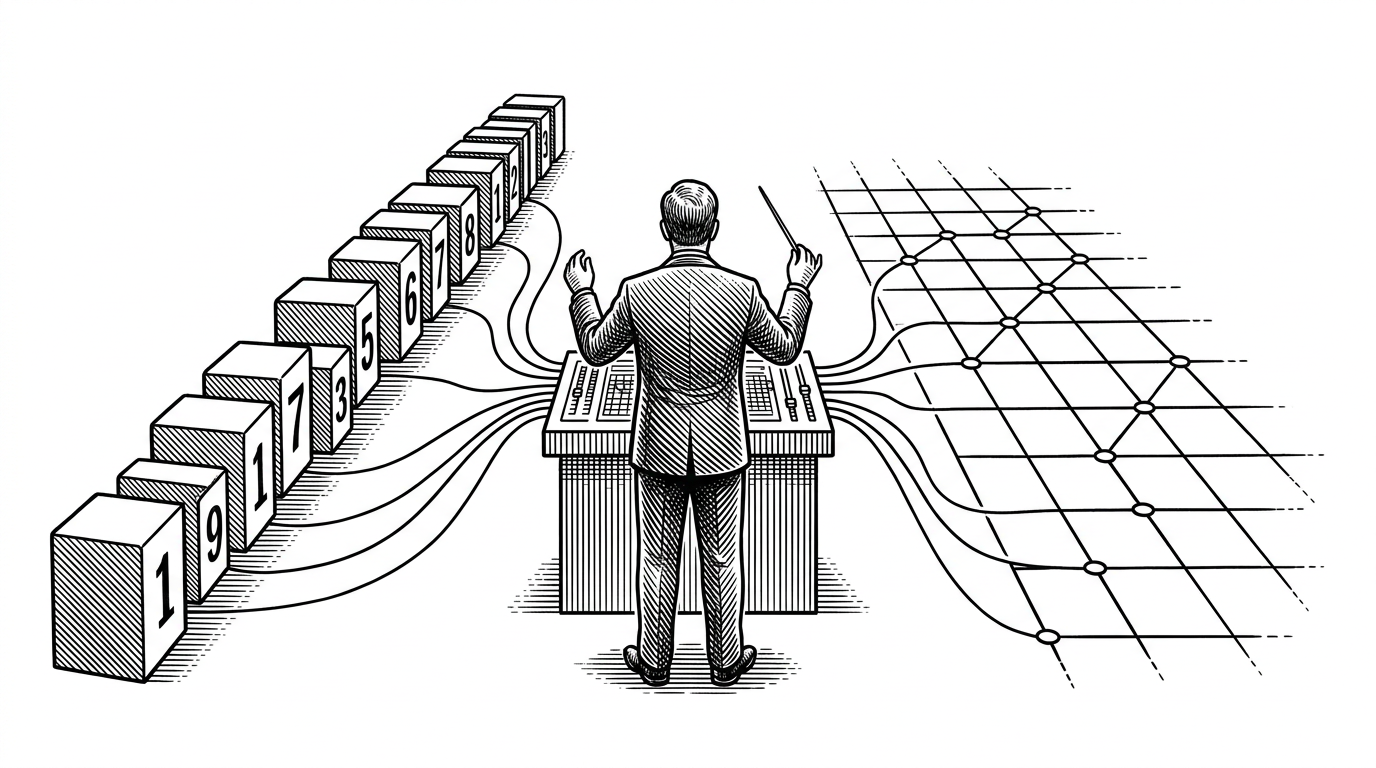
In the sorting and searching modules, Context does more than store state. It injects setters and counters into the algorithm functions, so the algorithm can report updates without touching the DOM directly. That keeps the logic readable, but it also gives React a place to intercept every meaningful step.
await sortFunction(
  array,
  setArray,
  setIndices,
  incComparisons,
  incAccesses,
  speed
);
That call shape matters. The algorithm is still responsible for the math, but the context decides how each swap, comparison, or access is reflected back into the interface. It is a neat split: logic computes, Context narrates, React renders.
Why the Code Has Time in It
The sorting routines are async on purpose. Inside the loops, the code waits between steps with a small timeout, which gives the browser room to paint the intermediate state instead of swallowing the whole loop in one blocked frame. Without that pause, the animation would be a lie: the algorithm would complete, but nothing would be visible until the end.
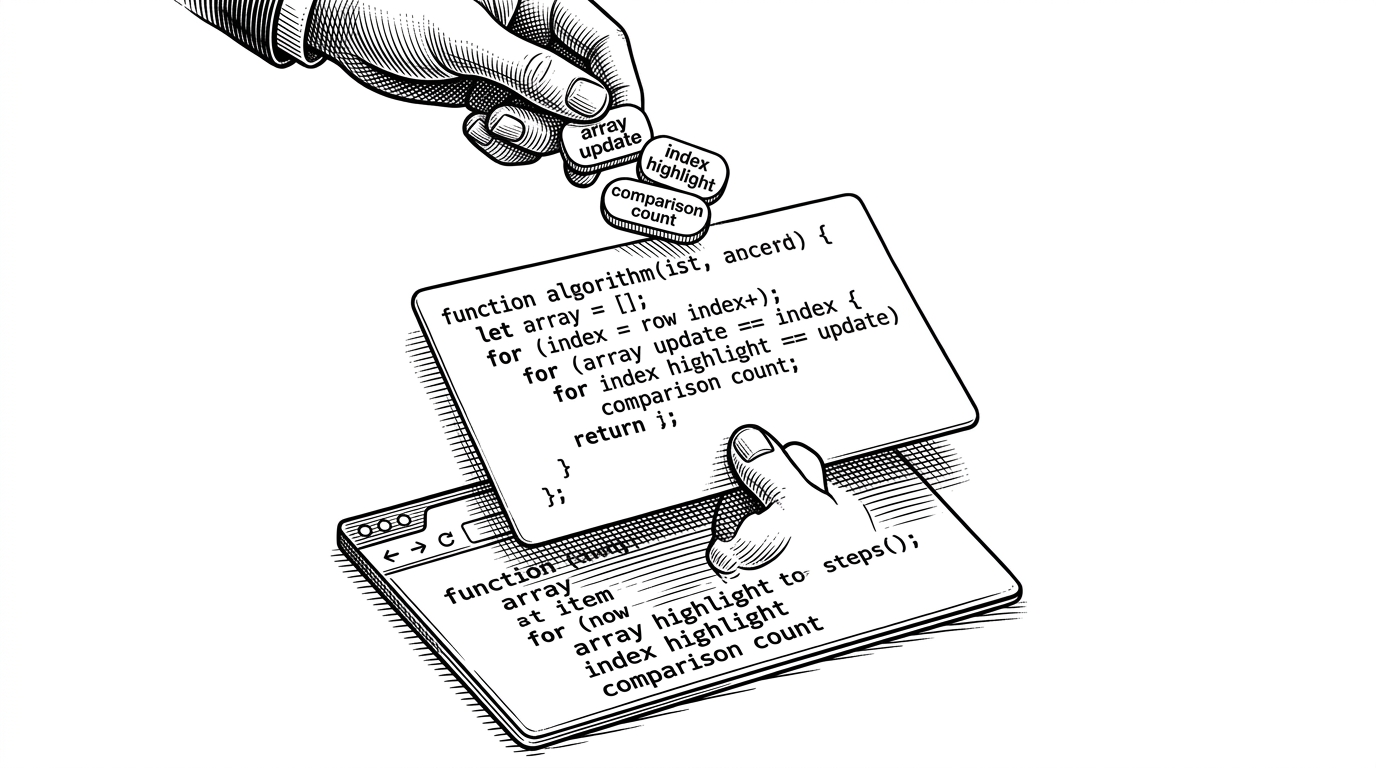
await new Promise(resolve => setTimeout(resolve, 100 / animationSpeed));That line is the heartbeat of the visualizer. It slows the loop just enough to expose the micro-decisions that are usually hidden inside computation. In other words, time is not a side effect here. Time is the interface.
Two Kinds of Thinking: Arrays vs Grids
AlgoPlayground treats sorting and pathfinding as different mental models, not just different algorithms. Arrays are linear and local. Grids introduce neighborhoods, visited sets, and path reconstruction, which means the UI has to explain a different kind of motion.
| Dimension | Sorting and searching | Pathfinding |
|---|---|---|
| Shape | Linear array | 2D grid |
| User mental model | Compare adjacent or bounded values | Expand through neighbors and reconstruct routes |
| Visual emphasis | Swaps, indices, counts | Frontiers, visited cells, final path |
| Best teaching payoff | How order changes step by step | How search spreads through space |
| Implementation feel | Callback-driven updates | Graph traversal with helper functions |
That split is why the app feels broader than a sorting demo. It does not force every algorithm into one visualization style. It adapts the presentation to the shape of the problem.
Generator Stepping Changes the Teaching Model
Binary search uses a generator rather than the same callback-and-sleep pattern used by the sorting routines. That is a different teaching move. Instead of waiting for the code to move forward on its own, the consumer advances it with each call to .next().
| Stepping model | Who advances the algorithm | Why it helps teaching |
|---|---|---|
| Async callback loop | The algorithm pauses itself | Good for showing every swap or comparison in motion |
| Generator function | The consumer advances it | Good for manual inspection and step-through control |
| Shared outcome | The UI stays in sync with execution | Both methods make computation inspectable |
That contrast is subtle but important. One model makes time stretch. The other makes time editable. Both are useful, and both fit the repo's bigger goal: turn abstract execution into something a learner can control.
Where This Fits in the Visualizer Landscape
AlgoPlayground is not trying to outgrow the category leaders. It sits in a more approachable lane. Compared with heavier tools like Algorithm Visualizer and more academic systems like VisuAlgo, this repo feels easier to read, easier to modify, and easier to understand as a React project.
| Project | What it emphasizes | Trade-off |
|---|---|---|
| AlgoPlayground | Readable React orchestration | Narrower scope, but easier to learn from |
| Algorithm Visualizer | Breadth and advanced tooling | More power, more complexity |
| VisuAlgo | Academic completeness | Formal presentation and a steeper teaching style |
| Sorting-only visualizers | Single-problem clarity | Less useful once you want multiple algorithm families |
That is the niche. It is a student-friendly playground that teaches algorithms and the UI patterns needed to present them. For a developer learning React state orchestration, that is a better lesson than a polished black box.
Who Should Study This Repo
If you build educational interfaces, this repo is worth reading for the orchestration pattern alone. If you teach algorithms, it shows how to keep the code understandable while still making execution visible. If you are learning React, it is a compact example of how Context can coordinate fast-changing state without dragging logic into the component tree.
The bigger takeaway is simple. AlgoPlayground is a lesson in how to slow code down just enough for humans to understand it.