workflow-transactional-outbox: When the Workflow Becomes the Dashboard
A Vercel Labs demo that turns the Transactional Outbox pattern into a live, code-linked execution trace, and hints at a future where durable backend logic ships inside the app itself.
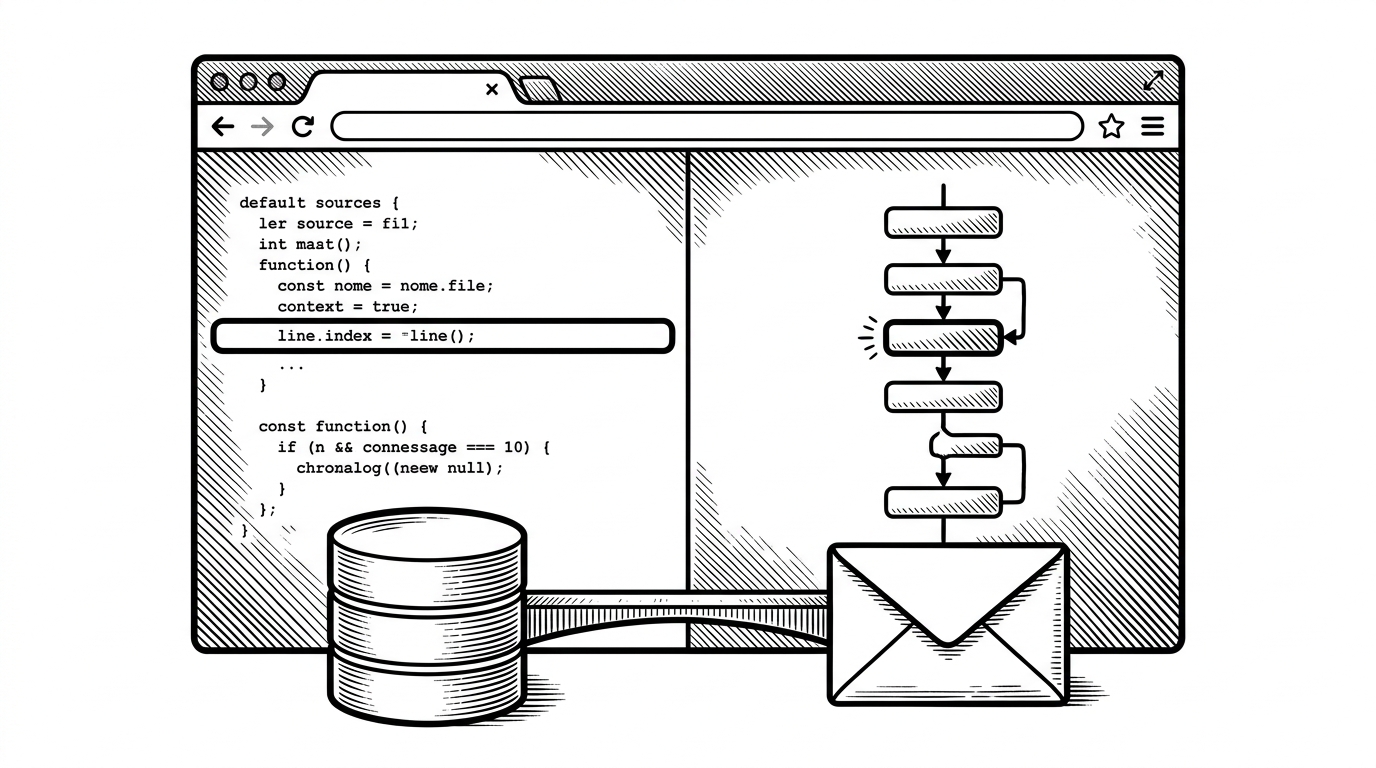
- This repo’s real innovation is not the outbox pattern itself, but the way it turns source code into the observability layer for a running workflow.
- By mapping workflow phases back to line numbers, the demo makes durable execution legible without forcing readers into a separate admin console.
- The project shows how Vercel wants developers to think about durability inside Next.js: as a language-level experience, not an external subsystem.
- Its comparison with Temporal, Inngest, and manual outbox setups is less about winners and more about which mental model each stack asks teams to adopt.
The first surprise is not the pattern. It is the interface. workflow-transactional-outbox treats the workflow source like a living debugger, so the code you read is also the code the browser lights up as execution moves forward.
That matters because the Transactional Outbox pattern is usually taught as infrastructure hygiene. Useful, yes. Memorable, not really. This repo reframes it as something you can watch, line by line, inside the app itself.
The dashboard is the source code
The repo’s core trick is recursive. The app reads its own workflow source, extracts line ranges, then syncs those ranges with live workflow phases over Server-Sent Events. When the workflow advances, the browser does not just show a status badge. It highlights the exact code that is active.
That makes the workflow easier to understand than a conventional admin panel. The source file becomes a map, the runtime becomes a trace, and the UI becomes the explanation.
Functions can pause for minutes or months, survive deployments and crashes, and resume exactly where they stopped.
Why the Transactional Outbox matters
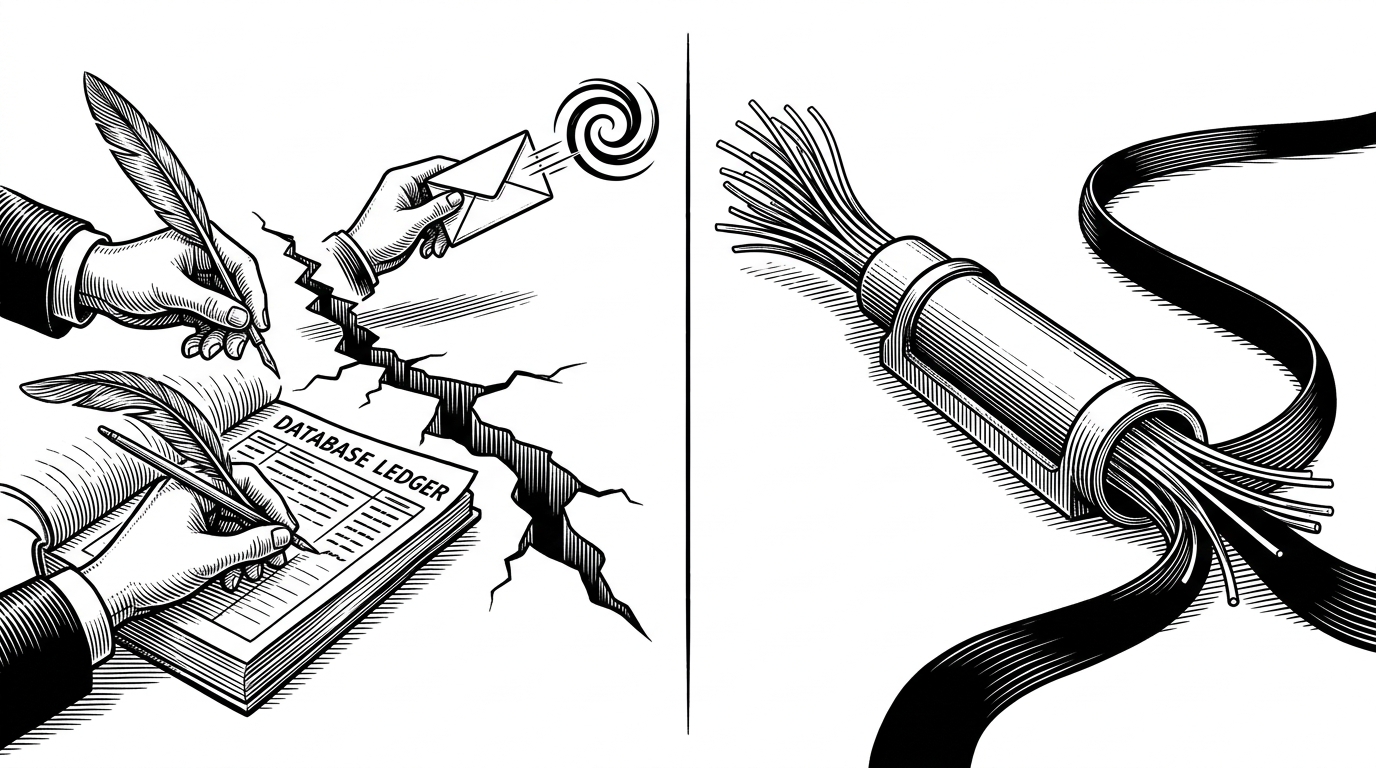
The pattern solves a classic failure mode. A service writes business data to a database, then publishes an event to a broker. If those two writes drift apart, you get missing messages, duplicate messages, or state that cannot be trusted.
The outbox approach narrows that gap. Write the business event and the business data in one transaction, then let a relay publish the message afterward. It is a reliability pattern, but it often feels abstract until you see the failure it prevents.
| Approach | What you manage | What breaks | What you gain |
|---|---|---|---|
| Manual dual-write | Database write plus separate broker publish | A crash between the two writes | Simple code, fragile delivery |
| Transactional outbox | Outbox table, relay worker, retry logic | Operational overhead and eventual consistency | Atomic persistence with safer delivery |
| Vercel Labs workflow demo | Workflow directives, source-linked UI, SSE stream | Experimental platform dependency | Durability that is visible in the editor |
How this demo makes reliability visible
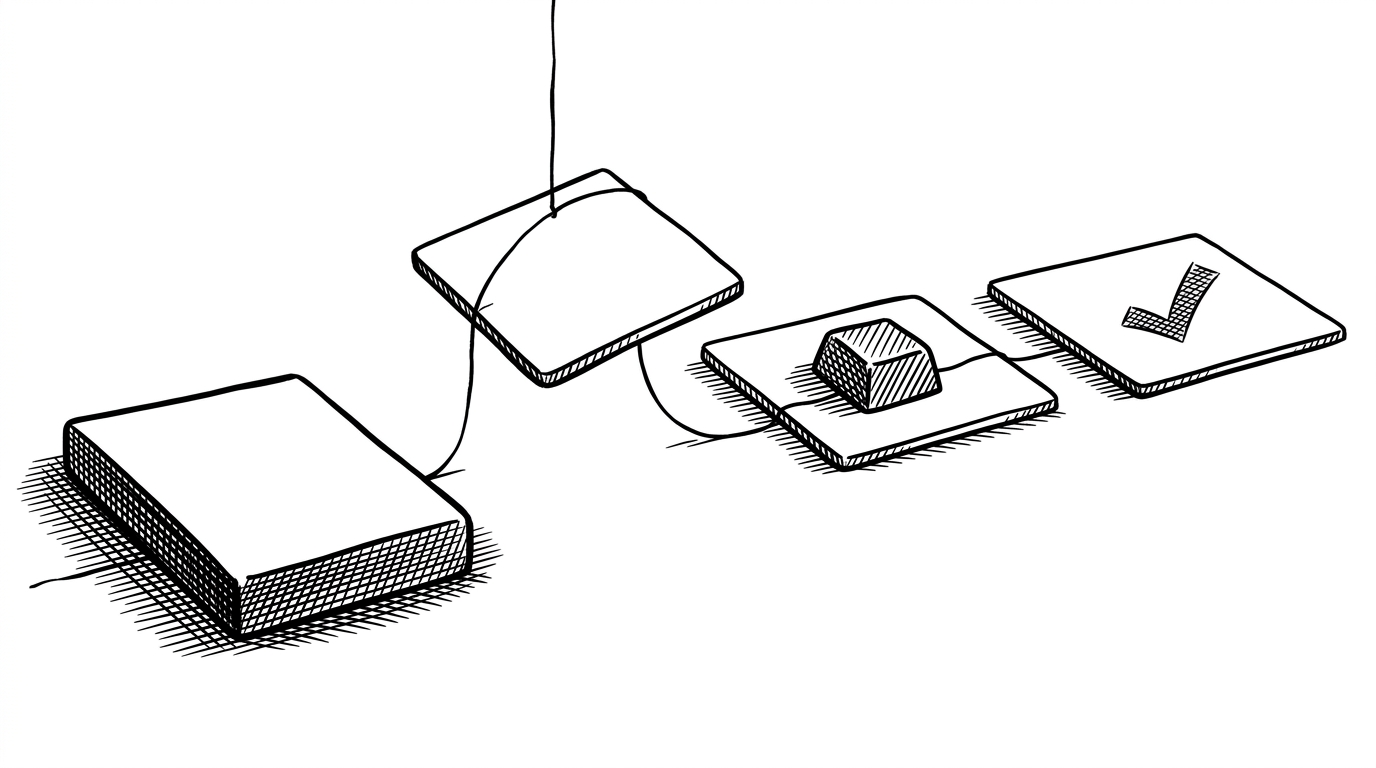
The workflow itself follows the outbox logic in plain steps: persist the order, poll the relay, publish the event, then mark it sent. The delays are deliberate. They slow the system down enough for a human to see what the runtime is doing.
"use workflow";

export async function transactionalOutbox() {
  const writer = getWritable<OutboxEvent>();

  await persistOrder();
  writer.write({ type: "persisted" });

  await pollRelay();
  writer.write({ type: "relaying" });

  await publishEvent();
  writer.write({ type: "published" });

  await markSent();
  writer.write({ type: "sent" });
}
The workflow runtime is the real product
The platform story sits underneath the demo. Directives like use workflow and use step suggest that durable execution is being pushed into the language and toolchain, not bolted on as an external service.
That is why the article is not really about a single app. It is about a possible default shape for backend work in the Vercel world: stateful enough to survive failure, but still close enough to the app that the developer can inspect it without leaving the editor.
What this replaces, and what it does not
This is not a clean replacement for every durable workflow stack. Temporal still brings a mature runtime. Inngest still offers a well-established event-driven model. Manual outbox systems still fit teams that want total control over their infrastructure.
The Vercel angle is different. It trims the ceremony, keeps the code in TypeScript, and makes the runtime visible where developers already work. That is a strong product story, even if the project is still a lab demo.
| Model | Best at | Trade-off |
|---|---|---|
| Manual outbox with CDC or polling | Maximum infrastructure control | More moving parts and more operational burden |
| Temporal or Inngest | Battle-tested durable execution | A separate runtime mental model |
| Vercel Labs workflow approach | Workflow logic and observability in one place | Experimental stack and tighter platform coupling |
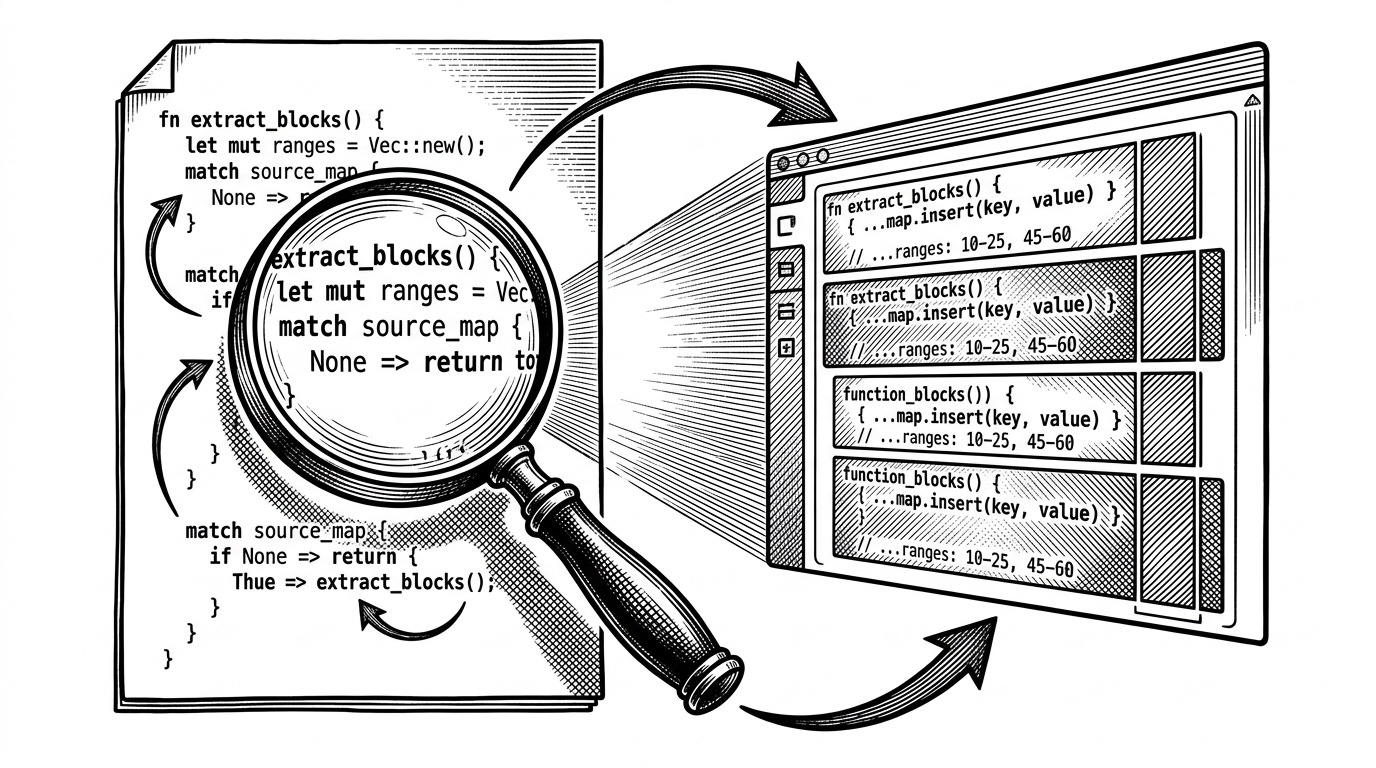
The most satisfying part is that the UI does not need to pretend to be neutral. It is opinionated. It teaches the workflow by making the workflow visible, and that turns a backend pattern into a readable artifact.
Why this matters beyond the demo
Vercel is signaling a broader shift. Durable backend logic may stop living behind separate consoles, workers, and dashboards, and start living in the same place as the app code itself.
If that happens, the new advantage will not just be execution. It will be comprehension. Teams will be able to inspect reliability where they already build, which is a very different kind of developer experience.