openai/openai-apps-sdk-examples: The Repo That Turns ChatGPT Into a Widget Host
A reference implementation for Apps SDK widgets, MCP servers, and the `window.openai` bridge that keeps UI alive inside the chat.
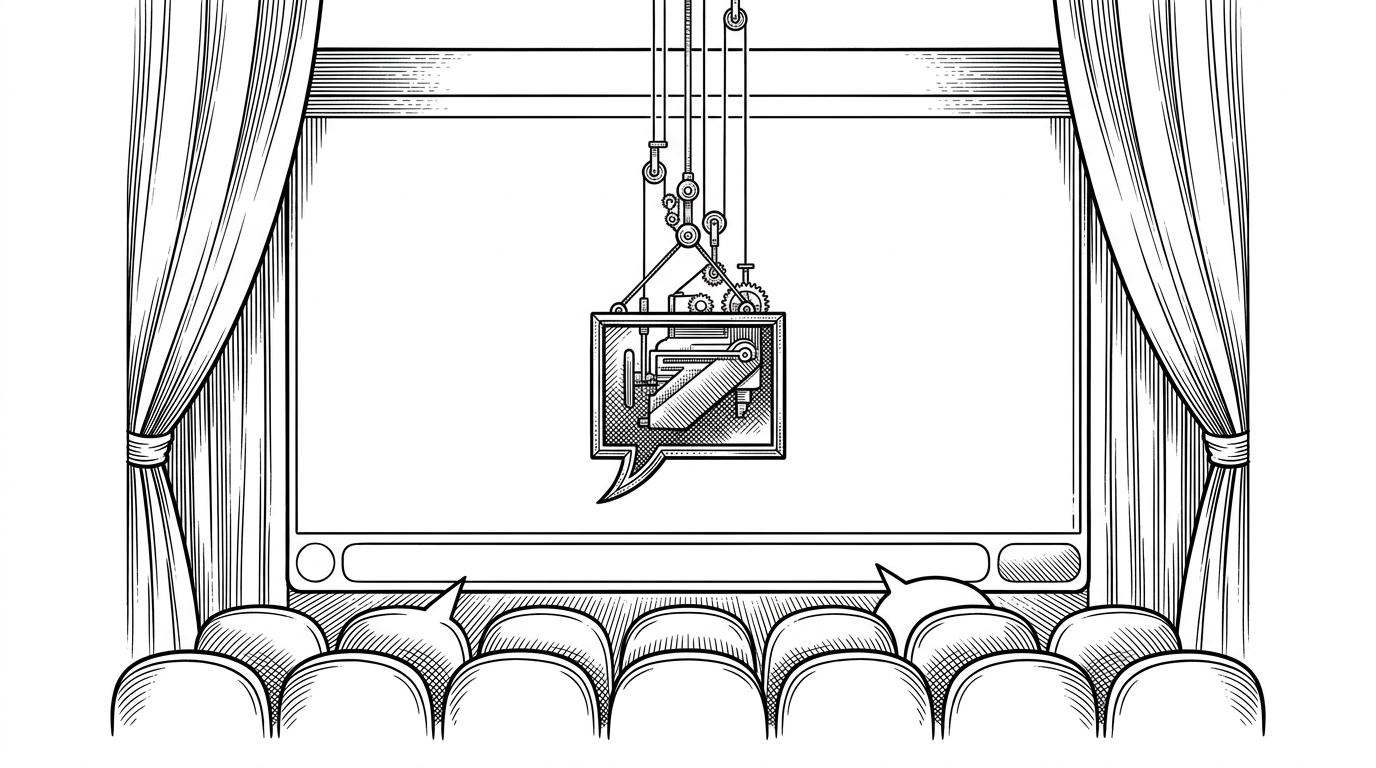
- ChatGPT is acting less like a chat box and more like a host runtime that can mount an interactive widget and keep it alive across turns.
- The real contract lives in the handshake between tool metadata, `window.openai`, and persistent widget state, not in any single UI component.
- The repo proves the Apps SDK is transport-first, because the same pattern is implemented in both Node and Python.
- The most important lesson for builders is to treat presentation metadata as part of the API, not as a cosmetic add-on.
ChatGPT is mounting apps, not just answering
The surprise in this repository is simple: a model can choose a tool, and the tool can return not just data but a UI template that the host mounts inside the conversation. That moves ChatGPT from a response surface to a runtime. The text is still there, but it is no longer the whole product.
This repository showcases example UI components to be used with the Apps SDK, as well as example MCP servers that expose a collection of components as tools. It is meant to be used as a starting point and source of inspiration to build your own apps for ChatGPT.
The Model Context Protocol (MCP) is an open specification for connecting large language model clients to external tools, data, and user interfaces.
That wording matters. The repo is not selling a prettier plugin or a clever demo. It is showing that presentation can be part of the tool contract, which is a much bigger shift than a simple API wrapper.
The three-way handshake behind every widget
The mental model is a four-part loop. The model chooses a tool, the MCP server returns a result plus `_meta` that points at an output template, the ChatGPT host mounts that template, and the widget talks back through `window.openai`. Once that loop exists, the UI is no longer disposable. It can read state, write state, and keep participating in the same thread.
The bridge is not decorative. In the repo, `window.openai` is the surface for theme, tool calls, follow-up messages, and display changes, while `widgetState` gives the host somewhere to keep interaction state between turns. That is why the widget feels more like a living surface than a screenshot with buttons.
Each app is essentially a mini web app running in a sandboxed iframe. Its frontend communicates with ChatGPT through the window.openai bridge, syncing data with your backend MCP server and the model’s reasoning in real time.
The repo is built like a widget factory
The directory structure tells the story. `src/` holds the standalone React and TypeScript widgets, `*_server_node` and `*_server_python` hold the backend MCP servers, `assets/` holds the build output, and `build-all.mts` ties the whole thing together. The repo is organized less like a monolith and more like a production line for tiny apps.
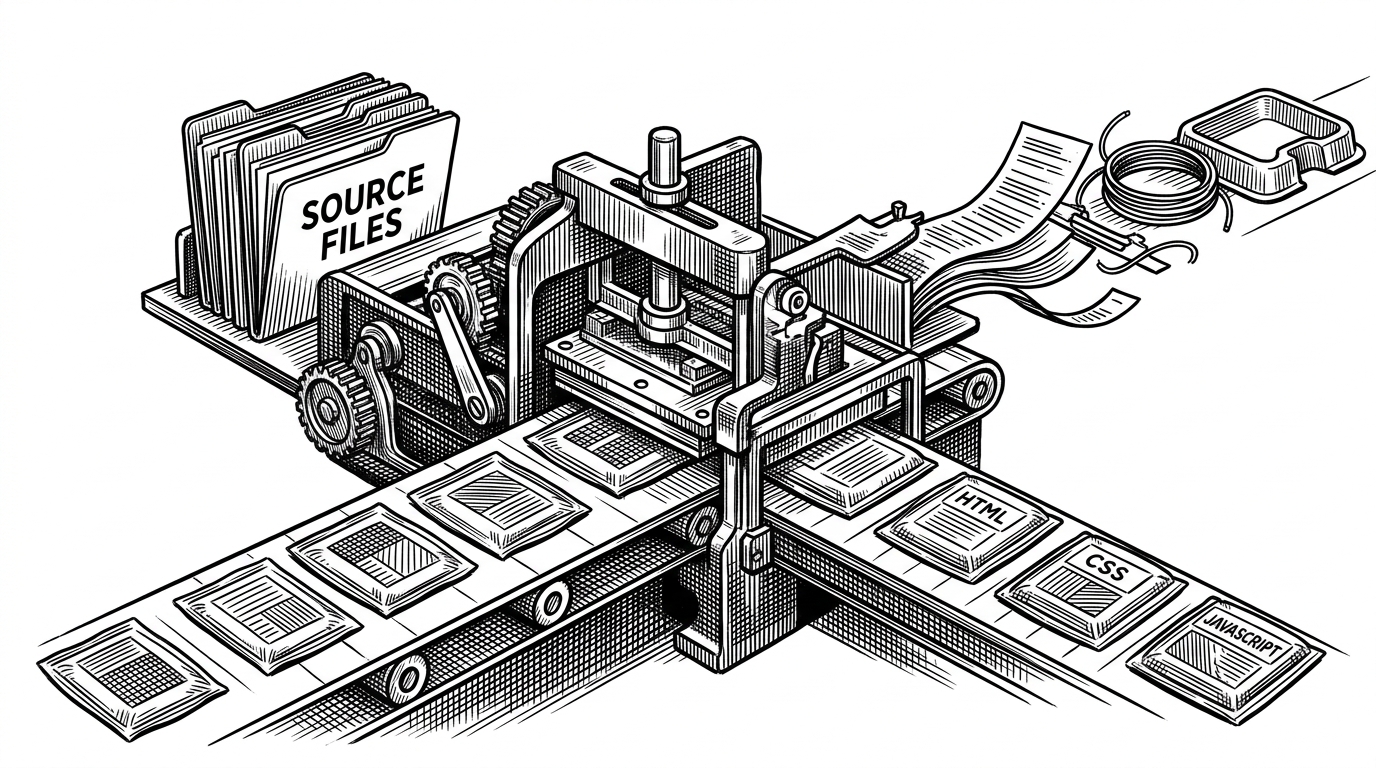
That build graph is not just tidy engineering. It is what makes the output usable by the host, because the server can point at a specific widget artifact instead of improvising a frontend on the fly. In other words, the build step is part of the protocol story.
Node and Python are peers, not migrations
The duplicate server implementations are a quiet but important statement. The same widget contract appears in Node and Python, which means the runtime is interchangeable and the protocol is not. If you are trying to understand the repo, that is the clue to follow.
That is also why the examples feel durable. The repo is not teaching you how to pick a favorite language. It is teaching you what the host needs, what the server must return, and what the widget can do once it is mounted.
How this differs from plugins and plain MCP
This is where the repo becomes easier to place. Legacy plugins taught ChatGPT to call APIs. Plain MCP teaches a client how to talk to tools. The Apps SDK examples add the missing layer: a rendered interface that stays inside the chat, with state that can survive the next turn.
| Legacy ChatGPT Plugins | Bare MCP server | Apps SDK widget repo |
|---|---|---|
| Mostly text plus API results. | Tools and data, with UI left to the client. | A tool result that can point at a mounted widget. |
| UI lives outside ChatGPT, or not at all. | The caller decides how to render the output. | The host renders the widget inline inside the chat surface. |
| State is usually ephemeral. | State is usually server-scoped or request-scoped. | `widgetState` can persist through the host across turns. |
| The contract is API-first. | The contract is protocol-first. | The contract is protocol plus presentation metadata. |
The table above is the shortest way to see the jump. Once the UI is embedded, the conversation itself becomes the surface, and the tool is no longer just a data endpoint. It is a place where the model can place an interface.
What builders should steal from this repo
- Treat presentation metadata as part of the contract, not as an afterthought.
- Keep state in the host when the conversation, not the page, owns the session.
- Publish the same example in more than one backend language to prove the contract is stable.
- Design each widget as a small app with one job, not as a response skin with buttons.
That is the real lesson here. The repository is official reference code, but the bigger idea is architectural: when the conversation is the product surface, UI metadata belongs in the protocol, state belongs in the host, and the widget should behave like a tiny app with a clear job.