Mika Runs an Android Agent on a Screen You Never See
An open-source app that drives any installed app on a hidden virtual display, using a wireless-ADB shell and accessibility, with no server and your own model key.

网页可以在任务结束后接着运行。
- Mika's defining trick is a hidden virtual display: the agent works on a second Android screen while you keep using the one in your hand.
- It earns the power to create that screen through wireless-ADB shell identity plus an accessibility service, not through per-app integrations.
- Its reliability comes from a verify-and-relocate loop that confirms each action landed, not from a smarter model.
- The same power is the caveat: most external actions are not gated by approval yet, and Mika is a single-author beta tested mostly on one device.
The Phone Inside Your Phone
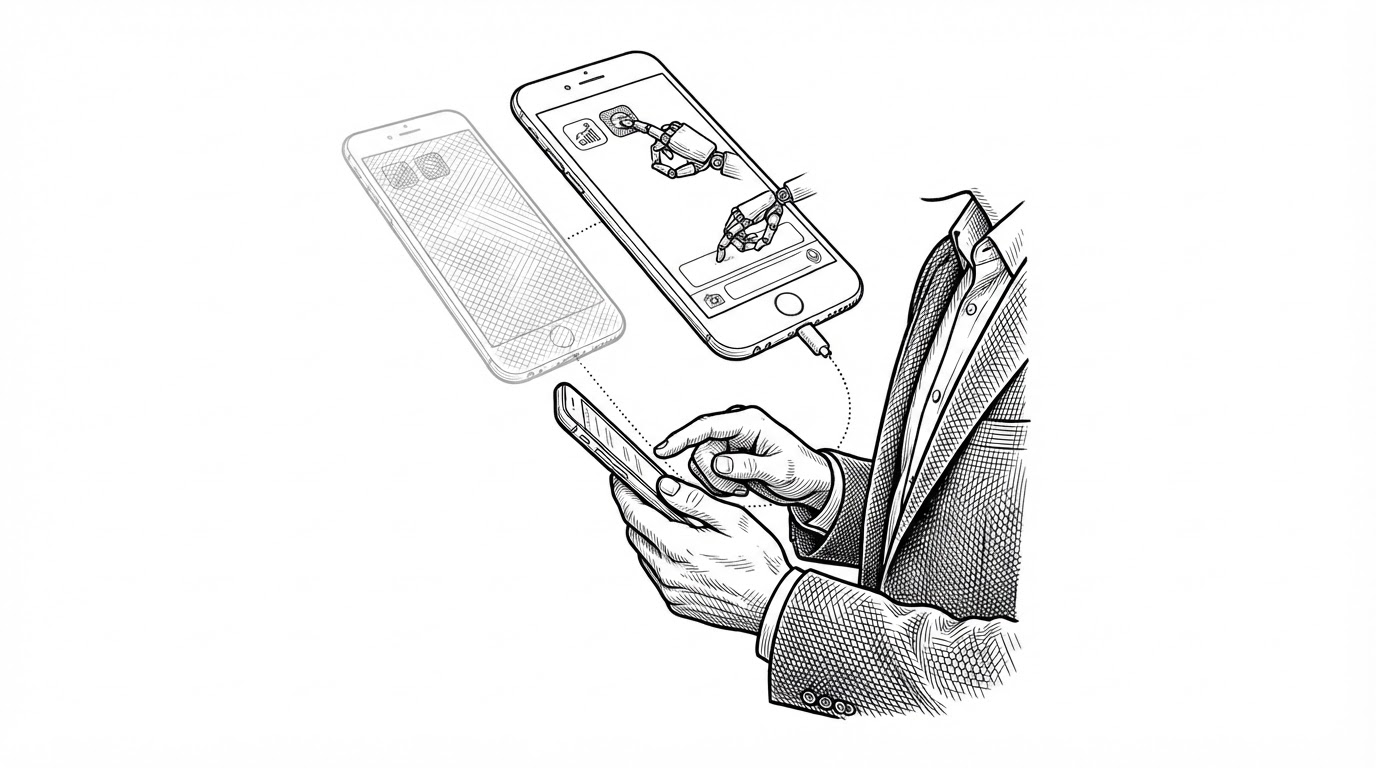
Most phone agents behave like someone grabbing the wheel. They take over the screen you are looking at, tap through it, and hope you were not in the middle of anything. Mika does something odder. It asks Android for a second display, one that exists in memory and is never drawn to the glass in your hand, and it does its work there.
The distinction is not cosmetic. A screenshot-and-tap agent competes with you for the same pixels, so every notification, call, and scroll is a hazard it has to survive. Mika's agent operates on a surface your fingers cannot disturb. Your scrolling and its tapping never collide, because they are not happening in the same place.
Under the hood, that surface is a virtual display created through the Android framework. Apps launched onto it render normally, respond to input normally, and report their state through the accessibility tree normally. The only thing missing is a viewer. Nobody is looking at it, so the agent has to look for both of you.
Any app installed on your phone works, with no per-app integration: Mika looks at the screen, finds buttons, taps and types like a person would. If it can see it, it can operate it.
One Author, No Server, Your Key
Mika comes from a single developer, wangzan101, and ships as an early public beta. The version string is 0.1.x and the build carries a BETA flag waiting to be flipped. That is not a marketing hedge. It explains almost every design choice that follows.
There is no Mika server. You bring your own model API key, and the phone does the work locally. The browser runs real page interactions with persistent logins. The scripting sandbox is a bundled Alpine Linux userland that defaults to offline. The values are legible in the architecture: your tasks, your keys, your device.
That line from the 0.1.27 release notes says a browser page can keep running after a task ends, which is a small feature and a large signal. Mika is being built as something you leave alone and come back to, not something you sit and watch.
How a Blind Screen Gets Its Privileges
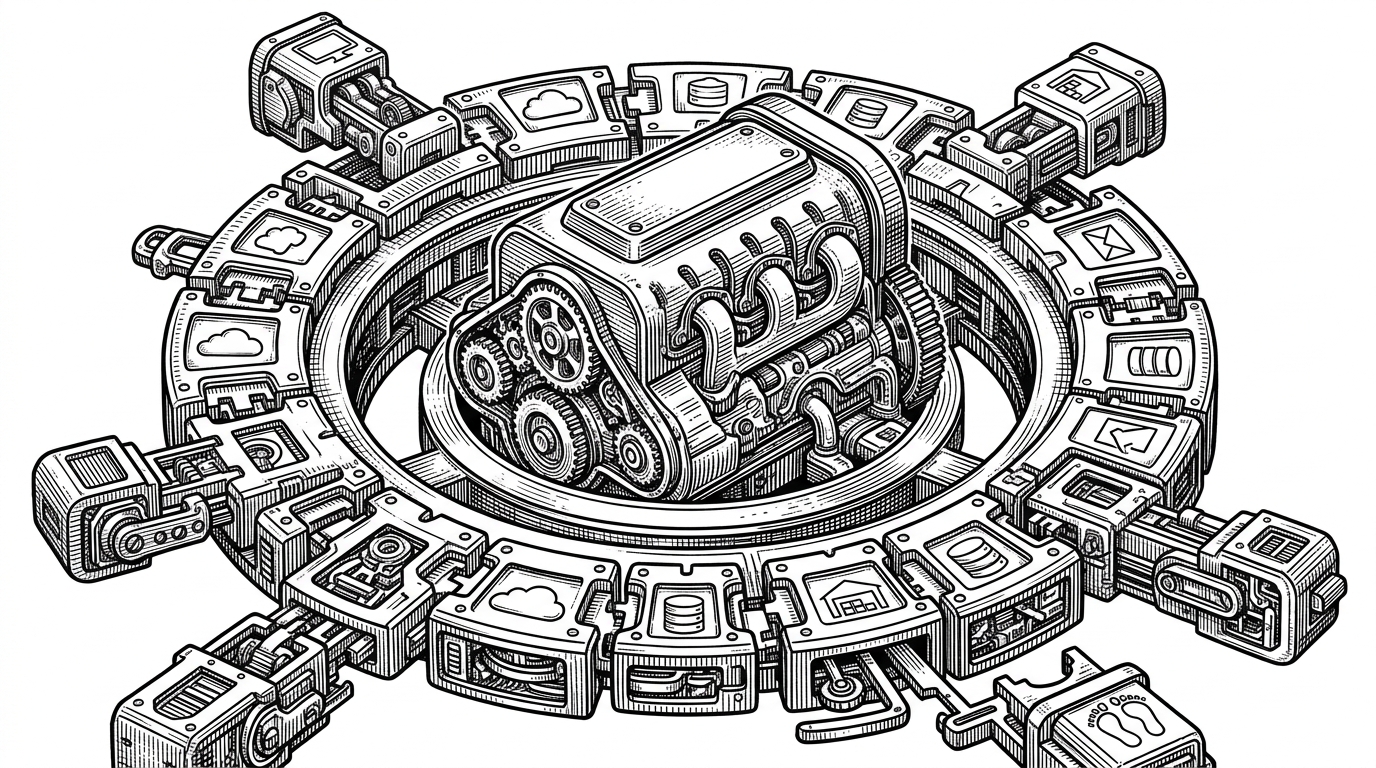
Mika needs powers a normal app does not have. Creating a virtual display and launching activities onto it are operations the shell user performs, and Android does not hand those to apps that were installed by tapping a button. So Mika assembles three layers.
- The app process orchestrates. It holds the task state, talks to the model, and decides what to do next.
- An accessibility service reads the screen and performs gestures. This is how Mika sees buttons and taps them.
- A built-in shell helper runs under shell identity over wireless ADB. It creates the virtual display and launches activities the way a system tool would.
To get shell identity, you pair the phone with itself over wireless debugging, the same mechanism a developer uses to run adb without a cable. That is the trick people notice first.
The helper is kept deliberately separate. It shares none of the app's services, and that process boundary is stated in the code rather than assumed. Privilege is also scoped to the current boot: elevated access is keyed to a boot counter, so a restart revokes it automatically. Trust that expires on reboot is a quiet kind of safety.
The Loop That Makes It Work
Every action an agent takes is a small bet that the interface will respond. On a screen you can see, you check the bet with your eyes. On a hidden screen, the agent has to check it with code. That is the whole problem, and Mika's answer is a loop.
Read the virtual display, act, wait for the UI to settle, verify the effect against a fingerprint of the control tree, and relocate the target if it moved within a bounded range. The names in the code say it directly: one function checks that typed text actually landed, another re-aims a tap when a control shifted, and the system watches for a different app stealing the foreground.
None of this makes the model smarter. It makes the agent honest. A phone agent that cannot confirm its own actions is just a faster way to be wrong, and the loop is where Mika spends its complexity budget.
The Details That Feel Like Care
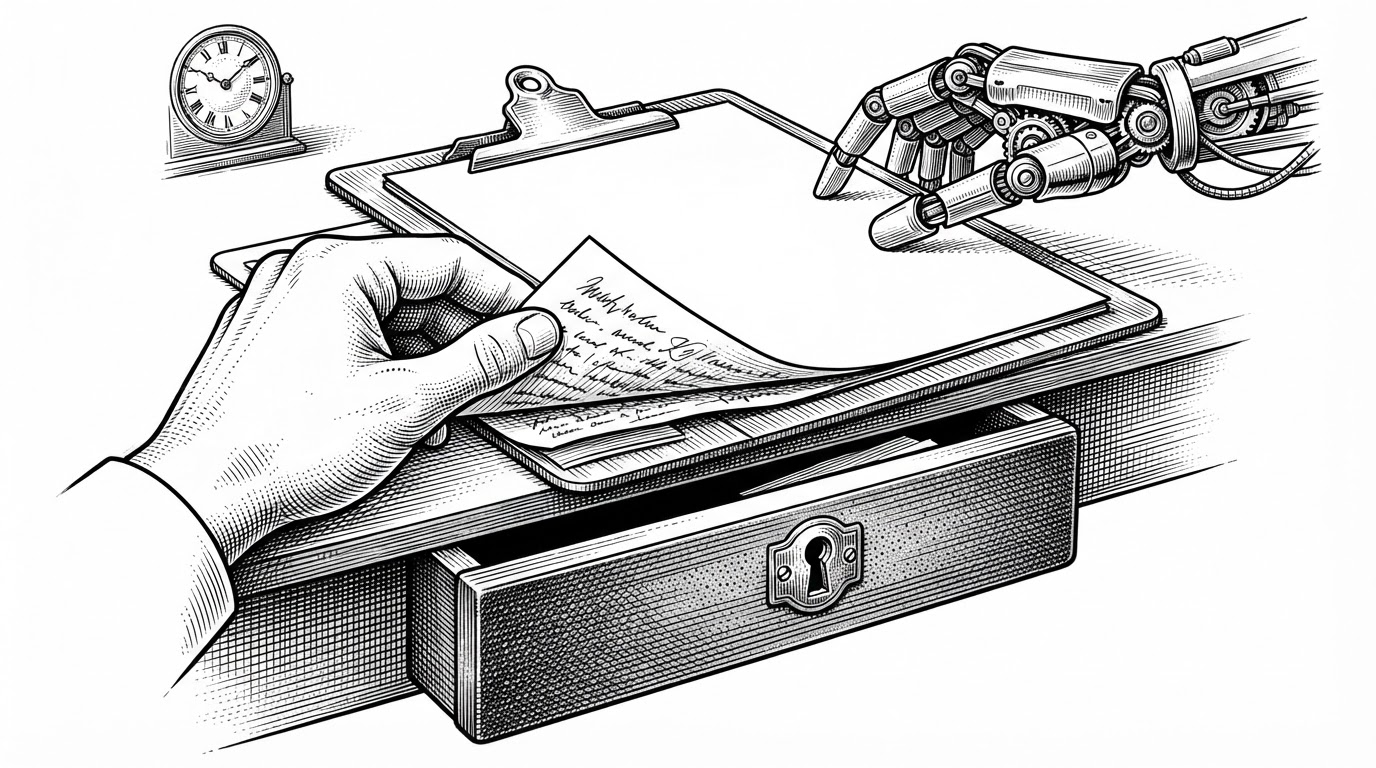
Some of the most careful code in Mika is about not breaking things you own. The clipboard is the clearest example. When typing has to fall back to pasting, Mika swaps in its own text, saves your original to an encrypted journal, and restores it on the next launch if the process dies in between. The clipboard is global state, so it is guarded by a shared lock. Your copied text is treated as something the agent borrowed, not something it replaced.
Other courtesies are smaller. Gestures default to a human-like pacing profile, with pre-touch pauses, hold durations, and swipe curves, so actions do not look like a bot hammering a screen. An app can be muted before it launches, then unmuted if the launch fails, so openings stay silent. And when two tasks want the same app, Mika can reserve it or clone it under a second Android user, so the two runs do not fight over one window.
These are not headline features. They are the difference between an agent that technically works and one you would leave running.
How Mika Compares
Mika sits in an odd spot, so it helps to name the neighbors. The projects below are not rivals so much as different species. Appium, UIAutomator, and Maestro are test infrastructure. Mobile-Agent and AndroidWorld are research and evaluation. Mika is a product you install, pointed at your own phone.
| Project | What it is | Control surface | Natural-language goal? | Runs in background? | Who it's for |
|---|---|---|---|---|---|
| Mika | Installable Android agent | Hidden virtual display + accessibility + shell | Yes | Yes (separate display) | End users and tinkerers |
| Appium | Cross-platform automation framework | Driver API over UI automation | No (scripts/selectors) | No (foreground test harness) | QA and test engineers |
| UIAutomator | Android UI testing API | Accessibility / UI automation | No | No | Android test developers |
| Maestro | Declarative mobile UI flows | YAML flows | No | No | Mobile dev teams |
| Mobile-Agent | Multimodal mobile agent research | Vision + action planning | Yes | Varies (research setups) | Researchers |
| AndroidWorld | Agent evaluation environment | Benchmark harness | N/A (evaluation) | N/A | Researchers |
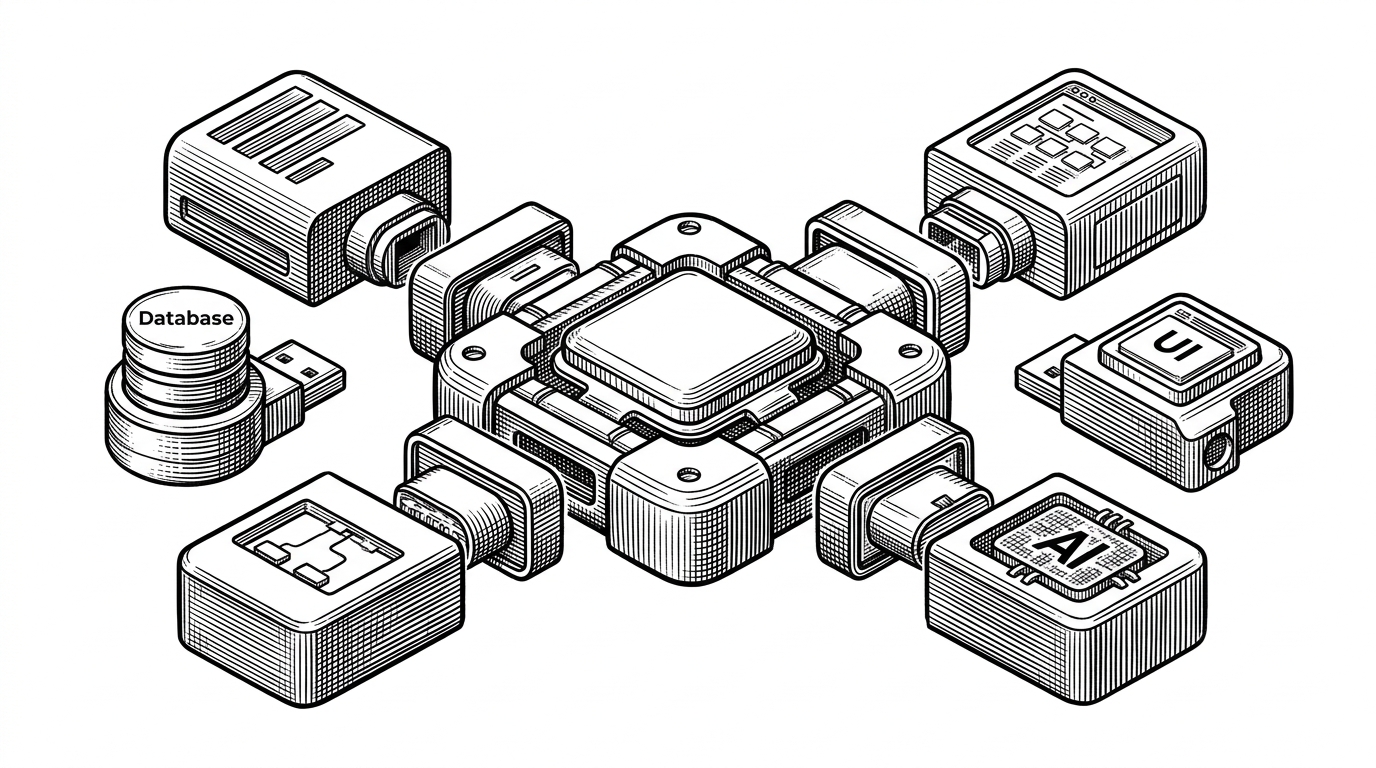
The differentiator is the bundle, not any single capability. Background display, a real browser, a local sandbox, and bring-your-own-key, shipped as an app you can install today.
What It Doesn't Do Yet
Honesty about limits is part of the review. An independent deep dive credits the virtual-display design, the pacing controls, and the substantial test suite, then flags what a user should know before trusting Mika with their messages.
- Most external actions, like sending a message or deleting something, are not gated by an approval prompt in the default mode.
- Final-answer review was disabled in the development configuration.
- Testing was concentrated on one Android 14 device, and there was no CI at the time of the review.
- It is a single-maintainer project in early beta.
技术含量远大于商业可行性
Roughly translated: the technical depth far exceeds the commercial viability. The same power that makes Mika interesting is the power that warrants caution. Shell identity and a hidden display are exactly what you want an agent to have, and exactly what you want it to use carefully.