cc-g2 Turns `tmux` Into a Remote Control Surface for Claude Code
A bridge between Even G2 smart glasses and a terminal agent, with voice input, approval routing, and privacy-aware state handling built from surprisingly simple pieces.
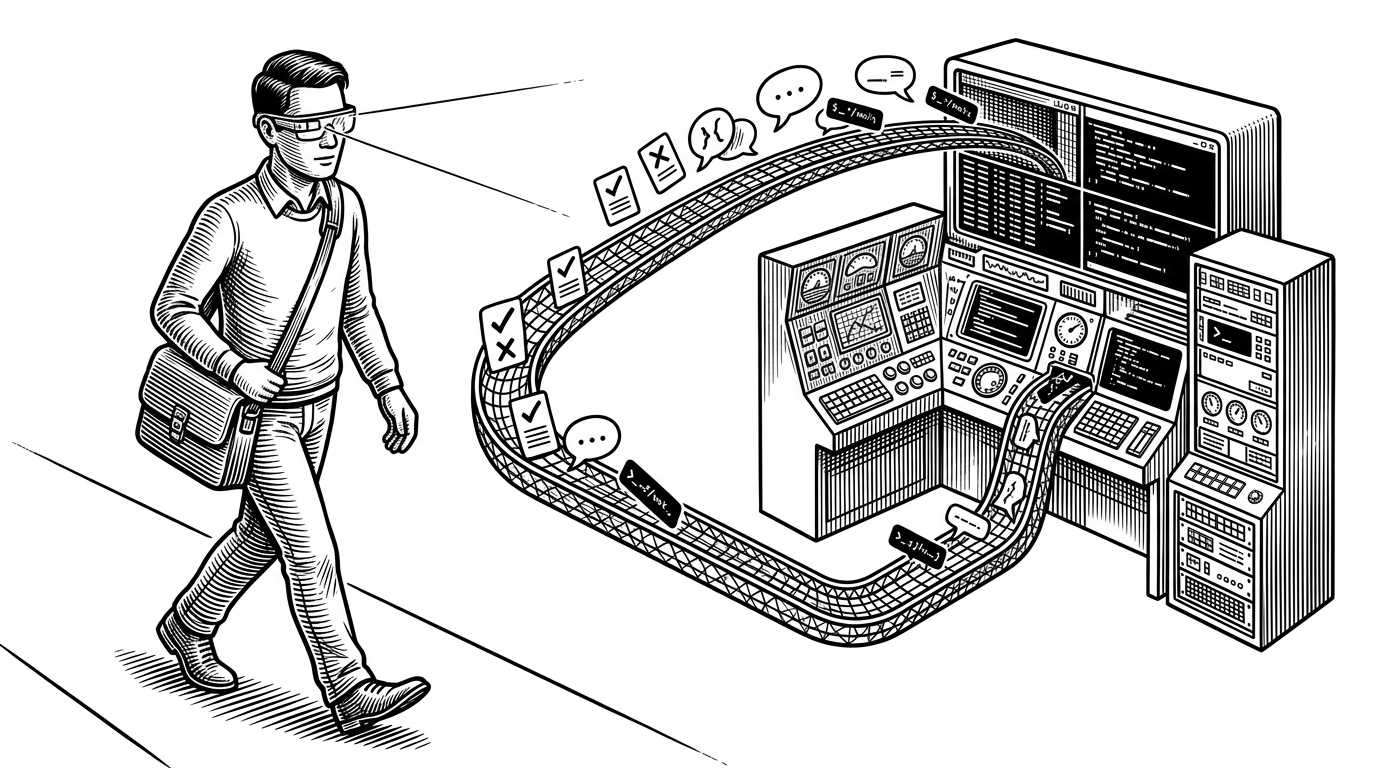
- cc-g2’s real trick is not smart glasses, it is using `tmux` as an addressable control plane for Claude Code.
- The project keeps the agent unchanged and adds a thin orchestration layer for approvals, replies, and voice input.
- Its routing logic is careful enough to survive multiple sessions, redaction, and crash recovery, which makes the hack feel durable instead of theatrical.
- The best comparison is not phone versus glasses, but intrusive agent integrations versus a minimal terminal-first relay stack.
`tmux` Is the API
Most agent tools try to become the center of the workflow. cc-g2 does the opposite. It leaves Claude Code alone and treats the terminal boundary as the place where control should happen.
That is why the project feels odd in a useful way. Instead of asking Claude Code to expose a special integration surface, it uses tmux send-keys and session metadata to inject replies into the exact pane that is waiting for them.
The result is less elegant on paper and more practical in reality. A familiar terminal primitive becomes the narrow waist of the system, which means the rest of the stack can stay small.
The Bridge Has Three Jobs
The architecture is built around a simple split: the glasses collect intent, the hub manages state, and the terminal session receives the answer. That division matters because it keeps the wearable UI from becoming a logic pile.
The interesting part is that these are not just messages. They are routed events with enough context to land in the right place later. That is what makes the system feel like a control plane instead of a chat bridge.
Why `reply-relay.sh` Is the Cleverest File Here
If the architecture is the thesis, reply-relay.sh is the proof. It is the piece that turns a UI tap into terminal input without needing a formal Claude Code plugin API.
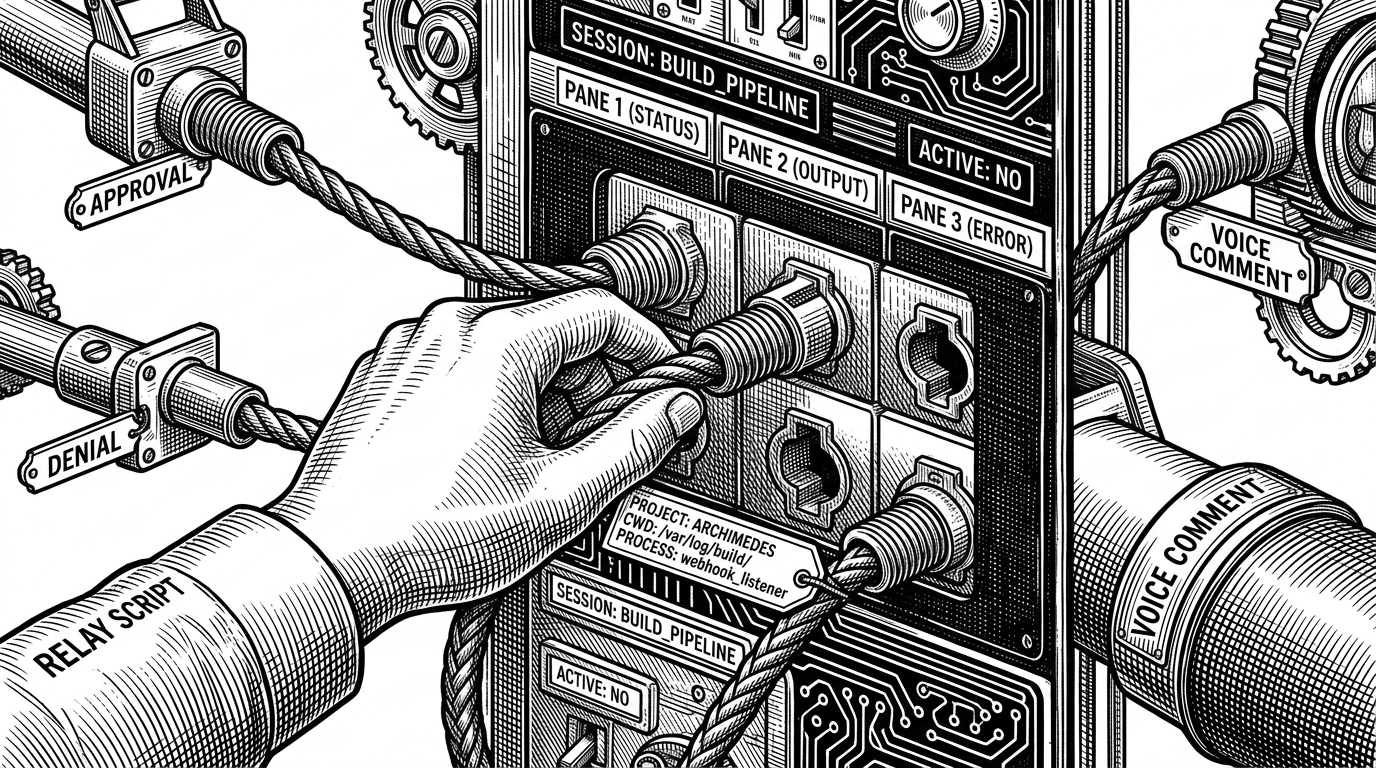
The script’s job is not just to find a pane. It has to find the right pane. That means matching metadata, current working directory, and other process clues so a reply goes back to the Claude session that asked for it, not whichever session happens to be nearby.
That detail changes the story. A toy bridge can forward a message once. A durable bridge can survive multiple concurrent sessions and still hit the correct target.
The Glasses UI Solves a Brutal Constraint
The Even G2 screen is small, and that forces a different kind of product thinking. You do not get room for sprawling context, so the interface has to compress the agent’s state into a few sharp choices.
That is where summaries, approvals, and voice comments matter. The glasses are not a mini IDE. They are a decision surface for the moments when a human needs to answer quickly without sitting down.
This is also why the voice path matters. It turns a tiny display from a dead end into an input channel, which keeps the workflow moving even when the response is more than a tap.
Privacy and State Are Not Afterthoughts
The project does more than shuttle prompts around. It redacts sensitive values, persists events in JSONL, and keeps in-memory session maps so the hub can recover after a restart.
That combination is important. AI glue code often fails in boring ways: leaked fields, lost sessions, and state that disappears when the process restarts. cc-g2 tries to avoid that by treating privacy and recovery as part of the design, not cleanup work.
The redaction logic is especially telling. It suggests the system expects real developer data, not sanitized demos, and it strips risky fields before they reach the wearable UI.
How It Compares
The right comparison is not whether glasses are cooler than a phone. It is whether cc-g2 builds a lighter, safer approval loop than the usual ways people try to remote-control an agent.
| Approach | Input surface | Approval handling | Hardware assumptions | Main downside |
|---|---|---|---|---|
| Plain Claude Code in a terminal | Keyboard in the same session | Native terminal prompts | Desktop required | You have to stay at the desk |
| Browser-based agent dashboard | Web UI | Buttons in a browser tab | Browser and network required | Adds another control surface and another context switch |
| Phone-first remote dev tool | Touchscreen app | Mobile approvals and chat | Phone app plus backend | Good for reach, weaker for glanceability and hands-free flow |
| Agent integration inside the model or CLI | Custom API or modified agent | Tightly coupled to the tool | Depends on agent support | Harder to retrofit onto existing workflows |
| cc-g2 | Even G2 glasses plus voice | Routed back into the waiting tmux pane | Terminal, hub, and wearable UI | Still depends on careful session matching and hardware setup |
That narrowness is the point. The project is not trying to be a universal developer workspace. It is trying to make one workflow, approval-heavy terminal coding, work when you are not sitting in front of it.
What This Suggests About AFK Coding
cc-g2 points toward a different category of developer interface. Not bigger dashboards. Not more tabs. Smaller control surfaces wrapped around tools that already exist.
That sounds modest, but it is actually a strong product idea. If the agent already lives in a terminal, then the job is not to rebuild it. The job is to make the terminal reachable from wherever the human happens to be.
In that sense, cc-g2 is less about smart glasses than about interface restraint. It shows how far you can get by putting a careful relay layer on top of old primitives and refusing to overbuild the middle.