skills-manager: The Package Manager for Your AI Agents
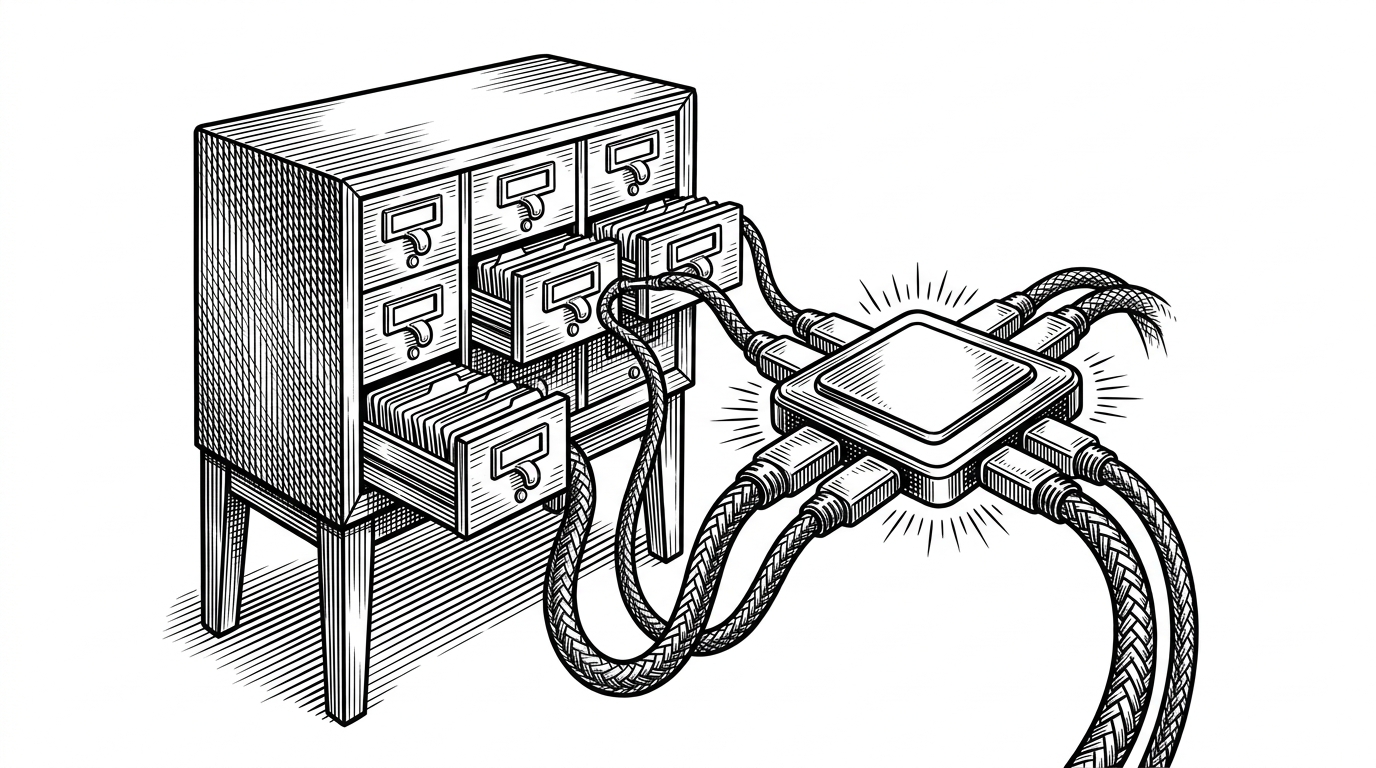
A Rust and Tauri desktop app that centralizes prompts, MCP tools, and agent presets, then syncs them across Cursor, Claude Code, Windsurf, and more with Git and filesystem links.
- `skills-manager` reframes AI skills as a managed distribution layer, not a pile of personal config files.
- Its real trick is the split between a searchable SQLite catalog and a filesystem-native delivery system.
- The sync engine is built for ugly reality, with symlink, junction, and copy fallbacks that keep it working across platforms.
- The project is really competing with manual copying and ad hoc sync, because it manages an AI skills layer instead of just moving files around.
The AI stack is fragmenting faster than developers can copy files
The pain is familiar if you work across more than one AI assistant. Cursor has one idea of where skills live. Claude Code has another. Windsurf has its own conventions. Multiply that by two laptops, one desktop, and a handful of custom prompts, and the result is drift, duplication, and forgotten updates.
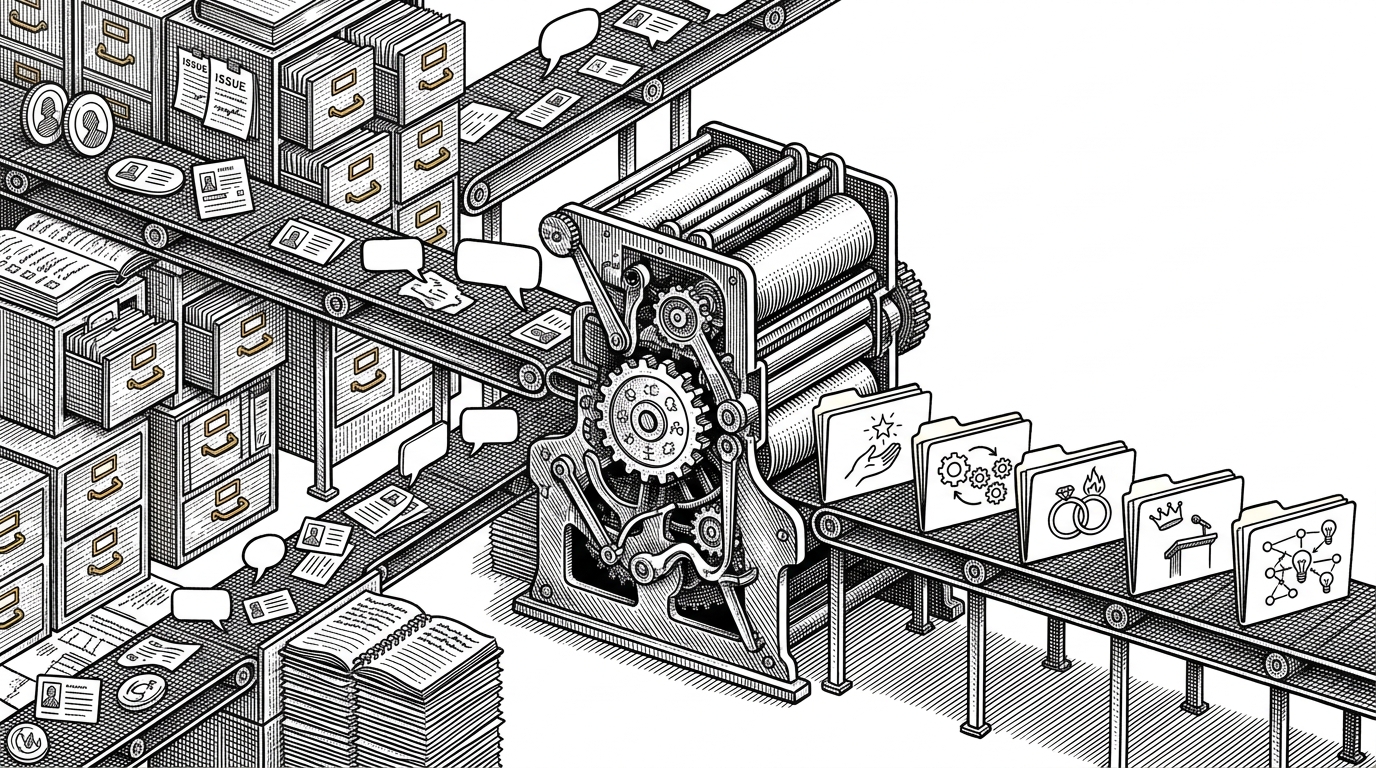
`skills-manager` starts from that mess and makes a sharper claim: skills are not notes. They are deployable software artifacts. Once you accept that, the job changes from “keep folders in sync” to “operate a small distribution system for agent capability.”
`skills-manager` treats skills like a deployable package
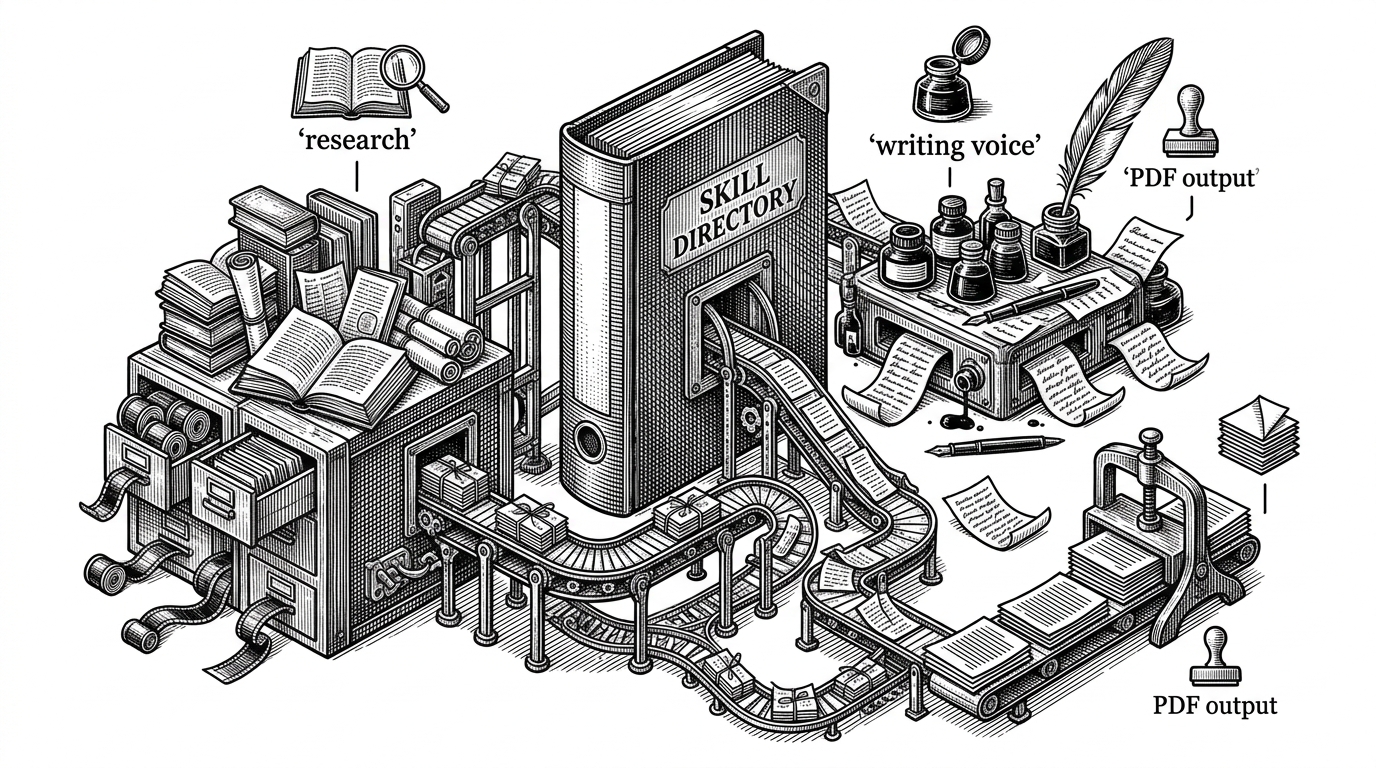
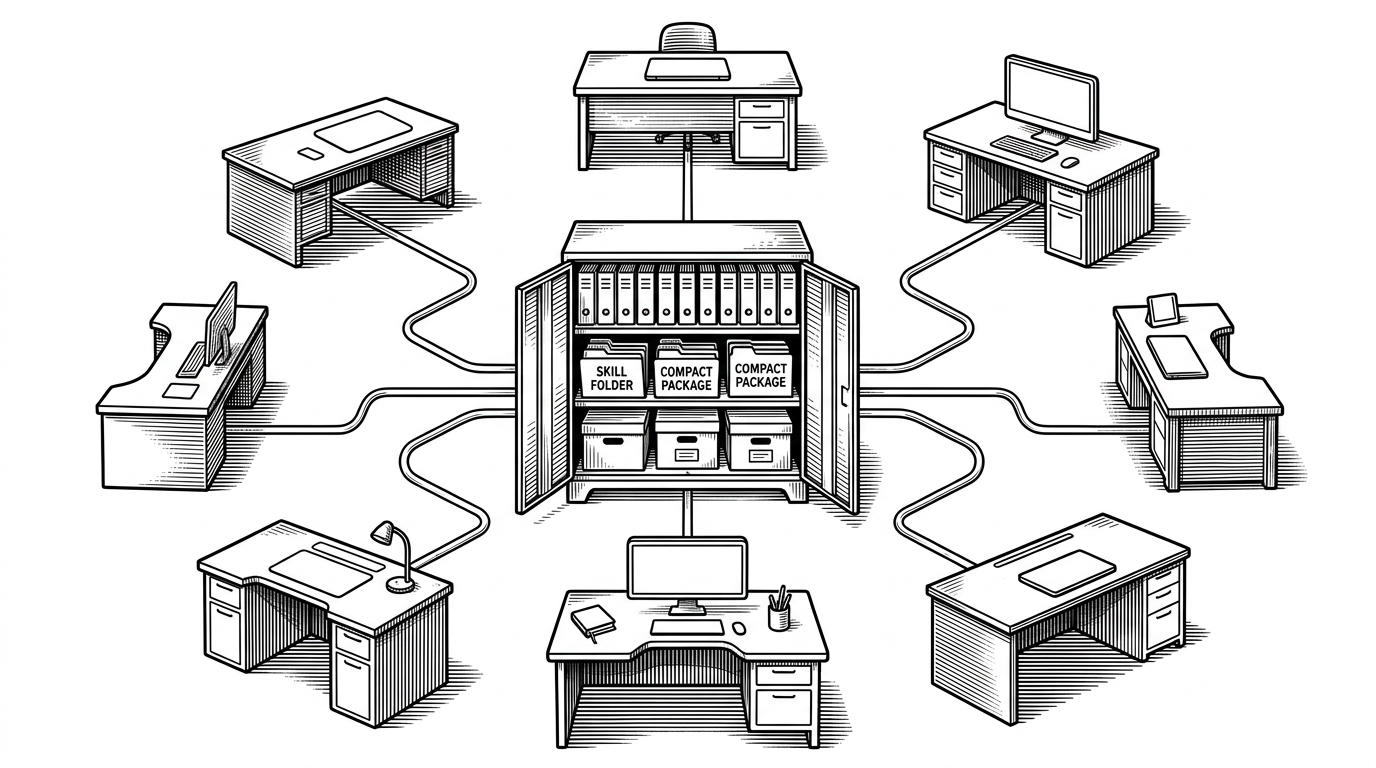
The project’s mental model is the important part. A skill has a canonical home, then gets projected into the directory structure each tool expects. That means the same prompt, MCP server definition, or preset can be maintained once and delivered many times, instead of being recopied into each assistant’s private corner of the filesystem.
That design is why the app feels more like infrastructure than a note manager. It centralizes ownership, preserves portability, and gives the user one place to reason about what exists, what changed, and where it is deployed.
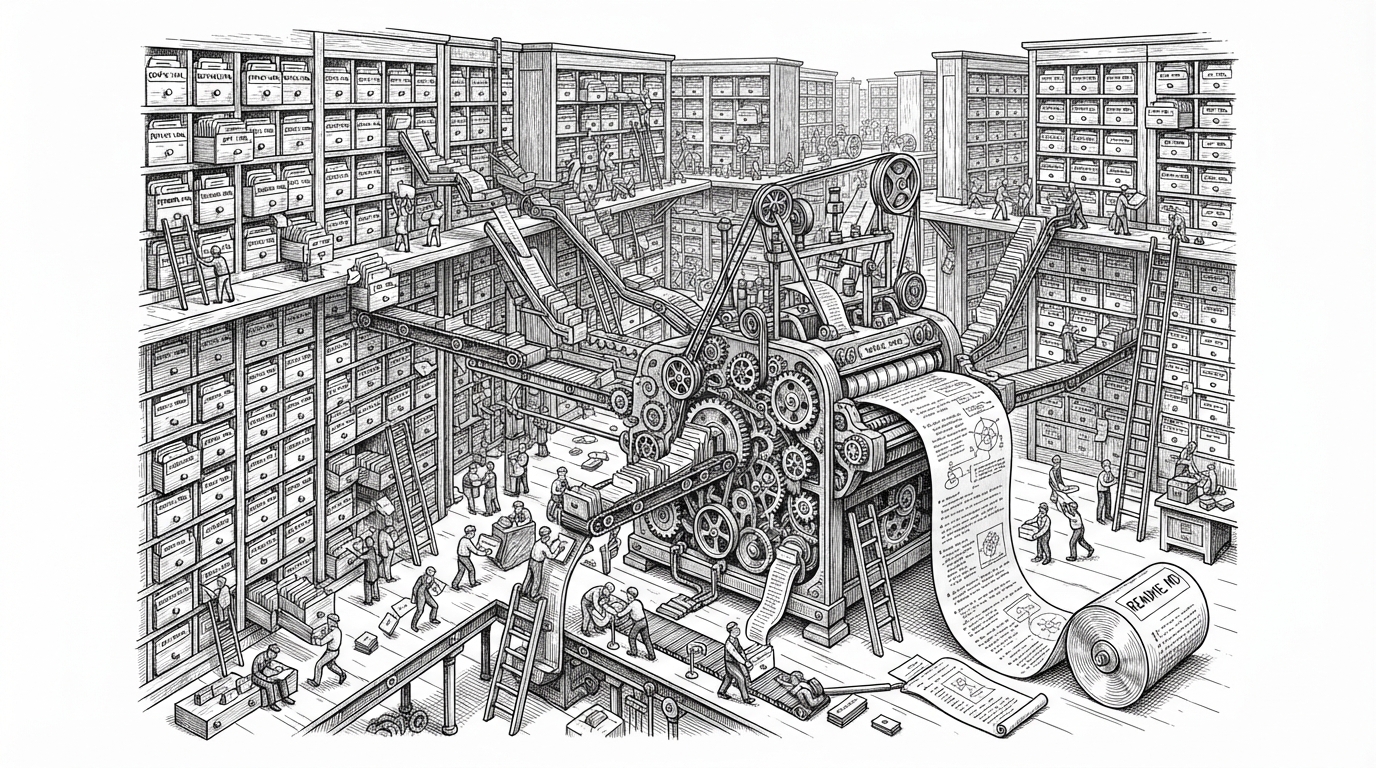
The central store is SQLite. The delivery mechanism is the filesystem
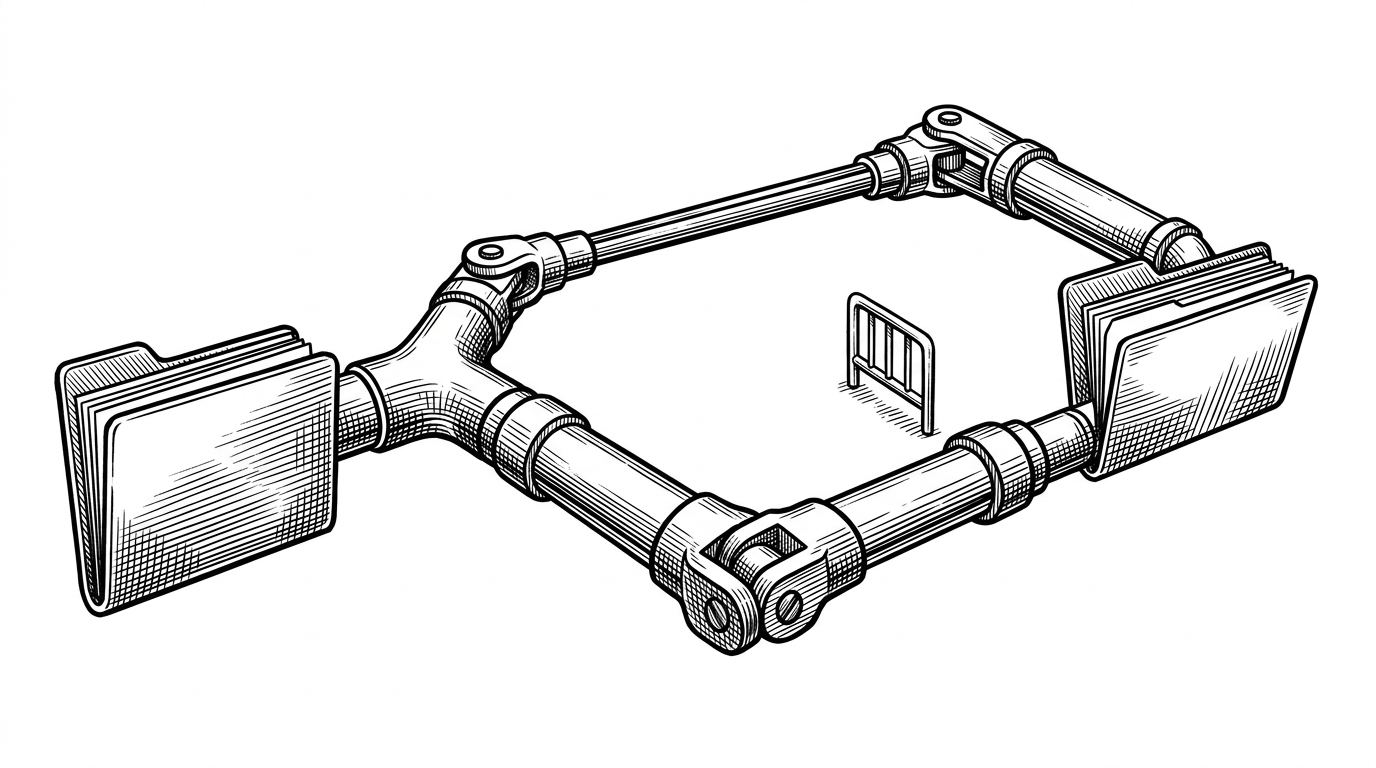
This split is the project’s most practical decision. Metadata belongs in SQLite, where it can be queried quickly for tags, status, history, and filtering. The actual skills remain real files on disk, which means the app stays interoperable with the tools it is trying to serve instead of trapping everything inside a proprietary blob.
That split also explains why the app can stay responsive without pretending the world is abstract. Search the catalog in SQLite. Deploy through the filesystem. Keep the two in sync, but do not confuse one for the other.
The sync engine is the clever part
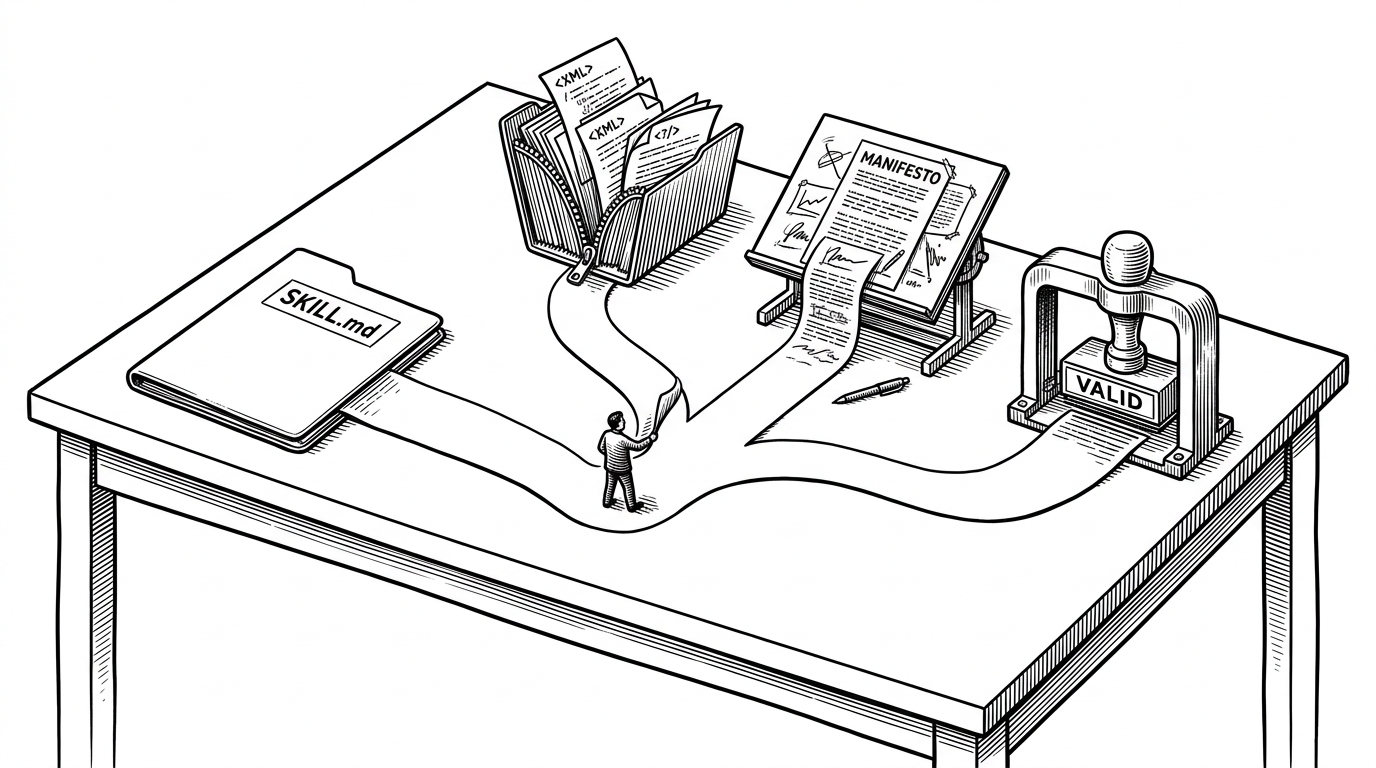
The implementation is engineered for the ugly edges of cross-platform desktop software. It tries symlinks first because they preserve a single source of truth. On Windows, where privilege and developer-mode constraints often get in the way, it falls back to directory junctions. If that still fails, it copies the tree.
The safety check matters just as much as the fallback order. `ensure_dst_not_inside_src` prevents the classic recursive disaster where the destination sits inside the source and the sync loop eats itself. That is the kind of detail you only add when you expect users to do real work on real machines.
In other words, the app is not trying to be clever in the abstract. It is trying to be boring in production, which is the higher compliment for filesystem tooling.
Tool adapters hide each assistant’s filesystem quirks
Different assistants store their skill folders in different places. Some live under dotfolders in the home directory. Others hide under configuration trees. `ToolAdapter` gives the project one interface over many path conventions, so the app can discover the right target without hardcoding a single vendor’s worldview.
| Workflow | What gets managed | Cross-device behavior | Windows reliability | Metadata and search |
|---|---|---|---|---|
| Manual copying | Individual files in individual folders | Fragile and easy to drift | Depends on the user | None |
| Plain Git or dotfiles | Files only | Good for raw sync, weak for semantics | Usually fine, but tool paths are manual | Limited unless you build it yourself |
| skills-manager | Skills plus metadata plus deployment rules | Designed for multi-tool reconciliation | Handles symlink, junction, and copy fallback | Built in through SQLite |
That adapter layer is the difference between a supported product and a clever script. The app can absorb path weirdness once, then reuse that knowledge everywhere else.
Git turns skill sync into a multi-device workflow
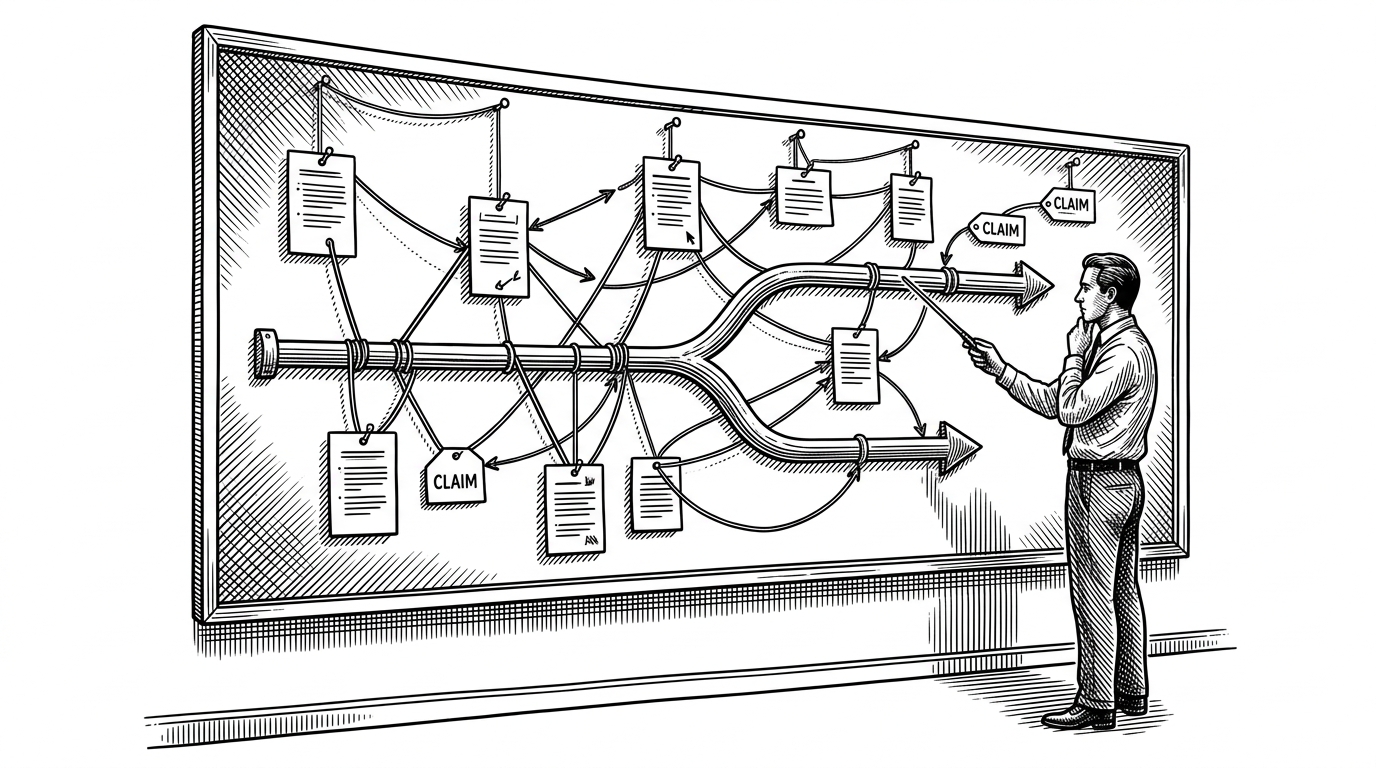
Git is the other half of the control plane. Instead of inventing a custom cloud backend, `skills-manager` leans on a system developers already trust for merges, history, and remote reconciliation. The interesting move is that the project treats the skill folder as the atomic unit, which makes edits and renames feel like meaningful changes instead of random file churn.
That is a stronger model than generic sync. It is skill-aware, not just file-aware. The app can reason about what changed, where it belongs, and how to reapply it on another machine without asking the user to babysit every copy step.
Scenarios make the system feel like an operating layer
The `scenario_service` idea pushes the project beyond sync. It suggests a higher-level mode system, where different skill sets can be applied for different contexts. GUI mode, CLI mode, preset groups, or multi-agent bundles all become part of the same orchestration layer.
That matters because it changes the product’s identity. A file manager asks where things live. An operating layer asks which capabilities should be active right now.
Rust and Tauri are doing real work here
The stack matches the problem. Rust gives the backend strong guarantees around filesystem and Git operations, which is exactly where a sync tool can go wrong. Tauri keeps the desktop shell lighter than a full Electron-style app while still letting the UI stay modern and flexible.
This is not fashion-driven architecture. It is a pragmatic choice for a utility that has to touch the local machine, survive platform differences, and remain fast enough to feel invisible.
What `skills-manager` is really competing with
| Approach | Strength | Weakness | Why `skills-manager` is different |
|---|---|---|---|
| Manual copying | No setup | Drifts immediately | It centralizes the source of truth and redeploys it safely |
| Dotfiles repos | Familiar for developers | Treats everything as plain files | It understands skills as a distinct layer with metadata and adapters |
| Custom sync scripts | Fully customizable | Hard to maintain across tools and OSes | It ships the awkward cross-platform logic and UI together |
The comparison is not really about product names. It is about behavior. Generic tools move files. `skills-manager` manages a skills layer.