Job-Application-Tracker: The Kanban Board That Builds Itself
A Next.js job hunt app where authentication creates the first board, drag-and-drop stays optimistic, and MongoDB order stays stable even as cards move between columns.
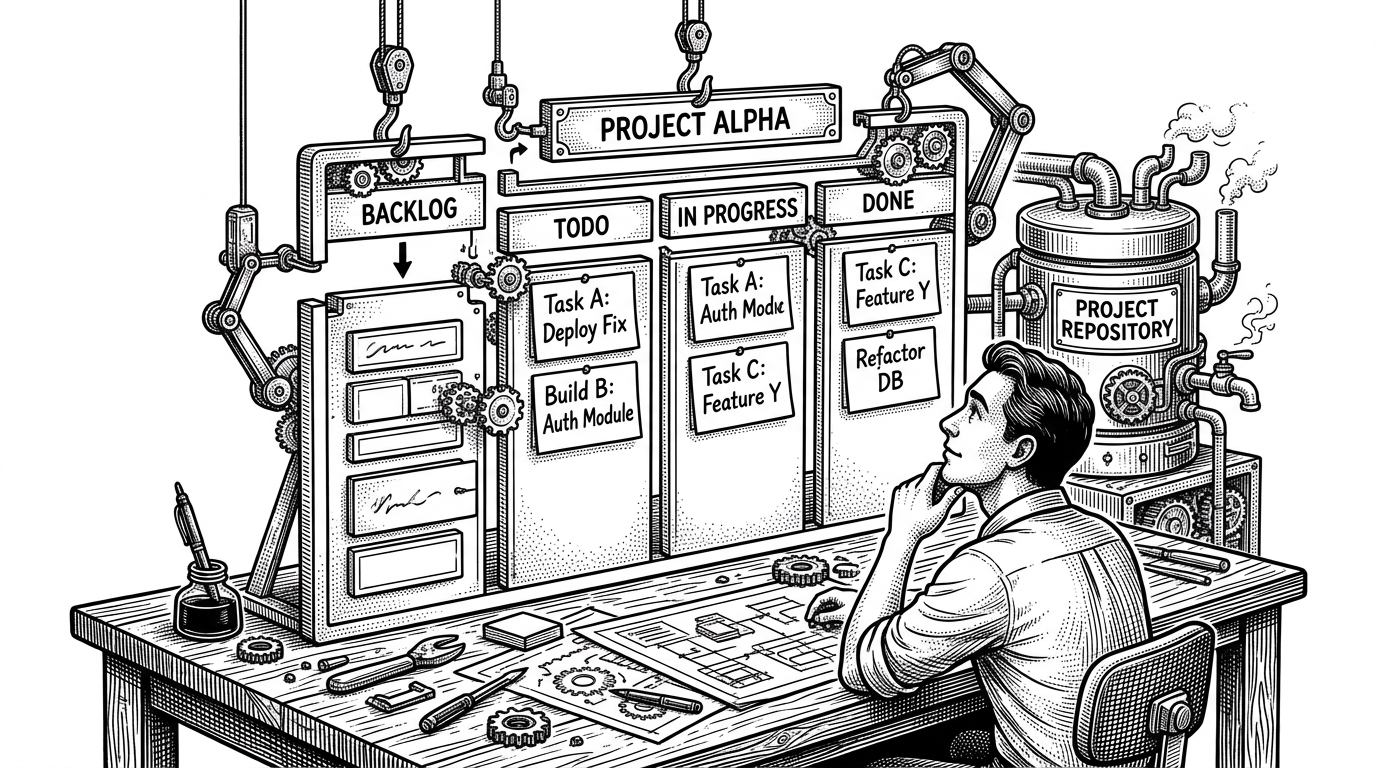
- The app’s sharpest idea is that signup provisions a usable board, so the workspace appears before the user has to build it.
- Better-Auth is not just handling sessions here, because a database hook turns authentication into onboarding logic.
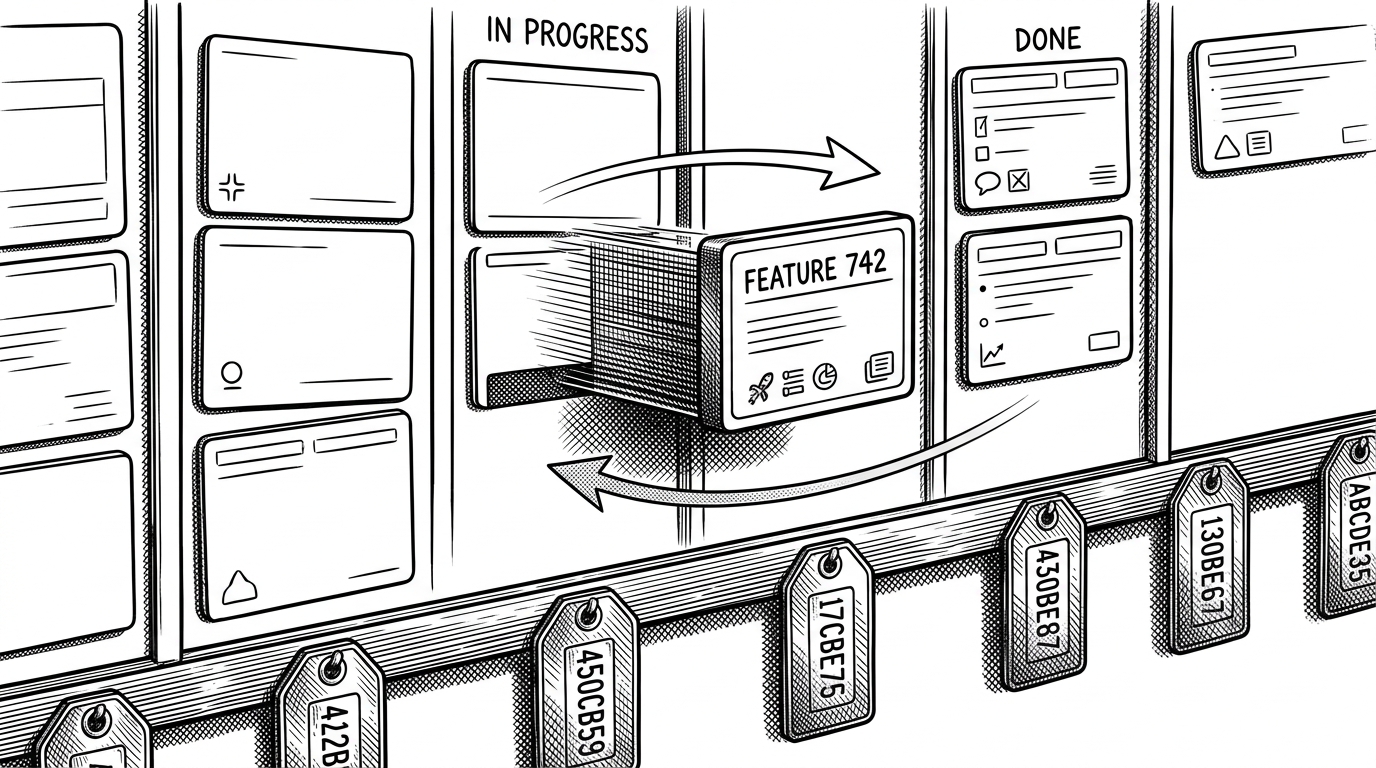
- The drag-and-drop experience feels fast because the UI moves first and the server reconciles the change afterward.
- Spaced-out order values make reordering durable in MongoDB, which keeps the Kanban model simple without making inserts painful.
The first login already contains a workspace
Most trackers ask a new user to do the most annoying part first: create the thing that will help them stay organized. This repo flips that script. On first auth, it seeds a default Job Hunt board with standard columns already in place, so the user lands in a system that looks alive.
That matters because job hunting is already a high-friction workflow. If the app opens on an empty shell, the user has to assemble structure before they can use it. Here, the structure is there on arrival, and the board becomes the product’s first promise: you do not start from zero.
Why job seekers need a board, not a form
A job search is a pipeline, not a note-taking exercise. Applications move, stall, and need follow-up. Contacts matter. Deadlines matter. A board maps that reality better than a spreadsheet because the state of each application is visible at a glance.
That is the real product insight in this codebase. The app does not try to reinvent the job hunt. It gives the user a structure that matches how the work already behaves.
Better-Auth is doing more than logging people in
The pivotal line is the post-create hook in Better-Auth. When a user is created, `databaseHooks.user.create.after` calls `initializeUserBoard(user.id)`. That means auth is not a gate in front of the app. It is a trigger that provisions the app’s first useful state.
That is a strong choice for a product like this. The moment a user signs up is also the moment they need momentum, and the hook removes a whole class of dead-on-arrival onboarding. It also keeps the setup logic close to the identity layer, where it belongs.
The data model mirrors the workflow
The schema is intentionally hierarchical. A Board belongs to a user. A Column belongs to a board and stores job application references. A JobApplication holds the actual metadata: company, role, salary, URL, and whatever else the user needs to remember later.
That shape makes MongoDB feel like a workflow engine instead of a generic document store. The board owns the stages, the columns own the ordering, and the application documents stay reusable across moves. The model is simple, but not flat.
The real trick is making drag-and-drop feel instant
The app uses `@dnd-kit` in the UI layer and an optimistic update path in the `useBoard` hook. When a card moves, the board state updates immediately. The server action catches up after that, which keeps the interface responsive even though the source of truth still lives on the backend.
// Conceptual flow from the board hook
async function moveJob(sourceColumnId, destinationColumnId, jobId) {
  // 1. Update local board state immediately
  setBoard((current) => optimisticMove(current, sourceColumnId, destinationColumnId, jobId));

  // 2. Persist the change on the server
  await updateJobApplication({
    jobId,
    sourceColumnId,
    destinationColumnId,
  });

  // 3. Reconcile if needed after the server response
}
This is the kind of implementation that makes a small app feel polished. Users never sit and wait for a full round trip before seeing their card move. The UI behaves like the action already succeeded.
Why the app uses spaced-out ordering values
The ordering strategy is the quiet part that makes the whole thing work. Instead of renumbering every item on every move, the code multiplies order values by 100 and leaves room between them. That means a new card can be inserted between two others without forcing a full rewrite of the column.
| Workflow | Typical renumber-everything approach | This repo’s spaced-order approach |
|---|---|---|
| Insert a card between two others | Often requires updating many adjacent items | Uses the gap between existing order values |
| Move a card across columns | Can trigger broad reindexing | Updates the moved card and local neighbors |
| Future growth | Ordering gets brittle as the list grows | Order space stays open for new insertions |
| Debugging | Harder to reason about sequence drift | Order values stay legible and sparse |
This is a small design choice with outsized payoff. It keeps the app from turning reordering into a bookkeeping problem, which is exactly what a Kanban board should avoid.
How the server action keeps MongoDB honest
The backend move logic does the part the UI cannot safely do alone. In `updateJobApplication`, the server removes the application ID from the old column, inserts it into the new one, and recalculates surrounding order values so the visual sequence still matches the stored sequence.
// Simplified server-side responsibilities
1. Pull job ID from source column array
2. Push job ID into destination column array
3. Recompute order values around the insertion point
4. Persist the updated board structure
5. Return a consistent state for the next render
That pairing of optimistic UI and careful server reconciliation is the architecture’s best quality signal. It says the repo was written by someone who understands that smooth interaction is only useful if the database can keep up.
What this project gets right compared with other trackers
The open-source job-tracker space splits into three camps: spreadsheet substitutes, self-hosted career assistants, and automation-heavy tools. This repo lands in the middle. It is more structured than a spreadsheet, but far less overbuilt than a system that tries to scrape, score, and coach everything at once.
| Type | Setup friction | Data ownership | Onboarding | Reorder behavior | Automation level | Best fit |
|---|---|---|---|---|---|---|
| Spreadsheet tracker | Low | Usually local or mixed | Manual | Manual sorting | None | People who want a quick log |
| This repo | Moderate | Self-owned MongoDB | Auto-provisioned board | Optimistic plus durable ordering | Light | Users who want structure without bloat |
| Career assistant suite | High | Usually self-hosted | Heavier setup | Often hidden behind more features | High | Power users who want automation |
That middle position is a strength. It gives the user a real workflow without dragging them into a full career OS. For a lot of job seekers, that is exactly enough software.
What the codebase suggests about the maintainer’s priorities
The architecture is clean in a way that usually signals restraint. Models live in one place, server actions in another, and components stay focused on interaction. The code also leans into modern Next.js patterns like Suspense and cache-aware data loading, which makes the dashboard feel like part of the platform instead of an isolated widget.
There are a few unfinished edges, which is normal for an active project. But the core is coherent. This is not a demo that happened to ship. It is a product shape that already understands its own workflow.