CodeConductor Puts a GUI on Top of Your Coding Agent
A fork of AionUI that treats Claude Code, Codex, and Goose as interchangeable backends, and bets the command line is not going anywhere.

- CodeConductor is an Electron workspace that wraps installed CLI coding agents instead of rebuilding their model loop.
- Its popup-mcp server lets a terminal-bound agent reach out of its own process to open a native dialog, which is the trick that makes a GUI wrapper viable.
- Each agent adapter runs in its own worker bundle, so a crashing backend does not take the interface down with it.
- The unglamorous cost of the whole thing is Electron packaging: native modules, asar unpacking, and notarization work that quietly dominates the build.
The Wrapper Bet
Most AI coding apps want to own the entire stack. Cursor bundles an editor, a model router, and an agent loop. The provider web apps keep the model in their cloud and the loop behind their login. CodeConductor does the opposite. It refuses to build a model loop at all.
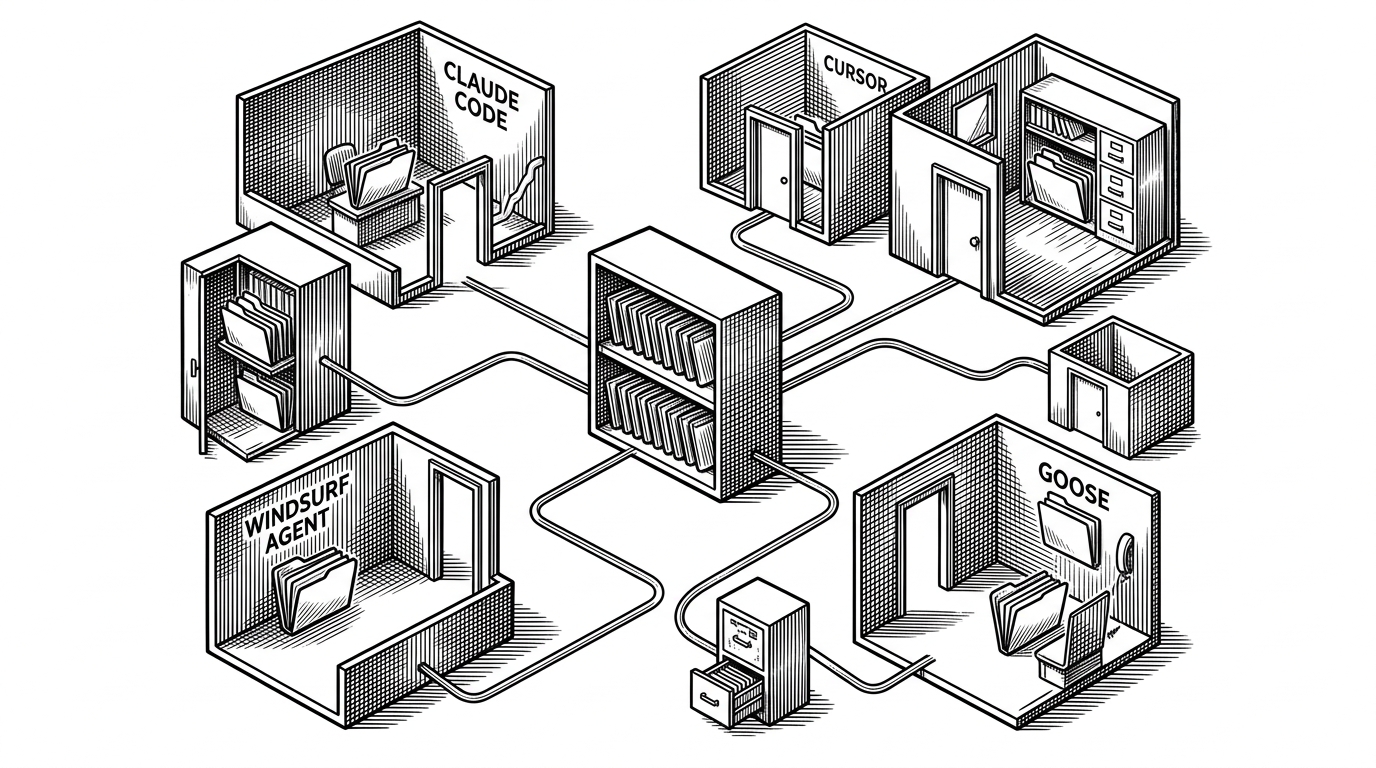
The app is an Electron desktop shell that wraps CLI coding agents you already have installed. Claude Code, Codex, Qwen Code, and Goose stay exactly where they are: as command-line processes on your disk. CodeConductor detects them, launches them, and drapes a workspace around them. Sessions, diffs, file previews, and a chat surface sit on top. The agent underneath never changes.
That is the bet. The command line is not a transitional phase waiting to be replaced by a polished IDE. It is a stable substrate, and the missing piece is a good cockpit. For a developer who already lives in Claude Code, the app is a second window onto work they already do. For someone who has never opened a terminal, it is a guided front door.
Auto detection and unified UI - Recognize local CLI tools and bring them into one interface.
The codebase backs up the framing. The main process pulls in node-pty for real PTY-backed terminals, better-sqlite3 for local conversation storage, and the MCP SDK for tool integration. There is no inference stack, no tokenizer, no prompt cache. Those belong to the agent, and the app is happy to leave them there.
The Question Mark in the Machine
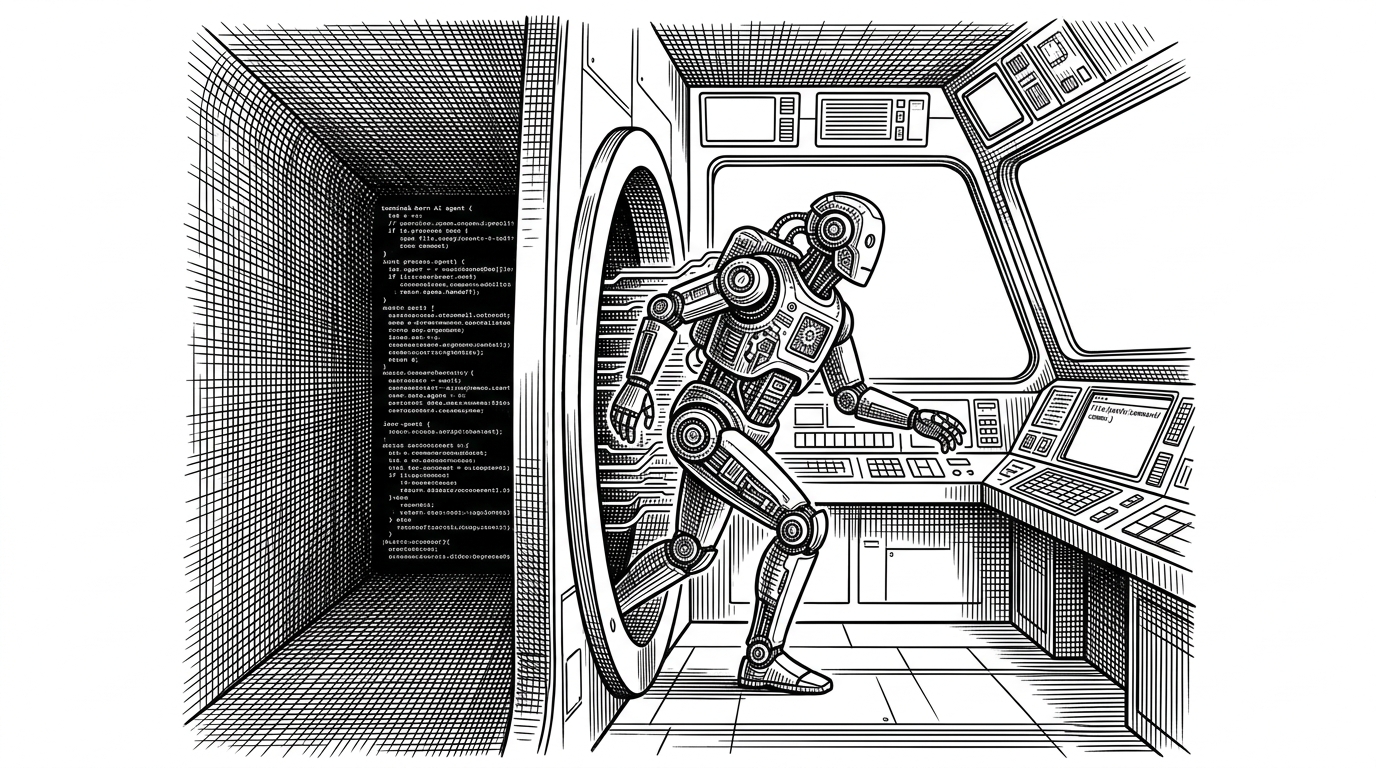
Wrapping a terminal agent in a GUI runs into one stubborn problem. A CLI agent can ask a question, but only as text. "Delete build/ and 42 files inside it?" prints to the terminal and blocks on standard input. Inside a graphical app, that line has nowhere to land. There is no dialog, no button, no visible prompt. The agent is waiting, and the user cannot see what for.
CodeConductor solves this with a small prebuilt MCP server called popup-mcp. Binaries ship for Linux, macOS, and Windows under resources/bin/popup-mcp/. The agent gets a tool it can call to reach out of its own process and open a native dialog in the host application.
The exact tool name and payload are not documented in the sources, so treat the following as an illustration of the pattern rather than an exact call.
{
  "tool": "popup_prompt",
  "arguments": {
    "title": "Confirm file deletion",
    "message": "Delete build/ and 42 files inside it?",
    "buttons": ["Cancel", "Delete"]
  }
}
The mechanics are the interesting part. The agent is a separate operating-system process. It cannot touch Electron's renderer directly, and it should not be able to. So the call travels a chain: the tool call reaches the MCP server, the server relays it over IPC into the Electron main process, the main process asks the renderer, and a real modal appears. The user's answer travels back down the same chain. It is an out-of-process round trip, and that is precisely why it works. The agent can stay isolated and still be interactive.

One Crash, One Process
The main process bundle has four webpack entries: index, worker, acp, and codex. The last two are separate bundles for the ACP and Codex adapters. That split is a reliability decision, not an accident of build layout.
Each agent adapter runs in its own worker process. If the Codex adapter crashes mid-session, it takes down its own worker and nothing else. The UI stays up, the other sessions keep running, and a fresh worker can be started. The changelog's references to worker process management and orphaned process cleanup line up with exactly this design: keep the fragile part isolated, and make sure its leftovers get reaped when it dies.
The path aliases reinforce the same layering. @common holds shared code, @process is the Node side, @worker is the adapter space, and @renderer is the browser side. The boundaries are enforced at build time, which keeps a crashing adapter from quietly dragging renderer code into its process.
The Fork and the Person
CodeConductor is an enhanced fork of AionUI, an open-source desktop chat UI for CLI agents. The maintainer is zhu1090093659, who is also the top contributor to the repository. The fork keeps AionUI's foundation and layers coding-specific workflow on top.
This fork focuses on making command-line coding agents easier to use in real projects and daily work:
The fork-specific additions are where the coding focus shows. There is role collaboration across PM, Analyst, and Engineer personas, explicit approvals for high-impact actions, slash commands, project-oriented sessions, and review-oriented previews and diffs. The assistant/ directory carries Markdown persona definitions in English and Chinese, and the skills/ directory holds skill folders with their own SKILL.md files. These are project-stated capabilities; the sources do not independently verify performance in production.
瓦砾酱的AionUI二次开发了CodeConductor(简称CC )。
A locdd forum post describes the project the same way, calling it a further development of AionUI and highlighting commands, skills, and multi-agent collaboration. The post is signed @WindTraveler, but the supplied sources do not establish that this account is the GitHub maintainer, so it is cited as a forum post rather than as a maintainer statement.
The Tax of Shipping Electron
The build is where the romance ends and the invoices arrive. Native modules cannot be read from inside an asar archive, so each one has to be unpacked at install time. The asar.unpack list reads like a bill of materials:
node-pty: PTY-backed terminals, so a real shell runs inside a panel.bcrypt: password hashing for the optional WebUI login.better-sqlite3: the local-first conversation store.web-tree-sitterandtree-sitter-bash: parsing support.@mapbox,detect-libc,prebuild-install,node-gyp-build, andbindings: the native-module toolchain that keeps the rest working.
Notarization is the second invoice. The packaging config excludes vendor directories to "prevent unsigned binaries," then re-includes three of them for better-sqlite3, bcrypt, and node-pty, because macOS notarization fails when unsigned Mach-O binaries are bundled. Native tree-sitter binaries are excluded entirely and the WASM variant is kept instead, again to avoid signing problems. The build uses Electron Forge for compilation and electron-builder for packaging, signing, and publishing, and the split is documented directly in the config:
// forge.config.ts
// "Forge is only used for compilation in hybrid setup.
//  Signing and notarization handled by electron-builder"
There is grit here that rarely makes it into a feature list. The 1.7.6 changelog documents a 404 on latest.yml, the auto-update manifest, which is the kind of bug you only find by shipping. The unpack lists live in two places, forge.config.ts and electron-builder.yml, and they are similar but not identical, which is a maintenance risk waiting to bite. This is what it actually costs to ship a desktop app with native dependencies, and CodeConductor pays it in full.
Where It Sits
The clean way to place CodeConductor is as a layer, not a replacement. It does not compete with Claude Code or Codex; it hosts them. It does not compete with Cursor's editor; it sits beside it. The distinction that matters is who owns the model loop and where the agent process runs.
| Project | Category | Owns the model loop? | Where the agent runs | Best for |
|---|---|---|---|---|
| CodeConductor | Desktop workspace | No | Local CLI processes | Multi-agent, project-oriented work in real repos |
| AionUI | Desktop chat UI (upstream) | No | Local CLI processes | General chat-first agent UI |
| Cursor | AI IDE | Yes | In-editor | Editing inside an IDE |
| Claude Code / Codex / Goose / Qwen Code | CLI agents | Yes | Terminal | Terminal-native users |
| Provider web UIs | Hosted web app | Yes | Provider cloud | Provider-locked, no local setup |
A caveat: star counts and independent benchmarks are not asserted here, and the supplied sources do not establish that CodeConductor uniquely provides multi-agent collaboration, approvals, or previews across the whole market. The defensible distinction is architectural. It is the combination and the integration target, not a claim that nobody else has any of these parts.
One naming hazard worth flagging. A broader essay on agent-development environments discusses a product called Conductor, alongside Cursor, Codex, and Claude. That essay is market commentary and is not about CodeConductor. The two share a word and nothing else, so do not read the essay's criticisms of the other Conductor onto this project.